weasyprint review
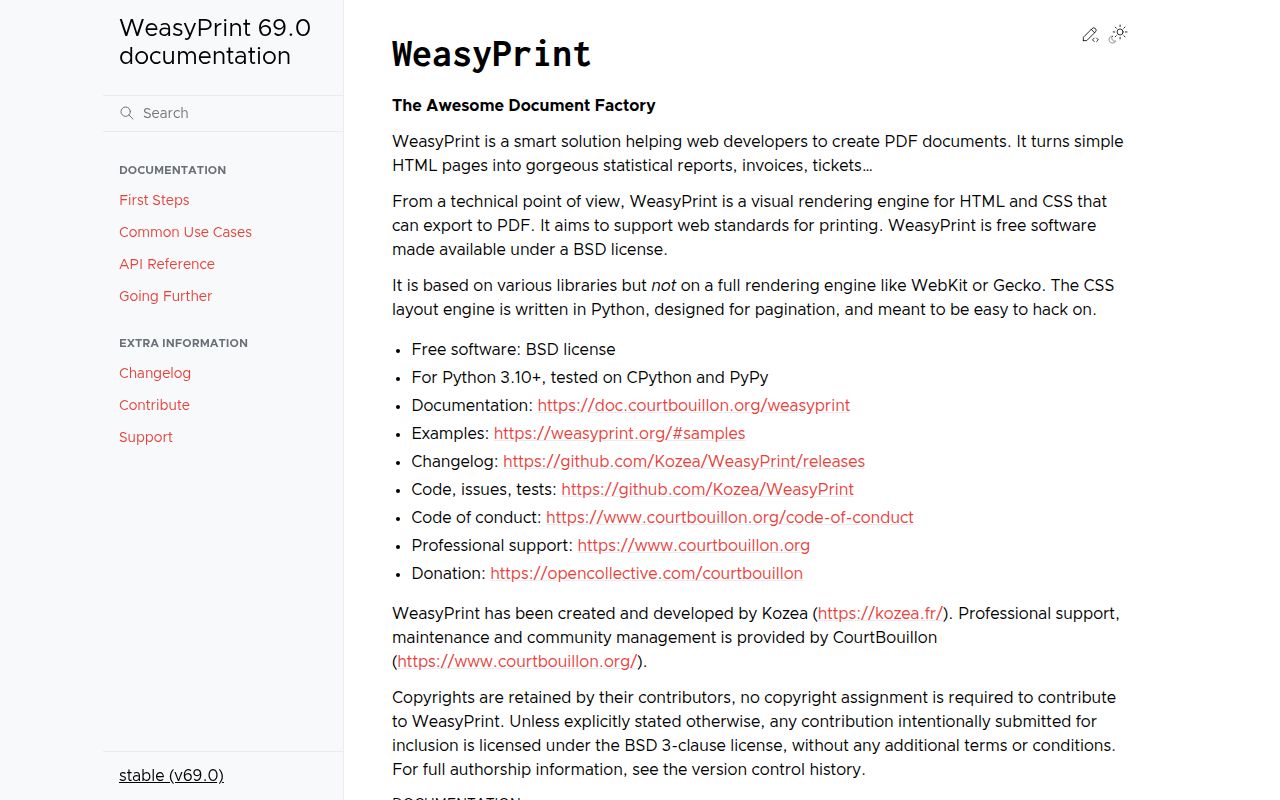
WeasyPrint renders HTML and CSS into new PDF documents with a Python layout engine aimed at paged media. It handles page size and margins, running headers, counters, page breaks, repeated table headers, fonts, images, PDF variants, metadata, and attachments without launching Chromium or executing JavaScript. That makes it useful for invoices and reports whose markup is already server-rendered. Version 69.0 is a security release for CVE-2026-49452, covering CSS injection through HTML presentational hints. It also adds logical properties, viewport units, early redirect-loop detection, SVG transform angle units, and configurable PDF output intent; the old srgb option became output_intent.
WeasyPrint fits static, server-rendered documents that need print CSS and should not carry a browser runtime. Upgrade to 69.0 for the presentational-hints security fix, lock down resource fetching, and test real fonts and page output in the deployment image.
We installed it
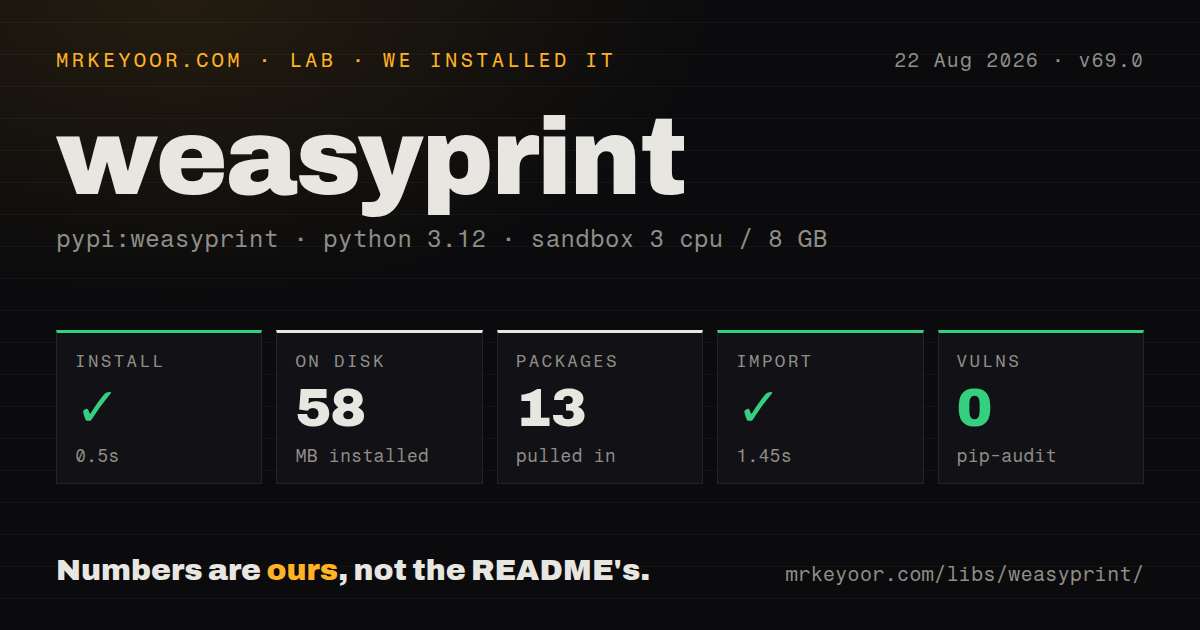
| Install | ✓ · 0.5s | 13 packages on disk · 58 MB |
| Import | ✓ | import weasyprint in 1.45s · pure Python · requires Python >=3.10 |
| Known vulns | 0 | (pip-audit) |
Answers from our run
Does weasyprint install cleanly?
Yes. In a fresh container with an empty cache, pip install weasyprint finished in 0.5s, leaving 13 packages and 58 MB on disk. pip-audit reported no known vulnerabilities.
What does weasyprint need to run?
Python >=3.10, and nothing compiled: it is pure Python. In our run import weasyprint succeeded in 1.45s.
weasyprint or playwright: which should you use?
playwright: Use it when JavaScript must run or PDF output must follow Chromium's browser layout. WeasyPrint fits static, server-rendered documents that need print CSS and should not carry a browser runtime.
When should you not use weasyprint?
The document depends on JavaScript, React hydration, Chart.js, or a browser-only widget. WeasyPrint does not execute scripts, so render the final markup first or use Playwright.
Use it if
- Server-rendered HTML must become invoices, statements, tickets, or reports with deliberate page breaks and running page content
- The deployment should avoid shipping and supervising a headless browser for static documents
- CSS paged-media rules are a better authoring model than drawing every line and glyph through a PDF canvas API
- PDF/A, PDF/UA, output intent, attachments, or document metadata need to be selected during generation
- The document depends on JavaScript, React hydration, Chart.js, or a browser-only widget. WeasyPrint does not execute scripts, so render the final markup first or use Playwright.
- Pixel matching with Chrome is the acceptance criterion. WeasyPrint has its own layout engine and supports a print-focused subset of web behavior rather than browser screenshots.
- Untrusted HTML may fetch arbitrary URLs and you will not restrict the fetcher. Images and styles can turn rendering into server-side requests to internal or metadata endpoints.
- The task is editing an existing PDF. WeasyPrint creates documents from HTML and CSS; pypdf is a better fit for merging, splitting, stamping, or reading PDFs.
- Long documents must finish inside a latency-sensitive web request. Layout is CPU work, and one render can hold a worker until pagination and PDF serialization finish.
- You use --presentational-hints on untrusted HTML but cannot upgrade. Version 69.0 is the security fix for CSS injection in that exact configuration.
- Output must remain byte-identical across upgrades without visual testing. Layout and PDF serialization fixes can change pages even when the input template is unchanged.
Setup reality
We installed weasyprint 69.0 in a clean Python 3.12 Bookworm container. Installation succeeded in 0.5 seconds, left 13 packages using 58 MB, and pip-audit found zero known vulnerabilities. The package declares 13 direct dependencies, requires Python 3.10 or newer, is pure Python, and does not ship py.typed. Importing weasyprint worked in 1.45 seconds. The distribution identifies the BSD License.
The Python package sits above native text and image libraries. On Linux, Pango, HarfBuzz, fontconfig, and related shared libraries must be available; the Bookworm lab image already satisfied import. Minimal containers and unusual platforms need the install guide's operating-system packages. Run weasyprint --info in the final image, then render a page containing the production fonts. A successful import cannot prove that font discovery or every image codec works.
HTML created from a string needs base_url if it contains relative styles, images, fonts, or links. Missing resources are logged and may leave blank areas without raising the exception your request handler expects. Configure the weasyprint logger in tests. For untrusted input, replace or constrain URL fetching, set timeouts, limit accepted protocols and paths, and keep 69.0 or newer when presentational hints are enabled.
WeasyPrint does not run JavaScript. Templates must arrive with final HTML. Queue large renders instead of tying up a web worker, install the exact fonts in every environment, and compare rendered pages after upgrades. Version 69 replaces the srgb option with output_intent; update CLI flags and Python default options together. PDF variant selection can also force tagging, version, identifier, or output-intent behavior, so validate the final file with the conformance tool used by recipients.
Patterns
Render an HTML string and return bytes render-html-bytes
from weasyprint import HTML

pdf = HTML(
    string='<h1>Invoice 42</h1><img src="logo.svg">',
    base_url='https://example.com/assets/',
).write_pdf()
base_url gives relative assets a location. Leaving target unset returns PDF bytes.
Add a stylesheet and page dimensions apply-print-styles
from weasyprint import CSS, HTML

HTML(filename='invoice.html').write_pdf(
    'invoice.pdf',
    stylesheets=[
        CSS(filename='print.css'),
        CSS(string='@page { size: A4; margin: 18mm; }'),
    ],
)
External styles passed this way use user origin. Check cascade and specificity when document styles override them.
Build headers and page counters with CSS add-running-page-content
@page {
  size: A4;
  margin: 20mm 15mm 22mm;
  @top-center { content: string(section-title); }
  @bottom-right { content: "Page " counter(page) " of " counter(pages); }
}

h1 { string-set: section-title content(); }
The layout engine resolves total pages after pagination. Running strings follow the section content encountered on each page.
Keep rows together and repeat table headings control-page-breaks
.line-item { break-inside: avoid; }
h2 { break-after: avoid; }
.appendix { break-before: page; }

thead { display: table-header-group; }
tfoot { display: table-footer-group; }
p { orphans: 3; widows: 3; }
Test boundary cases with real content. An unconditional break-before can create an unwanted blank page depending on placement.
Share one font configuration across CSS and output embed-custom-font
from weasyprint import CSS, HTML
from weasyprint.text.fonts import FontConfiguration

fonts = FontConfiguration()
css = CSS(string='''
@font-face { font-family: Inter; src: url(file:///app/fonts/Inter.woff2); }
body { font-family: Inter, sans-serif; }
''', font_config=fonts)
HTML(filename='report.html').write_pdf(
    'report.pdf', stylesheets=[css], font_config=fonts
)
Pass the same FontConfiguration to CSS and write_pdf. Verify the resulting PDF rather than trusting silent font fallback.
Allow only controlled asset URLs restrict-resource-fetching
from weasyprint import HTML
from weasyprint.urls import URLFetcher

class AssetsOnly(URLFetcher):
    def fetch(self, url, headers=None):
        if not url.startswith(('file:///app/assets/', 'data:')):
            raise ValueError(f'blocked URL: {url}')
        return super().fetch(url, headers)

HTML(
    string=user_html,
    base_url='file:///app/assets/',
    url_fetcher=AssetsOnly(timeout=5),
).write_pdf('output.pdf')
The default fetch path can request URLs named by the HTML. Restrict it before rendering untrusted documents.
Write an archival or accessible variant select-pdf-variant
from weasyprint import HTML

HTML(filename='report.html').write_pdf(
    'report.pdf',
    pdf_variant='pdf/a-3b',
    custom_metadata=True,
    output_intent='srgb',
)
Version 69 uses output_intent instead of the old srgb boolean. Validate the result against the recipient's required profile.
Expose resource and rendering logs debug-missing-assets
import logging
from weasyprint import HTML

logging.basicConfig(level=logging.INFO)
logging.getLogger('weasyprint').setLevel(logging.DEBUG)
logging.getLogger('weasyprint.progress').setLevel(logging.INFO)
HTML(filename='report.html').write_pdf('report.pdf')
Missing styles, images, or fonts can leave incomplete output without failing the render. Capture these logs in tests and jobs.
Alternatives
| Package | Registry | Pick it when |
|---|---|---|
| playwright | PyPI | Use it when JavaScript must run or PDF output must follow Chromium's browser layout. |
| reportlab | PyPI | Use it when Python code should draw the document directly instead of expressing layout through HTML and CSS. |
| pypdf | PyPI | Use it to inspect, merge, split, stamp, or transform existing PDF files rather than render new ones. |
More data guides
numpy · pandas · fsspec · pyarrow · lxml · sqlalchemy · the whole shelf →
How this guide is made: grounded in the library's documentation, release notes, changelog, and issue history, on a fixed rubric — not a hands-on install of every release. The 50 most-downloaded entries are additionally install-verified in clean containers. Corrections: contact the desk.