pandas review
pandas 3.0.5 provides labeled Series and DataFrame objects for in-memory tabular work. Columns can carry different dtypes while indexes drive selection, alignment, joins, time windows, group calculations, reshaping, and missing-value behavior. Readers and writers connect those tables to CSV, SQL, Excel, Parquet, and other formats through required or optional engines. Release 3.0.5 replaces 3.0.4 wheels that could segfault on Python 3.14 and other datetime code after an incompatible NumPy build. The 3.x series requires Python 3.11 or later.
pandas 3.0.5 installed in 1.2 seconds but occupied 100 MB and took 2.14 seconds to import in our sandbox, with zero audit findings. Install it for in-memory labeled analysis and its I/O ecosystem, not as a generic CSV parser in a small service.
We installed it
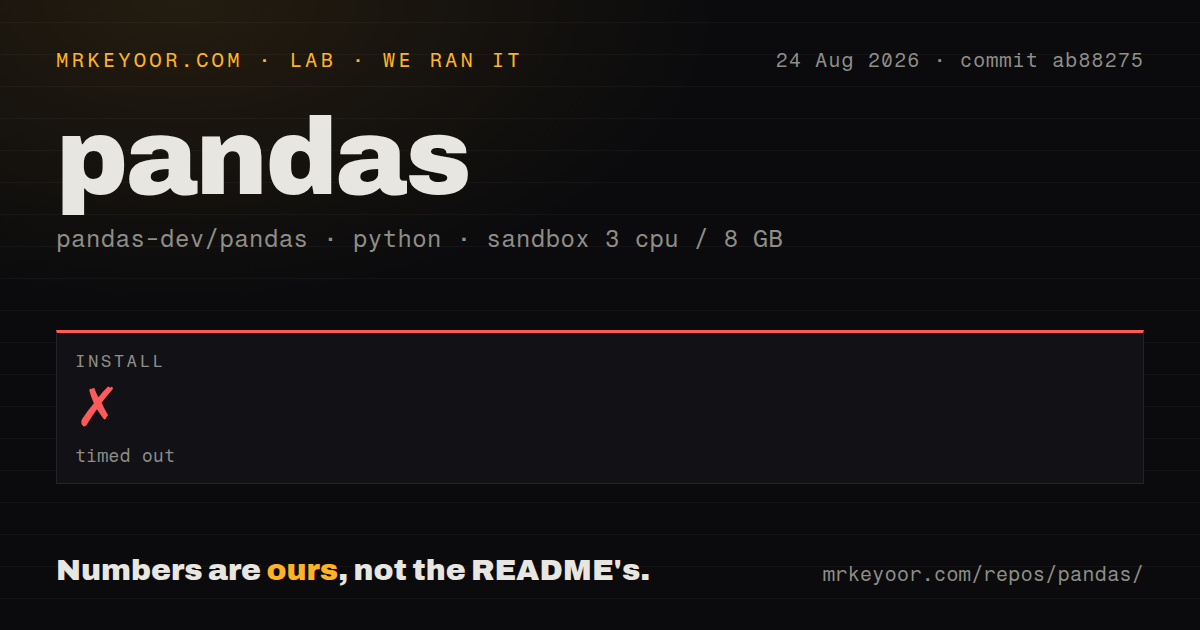
| Install | ✓ · 1.2s | 4 packages on disk · 100 MB |
| Import | ✓ | import pandas in 2.14s · compiled extensions · requires Python >=3.11 |
| Known vulns | 0 | (pip-audit) |
Answers from our run
Does pandas install cleanly?
Yes. In a fresh container with an empty cache, pip install pandas finished in 1 seconds, leaving 4 packages and 100 MB on disk. pip-audit reported no known vulnerabilities.
What does pandas need to run?
Python >=3.11, and a platform wheel with compiled extensions. In our run import pandas succeeded in 2.14s.
pandas or polars: which should you use?
polars: Use it for lazy scans and multithreaded expressions over larger local datasets. pandas 3.0.5 installed in 1.2 seconds but occupied 100 MB and took 2.14 seconds to import in our sandbox, with zero audit findings.
When should you not use pandas?
Tables exceed available memory or must run across workers; pandas is mainly an eager, single-process engine
Discussed on
- hnMeta is banning people from advertising after running ads for Python and Pandas716 points
- hnShow HN: Turn your Pandas dataframe into a Tableau-style UI for visual analysis712 points
- hnWeld: Accelerating numpy, scikit and pandas as much as 100x with Rust and LLVM592 points
- hnPandas 1.0510 points
- hnFireDucks: Pandas but Faster398 points
Use it if
- The working set fits in memory and needs labeled joins, groupby operations, pivots, or rolling time windows
- One table API must bridge CSV, SQL, Excel, Parquet, NumPy, notebooks, and plotting tools
- Automatic index alignment and dtype-aware missing values are intentional parts of the calculation
- The team already maintains DataFrame code and can avoid Python row loops in performance-sensitive paths
- Tables exceed available memory or must run across workers; pandas is mainly an eager, single-process engine
- Static types must express each column and reject schema drift; the installed wheel had no py.typed marker and DataFrame columns are runtime labels
- A small API endpoint only reads a handful of records; our install occupied 100 MB and import took 2.14 seconds
- Production still runs Python 3.10 or older, while pandas 3.0.5 requires Python >=3.11
- The design depends on iterrows or Python callbacks over every row; those paths give up much of the compiled columnar execution
Setup reality
Our install of pandas 3.0.5 completed in 1.2 seconds on Python 3.12. Four installed packages used 100 MB, and import pandas succeeded in 2.14 seconds. pip-audit returned zero known vulnerabilities. The package metadata listed 84 direct dependency entries, including conditional and optional entries. pandas requires Python >=3.11, includes compiled .so extensions, and did not contain py.typed. The installed distribution carried the BSD 3-Clause license plus notices for bundled work.
Core DataFrame work needs no credentials or project config. Individual I/O methods do: read_sql needs a driver and connection details, remote object stores need provider credentials, and Excel or Parquet methods need optional engines. Pin those engines beside pandas. A notebook environment often has extras that are absent from a production image, so test the exact reader and writer during deployment.
Most operations execute eagerly and may allocate new arrays. Limit input with usecols, filters, or chunksize and set dtypes where inference can corrupt identifiers or inflate memory. Arithmetic aligns by index label, which can introduce missing rows when callers thought they were assigning by position. Check index equality before combining frames, or pass explicit arrays when positional semantics are intended.
Supported wheels hide the compiled build, while an unsupported platform needs compilers and Cython. DataFrame mutation is not a thread-coordination mechanism; do not share a changing frame between workers. For CPU-heavy work, replace iterrows and Python apply callbacks with vectorized expressions or built-in aggregations before assuming another process will fix the bottleneck.
Patterns
Limit CSV columns and control dtypes read-selected-csv
import pandas as pd

df = pd.read_csv(
    'orders.csv',
    usecols=['order_id', 'status', 'total'],
    dtype={'order_id': 'string', 'status': 'category'},
)
usecols avoids loading unused fields. A string dtype keeps leading zeros in identifiers that numeric inference would change.
Select paid rows by label filter-rows
paid = df.loc[df['status'].eq('paid'), ['order_id', 'total']]loc selects labels on both axes. Wrap each comparison in parentheses before combining masks with & or |.
Count missing values and fill one column handle-missing-values
df['discount'] = df['discount'].fillna(0)
missing_by_column = df.isna().sum()
NaN, NaT, and pd.NA behave differently across dtypes. Use isna() instead of equality checks for missingness.
Name groupby outputs in one step group-and-aggregate
summary = (
    df.groupby('customer_id', as_index=False)
      .agg(order_count=('order_id', 'size'), revenue=('total', 'sum'))
)
Named aggregation fixes the result column names at the aggregation site and avoids a separate rename pass.
Enforce many-to-one join shape join-with-validation
enriched = orders.merge(
    customers,
    on='customer_id',
    how='left',
    validate='many_to_one',
    indicator=True,
)
validate raises when customers contains duplicate keys. indicator records whether each result matched both inputs.
Aggregate duplicates while pivoting reshape-wide
matrix = events.pivot_table(
    index='day',
    columns='region',
    values='revenue',
    aggfunc='sum',
    fill_value=0,
)
pivot_table applies sum when more than one event shares a day and region; plain pivot would reject those duplicate pairs.
Normalize timestamps to UTC days parse-dates
df['created_at'] = pd.to_datetime(df['created_at'], utc=True, errors='coerce')
df['day'] = df['created_at'].dt.floor('D')
errors='coerce' converts invalid input to NaT. Count those results before filtering so malformed rows remain visible.
Sum values into daily time bins resample-time-series
daily = (
    events.set_index('created_at')['total']
          .resample('1D')
          .sum()
)
resample requires a datetime-like index. Normalize timezone policy before daily buckets cross daylight-saving transitions.
Calculate a seven-row mean rolling-average
df = df.sort_values('created_at')
df['avg_7'] = df['total'].rolling(7, min_periods=1).mean()
rolling(7) means seven observations. A seven-day window requires a datetime index and a time-based window string.
Aggregate a CSV batch by batch read-csv-chunks
totals = []
for chunk in pd.read_csv('events.csv', chunksize=100_000):
    totals.append(chunk.groupby('region')['amount'].sum())
result = pd.concat(totals, axis=1).fillna(0).sum(axis=1)
chunksize bounds each input frame. The list of partial aggregates must also remain small enough to combine in memory.
Write a compressed Parquet file write-parquet
df.to_parquet('orders.parquet', index=False, compression='zstd')to_parquet needs an optional engine such as pyarrow. Declare that engine in the production dependency file.
Assign categories with a boolean mask avoid-row-loop
df['tier'] = 'standard'
df.loc[df['total'].ge(1000), 'tier'] = 'priority'
This column operation avoids constructing a Python Series for every row through iterrows or apply(axis=1).
Alternatives
| Package | Registry | Pick it when |
|---|---|---|
| polars | PyPI | Use it for lazy scans and multithreaded expressions over larger local datasets. |
| duckdb | PyPI | Use it when SQL over Parquet or CSV is a better fit and data may exceed memory. |
| pyarrow | PyPI | Use it for Arrow-native memory, columnar interchange, and Parquet without pandas indexing semantics. |
More data guides
numpy · fsspec · pyarrow · lxml · sqlalchemy · pg · the whole shelf →
How this guide is made: grounded in the library's documentation, release notes, changelog, and issue history, on a fixed rubric — not a hands-on install of every release. The 50 most-downloaded entries are additionally install-verified in clean containers. Corrections: contact the desk.