fsspec review
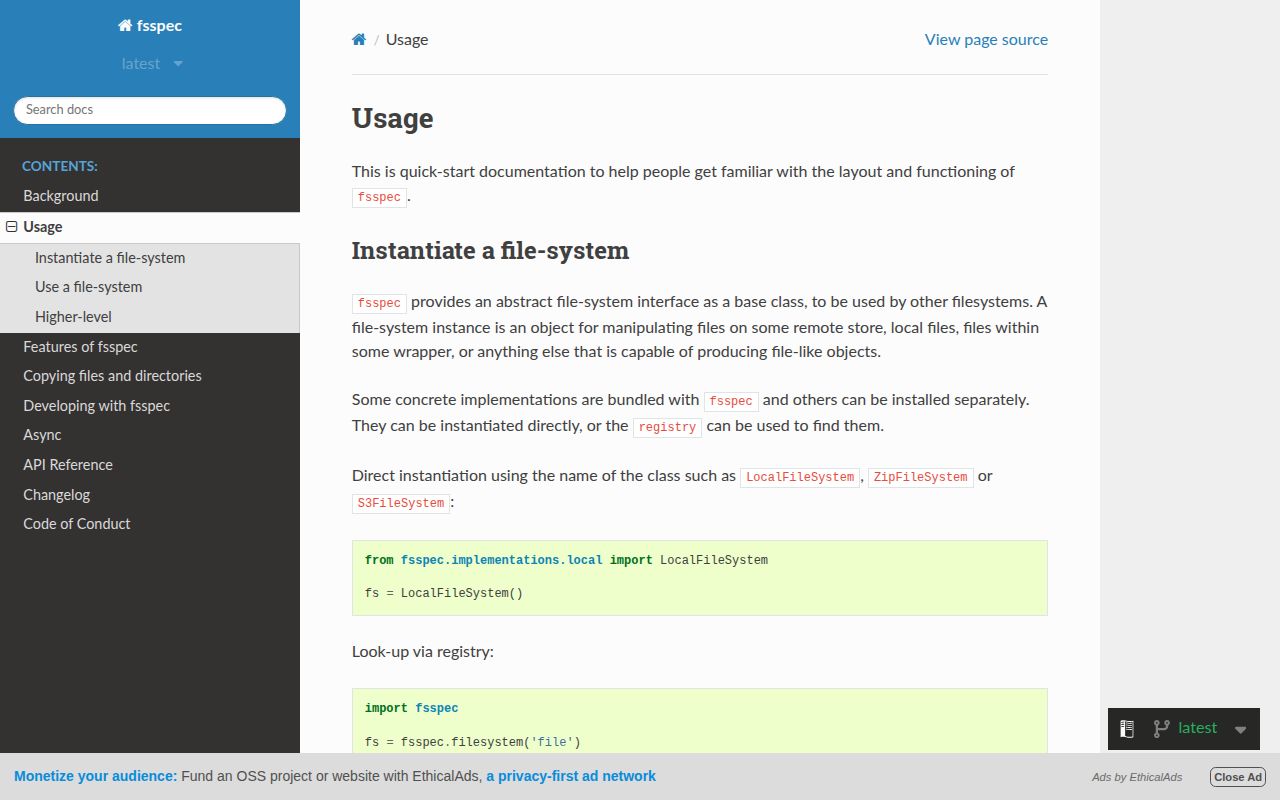
fsspec 2026.7.0 is the filesystem contract behind many Python data tools. The same calls can open a local path, an HTTP URL, an archive member, an in-memory file, or storage supplied by a separate backend such as s3fs. It includes copying, globbing, mapping interfaces, URL chaining, local caches, transactions, and adapters between synchronous and asynchronous filesystems. The 2026.7 release speeds up MemoryFileSystem.find and range merging, adds top-down async walks and composite schemes, and fixes several cache boundaries, local symlink deletion, append creation, and option forwarding.
fsspec 2026.7.0 installed in 0.2 seconds and occupied 1 MB in our sandbox, but its 102 conditional dependency entries make careless use of the full extra expensive. Use the base interface for storage-portable data code, then add and test only the backend your deployment needs.
We installed it
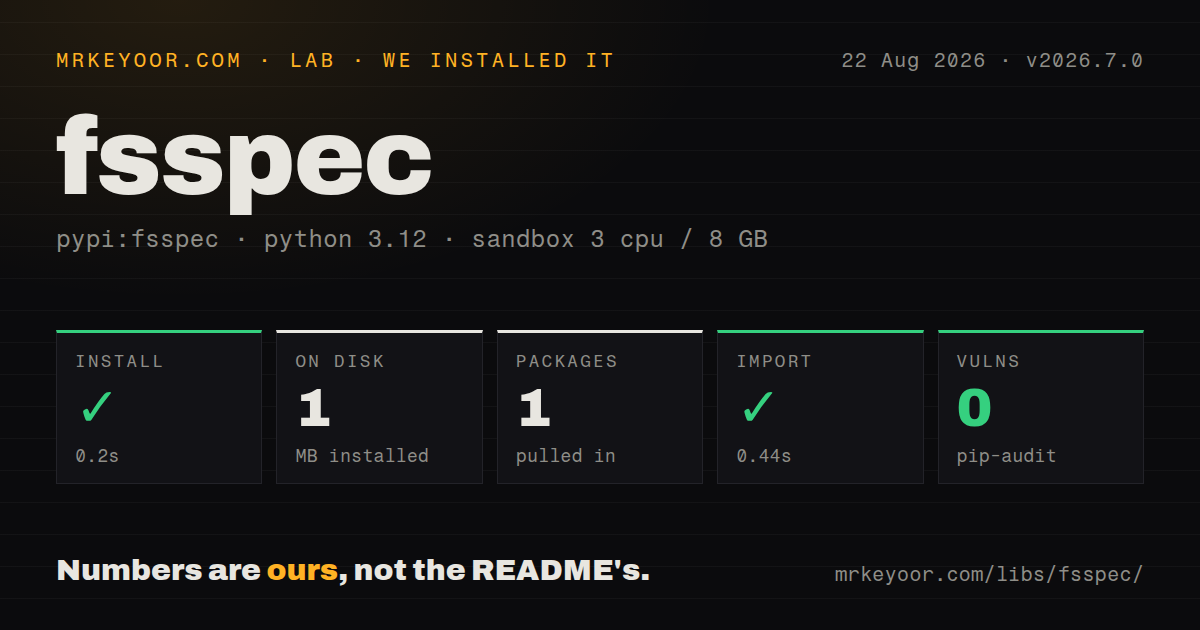
| Install | ✓ · 0.2s | 1 package on disk · 1 MB |
| Import | ✓ | import fsspec in 0.44s · pure Python · requires Python >=3.10 |
| Known vulns | 0 | (pip-audit) |
Answers from our run
Does fsspec install cleanly?
Yes. In a fresh container with an empty cache, pip install fsspec finished in 0.2s, leaving 1 package and 1 MB on disk. pip-audit reported no known vulnerabilities.
What does fsspec need to run?
Python >=3.10, and nothing compiled: it is pure Python. In our run import fsspec succeeded in 0.44s.
fsspec or universal-pathlib: which should you use?
universal-pathlib: Choose it when callers want pathlib-style objects while storage access still comes from fsspec backends. fsspec 2026.7.0 installed in 0.2 seconds and occupied 1 MB in our sandbox, but its 102 conditional dependency entries make careless use of the full extra expensive.
When should you not use fsspec?
All paths are local and stay local; pathlib and open expose OS behavior without fsspec's protocol and instance layers
Discussed on
- hnFsspec: Filesystem Interfaces for Python129 points
- hnFsspec: Filesystem Interfaces for Python3 points
Use it if
- Your library must accept filesystem URLs and storage_options without hard-coding one cloud provider
- A pipeline reads the same format from local disk, HTTP, object storage, and files inside archives
- Remote readers need block, whole-file, or persistent local caching behind a file-like interface
- You are implementing a storage backend that should work with Dask, pandas, Xarray, Zarr, or PyArrow callers
- All paths are local and stay local; pathlib and open expose OS behavior without fsspec's protocol and instance layers
- The application is tied to one object store and needs provider features such as signed URLs, retention rules, tags, or exact service exceptions; use that provider's SDK
- Your design assumes rename, append, directories, timestamps, and atomic replacement behave the same on POSIX and object storage
- You cannot pin compatible CalVer releases of fsspec and a backend such as s3fs or gcsfs when their dependency ranges move
- Your type checker requires package-owned completeness; our 2026.7.0 wheel had no py.typed marker
Setup reality
We installed fsspec 2026.7.0 on Python 3.12 in 0.2 seconds. The clean sandbox ended with one package and 1 MB on disk, and import fsspec completed in 0.44 seconds. pip-audit reported 0 known vulnerabilities. This is pure Python and requires Python 3.10 or newer. The wheel has no py.typed marker, and the measured license field was unknown.
Package metadata contains 102 direct dependency entries, yet the base install pulled none of them into our environment because those entries belong to named extras and environment conditions. Pick the protocol you use: fsspec[s3] installs s3fs, fsspec[gcs] installs gcsfs, fsspec[http] adds aiohttp, and fsspec[sftp] adds paramiko. The full extra mixes many storage clients with test and interface packages, so it can create a much larger dependency and credential surface than a single-backend service needs.
Authentication in 2026.7.0 is still owned by each backend. Pass backend arguments through filesystem(), a protocol-specific section in a chained URL call, or a consumer's storage_options dictionary. Those values may refer to profiles, tokens, endpoints, or anonymous access. Filesystem instances can be reused from an argument-keyed instance cache. Set skip_instance_cache=True when a process needs a new session or newly resolved credentials instead of a prior object.
The 2026.7.0 directory-listing cache and downloaded-byte caches are separate. Invalidate a path after another writer changes it, disable listing caching for volatile locations, and give persistent file caches an expiry and disk budget. A transaction delays final placement, but support and commit behavior vary by backend and do not coordinate across several filesystem instances. For native async use, construct with asynchronous=True inside the running coroutine, await the internal coroutine methods whose names begin with _, and explicitly close resources such as the HTTP session.
Patterns
Open a path through its protocol open-storage-url
import fsspec

with fsspec.open(
    "s3://analytics/events.csv",
    mode="rt",
    profile="reporting",
) as handle:
    header = handle.readline()
The s3:// URL requires the s3fs backend. fsspec.open() returns an OpenFile, and entering the context creates the actual file handle.
Resolve a URL before passing paths around split-url-and-filesystem
from fsspec.core import url_to_fs

fs, path = url_to_fs(
    "s3://analytics/2026/report.parquet",
    profile="reporting",
)
print(fs.info(path))
url_to_fs() removes the protocol from the returned path. Use that stripped path with methods on the returned filesystem instance.
Inspect objects with a memory filesystem list-and-inspect-paths
import fsspec

fs = fsspec.filesystem("memory")
fs.pipe("/inbox/a.txt", b"alpha")

print(fs.ls("/inbox", detail=True))
print(fs.info("/inbox/a.txt"))
print(fs.glob("/inbox/*.txt"))
Backends can add or omit metadata fields. Check for a field before depending on anything beyond the documented common result.
Download and upload with one backend transfer-local-and-remote
fs = fsspec.filesystem("s3", profile="reporting")

fs.get("analytics/models/current.bin", "/tmp/model.bin")
fs.put("/tmp/result.json", "analytics/results/run-42.json")
get() takes remote then local paths. put() reverses that direction, taking local then remote paths.
Keep a complete HTTP file in a local cache cache-remote-file
with fsspec.open(
    "simplecache::https://example.com/releases/table.parquet",
    simplecache={"cache_storage": "/var/tmp/fsspec-cache"},
) as handle:
    read_table(handle)
simplecache stores the whole remote file. The application must set retention, capacity, permissions, and refresh rules for /var/tmp/fsspec-cache.
Open one member of a remote ZIP file read-file-inside-archive
with fsspec.open(
    "zip://tables/orders.csv::s3://archives/month.zip",
    mode="rt",
    s3={"profile": "reporting"},
) as handle:
    first_row = handle.readline()
A chained URL resolves from right to left. Archive readers may seek, which can turn one logical read into range requests or local caching.
Process matching files one handle at a time open-globbed-files
matches = fsspec.open_files(
    "s3://logs/2026-08-*.jsonl",
    mode="rt",
    profile="reporting",
)

for pending in matches:
    with pending as handle:
        consume(handle)
The backend expands the glob before the loop. Keep each OpenFile inside its context so a large match set does not leave every remote handle open.
Expose a prefix as a mutable mapping create-mapping-interface
store = fsspec.get_mapper("memory://arrays/example")
store["chunk-0"] = b"abc"
assert store["chunk-0"] == b"abc"
print(list(store))
Mapper values are bytes. Libraries such as Zarr can use this interface, while concurrency and write guarantees still come from the backing filesystem.
Reset in-memory state between tests isolate-memory-filesystem-test
fs = fsspec.filesystem("memory")
fs.rm("/", recursive=True)
fs.makedirs("/fixture", exist_ok=True)
fs.pipe("/fixture/input.bin", b"abc")

assert fs.cat("/fixture/input.bin") == b"abc"
MemoryFileSystem state is shared within the Python process. Clearing it prevents one test's files from changing another test's result.
Force a fresh directory listing refresh-cached-listing
fs = fsspec.filesystem("s3", profile="reporting")
before = fs.ls("analytics/incoming")

fs.invalidate_cache("analytics/incoming")
after = fs.ls("analytics/incoming")
invalidate_cache() matters when another process writes the location. For volatile prefixes, configure listing expiry or use_listings_cache=False.
Commit related writes through one transaction defer-multiple-writes
fs = fsspec.filesystem("memory")
with fs.transaction:
    with fs.open("/batch/a.bin", "wb") as first:
        first.write(b"a")
    with fs.open("/batch/b.bin", "wb") as second:
        second.write(b"b")
Transaction support is backend-specific and described as semi-atomic. It does not coordinate commits made through different filesystem instances.
Use the native HTTP coroutine API fetch-http-files-async
import asyncio
import fsspec

async def fetch(urls):
    fs = fsspec.filesystem("http", asynchronous=True)
    session = await fs.set_session()
    try:
        return await fs._cat(urls)
    finally:
        await session.close()

results = asyncio.run(fetch(urls))
Create an asynchronous filesystem inside its running coroutine. Native coroutine method names begin with _, and resources need an explicit awaited close.
Alternatives
| Package | Registry | Pick it when |
|---|---|---|
| universal-pathlib | PyPI | Choose it when callers want pathlib-style objects while storage access still comes from fsspec backends. |
| smart-open | PyPI | Choose it when opening streams on a supported cloud service is enough and you do not need filesystem operations. |
| s3fs | PyPI | Install it alongside fsspec when S3 is the required protocol; it supplies the backend rather than replacing the interface. |
More data guides
numpy · pandas · pyarrow · lxml · sqlalchemy · pg · the whole shelf →
How this guide is made: grounded in the library's documentation, release notes, changelog, and issue history, on a fixed rubric — not a hands-on install of every release. The 50 most-downloaded entries are additionally install-verified in clean containers. Corrections: contact the desk.