ollama review
Ollama 0.6.3 is the official JavaScript client for an Ollama server. It sends typed requests for chat, text generation, embeddings, model pulls, tool calls, model inspection, and web search; it does not load or run a model inside your Node process. The current release adds token log probabilities and a version() call for checking the server. Our package test found bundled TypeScript declarations and working require() and ESM import paths, but the documented browser entry did not survive our esbuild browser-bundle test.
Ollama 0.6.3 installed in 0.8 seconds and used 1 MB in our sandbox, with bundled types, both require() and ESM import support, and 0 audit findings. Install it for a Node service that already depends on Ollama; choose a provider-neutral client if Ollama is only one possible backend, and do not assume its browser entry will bundle because ours failed.
We installed it
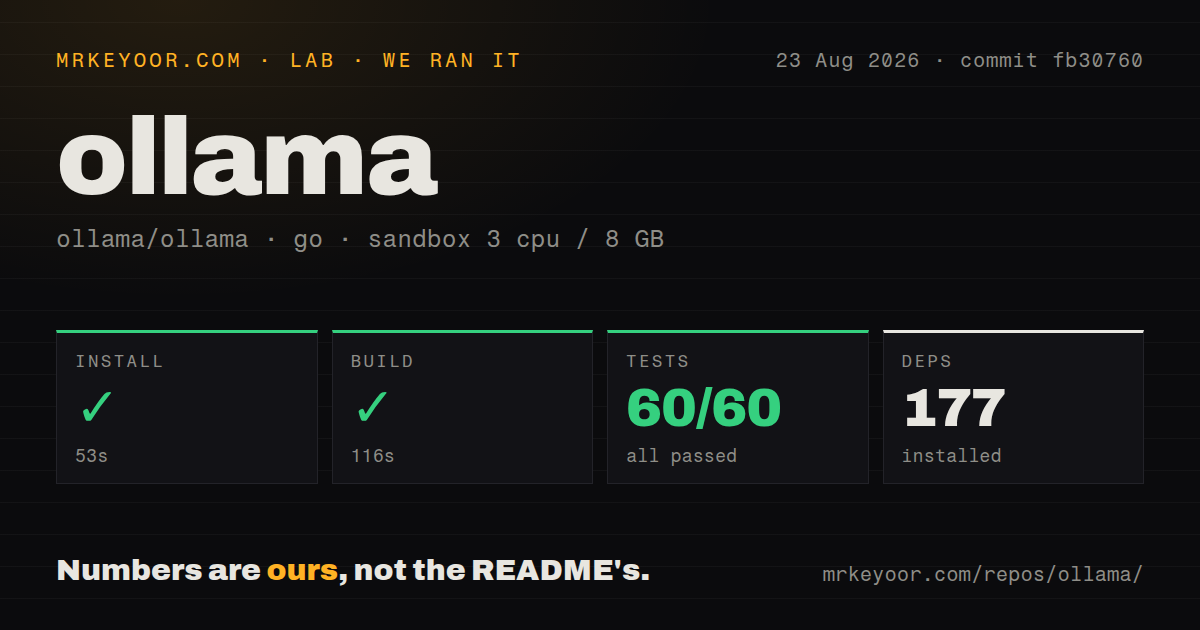
| Install | ✓ · 0.8s | 2 packages on disk · 1 MB |
| Import | ✓ | ESM import works · require() works · CommonJS package with exports map |
| Browser | n/a | could not be bundled for the browser (Node-only code, most likely) |
| Types | ✓ | TypeScript types bundled |
| Known vulns | 0 | 0 critical · 0 high · 0 moderate · 0 low (npm audit) |
Answers from our run
Does ollama install cleanly?
Yes. In a fresh container with an empty cache, npm install ollama finished in 0.8s, leaving 2 packages and 1 MB on disk. npm audit reported no known vulnerabilities.
Can ollama run in a browser?
Not directly: esbuild could not bundle it for the browser in our run, which normally means it depends on Node built-ins. Use it on the server, or find a browser-targeted alternative.
Does ollama work with both ESM and CommonJS?
Yes. Both import 'ollama' and require('ollama') worked in Node 22 in our run. The package is published as CommonJS with an exports map.
Does ollama include TypeScript types?
Yes, type declarations ship inside the package, so no @types install is needed.
ollama or openai: which should you use?
openai: Use it when the application targets OpenAI's hosted API and needs that service's full request and response surface. Ollama 0.6.3 installed in 0.8 seconds and used 1 MB in our sandbox, with bundled types, both require() and ESM import support, and 0 audit findings.
When should you not use ollama?
You need inference inside the Node process; this package only calls an Ollama server, while node-llama-cpp embeds a llama.cpp runtime
Use it if
- Your application already runs an Ollama server and needs typed chat, generation, embedding, and model-management calls from JavaScript
- You need streamed local-model output as an AsyncGenerator that fits naturally into a Node response loop
- You want to inspect, pull, copy, or delete models through the same client used for inference
- You use Ollama cloud models or web search and can supply an Ollama account key through a custom client
- You need inference inside the Node process; this package only calls an Ollama server, while node-llama-cpp embeds a llama.cpp runtime
- Your front end must bundle without special investigation; our esbuild browser build failed even though the package documents an ollama/browser entry
- You expect to switch among Ollama, OpenAI, Anthropic, and other providers behind one API; this client speaks Ollama's API only
- Several cancellable streams must share one client; abort() cancels every streamed generation attached to that instance
- Your model-creation flow uploads files; the 0.6.3 README says the create() files parameter is not supported in ollama-js
Setup reality
Our clean install of ollama 0.6.3 on Node 22 succeeded in 0.8 seconds and left 2 packages using 1 MB on disk. npm audit reported 0 known vulnerabilities across every severity. The package has 1 direct dependency, no peer dependencies, an exports map, and 204 KB unpacked. It is a CommonJS package with working require() and ESM import paths in our sandbox, and its TypeScript declarations are bundled.
The client alone cannot answer a prompt. A local setup needs the separate Ollama server running at the default http://127.0.0.1:11434 address and a model pulled before chat() or generate() can work. A remote server goes in new Ollama({ host, headers }). Direct Ollama cloud calls use https://ollama.com plus an OLLAMA_API_KEY bearer token, while webSearch() also requires an Ollama account and key.
Model state belongs to the server, so the 1 MB npm install says nothing about model storage or inference memory. pull() can return streamed progress while the server downloads a model. list() reports models stored on disk, ps() reports models currently loaded, and keep_alive accepts seconds or duration strings such as '30m'. Pick that value with the server's available memory in mind instead of pinning every model indefinitely.
Streaming changes the return value to an AsyncGenerator and errors surface while the for-await loop is consuming it. abort() stops all active streams on one Ollama client, so independent request cancellation needs separate client instances. The README provides an ollama/browser import, but our esbuild browser bundle failed. Treat browser delivery as unverified on your toolchain and keep server credentials out of frontend code.
Patterns
Send a chat message chat-basic
import ollama from 'ollama'

const response = await ollama.chat({
  model: 'llama3.1',
  messages: [{ role: 'user', content: 'Explain event loops in one paragraph.' }],
})

console.log(response.message.content)
The default client calls http://127.0.0.1:11434. A connection error at that address means the separate Ollama server is unavailable.
Stream a chat response chat-streaming
const stream = await ollama.chat({
  model: 'llama3.1',
  messages: [{ role: 'user', content: 'Write a short release note.' }],
  stream: true,
})

for await (const part of stream) {
  process.stdout.write(part.message.content)
}
stream: true returns an AsyncGenerator instead of a completed ChatResponse. Network and server errors can therefore arrive inside the for-await loop.
Connect to a remote or cloud host custom-host-auth
import { Ollama } from 'ollama'

const client = new Ollama({
  host: 'https://ollama.com',
  headers: {
    Authorization: `Bearer ${process.env.OLLAMA_API_KEY}`,
  },
})
Ollama cloud uses https://ollama.com with a bearer key. Custom headers are sent on every request made by this client instance.
Generate text from one prompt generate-prompt
const result = await ollama.generate({
  model: 'llama3.1',
  system: 'Answer in one sentence.',
  prompt: 'Why should a server set request timeouts?',
})

console.log(result.response)
generate() puts generated text in response, while chat() puts it in message.content. The two result shapes are not interchangeable.
Embed several documents create-embeddings
const result = await ollama.embed({
  model: 'nomic-embed-text',
  input: ['first document', 'second document'],
})

console.log(result.embeddings.length)
embed() accepts one string or an array and returns embeddings as an array of vectors. The requested embedding model must already be available to the server.
Offer a function to the model call-tool
const response = await ollama.chat({
  model: 'llama3.1',
  messages: [{ role: 'user', content: 'What is the weather in Delhi?' }],
  tools: [{
    type: 'function',
    function: {
      name: 'get_weather',
      description: 'Get weather for a city',
      parameters: {
        type: 'object',
        properties: { city: { type: 'string' } },
        required: ['city'],
      },
    },
  }],
})

for (const call of response.message.tool_calls ?? []) {
  console.log(call.function.name, call.function.arguments)
}
Tool support depends on the selected model, and tool_calls can be absent. Your code executes the function and supplies its result in a later message.
Send an image with a message chat-with-image
import { readFile } from 'node:fs/promises'

const image = await readFile('photo.jpg')
const response = await ollama.chat({
  model: 'llava',
  messages: [{
    role: 'user',
    content: 'Describe this image.',
    images: [image],
  }],
})
Node accepts image bytes, base64 text, or a file path through its image encoder. The selected model must support image input.
Report model pull progress pull-model
const progress = await ollama.pull({
  model: 'llama3.1',
  stream: true,
})

for await (const part of progress) {
  if (part.total && part.completed) {
    console.log(part.status, `${Math.round(part.completed / part.total * 100)}%`)
  }
}
A streamed pull reports server-side download progress. Keep the loop running until the server finishes or throws an error.
Distinguish stored and loaded models inspect-models
const stored = await ollama.list()
const running = await ollama.ps()

console.log('stored', stored.models.map((model) => model.name))
console.log('loaded', running.models.map((model) => model.name))
list() returns models stored by the server, while ps() returns models currently loaded into memory. Their model arrays answer different operational questions.
Request JSON output request-json
const response = await ollama.chat({
  model: 'llama3.1',
  format: 'json',
  messages: [{
    role: 'user',
    content: 'Return JSON with a string field named summary.',
  }],
})

const data = JSON.parse(response.message.content)
format: 'json' requests JSON output, but application code should still parse and validate the returned fields before using them.
Cancel one isolated stream cancel-stream
import { Ollama } from 'ollama'

const requestClient = new Ollama()
const timer = setTimeout(() => requestClient.abort(), 5000)

try {
  const stream = await requestClient.generate({
    model: 'llama3.1',
    prompt: 'Write a long explanation.',
    stream: true,
  })
  for await (const part of stream) process.stdout.write(part.response)
} finally {
  clearTimeout(timer)
}
abort() cancels every active stream on its client instance. One client per cancellable request prevents a timeout from stopping unrelated generations.
Read the Ollama server version check-server-version
const { version } = await ollama.version()
console.log(`Ollama server ${version}`)
version() was added in client 0.6.3 and reports the server version. Use it when a request field depends on a newer server release.
Alternatives
| Package | Registry | Pick it when |
|---|---|---|
| openai | npm | Use it when the application targets OpenAI's hosted API and needs that service's full request and response surface. |
| ai | npm | Use the Vercel AI SDK when provider switching and framework UI helpers matter more than direct Ollama model-management methods. |
| node-llama-cpp | npm | Use it when local llama.cpp inference must run inside the Node process without a separate Ollama daemon. |
More ai / ml guides
@modelcontextprotocol/sdk · openai · mcp · huggingface-hub · @anthropic-ai/sdk · openai · the whole shelf →
How this guide is made: grounded in the library's documentation, release notes, changelog, and issue history, on a fixed rubric — not a hands-on install of every release. The 50 most-downloaded entries are additionally install-verified in clean containers. Corrections: contact the desk.