motion review
Motion 13.1.1 is the current package name for the animation project formerly called Framer Motion. Browser scripts import imperative timelines, gestures, in-view triggers, and scroll helpers from `motion`. React applications use `motion/react` for animated elements, exit presence, layout projection, drag, and motion values. Vue has a separate `motion-v` install. Our namespace browser build reached 135.5 KB minified and 46.4 KB gzipped, which makes Motion a feature decision rather than a free replacement for a few CSS transitions.
Motion 13.1.1 produced a 46.4 KB gzipped namespace bundle in our sandbox after a 2-second install. Pay that cost for presence, layout projection, gestures, or reactive motion values; keep simple fades and hover transforms in CSS.
We installed it
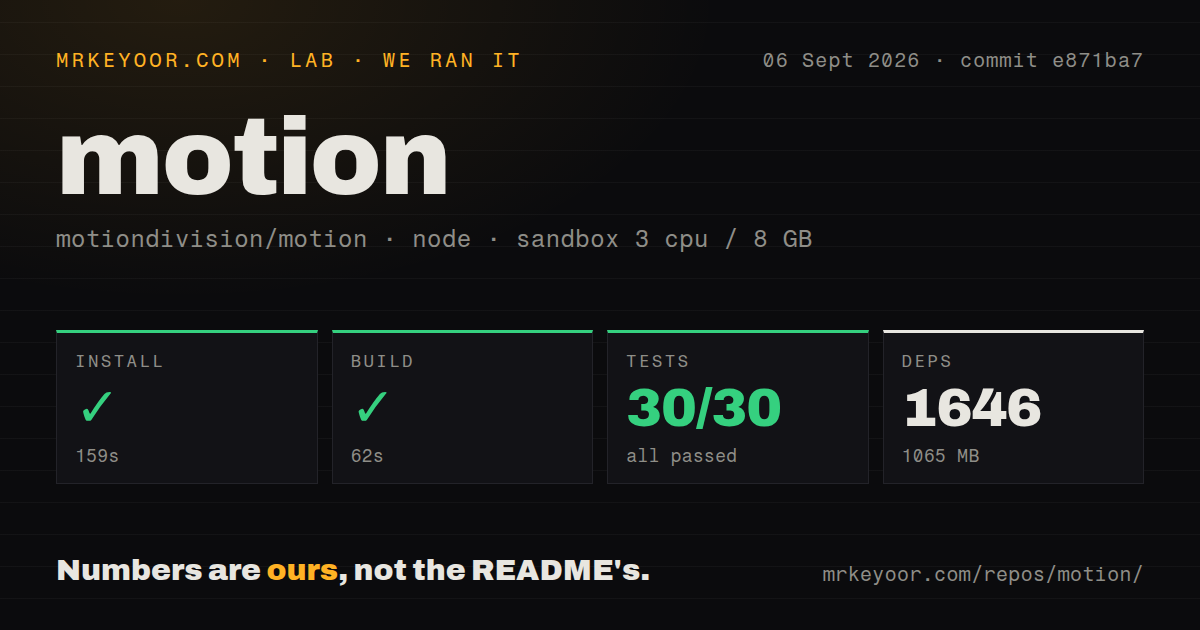
| Install | ✓ · 2s | 14 packages on disk · 12 MB |
| Import | ✓ | ESM import works · require() works · CommonJS package with exports map |
| Browser | 46.4 KB | gzipped (135.5 KB minified), bundled with esbuild |
| Types | ✓ | TypeScript types bundled |
| Known vulns | 0 | 0 critical · 0 high · 0 moderate · 0 low (npm audit) |
Answers from our run
Does motion install cleanly?
Yes. In a fresh container with an empty cache, npm install motion finished in 2 seconds, leaving 14 packages and 12 MB on disk. npm audit reported no known vulnerabilities.
How much does motion add to a browser bundle?
46.4 KB gzipped (135.5 KB minified) when the whole package is bundled for the browser with esbuild. Importing only part of it is usually smaller.
Does motion work with both ESM and CommonJS?
Yes. Both import 'motion' and require('motion') worked in Node 22 in our run. The package is published as CommonJS with an exports map.
Does motion include TypeScript types?
Yes, type declarations ship inside the package, so no @types install is needed.
motion or gsap: which should you use?
gsap: Choose it for explicit long timelines, SVG manipulation, and canvas-oriented scenes. Motion 13.1.1 produced a 46.4 KB gzipped namespace bundle in our sandbox after a 2-second install.
When should you not use motion?
The design only fades, shifts, or scales on hover. CSS transitions perform that work without shipping an animation runtime.
Use it if
- Conditional React elements need a real exit phase through `AnimatePresence` after application state removes them
- Reflowing elements or shared `layoutId` components should animate without manually measuring both boxes
- Drag, pointer gestures, scroll progress, springs, and reactive values belong in one React-aware system
- A framework-free page needs timelines, staggered targets, viewport triggers, or scroll-linked effects
- The design only fades, shifts, or scales on hover. CSS transitions perform that work without shipping an animation runtime.
- The page cannot afford the 46.4 KB gzipped namespace result and `motion/mini` lacks the required layout or gesture feature.
- The application is Vue. The official README sends Vue users to the separately versioned `motion-v` package.
- Most work is a long cross-element timeline, SVG morph, or canvas scene. GSAP provides more explicit sequencing for that shape.
- A React component must stay server-only. Importing `motion/react` places the animated boundary in client code.
Setup reality
We installed Motion 13.1.1 in a no-cache Node 22 sandbox in 2 seconds. npm left 14 packages totaling 12 MB and reported 0 vulnerabilities at all severities. The package has 2 direct and 2 peer dependencies, with 804 KB unpacked. It exposes CommonJS behind an exports map; both require() and ESM import loaded. TypeScript declarations are included. Our esbuild namespace import was 135.5 KB minified and 46.4 KB gzipped.
React 18 or 19 plus React DOM satisfy the peers used by motion/react. Plain browser code imports motion; Vue installs motion-v. There are no keys or required config. Under Next.js App Router, a file using Motion components or hooks needs 'use client'. Put that boundary around the animated leaf instead of converting an entire server-rendered page.
Import selection changes cost. motion/mini is the smaller Web Animations route. React can defer feature code through LazyMotion and motion/react-m. The 46.4 KB result measured an import of everything, so it is a ceiling rather than the cost of a tree-shaken opacity call. Build the actual production entry because layout projection and gestures pull in work a basic tween does not need.
Motion values update without causing React renders. Subscribe with useMotionValueEvent or derive through useTransform; calling .get() during render does not create a subscription. Layout projection may scale children in visually unwanted ways, so exercise text and rounded corners during responsive changes. Set the product's reduced-motion policy through MotionConfig or useReducedMotion and supply a non-motion state that preserves meaning.
Patterns
Run an imperative DOM animation animate-element-vanilla
import { animate } from "motion"

const controls = animate(
  "#box",
  { x: 200, rotate: 90, backgroundColor: "#0368ff" },
  { duration: 0.6, ease: "easeOut" }
)

await controls
controls.stop()
`animate()` returns awaitable playback controls. A selector can target several nodes, so confirm the intended scope before stopping or sequencing it.
Animate a client-side React card react-motion-component
"use client"
import { motion } from "motion/react"

export function Card() {
  return (
    <motion.div
      initial={{ opacity: 0, y: 12 }}
      animate={{ opacity: 1, y: 0 }}
      transition={{ duration: 0.3, ease: "easeOut" }}
      className="card"
    >
      Hello
    </motion.div>
  )
}
The `motion/react` import requires a client boundary. Use `initial={false}` when hydrated markup must begin at the final visual state.
Describe a spring by visual duration spring-transition
import { motion } from "motion/react"

<motion.div
  animate={{ scale: 1.1 }}
  transition={{ type: "spring", visualDuration: 0.4, bounce: 0.25 }}
/>

// the older, harder-to-reason-about form
<motion.div
  animate={{ scale: 1.1 }}
  transition={{ type: "spring", stiffness: 400, damping: 30, mass: 1 }}
/>
`visualDuration` and `bounce` express the visible result directly. The physics form is useful only when stiffness, damping, and mass are deliberate.
Constrain a draggable element gestures-and-drag
import { motion } from "motion/react"
import { useRef } from "react"

function Draggable() {
  const bounds = useRef(null)
  return (
    <div ref={bounds} className="track">
      <motion.div
        drag="x"
        dragConstraints={bounds}
        dragElastic={0.2}
        dragSnapToOrigin
        whileHover={{ scale: 1.05 }}
        whileTap={{ scale: 0.95 }}
        onDragEnd={(_, info) => console.log(info.offset.x, info.velocity.x)}
      />
    </div>
  )
}
Dragging updates transforms without React state. Read `info` in the callback or bind a motion value when business logic needs coordinates.
Keep a modal mounted through its exit exit-animations
import { AnimatePresence, motion } from "motion/react"

function Modal({ open }) {
  return (
    <AnimatePresence mode="wait" initial={false}>
      {open && (
        <motion.div
          key="modal"
          initial={{ opacity: 0, scale: 0.96 }}
          animate={{ opacity: 1, scale: 1 }}
          exit={{ opacity: 0, scale: 0.96 }}
        />
      )}
    </AnimatePresence>
  )
}
`AnimatePresence` must own the conditional branch, and the departing child needs a stable key for its exit definition to execute.
Animate reflow and shared layout identity layout-animations
import { motion, LayoutGroup } from "motion/react"

// element animates to its new size or position after any reflow
<motion.div layout transition={{ type: "spring", visualDuration: 0.3, bounce: 0 }} />

// same layoutId in two places: the first morphs into the second
<LayoutGroup>
  {items.map((item) => (
    <motion.li key={item.id} layout>
      {item.id === selected && <motion.div layoutId="highlight" className="pill" />}
      {item.label}
    </motion.li>
  ))}
</LayoutGroup>
A shared `layoutId` needs a clear mounted origin and destination. Projection can distort children and rounded corners, so inspect both states.
Convert viewport progress into parallax scroll-linked
import { motion, useScroll, useTransform } from "motion/react"
import { useRef } from "react"

function Parallax() {
  const ref = useRef(null)
  const { scrollYProgress } = useScroll({
    target: ref,
    offset: ["start end", "end start"],
  })
  const y = useTransform(scrollYProgress, [0, 1], ["0%", "-30%"])
  return <div ref={ref}><motion.img src="/hero.jpg" style={{ y }} /></div>
}

// vanilla equivalent
import { scroll, animate } from "motion"
scroll(animate("#hero", { opacity: [1, 0] }), { target: document.querySelector("#hero") })
The derived value writes to the DOM outside React rendering. Each offset pair names target and viewport edges, so test the start and end positions.
Derive a smoothed rotation value motion-values
import { motion, useMotionValue, useSpring, useTransform, useMotionValueEvent } from "motion/react"

function Tilt() {
  const x = useMotionValue(0)
  const smooth = useSpring(x, { visualDuration: 0.3, bounce: 0.2 })
  const rotate = useTransform(smooth, [-200, 200], [-15, 15])

  useMotionValueEvent(rotate, "change", (v) => console.log(v))

  return <motion.div style={{ x: smooth, rotate }} onPointerMove={(e) => x.set(e.clientX - 200)} />
}
Use `useMotionValueEvent` for side effects that depend on changes. Reading `.get()` during render does not ask React to render again.
Alternatives
| Package | Registry | Pick it when |
|---|---|---|
| gsap | npm | Choose it for explicit long timelines, SVG manipulation, and canvas-oriented scenes. |
| animejs | npm | Choose it for an imperative timeline API without React layout projection or presence components. |
| @react-spring/web | npm | Choose it when hook-driven spring values fit the component model better than variants and motion elements. |
| framer-motion | npm | Keep it only as a migration step for an existing codebase whose imports have not moved to `motion/react`. |
More web frontend guides
postcss · react · react-dom · tailwindcss · clsx · htmlparser2 · the whole shelf →
How this guide is made: grounded in the library's documentation, release notes, changelog, and issue history, on a fixed rubric — not a hands-on install of every release. The 50 most-downloaded entries are additionally install-verified in clean containers. Corrections: contact the desk.