face review
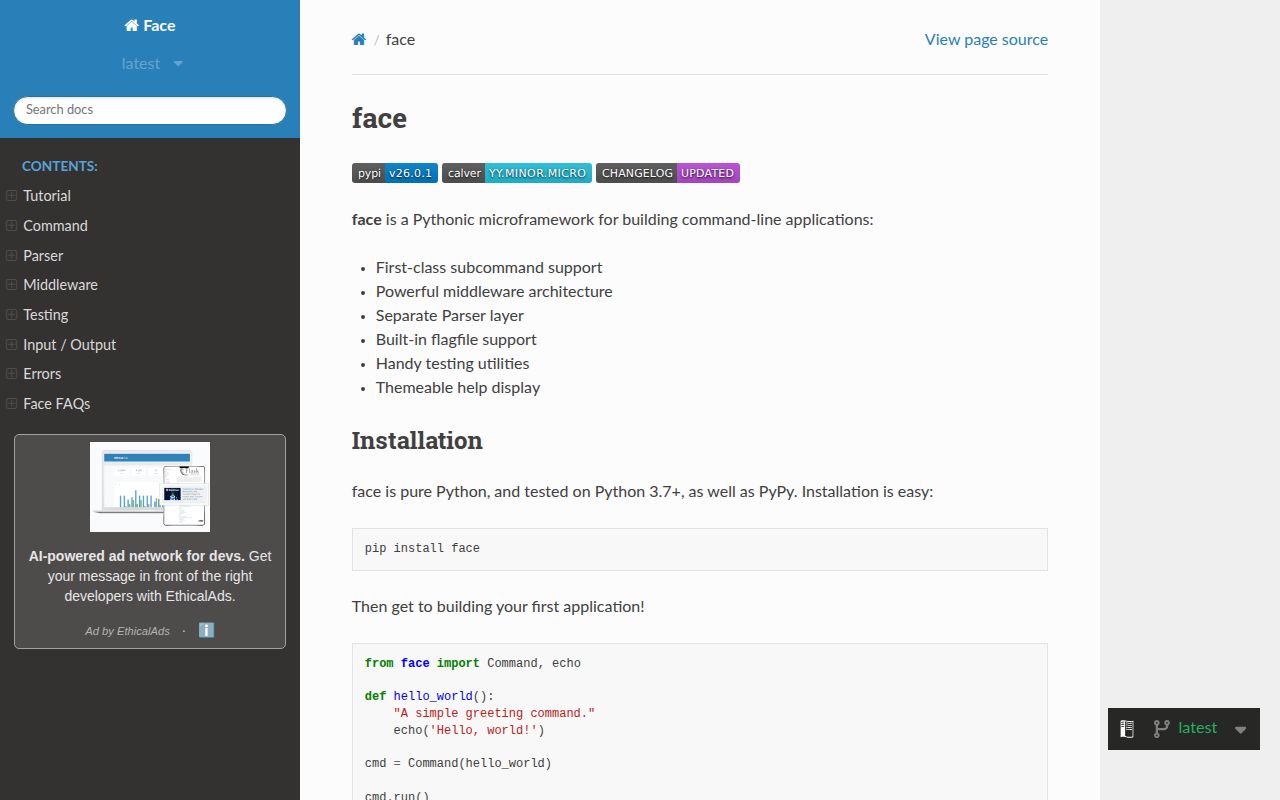
Face 26.0.1 builds Python command-line programs by matching parsed flag and positional names to parameters on ordinary functions. Its `Command` layer adds nested commands, generated help, middleware-provided values, dependency checks, and an in-process test runner over the lower-level parser. The current release introduces `CommandGroup` for grouping siblings in help output, fixes short-command rendering and a Windows cross-drive crash, adds Python 3.14, and drops Python 3.8 and 3.9. Face is explicit about `Flag` and `PosArgSpec` objects; function annotations do not define the command interface.
Face 26.0.1 installed in 0.5 seconds and used 1 MB across 2 packages with 0 audit findings in our sandbox, but its command contract depends on explicit objects and parameter names. Pick it for plain handlers plus middleware injection; choose Click, Typer, or Cyclopts when familiar conventions or annotation-driven interfaces matter more.
We installed it
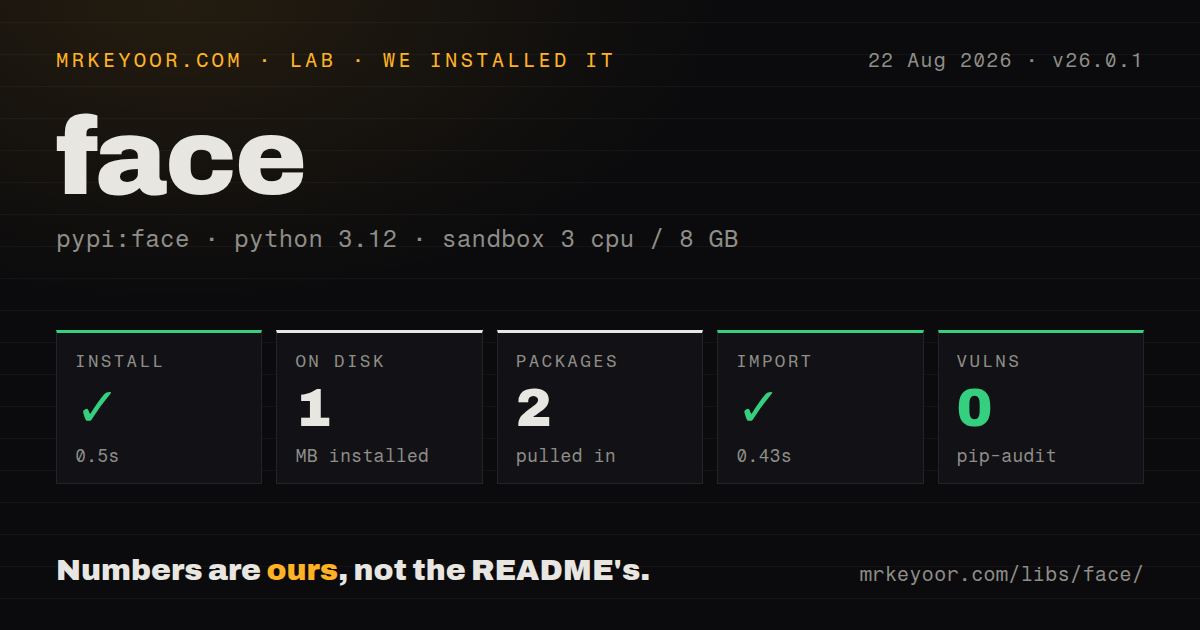
| Install | ✓ · 0.5s | 2 packages on disk · 1 MB |
| Import | ✓ | import face in 0.43s · pure Python · requires Python >=3.10 |
| Known vulns | 0 | (pip-audit) |
Answers from our run
Does face install cleanly?
Yes. In a fresh container with an empty cache, pip install face finished in 0.5s, leaving 2 packages and 1 MB on disk. pip-audit reported no known vulnerabilities.
What does face need to run?
Python >=3.10, and nothing compiled: it is pure Python. In our run import face succeeded in 0.43s.
face or click: which should you use?
click: Use Click when team familiarity, decorators, and a large extension ecosystem are the main requirements. Face 26.0.1 installed in 0.5 seconds and used 1 MB across 2 packages with 0 audit findings in our sandbox, but its command contract depends on explicit objects and parameter names.
When should you not use face?
Your application still runs on Python 3.9 or earlier. Face 26.0.1 raises the minimum to Python 3.10 after dropping 3.8 and 3.9.
Use it if
- You want handlers to remain callable Python functions whose inputs are supplied by the command parser.
- A database client, session, or other resource should be created by middleware and injected only into handlers that request it.
- Your command tree needs nested subcommands, grouped help, startup dependency validation, and tests without subprocess startup.
- Strict option ordering is acceptable and you prefer explicit parser objects over annotation-derived behavior.
- Your application still runs on Python 3.9 or earlier. Face 26.0.1 raises the minimum to Python 3.10 after dropping 3.8 and 3.9.
- You want type annotations to generate flags and validation. Face requires explicit `Flag`, `PosArgSpec`, `ChoicesParam`, or `ListParam` configuration, while Typer and Cyclopts center annotations.
- Users need GNU-style options after arbitrary positional arguments. Face stops normal flag parsing at the first positional value unless you deliberately configure post-positional handling.
- Name-based injection feels too implicit for the team. `--output-file`, middleware `provides`, and a handler parameter named `output_file` must agree or preparation fails.
- Contributor familiarity and add-on breadth matter more than Face's middleware model. The repository has 24 stars and names only a small set of public users, far behind Click's footprint.
Setup reality
We installed face 26.0.1 in a fresh Python 3.12 Bookworm sandbox. pip finished in 0.5 seconds, left 2 packages totaling 1 MB, and installed 1 direct dependency. import face worked in 0.43 seconds, and pip-audit reported 0 known vulnerabilities. The package is pure Python, requires Python 3.10 or newer, has no py.typed marker, and does not declare a license in the measured metadata.
Face does not generate an executable for your application. Build a Command in a module, wrap cmd.run() in a zero-argument function, then point [project.scripts] at that function. Flag names are normalized to Python parameters. Built-in values such as posargs_, flags_, args_, and subcommands_ retain their final _ character.
Configuration lives in code. Values remain strings unless parse_as converts them; missing=ERROR makes an option required, and multi='extend' supplies a list even when the user passed nothing. The hidden --flagfile input is enabled by default and can read one option per line recursively, so disable it with flagfile=False when local-file arguments are inappropriate.
Middleware must accept next_, declare every value it provides, and call next_ to continue. Call prepare() on the finished 26.0.1 tree if you want missing providers caught across all paths; run() prepares only the selected path. UsageError and CommandLineError inherit SystemExit, and CommandChecker shares application globals despite restoring streams, environment, and the working directory.
Patterns
Run a plain function as a command create-command
from face import Command, echo

def greet():
    echo('hello')

cmd = Command(greet, name='greet', doc='Print a greeting')

def main():
    cmd.run()
`Command.run()` reads `sys.argv` when no argument list is supplied. Register `main` under `[project.scripts]` to create the executable.
Convert named options before injection parse-flags
from face import Command

def serve(host, port, verbose):
    print(host, port, verbose)

cmd = Command(serve)
cmd.add('--host', missing='127.0.0.1')
cmd.add('--port', parse_as=int, missing=8080)
cmd.add('--verbose', char='-v', parse_as=True, missing=False)
`--output-file` becomes `output_file` during injection. A handler parameter without a flag, built-in, or middleware provider fails dependency preparation.
Reject a missing deployment target require-option
from face import Command, ERROR

def deploy(target):
    print(target)

cmd = Command(deploy)
cmd.add('--target', missing=ERROR, doc='Deployment target')
`missing=ERROR` makes the flag mandatory. The Face docs recommend a positional value when the input is central enough to be unnamed.
Accept a repeatable option collect-values
from face import Command

def label(labels):
    print(labels)

cmd = Command(label)
cmd.add('--label', multi='extend')
`multi='extend'` injects a list for 0, 1, or many occurrences, so the handler does not receive a scalar in the one-value case.
Split and convert one option value parse-list-value
from face import Command, ListParam

def listen(ports):
    print(ports)

cmd = Command(listen)
cmd.add('--ports', parse_as=ListParam(parse_one_as=int))
`ListParam` parses one value such as `--ports 8000,8001`; it is separate from accepting the same flag several times.
Constrain an environment option limit-choices
from face import ChoicesParam, Command

def deploy(environment):
    print(environment)

cmd = Command(deploy)
cmd.add('--environment', parse_as=ChoicesParam(['dev', 'stage', 'prod']), missing='dev')
`ChoicesParam` rejects unknown input before calling the handler and derives its conversion type from the listed choices unless configured otherwise.
Accept a bounded list of integers parse-positionals
from face import Command, PosArgSpec

def total(numbers):
    print(sum(numbers))

cmd = Command(total, posargs=PosArgSpec(parse_as=int, min_count=1, max_count=5, name='numbers'))
A named `PosArgSpec` injects the parsed positional sequence under that name. Exactly one allowed value is unwrapped by Face.
Build add and remove branches nest-subcommands
from face import Command

root = Command(None, name='users')
add = root.add(add_user, name='add')
add.add('--name')
remove = root.add(remove_user, name='remove')
remove.add('--name')
A command without a handler relies on help or a chosen child. Face does not allow positional arguments on a non-leaf command.
Group administrative commands in help group-help
from face import Command, CommandGroup

admin = CommandGroup('Administration')
admin.add(create_user, name='create-user')
admin.add(delete_user, name='delete-user')
root = Command(None, name='app')
root.add(admin)
`CommandGroup` arrived in 26.0.1 and changes help layout only. Its members remain siblings in the command path.
Provide a client through middleware inject-resource
from face import Command, face_middleware

@face_middleware(provides=['client'])
def with_client(next_):
    client = make_client()
    try:
        return next_(client=client)
    finally:
        client.close()

def sync(client):
    client.sync()

cmd = Command(sync)
cmd.add(with_client)
Middleware must receive a first parameter named `next_`. If it returns without calling `next_`, later middleware and the handler do not run.
Check every command dependency at startup validate-tree
root = build_commands()
root.prepare()
root.run()
`prepare()` with no path checks the full tree. `run()` only prepares the branch selected by the current arguments.
Capture an in-process command run test-command
from face import CommandChecker

checker = CommandChecker(cmd, env={'APP_MODE': 'test'})
result = checker.run('serve --port 9000')
assert result.exit_code == 0
assert '9000' in result.stdout
failed = checker.fail('serve --port nope')
assert failed.exit_code != 0
`CommandChecker` restores environment, streams, input, and working directory after a run. Module globals and other process state remain shared.
Alternatives
| Package | Registry | Pick it when |
|---|---|---|
| click | PyPI | Use Click when team familiarity, decorators, and a large extension ecosystem are the main requirements. |
| typer | PyPI | Use Typer when Python annotations should generate the CLI shape and editor feedback matters. |
| cyclopts | PyPI | Use Cyclopts for modern annotation-driven commands, including structured parameter models. |
More cli & tooling guides
commander · chalk · typescript · esbuild · yargs · click · the whole shelf →
How this guide is made: grounded in the library's documentation, release notes, changelog, and issue history, on a fixed rubric — not a hands-on install of every release. The 50 most-downloaded entries are additionally install-verified in clean containers. Corrections: contact the desk.