csscolorparser review
csscolorparser 1.0.3 is a small CommonJS function for turning older CSS color strings into `[red, green, blue, alpha]`. RGB channels are integers from 0 through 255 and alpha uses 0 through 1. It recognizes named colors, `transparent`, 3- and 6-digit hex, comma-based `rgb()` and `rgba()`, plus comma-based `hsl()` and `hsla()`. The package has not gained modern CSS Color syntax since its 2016 release. Our install found no TypeScript declarations, while both CommonJS require and ESM import of the CommonJS entry worked.
csscolorparser 1.0.3 installed in 0.3 seconds as 1 package using 1 MB in our sandbox, with a 2.3 KB gzipped browser bundle and 0 audit findings. Install it only for a frozen CSS Color 3-era input contract; current browser color syntax and strict validation need another parser.
We installed it
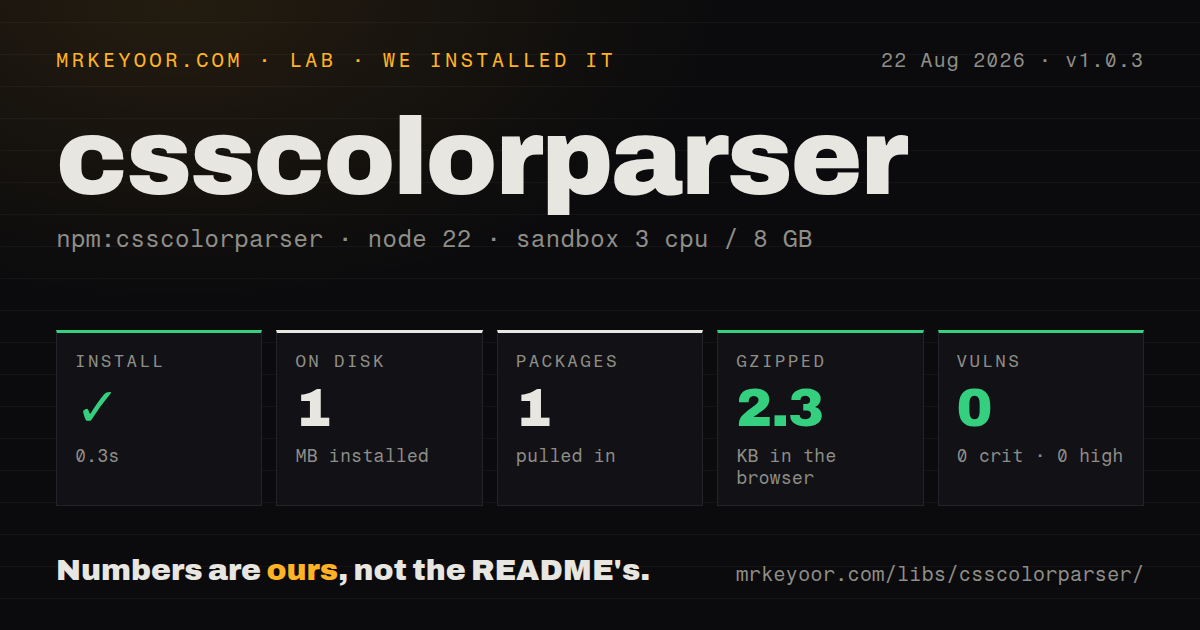
| Install | ✓ · 0.3s | 1 package on disk · 1 MB |
| Import | ✓ | ESM import works · require() works · CommonJS package |
| Browser | 2.3 KB | gzipped (5.4 KB minified), bundled with esbuild |
| Types | — | no TypeScript types found |
| Known vulns | 0 | 0 critical · 0 high · 0 moderate · 0 low (npm audit) |
Answers from our run
Does csscolorparser install cleanly?
Yes. In a fresh container with an empty cache, npm install csscolorparser finished in 0.3s, leaving 1 package and 1 MB on disk. npm audit reported no known vulnerabilities.
How much does csscolorparser add to a browser bundle?
2.3 KB gzipped (5.4 KB minified) when the whole package is bundled for the browser with esbuild. Importing only part of it is usually smaller.
Does csscolorparser work with both ESM and CommonJS?
Yes. Both import 'csscolorparser' and require('csscolorparser') worked in Node 22 in our run. The package is published as CommonJS.
Does csscolorparser include TypeScript types?
No type declarations were found in our install, so TypeScript users need their own declarations.
csscolorparser or color: which should you use?
color: Use it for a chainable color object with parsing, conversion, mixing, contrast, and output formatting. csscolorparser 1.0.3 installed in 0.3 seconds as 1 package using 1 MB in our sandbox, with a 2.3 KB gzipped browser bundle and 0 audit findings.
When should you not use csscolorparser?
Users can enter modern CSS colors. Version 1.0.3 lacks 4- and 8-digit hex, space-separated functions, slash alpha, lab(), lch(), oklab(), oklch(), color(), and color-mix().
Use it if
- An existing API already expects this package's four-number RGBA array.
- Accepted input is intentionally restricted to names, old hex, comma RGB, and comma HSL syntax.
- You want a dependency-free parser whose implementation fits in one source file.
- Clamping out-of-range components is preferable to rejecting the whole string.
- Users can enter modern CSS colors. Version 1.0.3 lacks 4- and 8-digit hex, space-separated functions, slash alpha, `lab()`, `lch()`, `oklab()`, `oklch()`, `color()`, and `color-mix()`.
- The parser must be a strict validator. Malformed numeric components can produce an array containing `NaN`, and out-of-range values are clamped instead of rejected.
- TypeScript declarations or a native ESM export are required. Our package inspection found neither types nor an exports map.
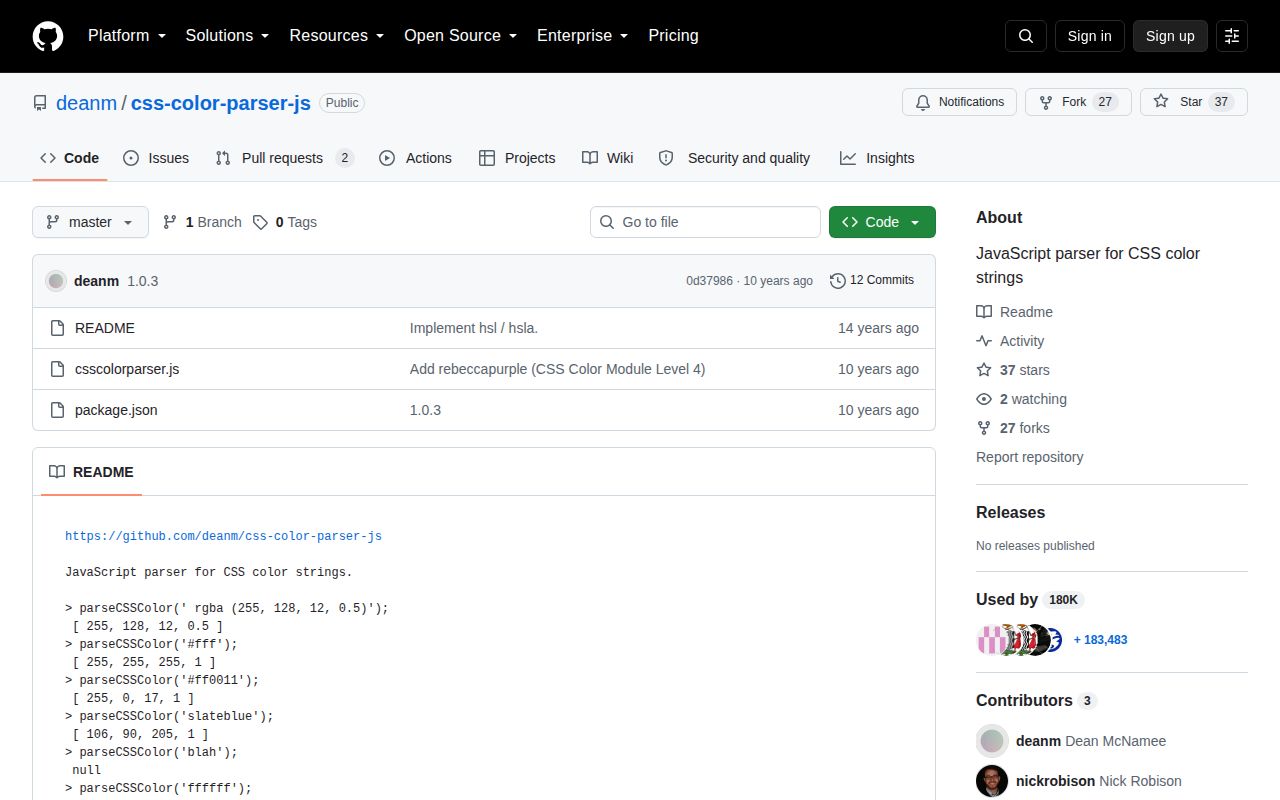
- Maintenance recency matters to your dependency policy. npm dates 1.0.3 to August 2016, and GitHub shows the last repository push in February 2021.
- You need browser behavior for whitespace and current HSL rules. The source strips ordinary spaces, keeps tabs and newlines, and accepts non-percentage HSL saturation values that its own README labels noncompliant.
Setup reality
We installed csscolorparser 1.0.3 in 0.3 seconds in our fresh Node 22 sandbox. It left 1 package and 1 MB on disk, while npm audit reported 0 known vulnerabilities. The package has 0 direct dependencies, 0 peer dependencies, 24 KB unpacked, and an MIT license. It is CommonJS with no exports map; require() and ESM import both worked. No TypeScript declarations were present.
There is no config file, native build, credential, or initialization step. CommonJS callers destructure parseCSSColor from the module object. The real setup decision is input policy. Checking only for null is unsafe because numeric parsing can leave NaN inside a four-item result. For untrusted strings, verify the result exists and run Number.isFinite over all 4 channels.
Version 1.0.3 lowercases text and removes literal spaces before parsing. Tabs and newlines do not receive the same treatment. RGB and alpha channels outside their ranges are clamped, percentage RGB values become byte channels, and hue wraps around 360 degrees. HSL saturation and lightness decimals are accepted despite the README calling that form noncompliant. Modern space-and-slash forms return null.
Our esbuild browser check produced 5.4 KB minified and 2.3 KB gzipped, so size is not the reason to reject this parser. Syntax coverage and validation are. Named-color results are copied before return, which makes local mutation safe, but the package has no serializer, conversion object, or formatting options. If browser parity is the requirement, a maintained color parser saves more work than a wrapper full of exceptions.
Patterns
Read an RGBA function parse-color
const { parseCSSColor } = require('csscolorparser');

const rgba = parseCSSColor('rgba(255, 128, 12, 0.5)');
// [255, 128, 12, 0.5]
The 1.0.3 CommonJS entry exports an object containing `parseCSSColor`; requiring the package does not return the function itself.
Resolve a named color parse-named-color
const purple = parseCSSColor('rebeccapurple');
// [102, 51, 153, 1]

const clear = parseCSSColor('transparent');
// [0, 0, 0, 0]
Names are case-insensitive after lowercasing, and only the color table embedded in version 1.0.3 is available.
Read short and long hex parse-hex-color
parseCSSColor('#0af');    // [0, 170, 255, 1]
parseCSSColor('#00aaff'); // [0, 170, 255, 1]
Only 3- and 6-digit forms work. CSS hex with alpha, such as `#0af8` or `#00aaff88`, returns `null`.
Convert percentage RGB channels parse-rgb-percentages
parseCSSColor('rgb(100%, 50%, 0%)');
// [255, 128, 0, 1]
Percentage channels are multiplied by 255 and rounded to integer bytes; numeric channels outside the range are clamped.
Convert old HSL syntax parse-hsl-color
parseCSSColor('hsl(210, 100%, 50%)');
// [0, 128, 255, 1]

parseCSSColor('hsla(210, 100%, 50%, 25%)');
// [0, 128, 255, 0.25]
Version 1.0.3 requires commas. The modern `hsl(210 100% 50% / 25%)` form is unsupported.
Reject non-finite components validate-parse-result
function parseSafeColor(input) {
  const rgba = parseCSSColor(input);
  if (!rgba || !rgba.every(Number.isFinite)) {
    throw new TypeError(`Invalid supported color: ${input}`);
  }
  return rgba;
}
A malformed numeric token can yield `NaN` inside an array, so a `null` check alone does not validate all 4 channels.
Serialize the returned tuple format-rgba-output
function toRgbaString(input) {
  const [r, g, b, a] = parseSafeColor(input);
  return `rgba(${r}, ${g}, ${b}, ${a})`;
}
The package only parses. Formatting, precision rules, and alternative output spaces belong in caller code.
Fall back on unsupported input handle-invalid-color
const parsed = parseCSSColor(userColor);
const rgba = parsed && parsed.every(Number.isFinite)
  ? parsed
  : [0, 0, 0, 1];
Guard both `null` and non-finite values because outer syntax failures and malformed numeric components take different paths.
See the clamping rule observe-channel-clamping
parseCSSColor('rgba(300, -20, 12.6, 2)');
// [255, 0, 13, 1]
Out-of-range RGB and alpha input is accepted and clamped, which is conversion behavior rather than strict CSS validation.
Wrap hue around the circle normalize-hue
parseCSSColor('hsl(420, 100%, 50%)');
parseCSSColor('hsl(60, 100%, 50%)');
// both produce [255, 255, 0, 1]
Hue is normalized modulo 360; saturation and lightness are then limited to the 0 through 1 range.
Alternatives
| Package | Registry | Pick it when |
|---|---|---|
| color | npm | Use it for a chainable color object with parsing, conversion, mixing, contrast, and output formatting. |
| colord | npm | Use it for typed parsing and conversion with optional plugins in a small package. |
| colorjs.io | npm | Use it when current color spaces, gamut handling, interpolation, and modern CSS notation matter. |
More web frontend guides
postcss · react · react-dom · tailwindcss · clsx · htmlparser2 · the whole shelf →
How this guide is made: grounded in the library's documentation, release notes, changelog, and issue history, on a fixed rubric — not a hands-on install of every release. The 50 most-downloaded entries are additionally install-verified in clean containers. Corrections: contact the desk.