app-builder-lib review
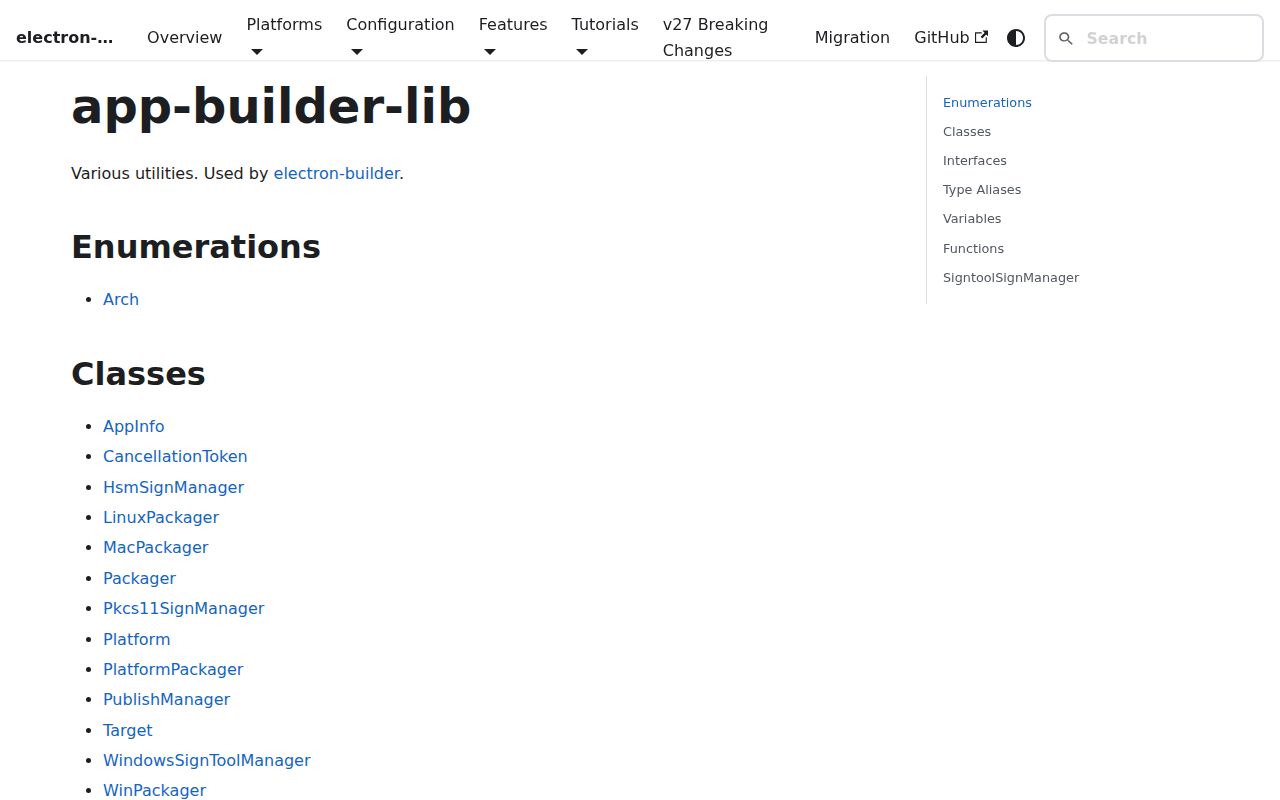
Our install of app-builder-lib 26.15.3 confirms what its name obscures: this is the 93 MB Node build engine under electron-builder, not a small helper for application code. It exports `build`, `Platform`, `Arch`, `Packager`, target classes, lifecycle hooks, signing managers, publishing types, and the configuration model used to turn an Electron project into unpacked apps and native installers. Version 26.15.3 is the current stable package and remains CommonJS with bundled TypeScript declarations; the repository now warns that v27 switches to native ESM, raises Node to 22.12, and removes deprecated APIs. Most Electron teams should install electron-builder and use its documented CLI or programmatic API instead of binding directly to this internal package.
app-builder-lib 26.15.3 took 15.7 seconds and 93 MB for 225 installed packages in our sandbox, so it is a poor direct dependency for a routine Electron app. Install electron-builder instead unless your build system needs Packager internals and can absorb the native-ESM change announced for v27.
We installed it
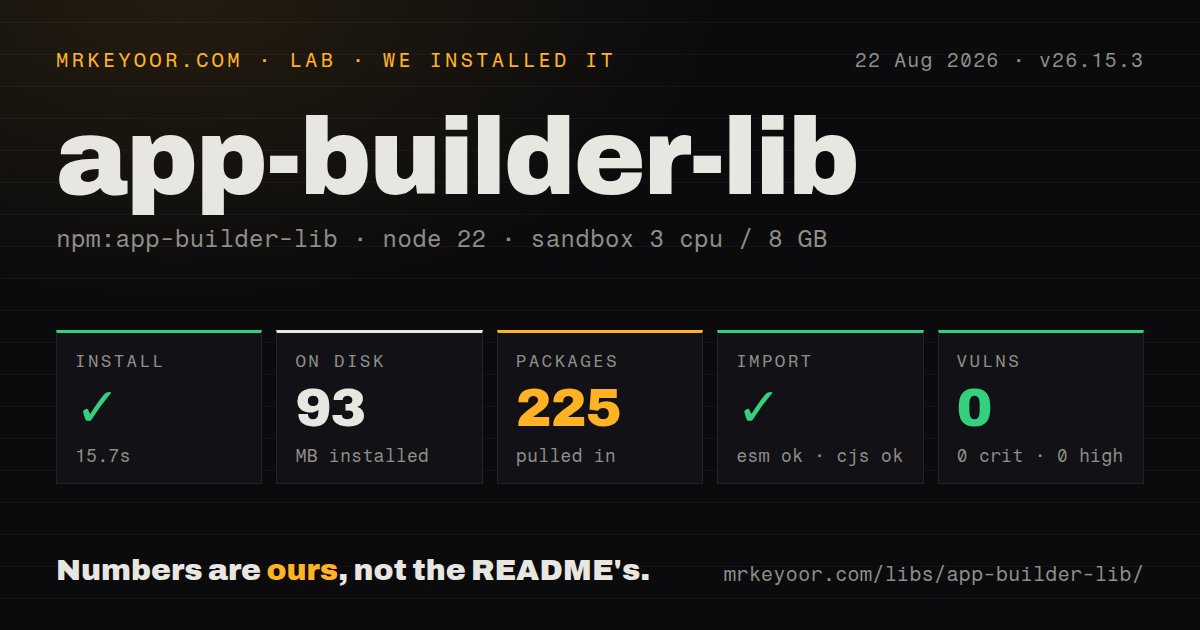
| Install | ✓ · 15.7s | 225 packages on disk · 93 MB · 4 deprecation warnings |
| Import | ✓ | ESM import works · require() works · CommonJS package |
| Browser | n/a | could not be bundled for the browser (Node-only code, most likely) |
| Types | ✓ | TypeScript types bundled |
| Known vulns | 0 | 0 critical · 0 high · 0 moderate · 0 low (npm audit) |
Answers from our run
Does app-builder-lib install cleanly?
Yes. In a fresh container with an empty cache, npm install app-builder-lib finished in 16 seconds, leaving 225 packages and 93 MB on disk. npm audit reported no known vulnerabilities. The install printed 4 deprecation warnings.
Can app-builder-lib run in a browser?
Not directly: esbuild could not bundle it for the browser in our run, which normally means it depends on Node built-ins. Use it on the server, or find a browser-targeted alternative.
Does app-builder-lib work with both ESM and CommonJS?
Yes. Both import 'app-builder-lib' and require('app-builder-lib') worked in Node 22 in our run. The package is published as CommonJS.
Does app-builder-lib include TypeScript types?
Yes, type declarations ship inside the package, so no @types install is needed.
app-builder-lib or electron-builder: which should you use?
electron-builder: Use it for the supported Electron packaging CLI and the documented build() API with internal versions already aligned. app-builder-lib 26.15.3 took 15.7 seconds and 93 MB for 225 installed packages in our sandbox, so it is a poor direct dependency for a routine Electron app.
When should you not use app-builder-lib?
You package an ordinary Electron app. The project's own programmatic guide imports build and Platform from electron-builder, which keeps its internal package versions aligned.
Use it if
- You maintain build infrastructure that must call electron-builder's engine directly and consume returned artifact paths.
- Your release service creates platform, target, and architecture maps at runtime instead of reading a fixed project config.
- You need Packager events, cancellation, artifact callbacks, or custom platform-packager access that the normal CLI does not expose cleanly.
- You can pin the electron-builder package family together and test its next major module-format change before upgrading.
- You package an ordinary Electron app. The project's own programmatic guide imports `build` and `Platform` from electron-builder, which keeps its internal package versions aligned.
- Install footprint matters. Our clean install left 225 packages and 93 MB on disk, while the package itself declares 41 direct dependencies and 2 peers.
- A browser or renderer bundle must contain it. Our esbuild browser build failed because this package reaches Node and platform tooling.
- One CI host must emit every native format. macOS signing and notarization need Apple tooling, while Windows and Linux targets carry different host-tool and container limits.
- You need an offline first build without preparing caches. The parent project downloads Electron and helper binaries on demand, so a successful npm install does not mean packaging can run without network access.
Setup reality
We installed app-builder-lib 26.15.3 in a fresh unprivileged Node 22 Bookworm container. npm finished in 15.7 seconds, printed 4 deprecation warnings, and left 225 packages using 93 MB. The package has 41 direct dependencies, 2 peer dependencies, and 5648 KB unpacked. npm audit found 0 known vulnerabilities. Both require() and ESM import worked against its CommonJS entry, and TypeScript declarations are included. Our browser bundle failed in esbuild, which is expected for code that invokes filesystem and operating-system tools.
A direct install is only the build engine. The Electron app still needs package metadata, an entry file, icons, file-selection rules, an output directory, and Electron itself. ASAR is on by default. Native .node modules may need asarUnpack, and the default rebuild step can require Python, a compiler, platform SDKs, or matching prebuilt binaries. The package asks for Node 14 or newer, but its exact-version peer packages must stay on 26.15.3.
The first packaging run can download Electron plus target helpers, so cache those downloads in CI if repeatability or speed matters. Yarn Plug'n'Play is not supported by the parent project unless Yarn uses the node-modules linker. A custom positive files pattern also replaces the default catch-all inclusion, which makes a missing entry file an easy packaging mistake. Start with the dir target and launch the unpacked app before spending time on installers.
Distribution credentials are platform-specific. macOS releases need a signing identity, entitlements, hardened runtime settings, and notarization credentials; Windows signing needs a certificate or signing service. Publishing adds provider tokens and channel rules after local artifacts exist. Keep those secrets in CI environment variables. Hooks execute with filesystem access and can leave partial output when they throw, while cancellation is cooperative rather than an automatic cleanup pass.
Patterns
Build the current platform's default target build-current-platform
const { build, Platform } = require('app-builder-lib');

const files = await build({
  projectDir: process.cwd(),
  targets: Platform.current().createTarget(),
  config: { appId: 'com.example.notes' },
});

console.log(files);
`build()` resolves to local artifact paths. The official application-level example imports the same API from electron-builder.
Create an unpacked app first build-unpacked-app
const { build, Platform } = require('app-builder-lib');

await build({
  targets: Platform.current().createTarget('dir'),
  config: { directories: { output: 'dist/smoke' } },
});
The `dir` target avoids installer creation. Launch this output to catch missing files and startup failures before signing work begins.
Request a Windows NSIS installer target-windows-nsis
const { build, Platform, Arch } = require('app-builder-lib');

await build({
  targets: Platform.WINDOWS.createTarget('nsis', Arch.x64),
  config: {
    appId: 'com.example.notes',
    nsis: { oneClick: false, allowToChangeInstallationDirectory: true },
  },
});
A public Windows installer should be signed. Cross-building may require Wine and does not remove target-specific signing requirements.
Build AppImage and Debian outputs target-linux-packages
const { build, Platform, Arch } = require('app-builder-lib');

await build({
  targets: Platform.LINUX.createTarget(['AppImage', 'deb'], Arch.x64),
  config: { linux: { category: 'Utility', icon: 'build/icons' } },
});
Each Linux format can require its own host tools. A Linux runner or the project's container images give the least surprising result.
Build a universal macOS DMG target-macos-dmg
const { build, Platform, Arch } = require('app-builder-lib');

await build({
  targets: Platform.MAC.createTarget('dmg', Arch.universal),
  config: {
    appId: 'com.example.notes',
    mac: { hardenedRuntime: true },
  },
});
Create and sign this output on macOS. Distribution also needs matching entitlements and Apple notarization credentials.
Load a builder config file load-external-config
const { build, Platform } = require('app-builder-lib');

await build({
  projectDir: '/workspace/desktop-app',
  targets: Platform.current().createTarget(),
  config: 'electron-builder.yml',
});
The config path belongs to the selected project directory. Pin related 26.15.3 packages so runtime code and the config schema agree.
Choose app files and extra resources select-packaged-files
await build({
  targets: Platform.current().createTarget('dir'),
  config: {
    files: ['dist/**/*', 'package.json'],
    extraResources: [{ from: 'assets/models', to: 'models' }],
  },
});
One positive `files` glob stops electron-builder from adding its default `**/*` pattern. Confirm the packaged entry point and runtime assets are present.
Keep native binaries outside ASAR unpack-native-addons
await build({
  targets: Platform.current().createTarget('dir'),
  config: {
    asar: true,
    asarUnpack: ['**/*.node', '**/vendor/bin/**'],
    npmRebuild: true,
  },
});
Native rebuilds target Electron's ABI and may need compilers or prebuilt binaries for every requested architecture.
Inspect staging after packing run-after-pack-hook
await build({
  targets: Platform.current().createTarget('dir'),
  config: {
    afterPack(context) {
      console.log(context.appOutDir, context.electronPlatformName);
    },
  },
});
`afterPack` runs before distributable creation and signing. An exception rejects the build and may leave the staging directory behind.
Record completed artifacts observe-artifacts
const completed = [];
await build({
  targets: Platform.current().createTarget(),
  config: {
    artifactBuildCompleted(event) {
      completed.push({ file: event.file, arch: event.arch });
    },
  },
});
This callback reports built files. Publishing still needs a provider configuration, credentials, and an explicit release-channel policy.
Turn a prebuilt app into an installer package-prebuilt-app
await build({
  prepackaged: '/workspace/prebuilt/MyApp',
  targets: Platform.WINDOWS.createTarget('nsis', Arch.x64),
  config: { directories: { output: 'dist/installers' } },
});
The prepackaged directory must already match the target platform and architecture. This split does not bypass native signing rules.
Cancel a running build cancel-programmatic-build
const { build, Packager, Platform, CancellationToken } = require('app-builder-lib');

const options = { targets: Platform.current().createTarget() };
const token = new CancellationToken();
const packager = new Packager(options, token);
const pending = build(options, packager);
process.once('SIGINT', () => token.cancel());
await pending;
Cancellation is cooperative. CI cleanup still has to remove any staging directories or partial artifacts left by interrupted tools.
Alternatives
| Package | Registry | Pick it when |
|---|---|---|
| electron-builder | npm | Use it for the supported Electron packaging CLI and the documented `build()` API with internal versions already aligned. |
| @electron-forge/cli | npm | Use Electron Forge when scaffolding, packaging, makers, and publishing should share one project workflow. |
| @electron/packager | npm | Use it when you only need platform app bundles and will handle installers, signing, and publishing elsewhere. |
More cli & tooling guides
chalk · commander · typescript · esbuild · yargs · click · the whole shelf →
How this guide is made: grounded in the library's documentation, release notes, changelog, and issue history, on a fixed rubric — not a hands-on install of every release. The 50 most-downloaded entries are additionally install-verified in clean containers. Corrections: contact the desk.