ZCF writes the global setup that two coding agents share
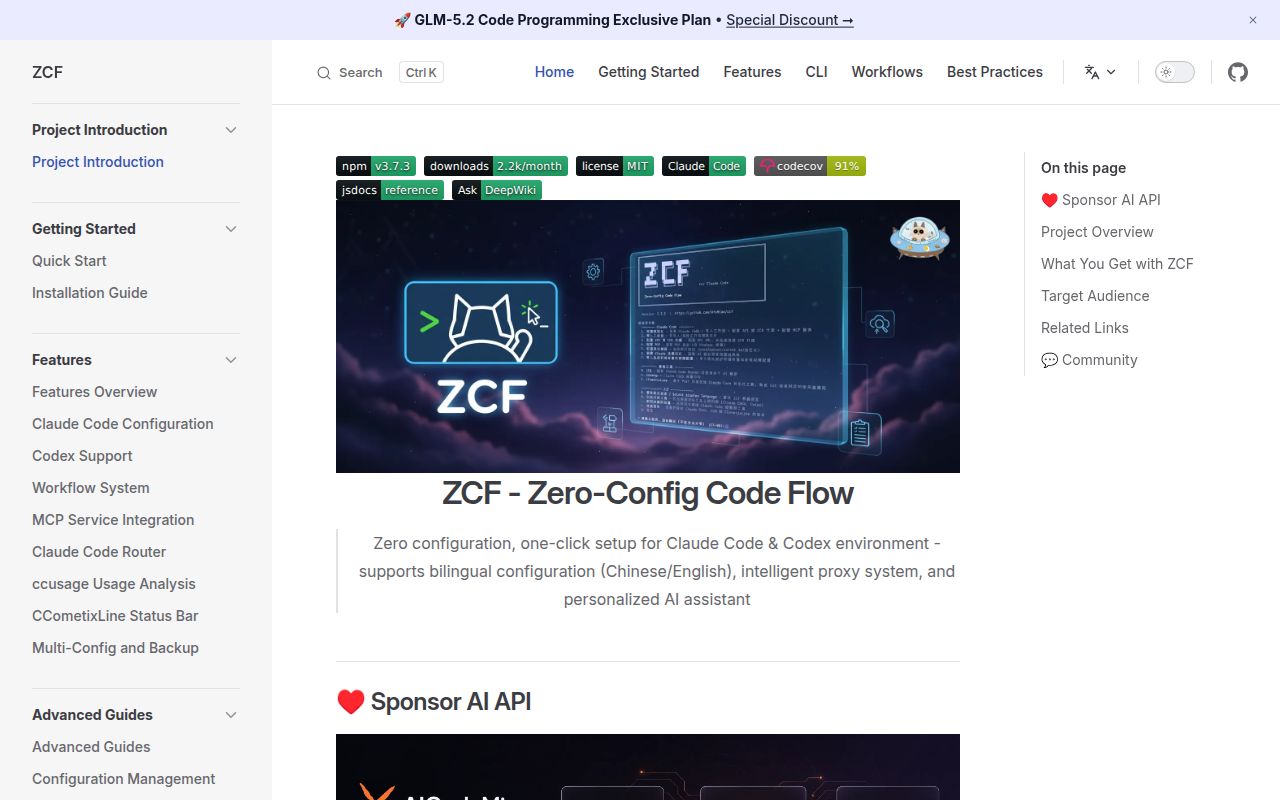
ZCF is useful because Claude Code and Codex scatter their setup across different files and conventions. Its interactive menu can install either CLI, choose an authentication method, add MCP servers, copy workflow prompts, set an output style, and configure a status line. Non-interactive flags turn the same work into a repeatable machine setup. This is more than a launcher: it is a configuration manager whose main targets include ~/.claude/settings.json, ~/.claude/CLAUDE.md, ~/.codex/config.toml, and ~/.codex/AGENTS.md.
The scope is large enough to save real time. The documentation covers Node.js 22 and newer across macOS, Linux, Windows, WSL, and Termux. It also separates template language from response language, provides named provider configurations, and installs selected workflows or MCP services. A developer moving between machines can encode most of that in one command. The tradeoff is equally concrete: a convenient command now owns changes you may previously have reviewed file by file.
All 2,552 tests passed, but they cannot approve your configuration choices
The repository gives that broad scope more engineering support than the terse README suggests. Our checkout contained 655 files and about 73,199 lines of source. It is a pnpm workspace with a tests directory and 3 CI workflow files. The English documentation is extensive, with parallel Chinese and Japanese sections covering installation, commands, features, troubleshooting, architecture, and testing. The main README mostly points there after a short quick start, then devotes a great deal of space to sponsors and API relay offers.
A green suite proves the checked-out code behaved under its own cases. It does not prove that a particular merge is safe for your hand-edited files, that every external MCP server will connect, or that a relay provider matches your security policy. ZCF offers backup, overwrite, merge, and document-only choices when it finds existing configuration. Read those prompts literally. The product is easiest to trust when you treat the generated diff as the result, rather than treating a successful menu as the result.
What happened when we ran it
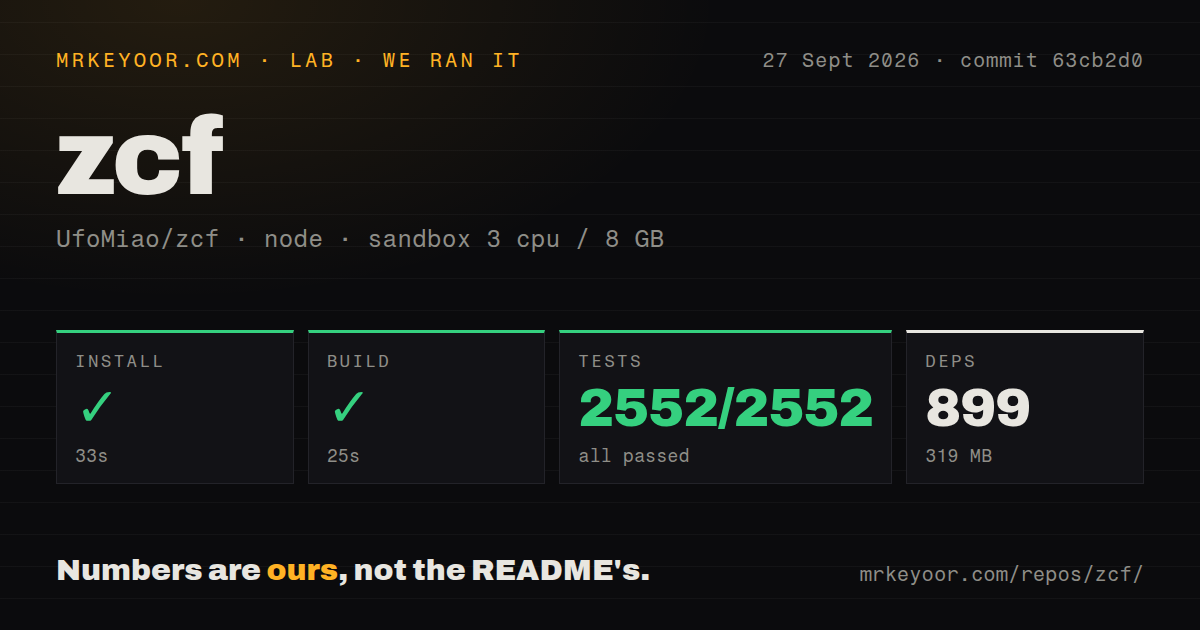
Our sandbox installed 899 packages in 33 seconds, leaving 319 MB on disk. The build finished successfully in 25 seconds. Vitest completed in 60 seconds with 2,552 passed and 0 failed out of 2,552. Those figures come from commit 63cb2d0 in a fresh unprivileged Debian container with 3 CPUs, 8 GB of RAM, and no secrets. No install, compiler, or test failure appeared in this run.
The measurement covers repository health, not a live agent migration. We did not give ZCF an Anthropic key, an OpenAI key, or credentials for a sponsored relay. We also did not let it rewrite an established home directory or connect its recommended MCP servers. The clean 118 seconds across install, build, and tests makes a source trial easy to justify, while leaving the consequential part, changes to your own agent state, for a separate review.
Version 3.5.1 reports show why a backup needs inspection
The documentation says ZCF creates timestamped backups and can merge existing files. Its uninstall command is more severe: complete mode removes the Claude Code, Codex, Claude Code Router, CCometixLine, ZCF, and backup configuration directories, while leaving the agent CLIs installed. The guide calls that operation irreversible and recommends manual backups. Use custom uninstall for one component, and confirm that the backup you care about sits outside any directory the complete mode will remove.
Two open reports make this caution practical. Issue 290 says a version 3.5.1 command intended to install workflows also changed CLAUDE.md, installed a status line, updated Claude Code, and edited settings. Issue 345 reports that switching a Codex provider could leave the API key out of sync and make existing desktop sessions disappear from view even though their files remained. These reports do not establish behavior in every version, but both concern the exact state ZCF manages.
Release 3.7.3 is active and still focused on two agents
GitHub showed 6,081 stars and 43 combined open issues and pull requests when checked. The last push and release 3.7.3 both landed on August 31, 2026. That release added a code-tool adapter registry, a MiniMax China preset, and fixes for Windows command paths and Codex provider handling. The dates and current pull request activity point to active maintenance. The open count includes pull requests, so it is not a count of confirmed bugs.
Claude Code and Codex receive the documented installation, workflow, MCP, and provider-switching paths. Their coverage is not identical: the installation guide says Codex lacks some Claude Code workflows, including feature development, project initialization, and BMad. Requests for OpenCode, Gemini CLI, IDE, and other agent support are still issues, not shipped promises. CC Switch is a better comparison if a broad desktop agent roster matters. Native Claude Code or Codex setup is simpler when only one official tool and endpoint are allowed.
The 33-second install earns a trial, not blind ownership of your home directory
ZCF is a strong fit for a developer who understands the underlying files and is tired of reproducing them by hand. Passing 2,552 tests, publishing multilingual operational documentation, and shipping current releases distinguish it from a loose collection of setup scripts. Start with a disposable OS account or copied home directory, run one narrowly chosen operation, and inspect every changed file. If that review feels like extra ceremony, keep the native setup: ZCF's value only appears when repeated configuration work outweighs the cost of auditing a global configuration writer.