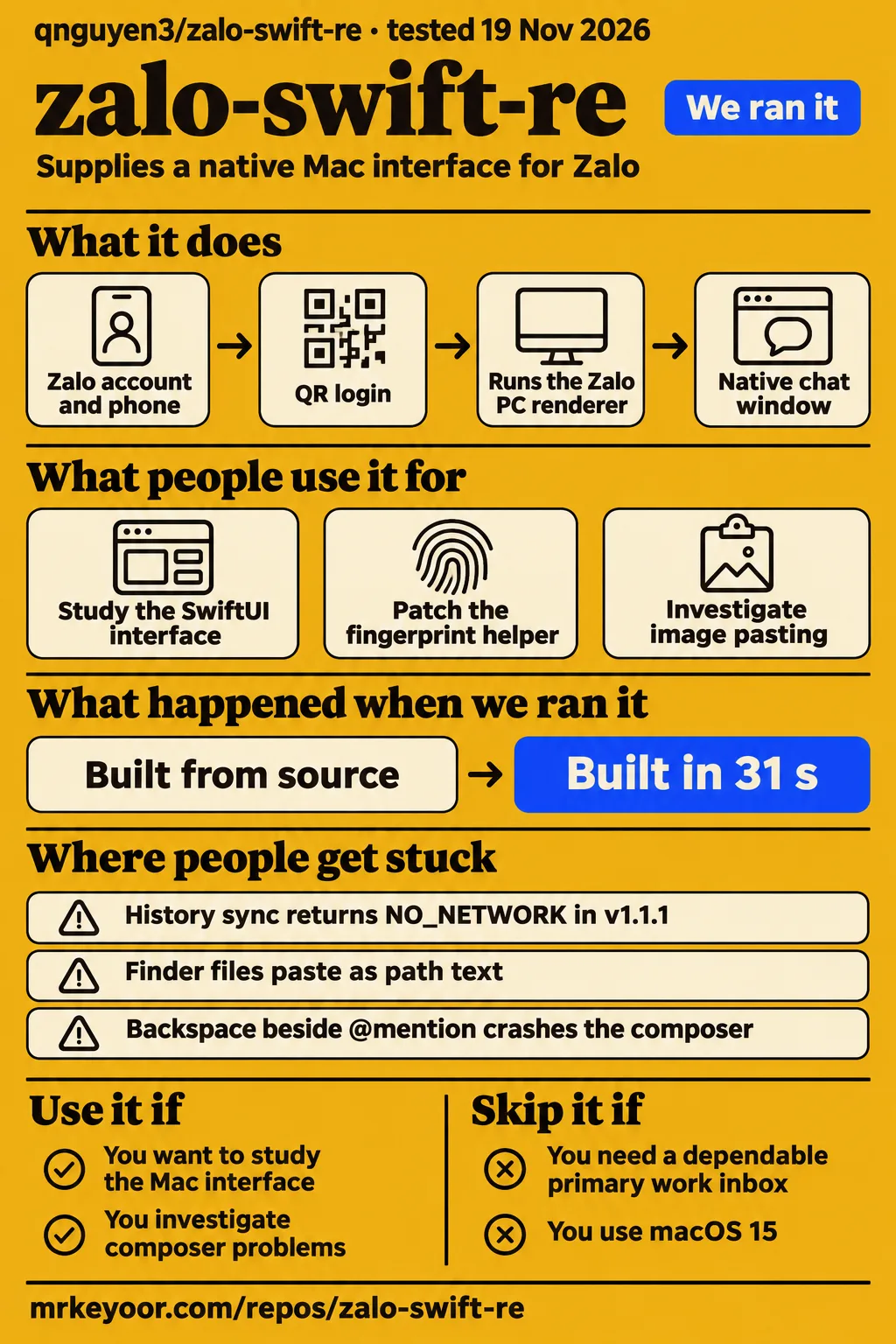
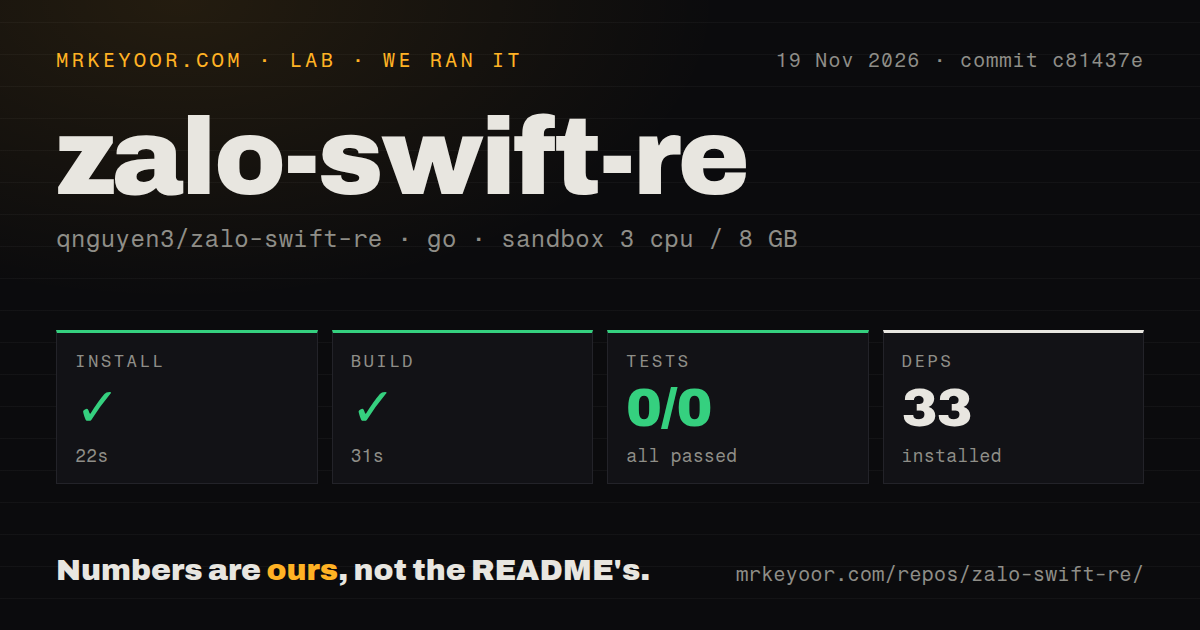
Short answer: the Go helper built in 31 seconds
Our run built the Go fingerprint helper in 31 seconds, and its test command counted zero tests. Use zalo-swift-re, also called Olaz, if you want to study or contribute to a native Mac interface for Zalo. Skip it as a primary work inbox: issue #17 reports missing incoming messages and failed history synchronization, followed by success after the reporter rebuilt the app with a local helper patch. That combination makes the project more useful to a contributor investigating integration problems than to someone choosing a client for essential conversations.
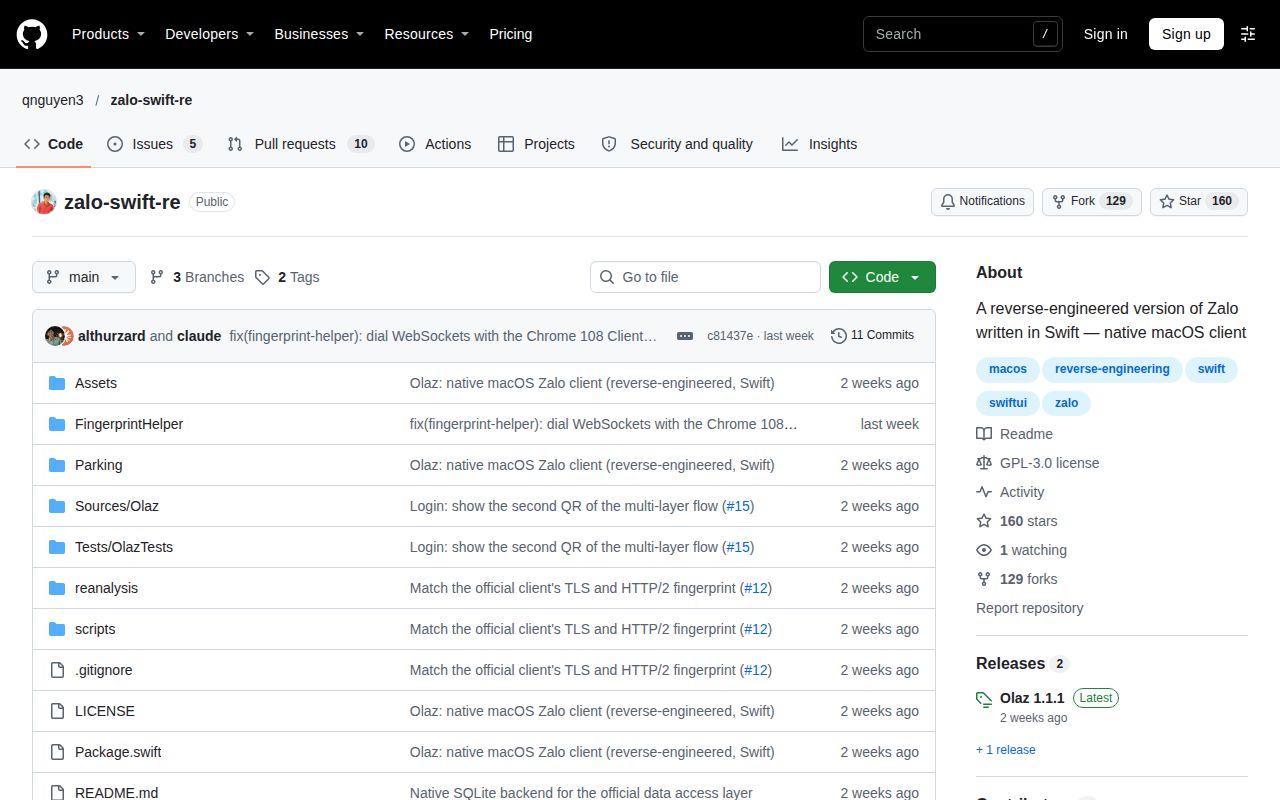
The Olaz README describes a SwiftUI interface over the official Zalo PC renderer, with a sidebar, labels and a native media viewer. The interface changes, but Zalo's own client code still supplies the underlying state and services. The useful question is therefore how the Swift host connects that renderer to macOS, its network helper and ordinary editing actions. The issue tracker contains specific reports about those connections, including error strings and contributor changes.
What you can do with zalo-swift-re
Olaz runs the official Zalo PC renderer inside WKWebView and supplies the surrounding native interface in Swift. WKWebView is Apple's embedded browser component. The README says Olaz does not reimplement Zalo's protocol; instead, Swift replaces services previously supplied by Electron's preload and main processes. That architecture explains why a native-looking chat window still depends on an official runtime, bridge handlers and adapters connecting the renderer to the Mac application.
The README lists QR login, restored sessions, conversation history, replies, mentions, reactions, media attachments and voice or video calls through Zalo's helper. It also describes phone-to-PC history import and a composer menu for photos, video, files and screenshots. These are documented project capabilities. Clipboard pasting is a separate interaction from selecting an attachment in that menu, which becomes important when reading the image-pasting report in issue #13.
A Zalo account and the Zalo app on your phone are required for QR login. The README says Zalo allows one desktop session per account, and instructs users to quit official Zalo PC while using Olaz. It also explains that a new PC session starts without message history except My Cloud because history lives on the phone. Its documented import action is Đồng bộ tin nhắn từ điện thoại, followed by confirmation on the phone.
What people use zalo-swift-re for
Contributors have used Olaz to investigate a failed realtime handshake and repair image-pasting behavior, with reported outcomes attached to specific changes. These examples describe development work rather than general endorsements. The helper report follows a failure from a WebSocket connection attempt into history synchronization; the composer report distinguishes image-only clipboard content from Finder files. Both give a prospective contributor a concrete starting point in the issue tracker.
| Who | What they did | What they reported |
|---|---|---|
| The reporter of issue #17 | Patched the fingerprint helper and rebuilt the app | The helper opened the WebSocket, the sync request succeeded and the phone displayed its confirmation prompt, according to the reporter's results. |
| tientmit88, commenting on issue #13 | Supplied changes to paste handling and Paste menu validation | The commenter reports testing the patch on v1.1.1 with macOS arm64 in the image-pasting discussion. |
The first report connects two visible problems to one helper failure: new messages do not arrive, and importing old messages ends with NO_NETWORK. The second concerns an everyday composer action, copying an image into a chat. Those are useful contribution targets because the reports identify triggers and relevant code paths. They also show why reviewing the interface's feature list alone would miss important differences between an available control and the path a user takes to reach it.
What happened when we ran it
Our November 19, 2026 run at commit c81437e built the Go project in ./FingerprintHelper/ in 31 seconds. Installation succeeded in 22 seconds with 33 dependencies recorded. The test command succeeded in 6 seconds, with 0 passed and 0 failed of 0. These are our sandbox measurements, attached to the helper selected by the harness. The README separately documents Swift tests and a Mac application build command.
| November 19 sandbox step | Recorded result | What the result describes |
|---|---|---|
| Install | Succeeded in 22 seconds; 33 dependencies | Dependency installation for the selected Go helper. |
| Build | Succeeded in 31 seconds | A completed Go helper build. |
| Tests | Succeeded in 6 seconds; 0 passed, 0 failed of 0 | A completed test command with zero counted cases. |
| Repository scan | 0 CI workflow files, no Dockerfile, no tests directory | The harness's repository scan. |
The configured sandbox had 3 CPUs, 8 GB RAM and image label golang:1.24-bookworm. The checkout contained 209 files, approximately 55,178 source lines and occupied 7.3 MB. Those figures describe the recorded sandbox configuration and source checkout. They are different quantities from the README's approximately 340 MB first-launch download and approximately 270 MB retained runtime. Keeping their units and subjects attached prevents the checkout size from becoming an apparent application footprint.
The November 20 attempt recorded a failed safety step because no Compose file existed. It named compose.yaml, compose.yml, docker-compose.yaml and docker-compose.yml, and stated that its runner required one. The run summary nevertheless described deployment with the project's own Docker Compose, with every port bound to 127.0.0.1. Those entries conflict. The final teardown entry reported ok. The runner's Compose requirement explains the failed eligibility step without turning that label into a security judgment about Olaz.
Where people get stuck: sync and ordinary editing
Issue #17 reports that v1.1.1 failed to receive realtime messages and returned NO_NETWORK during phone-history synchronization. Its log shows a WebSocket opening attempt followed by helper open failed: please implement this method. The transfer request then returns a network error, and the phone never receives its confirmation prompt. The reporter's sequence in issue #17 connects both symptoms to the helper rather than presenting NO_NETWORK alone as a diagnosis.
The same reporter describes a local helper change involving the connection specification and HTTP/1.1 protocol negotiation. The old helper returned WSERR; the patched helper returned WSOPENED. After rebuilding the app, the reporter recorded ws#1 helper handshake ok and REQUEST_SYNC_TO_SERVER ok, and saw the confirmation on the phone. These are the contributor's before-and-after results, with the issue listed as open.
| Symptom | Reported explanation | Change described in the issue |
|---|---|---|
| Incoming messages stop and history sync returns NO_NETWORK | The helper handshake fails with please implement this method | The reporter describes a locally tested helper patch in issue #17. |
| Image paste does nothing, or a file pastes as path text | Plain-text composer handling and Paste validation interfere with image or file content | tientmit88 describes paste handling and menu validation changes in issue #13. |
| Backspace beside an @mention crashes the composer | The report identifies excessive recursion in the edit delegate | Issue #20 contains the crash report. |
In issue #13, tientmit88 explains the composer's clipboard behavior: an image-only clipboard can cause AppKit to disable Paste, while Finder files paste as path text. The comment names a plain-text NSTextView with no paste handling and reports a patch tested on v1.1.1 with macOS arm64. This is a different path from the README's composer attachment menu, so an available screenshot button does not answer the clipboard report.
The author of issue #20 reports a stack overflow when pressing Backspace next to an @mention. The excerpt names EXC_BAD_ACCESS and Thread stack size exceeded due to excessive recursion, with repeated calls through the composer edit delegate in the trimmed crash trace. That gives the report a specific trigger and failure signature. It is more precise than describing the composer as generally unstable or extending the report to every text-editing action.
Security: issue #1 reviews native bridge boundaries
Issue #1 describes a static review of security-sensitive code, and its author says the app was not run. The review focuses on interfaces that let rendered content request native filesystem or network operations. It reports missing main-frame and origin checks in the bridge handlers, script injection into subframes and unrestricted subframe navigation. The author's concern is that compromised rendered content could reach privileges intended for the application.
| Area identified by the reviewer | What issue #1 reports | Recommendation or observation |
|---|---|---|
| Frame and origin boundaries | Native handlers lack main-frame and security-origin checks | Restrict bridge messages, script injection and subframe navigation. |
| Opening local files | Bridge-written files lack quarantine | Apply the native UI's mayExecute filter and limit openPath to downloads. |
| Filesystem reads and operation sources | Reads and the source side of move, copy and link accept arbitrary paths | Extend path restrictions to reads and move sources. |
| Runtime integrity after installation | app.asar loads from user-writable storage without another integrity check | Store its installation hash and check before launch or serving. |
| Existing installation and transport protections | The reviewer credits installer signature and pinned SHA-256 checks, TLS validation, download quarantine and blocking exec/child_process | These are protections explicitly credited by the static reviewer. |
The table summarizes issue #1's findings and recommendations, including protections the author credits. Installation signature checking and restrictions on later bridge operations address different stages of the design. The README says first launch checks VNG's signature before retaining runtime components; the issue asks what rendered content can request after that runtime starts. Reading both together produces a more useful security question than treating a signed download as an answer about every native operation.
English documentation exists; the current target is macOS 26
The English README requires macOS 26 or later, Xcode 27 and a Swift 6 toolchain for source development. The downloadable v1.1.1 release requires macOS 26 or newer on Apple Silicon. A user asks for macOS 15 support in issue #16, but the published requirements already give a concrete answer for someone deciding whether their current machine meets this release's stated target.
First launch downloads the official Zalo PC installer from VNG or copies a matching installed Zalo.app, checks VNG's code signature and retains app.asar and ZaloHelper.app. The README identifies Olaz as unofficial and unaffiliated with VNG, and warns that using an unofficial client may conflict with Zalo's terms. A separate official Zalo PC installation is unnecessary for the documented runtime acquisition path.
zalo-swift-re vs official Zalo, KV-Zalo and mobile SDK wrappers
Olaz targets a native Mac interface, KV-Zalo describes a Linux client and web relay, and react-native-zalo-kit targets mobile authentication. Platform and purpose therefore separate these choices before feature comparisons begin. Official Zalo is the vendor's messaging product; Olaz identifies itself as an unofficial research project. The comparison below uses those documented categories to help readers choose which project answers their actual task.
| Option | Documented purpose | When to choose it |
|---|---|---|
| zalo-swift-re / Olaz | Native macOS interface around the official Zalo PC renderer, per the Olaz README | You want to study or contribute to this Mac implementation. |
| Official Zalo | The vendor's messaging product, described on Zalo's product page | You want official Zalo. |
| KV-Zalo | A native Linux desktop client and self-hosted web relay, according to the KV-Zalo README | Your target is Linux or a browser relay. |
| react-native-zalo-kit | A React Native wrapper around official Android and iOS SDKs for login and basic profile access, according to its package documentation | You are adding Zalo authentication to a mobile app. |
The flutter_zalo documentation likewise describes login, profile retrieval and token management on Android and iOS. Those mobile integration jobs differ from reading desktop conversations. KV-Zalo's Linux and relay description also belongs to that project's platform choice. A reader looking for a native Mac inbox can use the table to exclude SDK wrappers early, while a mobile developer can go directly to authentication documentation.
Release v1.1.1 addresses QR login
The v1.1.1 release notes describe a login fix, including replacement QR codes for trusted-device accounts and restoration of the phone-confirmation step. The release explanation says an SVG replacement QR was previously left undecoded, leaving Olaz displaying the retired code. It also says the signed-in-on-another-PC notice works again. These are the changes named in that release, distinct from the helper and composer reports discussed above.
GitHub metadata records a last push on November 11, 2026, while v1.1.1 was published on November 9. The dates describe repository activity and release publication respectively. For the contributor audience, the useful next step is to trace the relevant helper or composer change into the source revision being inspected. The sandbox result belongs to commit c81437e, while the release retains its exact v1.1.1 identity.
Questions people ask
The v1.1.1 release requires macOS 26 or newer on Apple Silicon, so macOS 15 is outside its stated requirements. The following questions come from project issues and the documented phone-history workflow. They focus on choosing or investigating Olaz: the operating-system target, clipboard pasting, a shared sync failure and a composer crash. The answers keep the contributor reports attached to their issue numbers and versions.
Can zalo-swift-re support macOS 15 and later?
The current README specifies macOS 26 or later, and the v1.1.1 download requires Apple Silicon. Issue #16 asks for macOS 15 support, making it a request for a broader target than the published requirements. For someone choosing the downloadable app, the v1.1.1 release requirements are the concrete compatibility statement to use.
Why does pasting a copied image or screenshot into zalo-swift-re produce a file path or do nothing?
Issue #13 attributes the behavior to plain-text composer handling and Paste command validation. In tientmit88's explanation of the clipboard paths, AppKit disables Paste for an image-only clipboard, while Finder files paste as path text. The commenter reports testing a patch on v1.1.1 with macOS arm64. The report concerns clipboard input, separate from choosing photos or screenshots through the composer's menu.
Why does zalo-swift-re history synchronization fail with NO_NETWORK while realtime messages also stop arriving?
Issue #17 traces both symptoms to a fingerprint-helper WebSocket handshake failure in the reported v1.1.1 setup. The helper returns please implement this method before the transfer fails. The reporter's local patch changed the result to WSOPENED; after rebuilding the app, the reporter recorded a successful sync request and saw the confirmation prompt on the phone.
Why does zalo-swift-re crash when I press Backspace next to an @mention?
Issue #20 reports a stack overflow with excessive recursion in the composer's edit delegate when Backspace is pressed next to an @mention token. The trimmed crash trace repeats the delegate calls and names EXC_BAD_ACCESS. That report identifies a particular editing trigger; it does not describe every mention operation or every composer action as producing the same crash.
Why does the official Zalo app require manual synchronization when switching devices?
The Olaz README says Zalo keeps history on the phone, so a new PC session starts without history except My Cloud. It directs users to phone-to-PC import with confirmation on the phone. Separately, Appsrankings reviewer Igarashi Kaito complains about manually synchronizing when switching devices. For an Olaz evaluation, the actionable workflow is the documented import rather than an assumption that a fresh desktop session already contains old conversations.
What we have not tested yet
Our completed work measured the Go helper at commit c81437e, not a supported Mac messaging session. We have not tested the Swift app on Mac hardware, completed QR login, sent or received messages, imported phone history, exercised calling or measured memory, battery use, latency or sustained reliability. The golang:1.24-bookworm image label records configuration; actual Go and operating-system versions require raw toolchain logs. The harness's zero counted tests and repository scan do not replace the Swift checks described in the README.
The November 20 attempt has contradictory Compose records and no completed messaging task. There are no screenshots or known-answer Mac results from that attempt. Contributor patch reports are separate from our measurements: helper and paste release inclusion is unresolved, and we have not reproduced the mention crash or tested a fix. The readable crash excerpt supports its trigger and recursion signature, but not a complete corrective code example.
Issue #1 is a static review rather than a demonstrated exploit or a completed security audit; exploitability and remediation need separate assessment. The alternatives comparison covers documented purposes rather than a side-by-side reliability or security test. Ratings remain unassessed because helper command completion, an English README and sampled issues do not measure supported Mac setup, maintainer capacity or sustained application reliability. The missing result for primary-inbox use is a supported Mac session that receives new messages and imports history without a local repair.