mrkeyoor.com_
Sun 16 Aug 16:52 UTC
Dev Toolsevaluationupdated 16 Aug 2026

yazi

Yazi is a fast, keyboard-driven file manager that runs inside a terminal on Linux, macOS, Windows, and Android. It makes browsing, previewing, searching, renaming, moving, and opening files practical without leaving a command-line workflow.

Verdict

Yazi is the terminal file manager I would try first if previews, speed, and deep customization all matter. Its defaults feel finished enough for daily work, but its beta status and dependency-heavy feature set reward users who are comfortable maintaining a personal toolchain. Use it if the terminal is already your workspace; skip it if you want desktop-file-manager predictability with no configuration upkeep.

Setup3/5Core install is easy, while full previews need many companion tools
Docs5/5Excellent platform, configuration, plugin, and terminal guidance
Community5/5Large audience with current issues, pull requests, and releases
Maturity4/5Daily-driver quality, but still a breaking-change public beta

Who it’s for

Developers who spend most of the day in a terminal and want a visual file browser without reaching for a desktop app.
Vim users who will feel at home with modal movement, visual selection, tabs, and keyboard-first commands.
Power users who want image, video, PDF, archive, and code previews in a terminal that supports the necessary protocols.
Tinkerers willing to customize behavior and interface pieces with Lua plugins, themes, and external command-line tools.

Who it’s NOT for

Anyone who needs a stable configuration contract across upgrades: the README calls Yazi a public beta in heavy development and explicitly warns about breaking changes.
Users who want every preview, search, archive, and navigation feature in one self-contained binary: the installation guide lists file as required and a long set of optional tools including ffmpeg, 7-Zip, poppler, fd, ripgrep, fzf, zoxide, resvg, and ImageMagick.
Windows users unwilling to install and configure Git for Windows or a substitute plugin: the official guide recommends its file.exe as the only reliable MIME detection route and requires YAZI_FILE_ONE configuration.
People expecting desktop file associations to work in every packaging setup: an open August 2026 report describes a PDF AppImage that opens from the shell and Nautilus but not from Yazi.
Users who prefer discoverable buttons and menus over learning modal keys, shell integrations, and configuration files.

Setup reality

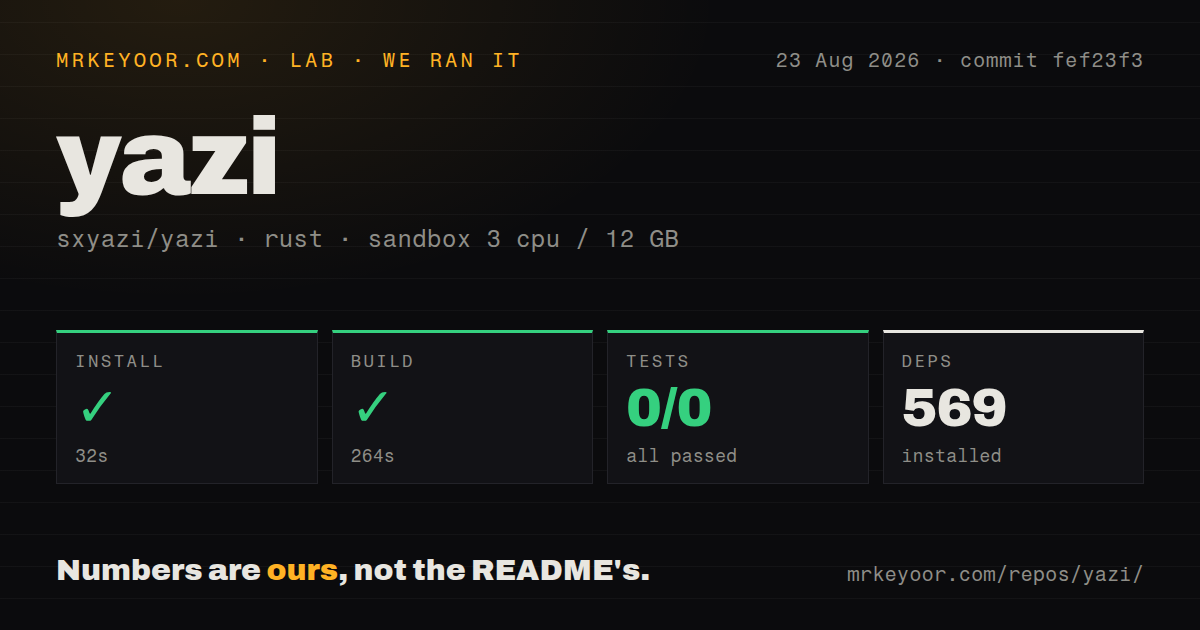
Installing the core binary is easy on well-supported platforms, with official releases plus Homebrew, APT, Scoop, WinGet, Nix, and other package routes. Getting the experience shown in screenshots takes more work: file is mandatory, richer previews and search require several external programs, icon rendering benefits from a Nerd Font, and image support varies by terminal protocol. Windows adds a MIME-detection environment variable, while serious customization means learning Yazi's TOML files and Lua plugin model. The defaults are useful immediately, but a polished daily setup is an evening project rather than a one-command install.

A file manager built for terminal people

Yazi is what happens when a terminal file manager stops treating previews and background work as optional decoration. Its three-pane interface lets you move through directories with Vim-like keys while the right pane previews the selected item. Code gets syntax highlighting, images can render directly in supported terminals, and optional tools add video, PDF, archive, JSON, and SVG previews. Tabs, visual selection, bulk rename, archive extraction, trash, drag and drop, and a file chooser make it credible as a daily file manager rather than a clever directory navigator.

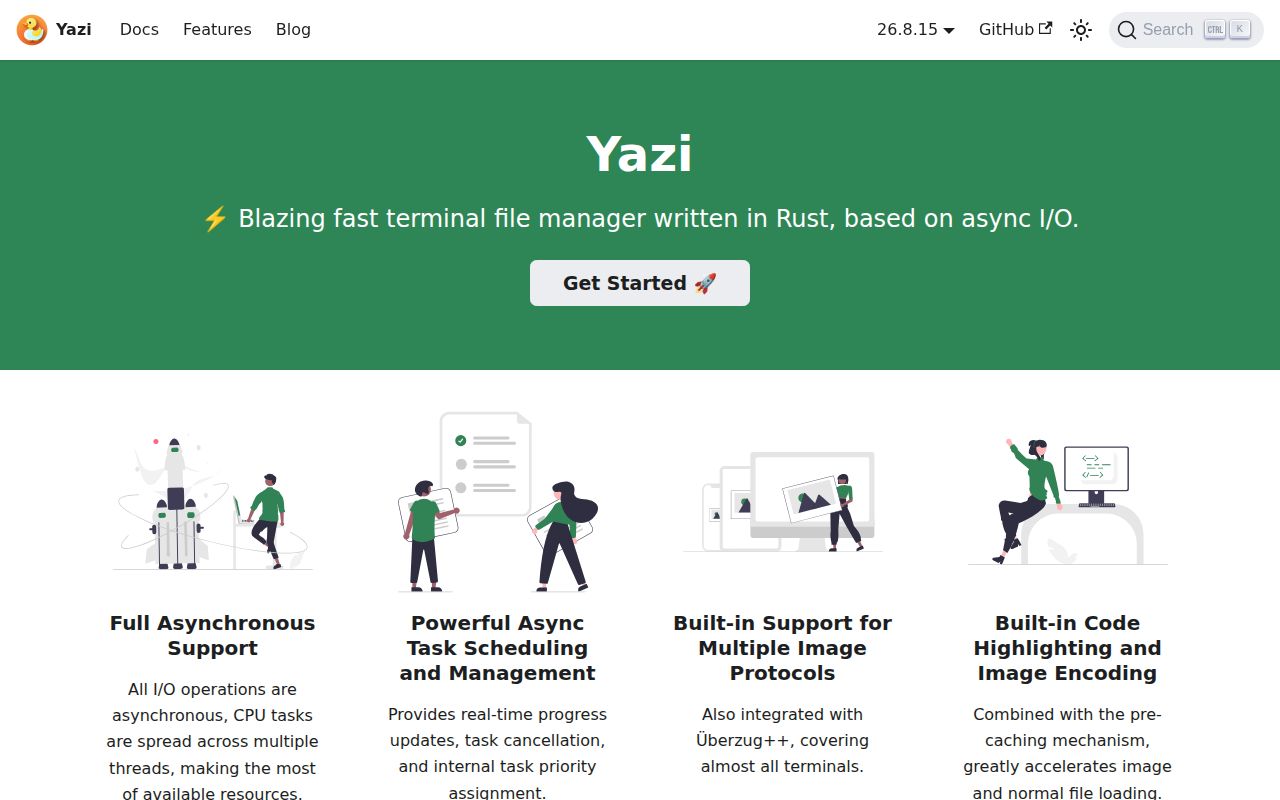
The project is written in Rust around non-blocking I/O. File operations run asynchronously, CPU work can spread across threads, and a task system shows progress and allows cancellation. That design matters when copying or inspecting large directories because the interface need not freeze behind one slow operation. The README's speed language is not a benchmark, but the architecture fits the responsive behavior Yazi aims to deliver.

This is a keyboard tool. Vim users will grasp movement, selection, and modes quickly. Everyone else should expect a learning period, though the command palette and key hints help. Mouse support is an aid, not the center of the design.

The preview system is excellent, with conditions

Yazi's terminal graphics coverage is a standout. It supports Kitty's graphics protocols, iTerm2 inline images, Sixel, and fallbacks through Überzug++ or Chafa. The compatibility table covers Kitty, iTerm2, WezTerm, Konsole, foot, Ghostty, Windows Terminal, Warp, VS Code, and smaller terminals. Most users therefore have a realistic path to image previews.

The catch is that the best experience is assembled from several programs. The installation guide requires file for type detection. It recommends a Nerd Font, then lists ffmpeg for video thumbnails, 7-Zip for archives, jq for JSON, poppler for PDFs, fd and ripgrep for search, fzf and zoxide for navigation, resvg for SVGs, ImageMagick for additional formats, and platform-specific clipboard tools. You need the relevant ones before assuming a missing preview or search action is a Yazi defect.

Windows has another sharp edge. The official guide recommends installing Git for Windows and pointing YAZI_FILE_ONE at its file.exe for MIME detection. Scoop and Chocolatey versions of file are discouraged because of Unicode filename and parameter limitations. An extension-based plugin is available, but users must choose that compromise deliberately.

External application launching can also expose packaging quirks. An open August 2026 issue reports that a Sioyek AppImage could open a PDF from the shell and Nautilus but not from Yazi, even with default configuration and a nightly build. One report does not establish a general failure, but test your actual editor, viewer, sandboxed apps, and desktop associations before replacing your current file manager.

Customization goes much deeper than colors

Themes and key mappings are only the surface. Yazi supports concurrent Lua plugins that can alter much of the interface or provide custom previewers, preloaders, spotters, fetchers, and commands. Its package manager installs and updates plugins and themes, with version pinning for controlled upgrades. The virtual filesystem supports remote management and custom providers. A built-in publish-subscribe system lets running instances exchange state without a separate server process.

That range is a meaningful advantage over smaller terminal browsers. You can add Git status, mount management, alternative search, or a workflow-specific layout. It also creates maintenance cost. A plugin-rich configuration is software you own, especially while APIs and configuration shapes can change. The current release changed VFS section names, moved built-in archive URL behavior to plugins, renamed key syntax, and deprecated several APIs and actions. The changelog explains these changes, but reading it is part of upgrading responsibly.

Setup is easy until you want everything

There are many credible installation routes. The documentation covers official binaries, Homebrew, an official Debian and Ubuntu APT repository, Nix, Scoop, WinGet, Cargo, source builds, and community packages. Community packages may lag, as the guide states, so compare versions when you need a recent API or fix.

Start with defaults. Install the binary, confirm navigation and file opening, then add only the preview and search dependencies you use. Next, configure shell integration, choose a terminal image protocol, and add plugins one at a time. Copying a showcase configuration immediately makes troubleshooting harder.

Documentation supports this gradual path. The site covers quick start, configuration, previews, drag and drop, plugins, themes, the CLI, inter-instance messaging, tips, terminology, and common questions. Examples explain both the simple path and the underlying systems.

Healthy, popular, and explicitly unfinished

The repository had about 41,400 stars and 66 open issues and pull requests on August 16, 2026. Code was pushed that day, the latest release arrived August 15, and recently updated issues and pull requests show active development. The MIT license is friendly to personal and commercial use.

The README calls Yazi a public beta that can be used as a daily driver, then warns that heavy development brings breaking changes. Both claims look accurate. The surface is polished, while the August release added trash, drag and drop, bulk create, a command palette, custom virtual filesystem providers, and dynamic plugin APIs alongside removals and deprecations.

Yazi is an excellent fit for developers who enjoy shaping their tools and already live in a capable terminal. It offers a richer visual and extension story than minimalist alternatives without giving up keyboard speed. Pin important plugins, read release notes, and keep a known-good configuration when upgrading. If that sounds like normal maintenance, Yazi is easy to recommend. If it sounds exhausting, use a desktop file manager or a smaller terminal browser.

Alternatives

ProjectWhat it isPick it when
rangerA long-running Vim-inspired console file manager written in Python.pick this instead when you value an established workflow and Python configurability more than Yazi's async design and richer terminal graphics.
nnnA small, fast terminal file manager designed to stay light on resources.pick this instead when minimal size, quick navigation, and shell scripting matter more than built-in panes and previews.
lfA terminal file manager with a restrained interface and configurable shell commands.pick this instead when you want a simpler ranger-like browser with fewer interface systems to learn.

What people are saying

  1. [github-trending] sxyazi/yazi

Sources

  1. Yazi README
  2. Yazi installation guide
  3. Yazi v26.8.15 changelog
  4. Issue 4236: PDF AppImage opening failure