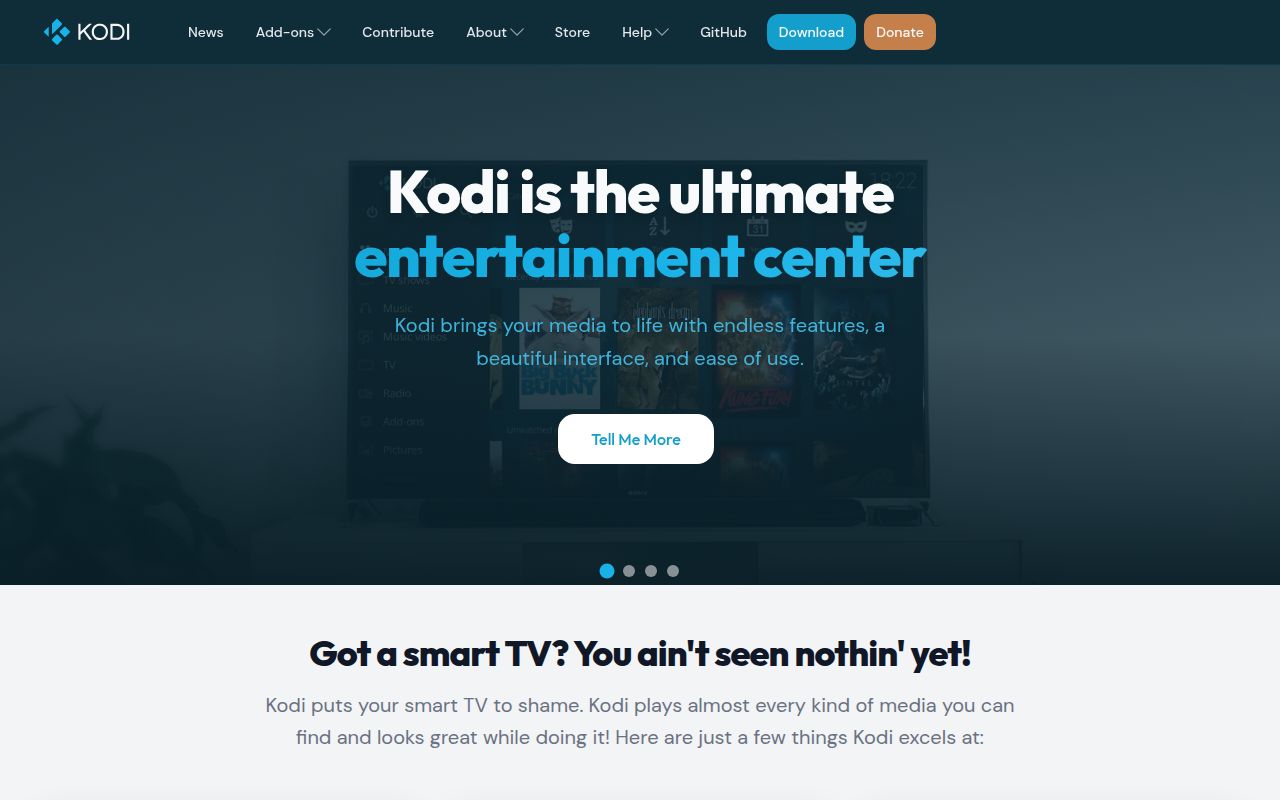
Kodi is a media-center application, not merely a player
Kodi has been developed since 2003 to make a personal media collection feel at home on a television. It plays common audio and video formats, scans files into a visual library, and adds covers, descriptions, fan art, playlists, slideshows, weather, and visualizations. Its skinning engine and add-on system let households reshape that experience without replacing the core application.
The platform reach covers 7 operating-system families. The README lists Android, Linux, BSD, macOS, iOS, tvOS, and Windows, along with support for common processor architectures. That makes Kodi credible for repurposed computers, dedicated home-theater PCs, mobile devices, and television hardware. Official download links and a quick-start guide lower the barrier for ordinary users who choose packaged builds.
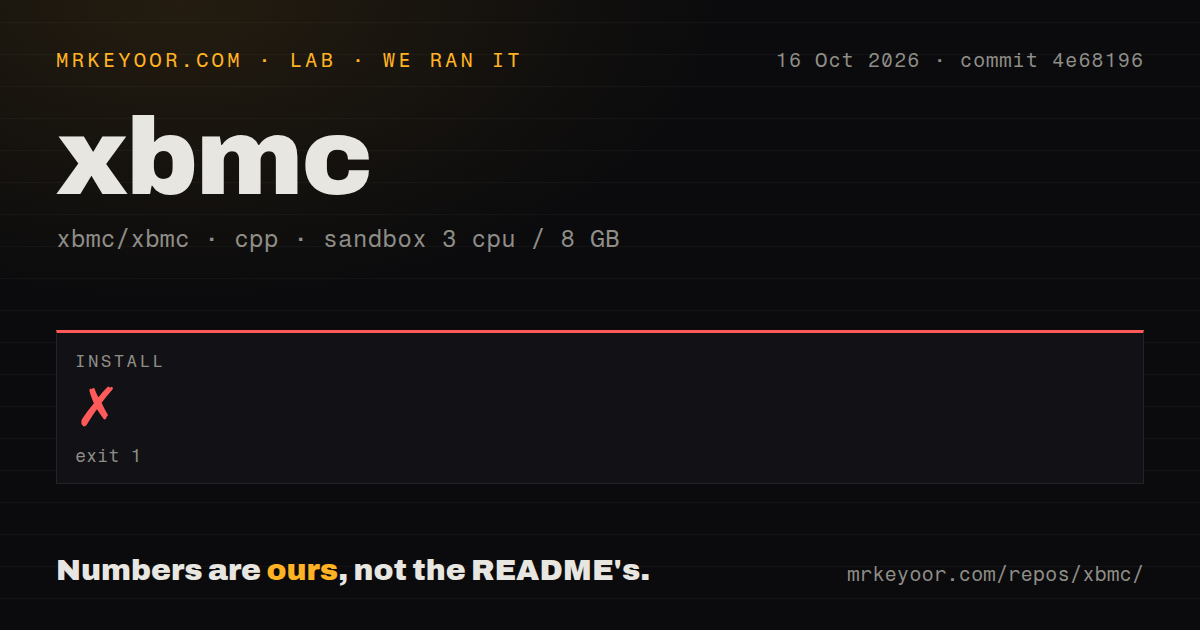
Our 16-second run stopped during configuration
We cloned commit db0175e into a fresh, unprivileged Debian container with 3 CPUs and 8 GB of RAM. The checkout contained 9,937 files, roughly 1,136,516 lines of source, and occupied 106.6 MB. Installation failed with exit code 1 after 16 seconds during CMake configuration, so we did not reach a completed build or a test run. Those are the only performance and test conclusions our run supports.
The log was specific about the blocking condition: Python was enabled but not found. Before stopping, CMake confirmed that the C++ compiler accepted the AVX2 flag and said it would build and ship an internal TexturePacker. It also reported that CCache was missing and that ClangFormat version 9.0 or newer was unavailable. The log did not say those 2 missing tools caused the stop, so it would be wrong to present them as the root problem.
This result exposes the difference between installing Kodi and building Kodi. The README sends end users to platform downloads, while its build section says instructions depend heavily on the operating system and target. Our run shows that a contributor needs to consult platform documentation and prepare system dependencies before CMake can finish, even though 5 CI workflow files indicate substantial automated project infrastructure.
Its strongest feature is the complete living-room experience
Kodi combines playback, library management, presentation, and extensibility in one application. Pointing it at media produces a browsable catalog rather than a file picker, and the artwork-oriented interface is a meaningful advantage on a large screen. Skins can change the presentation, while Python and XML add-ons expand behavior and content integration. More than 70 supported languages, backed by 100-plus translators according to the README, make that experience accessible well beyond an English-only developer audience.
The project also gives contributors several clear entry points. C++ developers can work on the core, add-on authors can use Python and XML, translators can use the linked Weblate projects, and documentation contributors can edit the wiki. The repository links directly to issues, pull requests, contribution guidance, Jenkins, forums, add-ons, and user documentation. More than 500 software developers are said to have contributed over the project's lifetime, which helps explain why the software covers so many platforms and media-center jobs.
The scale and support model create real friction
A codebase of roughly 1.14 million source lines is a serious commitment for a new core contributor. There is no Dockerfile and no tests directory in the measured checkout, although neither fact proves the project lacks testing elsewhere. Build instructions are distributed by platform, and our failed configuration demonstrates that dependency discovery can interrupt a fresh setup early. The supplied repository metadata also labels the license as NOASSERTION, while the README and badge explicitly say GPLv2, an inconsistency worth checking in the actual license file before redistribution.
Support is community-run. The README plainly says there are no paid support staff waiting on the phone, and directs questions to the forum. That model fits a volunteer project but may disappoint a household or business that wants guaranteed response times. Add-ons and skins are a strength, yet customization also creates more moving parts to maintain. People who simply want to open a video may find the full library model heavier than a focused player such as mpv.
Current development outweighs the older release date
The repository had 21,172 stars and 439 open issues in the supplied snapshot. A large open count can mean a meaningful support and maintenance queue, but it must be read beside activity: the last push was on 2026-09-03, the same day as our review. That is strong evidence of ongoing development. We do not have response-time or issue-age data, so the issue total alone cannot show whether reports are handled quickly.
The latest listed release is 21.3-Omega, published on 2025-10-31. One release date is not enough to calculate cadence, and an older tag does not outweigh a current-day push. The safer conclusion is that the codebase is active while packaged releases follow their own schedule. The project's long history, foundation stewardship, forums, translation effort, and contributor count all support a high maturity score, even though volunteer support and a large backlog remain practical considerations.
It belongs at the playback edge of a home media stack
Kodi fits best on the device connected to the screen, where it can provide the 10-foot interface, local decoding, library browsing, skins, and remote-control interaction. Storage can remain on a NAS or another machine reachable over the network. In that arrangement, Kodi is the presentation and playback endpoint. It is not automatically the best replacement for a central service that manages accounts and streams to many remote users.
Choose Jellyfin when a server-first setup, browser access, and multiple client devices are the priority. Choose Universal Media Server when DLNA or UPnP delivery to assorted devices is the central requirement, or mpv when direct, scriptable playback matters more than artwork and library management. Choose Kodi when the goal is a polished, customizable living-room hub and you are comfortable using official packages or doing the platform-specific dependency work that our 16-second source attempt exposed.