Administrator access is the first decision
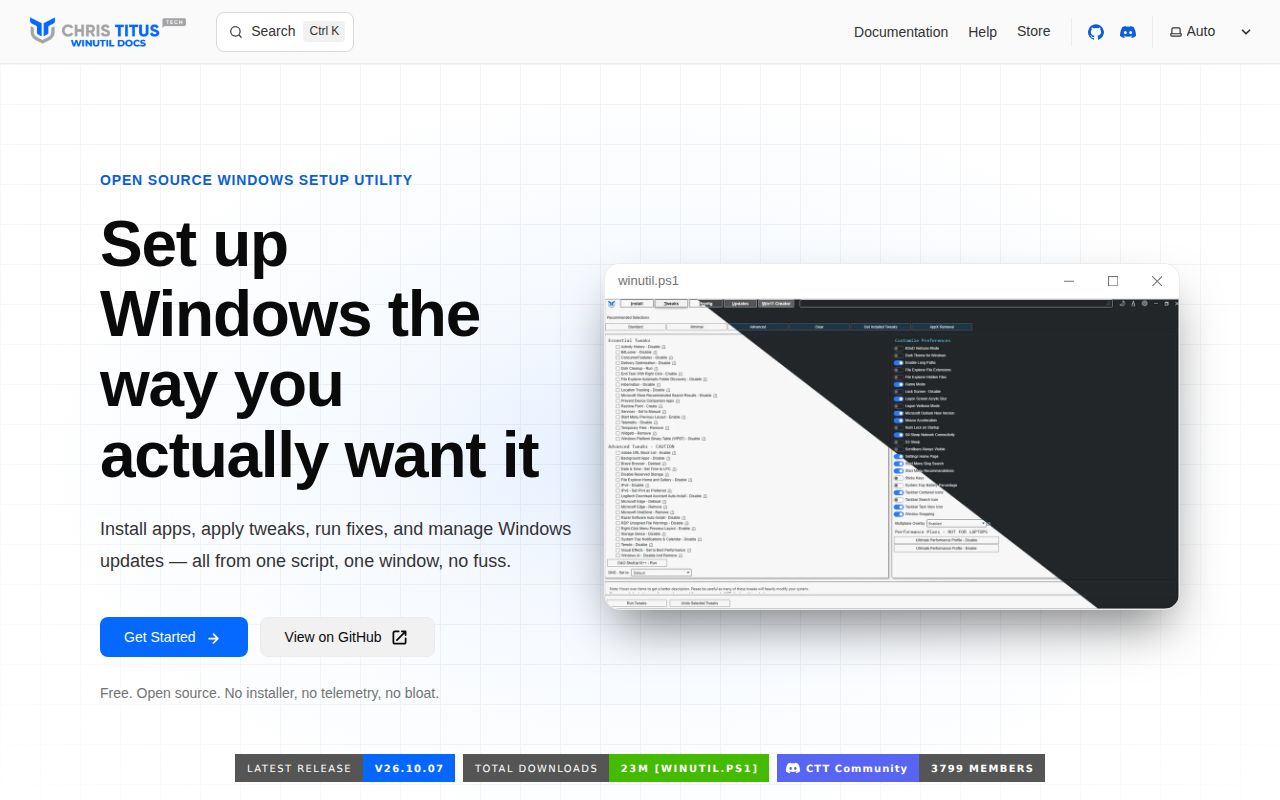
Chris Titus Tech's Windows Utility groups Windows app installation, system tweaks, configuration troubleshooting, and update controls in one interface. Its Windows changes remain untested by our sandbox: the successful install and build covered an auxiliary Python title-screen tool.
WinUtil must be run as Administrator because it performs system-wide changes. The README recommends the Stable branch and gives a separate Development command. The quick start downloads a script and executes it in an elevated terminal. Before using it, review the script and identify the changes you are prepared to maintain.
Even Minimal selects service and telemetry tweaks
The supplied preset configuration lists WPFTweaksServices and WPFTweaksTelemetry under Minimal. Standard also selects location, temporary-file deletion, and a restore point, among other entries. Advanced includes OneDrive removal and a right-click menu change.
Those selections give a technician something concrete to inspect before reusing a preset. A preset name alone does not explain whether its changes suit a particular computer. Save the script and configuration being evaluated, record any manual selections, and rehearse that selection on a Windows machine you can restore. The supplied preset extract is from main; it does not establish the preset contents at measured commit 07ccd8e.
What happened when we ran it
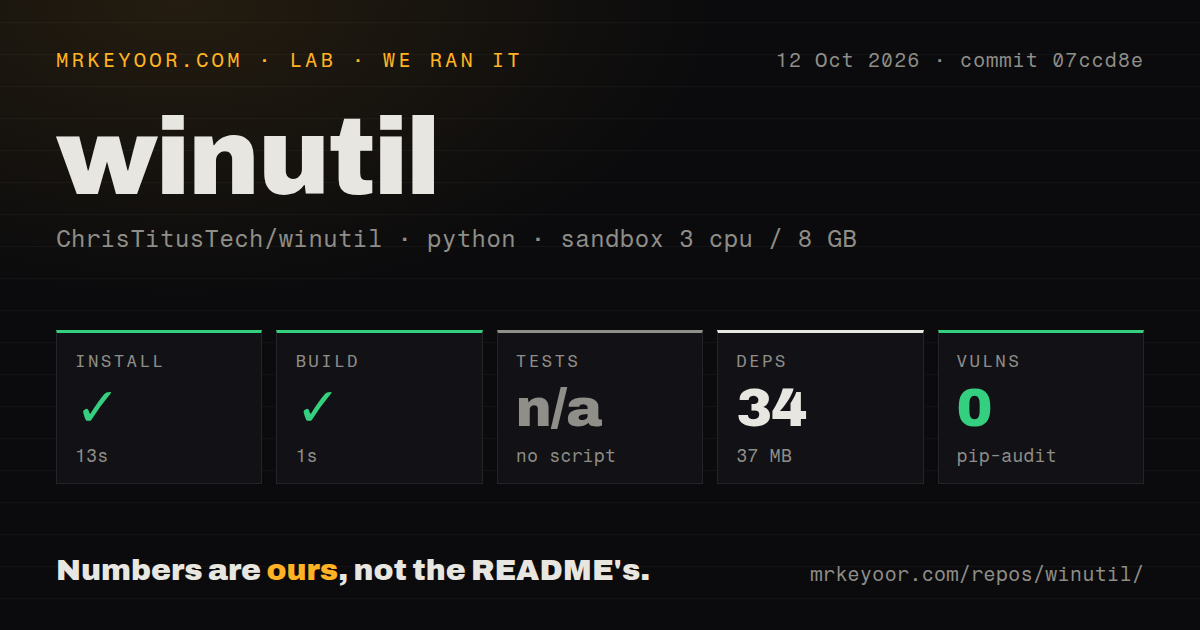
Our sandbox installed WinUtil's Python title-screen tool in 13 seconds and built it in 1 second at commit 07ccd8e on October 12, 2026. The selected project lives in tools/title-screen/. It recorded 34 dependencies and 37 MB on disk. These results cover that auxiliary tool; Windows system changes remain untested.
Tests were skipped because the selected project exposed no test script or target. Pip-audit reported 0 known vulnerabilities in the measured Python environment. That result does not assess the effects of Windows service or registry changes.
The checkout contained 377 files, roughly 1,280 source lines, and occupied 4.5 MB. The lab recorded 12 CI workflow files, no Dockerfile, and no tests directory. Its sandbox configuration specified 3 CPUs, 8 GB of RAM, and image ghcr.io/astral-sh/uv:python3.12-bookworm. The image label alone does not establish actual interpreter or operating-system versions. None of these repository or environment observations verifies the Windows workflow.
Check the documented Windows restrictions
WinUtil's known-issues page says Constrained Language Mode prevents the utility from running. On a managed computer, take that restriction to the administrator responsible for the machine.
The same known-issues page documents DISM errors with Microsoft Store PowerShell 7 and potentially stalled preinstalled-app removal. For that case, upstream recommends installing PowerShell 7 through WinGet or a direct MSI.
Upstream also says the old Start menu tweak stops working starting with Windows 11 update KB5089573 because Microsoft removed the required code. Check these restrictions before choosing WinUtil for a particular change. The sandbox did not reproduce these Windows cases.
Release 26.10.07 documents fixes, not lab verification
The October 7, 2026 release notes describe skipping missing services instead of aborting a tweak run. The release notes also list a change to warn after a tweak-step error instead of logging completion, plus a fix for icacls tweaks on localized Windows installations.
These are upstream reports of fixes. They give users specific behavior to check during a Windows rehearsal, including on the Windows language they use. They do not establish compatibility across Windows configurations.
The supplied repository metadata records a push on October 13, 2026. Together with the October 7 release, that provides dated evidence of recent maintenance. The October 19 observation recorded 64 open issues and pull requests combined; it does not establish when issue activity occurred or how quickly maintainers respond.
Choose an alternative around the job
Microsoft's WinGet discovers and installs Windows packages. Choose WinGet when application management is the job and you want to handle Windows tweaks separately. Its README explains that some installers require elevation and that declining the prompt causes installation to fail.
Raphire's Win11Debloat removes preinstalled apps and changes Windows privacy and interface settings. Its README also documents settings export and import, making it an alternative to evaluate for repeated configurations centered on those tasks. Neither alternative was tested in the supplied run.
For WinUtil, start by reading the preset file and identifying the changes you can explain. Rehearse the selected changes on a recoverable Windows machine before applying them to a computer someone depends on.