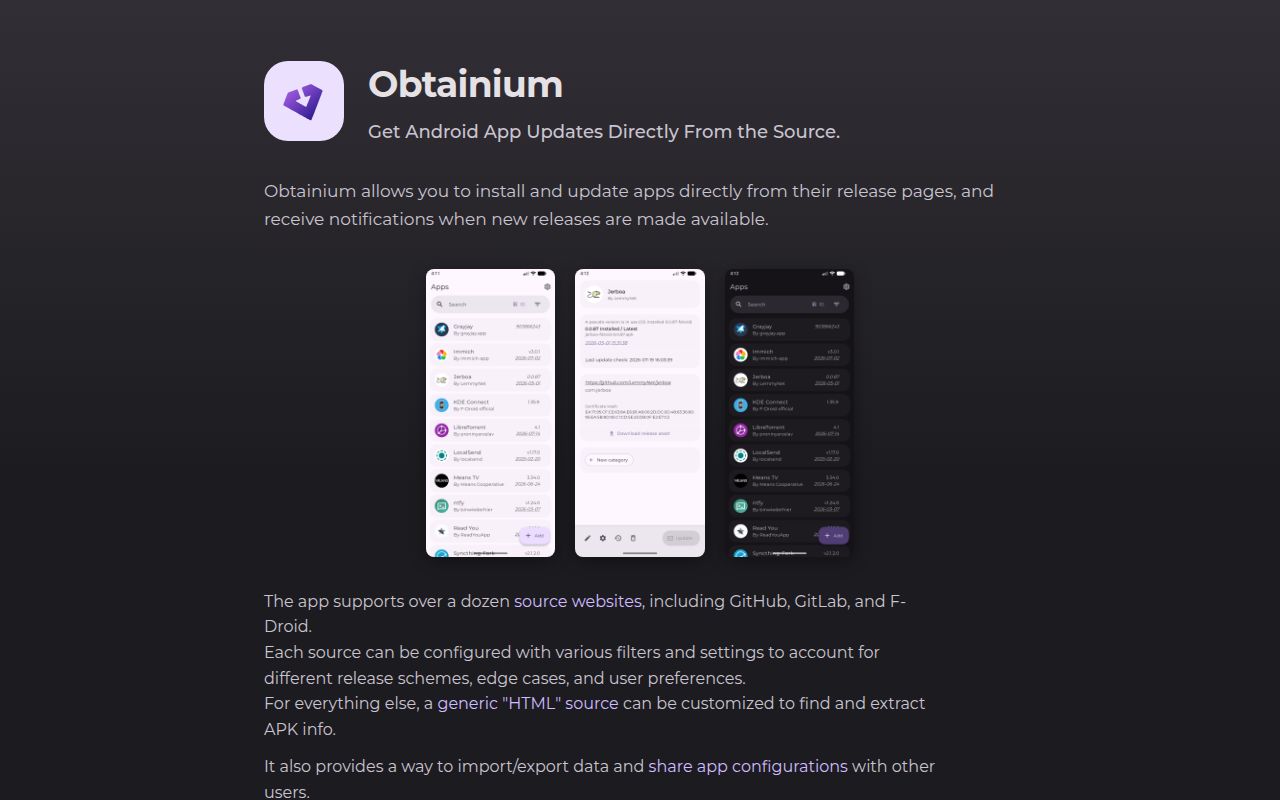
Obtainium follows the release pages you choose
Add a developer's GitHub release page to Obtainium and you give your Android phone a place to check for that app's next update. The project documents downloads, update notifications, and installation from those pages. That is useful if you already collect APKs from developers and keep forgetting which sites to revisit. You choose the publisher first. Obtainium takes over the repetitive checking, subject to each source's limits.
The README's source list includes GitHub, GitLab, Forgejo, and F-Droid repositories, alongside commercial APK hosts. Direct APK links and an HTML fallback extend its reach. I would start with the developers whose release pages you already trust. A longer supported-source list gives you more places to look, while leaving the decision about which downloads belong on your phone with you.
What happened when we ran it
Our sandbox did not run Obtainium at commit 6a17d53 on 2026-10-17: Dart was outside its supported ecosystems, and the repository had no Dockerfile. The lab cloned the repository into an unprivileged container with 3 CPUs, 8 GB of RAM, and no secrets. That is the complete execution finding supplied for this review. There are no installation timings, build results, or test counts to report.
This limit belongs to our sandbox method. It does not establish that Obtainium fails on Android, and it gives us no evidence about battery use or update reliability on a phone. The assessment below rests on the project's documentation and public activity. Anyone choosing it for unattended updates should check the actual device and app sources before trusting that workflow.
Silent updates depend on Android and the selected APK
The tracking documentation makes silent installation conditional: Android 12 or newer, an eligible target app, and a current copy installed through Obtainium. Background updates must be enabled, and asset filtering must leave a single APK. A release with several eligible downloads can therefore require your intervention. Check the selected file before expecting later updates to happen unattended.
Version matching also has limits. When the source's version format cannot be reconciled with Android's installed version, Obtainium disables detection for that app. Its records can then diverge after an update outside Obtainium or a failed silent update. The wiki also describes background installation as best effort and says failures may arrive without an error notification. I would periodically inspect important apps rather than treat an empty notification shade as proof they are current.
APKMirror tracking stops before the download
APKMirror is explicitly track-only in the README. Obtainium can notify you about releases there without fetching the APK. That distinction matters if APKMirror supplies most of your apps: the tool can replace checking pages, while leaving the download work to you. A supported source does not necessarily provide the entire update workflow. The source guide explains these differences.
The README separately warns that website redesigns can break sources which depend on scraping. Custom HTML pages are therefore a poor foundation for an update process you cannot inspect occasionally. GitHub users may also need an optional personal access token to avoid API rate limits. With unusual release assets or naming conventions, expect to learn the relevant filters instead of assuming every repository URL will behave alike.
Obtainium publishes verification details for its own APK
The README provides Obtainium's package ID and signing-certificate fingerprint, plus a PGP public key for checking APK hashes. It also recommends the separate Verified Apps project. Those are useful starting points for deciding which copy of Obtainium to trust. They do not establish that every application reachable through its source adapters has received an independent review.
The project links a crowdsourced configuration directory for apps that need special handling. Use those entries as configurations to inspect before importing. Confirm that the URL belongs to the intended publisher and that its file selection matches the app you want. Automating downloads from a mistaken source would repeat the mistake more efficiently. For a phone you help someone else maintain, I would keep the source list short enough to explain.
October activity addresses update failures without settling every report
GitHub reports a push on 2026-10-17, and release v1.7.0 shipped that day. Its notes describe bounded waits for non-stock installers and changes to background error notifications. Recent issue activity includes closed reports about prerelease defaults and F-Droid architecture filtering. Together, the push and issue responses show current maintenance. The API's 373 open issues and PRs are a combined queue, not a count of confirmed bugs.
Issue #3369 remains open. Its reporter describes batch updates stalling with parallel downloads and the Shizuku installer on v1.6.17, then restarting Obtainium to update apps individually. The new release addresses install waits, but our lab provides no verification of that change. If that combination matches your phone, confirm the behavior before depending on batch updates.
F-Droid and APKUpdater suit different starting points
Choose F-Droid when you want to browse a repository of free software and receive its updates without choosing a developer URL for each app. APKUpdater searches multiple sources for updates to installed apps. Obtainium makes more sense when you already know which release page should supply each application. Start with an app whose publisher and APK variant you understand, then inspect its next update before moving the rest of your phone over.