Thirty-seven apps get borders that look knitted, not generated
Window Sweaters puts a yarn icon in the macOS menu bar and wraps application windows in rendered knit patterns. Its collection has 37 hand-designed app treatments, including Finder, Safari, Slack, VS Code, Figma, Spotify, and several AI clients. Other applications are not left out: the app samples their icons locally, softens the colors, and assigns a stable pattern. Personal rules in apps.conf take priority.
This is a tiny visual indulgence, and the specificity makes it work. You can choose By App or a shared Zigzag style, change border width and stitch size, pause everything, or disable individual apps. Your choices survive restarts. Custom PNG charts can replace built-in patterns. None of that improves window management, but it does turn a generic border utility into something recognizably its own.
Version 1.5.0 is easy to install but not notarized
The supported paths are a Homebrew cask or the v1.5.0 ZIP from GitHub Releases. The universal app targets macOS 13 or later on Apple Silicon and Intel. macOS will block its first launch because the release is not notarized, so the user must choose Open Anyway under Privacy & Security. Tracking the focused window can also require Accessibility permission.
Those exceptions decide whether the app belongs on your Mac. A personal machine makes them understandable tradeoffs for a GPL-3.0 hobby app. A managed company Mac may forbid either one. The source build uses ad-hoc signing, and the contributing guide says Developer ID signing and notarization are not configured for distribution. There is no hidden path around the policy question.
What happened when we ran it
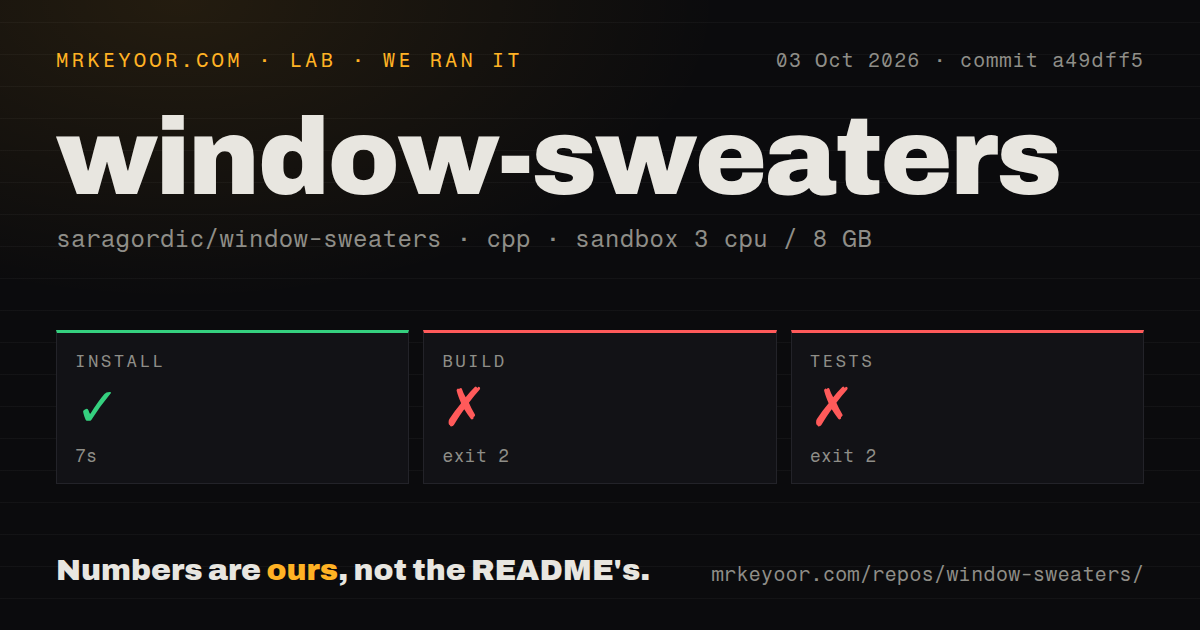
Our sandbox installed the available prerequisites in 7 seconds at commit a49dff5. The build then failed with exit code 2 after 8 seconds. Clang ignored the arm64, x86_64, and macOS 13 deployment flags, then reported that -fobjc-arc was unsupported on a platform using the legacy runtime. The log did not reach a finished application bundle.
The test step also exited 2, after 7 seconds. Compilation stopped because CoreGraphics/CoreGraphics.h and ApplicationServices/ApplicationServices.h were missing, with 3 error summary lines in the supplied log. The project is tied to macOS frameworks, so this fresh Debian container could not validate it. The repository has 109 files, about 7,138 lines of source, and occupied 29 MB when checked out.
Our scan found a tests directory but 0 CI workflow files and no Dockerfile. A container would not replace the Apple frameworks or WindowServer behavior anyway. The useful test environment is a Mac, followed by manual checks for focus changes, resize behavior, overlapping windows, and movement between displays. The contributing guide specifically warns that a successful transaction does not prove pixels appeared.
Private window APIs make every macOS update relevant
Window Sweaters builds on JankyBorders and links Apple's private SkyLight framework. That access lets it track and draw around windows in ways public APIs do not readily provide. It also means an OS update can change behavior without notice. The README says the author tested on Apple Silicon with macOS 26; older macOS releases and Intel hardware have not received the same hands-on coverage.
Current reports show concrete edge cases. Issue 19 says borders remain visible when switching AeroSpace workspaces. Issue 15 reports overlap with the menu bar on maximized windows, while issue 16 discusses pointer behavior around the border. These are not generic complaints about polish. They sit exactly where a decorative overlay meets window geometry and another window manager.
The settings are local and reversible
User colorways and charts live under ~/Library/Application Support/Knit Borders, preserving the app's earlier name for compatibility. The startup hook can run ~/.config/window-sweaters/sweatersrc or ~/.sweatersrc if present, an option command-line users should remember when auditing behavior. App matching ignores capitalization and prefers the longest name prefix.
Removal is documented well. Homebrew's --zap option deletes saved colorways, while omitting it keeps them. Manual removal means deleting the app plus optional support and preference files, then revoking Accessibility permission separately. That last step matters because macOS keeps privacy grants after an application bundle disappears.
A September 21 push and v1.5.0 show active iteration
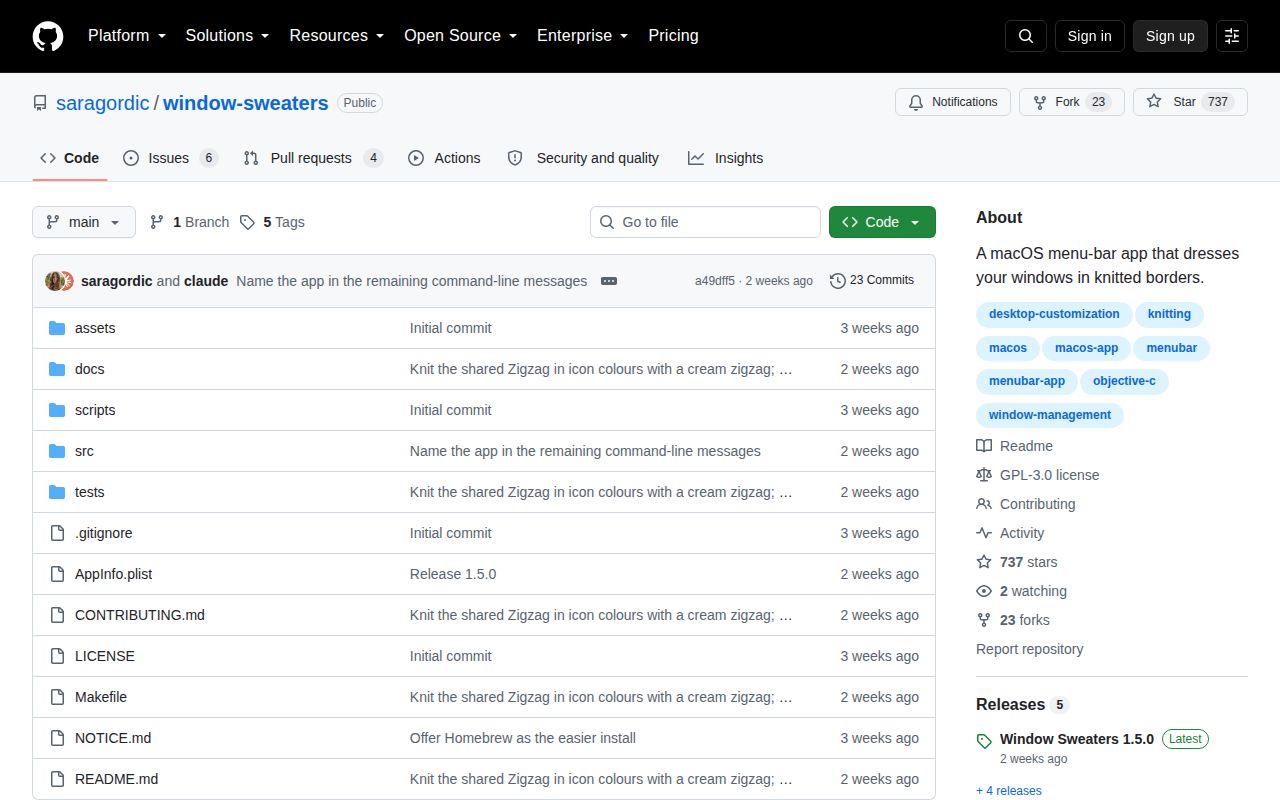
GitHub records 737 stars and 10 combined open issues and pull requests. The API entries split that total into 6 issues and 4 pull requests. Version 1.5.0 shipped on September 18, 2026, adding per-app enablement, icon-derived colors, an updated Zigzag, and an 8-point border. The last push followed on September 21.
The project is active enough to try, and its limitations are plainly written. Choose it for the knitted artwork and per-app control, not because it is the safest way to draw a focused-window border. If the privacy prompts or private APIs bother you, JankyBorders offers the plainer foundation. If they do not, keep the uninstaller instructions and test again after the next macOS update.