WhichLLM ranks models that fit instead of stopping at a memory check
WhichLLM answers a more useful question than whether a model can load: among the candidates that appear runnable, which one has the strongest evidence for the requested task? The command detects hardware, fetches Hugging Face models, merges several evaluation sources, estimates memory and speed, then discounts weak evidence.
The interface is practical for shopping. It can simulate a named GPU, compare upgrade candidates, or reverse the problem and suggest hardware for a model. JSON and Markdown output make the recommendation usable outside the terminal. Python 3.11 or newer is required, while NVIDIA detection ships through nvidia-ml-py; AMD, Intel, Apple Silicon, and CPU paths have their own detection logic.
A recommendation score combines evidence, fit, and estimated speed
The ranking starts with evaluation data from sources named in the README, including LiveBench, Artificial Analysis, Aider, Chatbot Arena, and the Open LLM Leaderboard. Evidence is marked as direct, a model variant, inherited from a base, interpolated within a family, or self-reported. Lower-confidence paths receive discounts. Older frozen leaderboards are demoted along model lineages so stale data has less power over a current recommendation.
Memory is modeled as weights, key-value cache, activations, and framework overhead, which the README approximates at about 500 MB. Speed comes from bandwidth, quantization, backend, fit type, and active parameters for mixture-of-experts models. The result is explicitly an estimate. WhichLLM exposes confidence and a range, and says that the displayed range is for planning rather than a benchmark collected from the machine in front of it.
What happened when we ran it
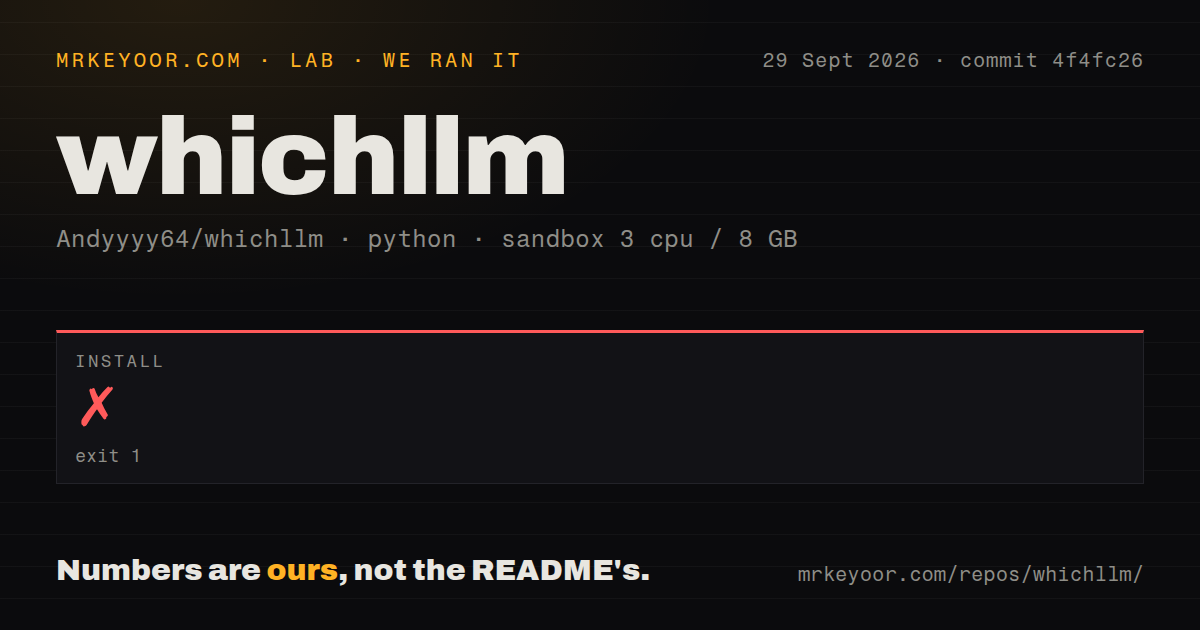
Our sandbox did not get past installation. At commit ea32ed2, the install exited with code 1 after 37 seconds because the repository required uv exactly at version 0.11.33. The image had uv 0.12.5. The final message instructed us to run uv self update 0.11.33, even though that requested release is numerically older than the one in the container.
Because installation failed, we did not reach a build, tests, dependency count, disk-use result, or vulnerability audit. The repository itself had 132 files, about 18,888 lines of source, and a 1.8 MB checkout. Our scan found 3 CI workflow files and a tests directory, with no Dockerfile. Those structural signals do not substitute for a successful run in the stated Debian environment.
This is an avoidable first-contact problem. Exact development-tool pins can make CI repeatable, but they also reject a newer uv before Python dependencies are resolved. Pull request 168 proposes relaxing the requirement, yet it was open when researched and cannot be treated as shipped behavior. A new user following the uvx whichllm@latest path may see different packaging behavior than a contributor installing this checkout.
Live data makes recommendations fresher and less reproducible
WhichLLM fetches popular text-generation and GGUF models from Hugging Face, with a separate vision query when that profile is selected. Its current-tier evaluations are merged when reachable. Model results are cached for 6 hours and benchmark data for 24 hours. Offline or rate-limited use falls back to curated frozen data, so the same command can produce a different list depending on network access, cache age, and upstream availability.
The output prints the benchmark snapshot date and labels evidence quality. Users can force a refresh or require direct evidence. A recommendation still inherits assumptions in family metadata and the hardware model, so save its JSON and date when using it for a purchase.
New hardware and model families expose the weak spots
Open issue 24 says some newer Qwen releases are in the cache but rank poorly because benchmark evidence or metadata is missing. It also describes sparse math recommendations and older coder models resurfacing quickly. Issue 36 tracks more accurate modeling for Strix Halo and Ryzen AI MAX systems, including PCI identification, bandwidth, allocation limits, and reserved memory. Both reports concern the inputs that decide fit and rank, not cosmetic output.
--gpu-only removes partial offload and CPU candidates, while --vram-headroom reserves memory for runtime overhead. The README suggests 1 GB initially and 1.5 GB when another application still judges a model too large. These controls narrow risk; they do not turn estimates into measurements.
Model launching adds downloads and backend-specific behavior
whichllm run can select a GGUF variant, create an isolated uv environment, install dependencies, download weights, and start chat. GGUF uses llama-cpp-python, while AWQ, GPTQ, FP16, and BF16 paths use Transformers and related packages. Apple Silicon and CPU recommendations are restricted to GGUF for stability, while Linux with NVIDIA hardware permits more formats. This convenience can turn a small selector command into a large download and runtime setup.
Release v0.5.16 addressed a serious trust boundary in that path: synthetic GGUF recommendations are now kept to direct quantizations of the selected checkpoint, rejecting fine-tunes, merges, and artifacts with conflicting provenance. The release also escaped model IDs and filenames in generated scripts. Those fixes are a reason to avoid stale installs, especially when recommendation output can lead directly to downloading executable model tooling and large third-party artifacts.
August 2026 maintenance is active, but the exact pin blocks contributors
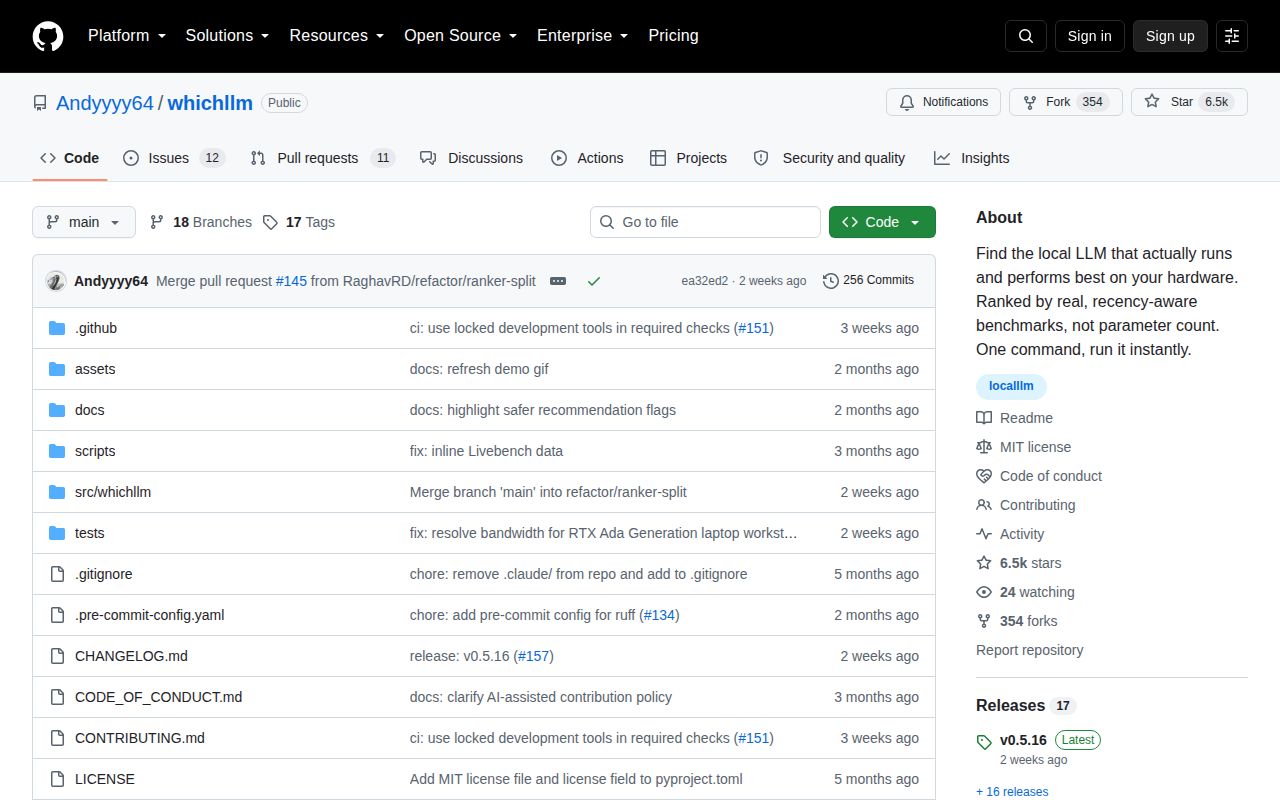
GitHub recorded 6,486 stars and 23 combined open issues and pull requests when fetched. The repository's last push and v0.5.16 release both landed on August 14, 2026. Issue and pull request activity continued later in August around newer models, hardware detection, LM Studio files, and the uv restriction. This is young software with active correction work rather than a settled hardware database.
WhichLLM is most useful before a download or hardware purchase, as a shortlist generator with visible uncertainty. Our 37-second install failure means the checked-out development path needs repair or an exact uv downgrade before we can recommend it without reservation. Once it runs, take the top few candidates to the runtime you intend to use and measure memory, speed, and output quality there.