One CLI covers most of the WeCom office surface
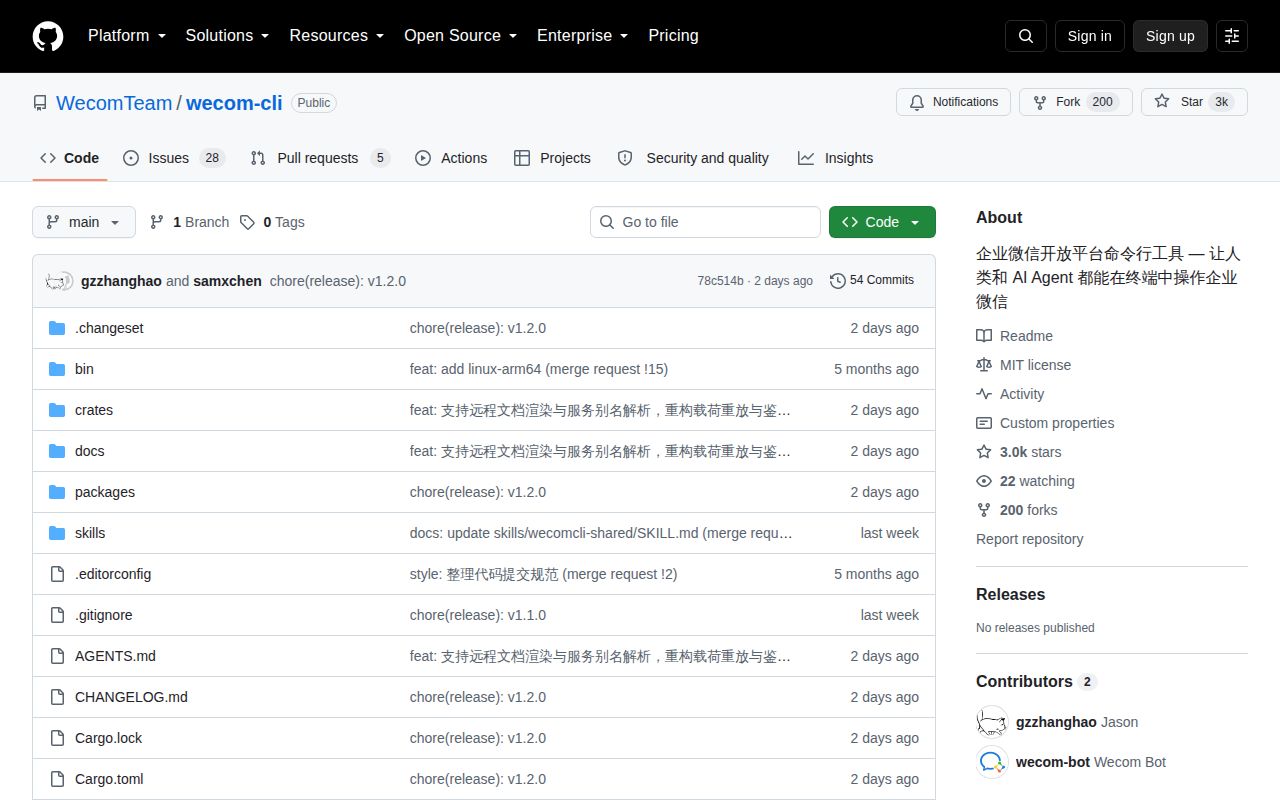
wecom-cli exposes a surprisingly wide set of business actions. It can send bot messages, search and send mail, create and edit online documents, work with ordinary and smart spreadsheets, manage tasks and calendars, schedule meetings, transfer cloud-drive files, and search the corporate directory. The README positions it for humans and AI agents, with a required skill package installed separately through npx skills add.
The documentation is Chinese first and does not link an English README. Command names and JSON schemas may still be readable to an English-speaking developer, but authentication instructions, permission nuances, and issue reports require Chinese. That matters because this CLI changes business systems. A missed caveat can send an email, alter a record, book a room, or notify a group rather than merely returning a poor chat response.
Authentication is interactive and capabilities vary by corporation
The normal path installs @wecom/cli globally, installs the agent skill, then runs wecom-cli auth init. QR authorization is the default, with manual credential entry available. A WeCom account is required; an intelligent Bot ID and secret are optional for bot-backed functions. auth show reports the resulting state. The README supports macOS and Linux on x64 or arm64, plus 64-bit Windows, with Node.js 18 or newer.
Authorization does not mean every command is enabled. Issue 106 reports successful authentication in a corporation with more than 10 people, while chat list commands return error 853006 saying the tool is unavailable. The reporter notes conflicting product statements about organization-size limits. Before designing an agent workflow, run a read-only capability probe for each domain and record the exact corporation policy rather than assuming README coverage equals tenant access.
What happened when we ran it
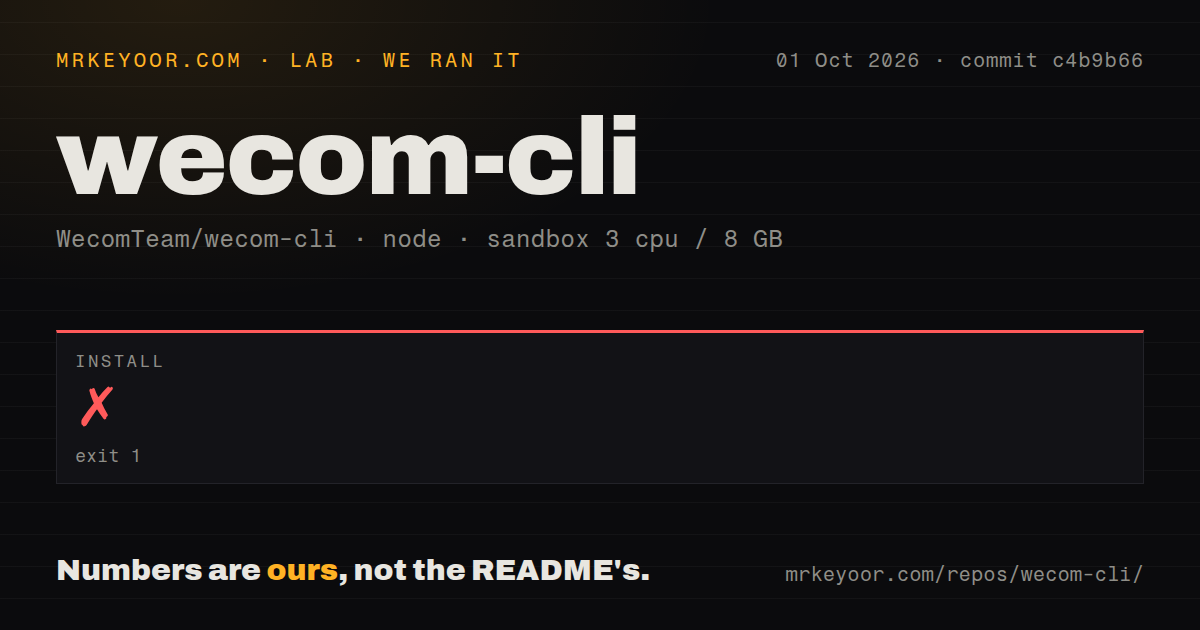
Our install stopped after 6 seconds with exit code 1. Corepack launched the pnpm 11.21.0 wrapper, which failed at its dynamic import with TypeError: Invalid host defined options. The final line identified Node.js 18.20.8. The log does not prove why those host options were invalid, so we are not assigning the failure to pnpm, Corepack, the image label, or repository configuration.
No dependencies were installed. Because installation failed, our harness did not run a build and did not run tests. The requested sandbox image was lab-node:22, while the failure log itself reported Node.js 18.20.8; that discrepancy is observable, but the tail does not explain it. The useful result is that commit 59604ae did not complete the documented pnpm source path in our fresh unprivileged container.
The checkout contained 428 files, about 54,949 source lines, and 3.4 MB before installation. It was organized as a pnpm workspace. Our scan found no GitHub Actions workflow files, Dockerfile, or tests directory. Those absences do not establish that the npm package is broken, but they leave a source contributor with little visible automation after an install failure.
Successful responses can still hide missing spreadsheet data
Issue 115 reports that smart-sheet record creation and updates silently discard values for two-way-link and reference fields. The CLI returns errcode=0, including for clearly invalid relationship values, but a subsequent read shows null. Text, select, person, checkbox, and date fields reportedly work in the same test. Automation that treats the response code as completion could therefore leave cross-table relations missing without raising an alert.
Issue 116 describes another silent result. CSV mode returns an empty string once a sheet reaches roughly 48,000 to 49,000 characters, even though default mode still retrieves the content through an asynchronous file. The reporter reproduced the behavior across four fresh sheets and says shrinking a damaged sheet did not restore CSV output. Read-before-write agents should regard an empty CSV response as ambiguous and cross-check with default mode.
Mail commands need an approval boundary before execution
Issue 118 says mail send sends the message immediately. Its --dry-run option validates local parameters but creates no server-side draft, so an agent cannot prepare a reply in WeCom for later human approval. The issue's current workaround is to write the body to a local file and copy it into the client, losing reply context. For formal mail, that inconvenience is safer than granting an autonomous process final-send authority.
Issue 117 adds an identity concern. Mail sent through the CLI reportedly shows the sender as the authorized person's robot, including a bot badge, even though replies return to the person's mailbox. That may be desirable traceability, but it is unsuitable when recipients expect a human display name. Test both delivery and recipient-visible identity before using the command with managers, customers, or external partners.
Document coverage has specific format limits
The README lists creation, import, reading, appending, overwriting, search, renaming, permissions, and membership rules across several WeCom document types. Issue 121 narrows that claim: it says body reading currently works for word-processing documents, spreadsheets, and smart sheets, while mind maps, presentations, and flowcharts are unsupported. An agent asked to summarize “a document” therefore needs to inspect its type first.
GitHub showed 2,965 stars, 33 combined issues and pull requests, and a last push on August 25, 2026. The API returned no latest GitHub release, but current source activity and issue reports show the project is not abandoned. The right adoption pattern is still cautious: start with searches and reads, verify every tenant capability, add read-back checks, and keep sending or destructive updates behind explicit approval.