ARP discovery gives you a simple IPv4 device ledger
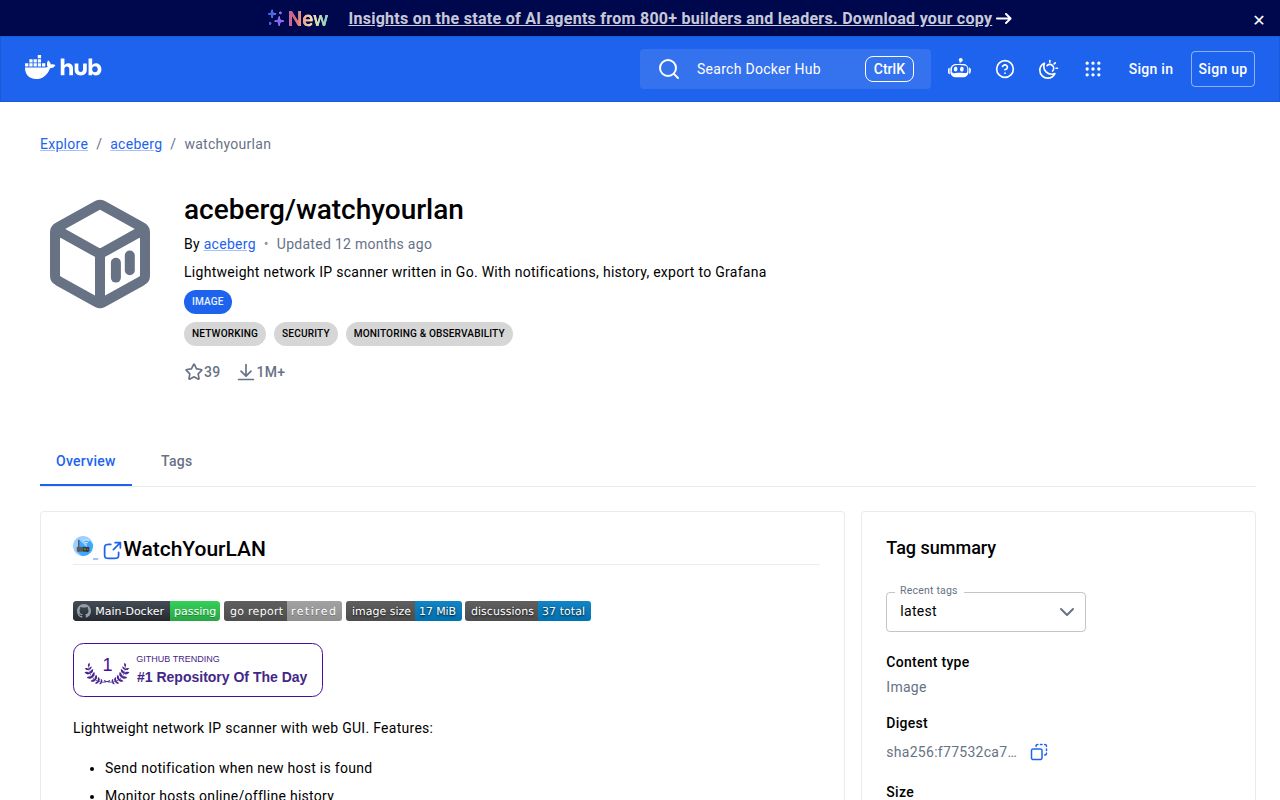
WatchYourLAN repeatedly runs arp-scan, stores the hosts it sees, and presents the result in a web interface. A new MAC address can trigger a notification, while the history shows when known devices were online or offline. That is enough to answer ordinary home-network questions: what joined, what vanished, and which name or vendor belongs to an address. SQLite is the default, with PostgreSQL available when a separate database is preferred.
The small codebase matches that narrow job. Our checkout contained 117 files and roughly 3,757 source lines, with the Go project under backend/. It is easier to understand than a network-management suite with probes, agents, and policy engines. The trade is scope. WatchYourLAN records ARP-visible devices; it does not claim to inventory every port, identify every service, or inspect traffic flowing between hosts.
Host networking makes discovery work and exposes the UI
The Docker command requires --network=host, the interface to scan, a timezone, and a persistent data mount. The README is unusually blunt about the consequence: WatchYourLAN has no built-in authentication, and host networking leaves its web port exposed. The default listener is 0.0.0.0:8840. The suggested answer is an SSO proxy such as Authelia or the author's ForAuth, backed by firewall rules that keep direct access away from untrusted clients.
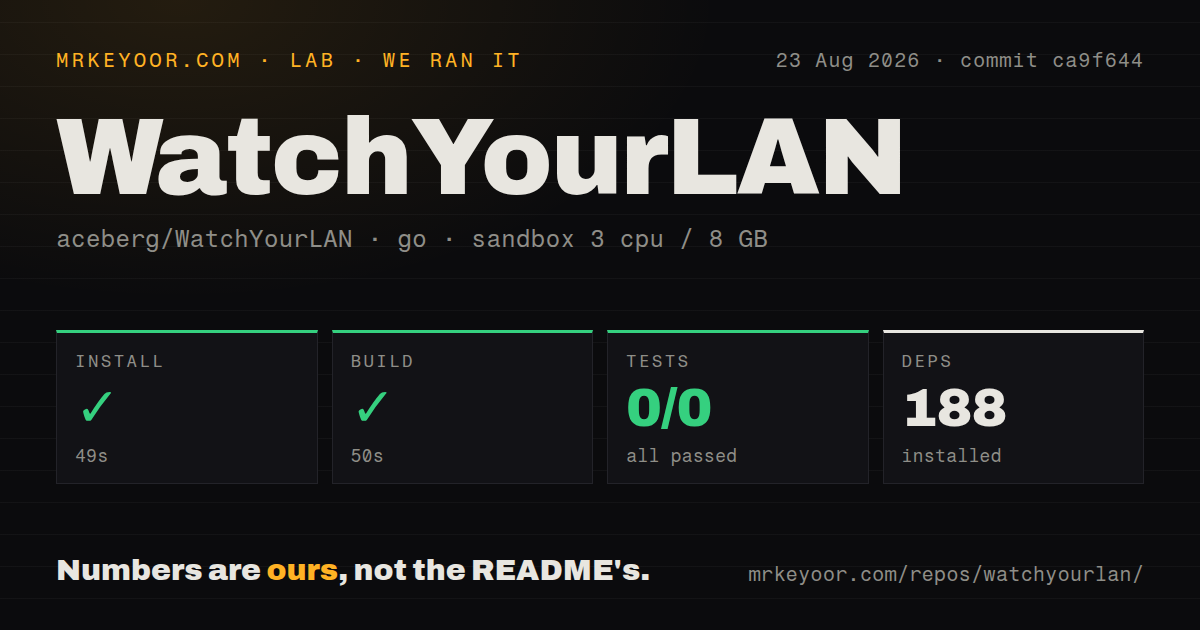
Our sandbox installed 188 packages in 49 seconds and completed the build in 50 seconds. Native Linux installation adds arp-scan and tzdata, while published packages cover 6 architecture families from i386 and amd64 through several ARM targets. The repository itself had no Dockerfile in our scan, despite the documented published image and Compose route, so image construction is not fully visible at the measured checkout's root.
What happened when we ran it
Our run at commit ca9f644 installed successfully in 49 seconds and built successfully in 50 seconds. Go fetched 188 packages. The unprivileged Debian container had 3 CPUs, 8 GB of RAM, and no secrets. This verifies that the backend dependency graph resolved and the source compiled in that environment; it does not verify live ARP discovery because the container was not given a household network to scan.
The test command finished in 13 seconds with 0 passed and 0 failed out of 0. That result is a gap, not a clean bill of health. We also found no tests directory, alongside 5 CI workflow files. A buyer should manually check host discovery, repeat scans, database persistence, notification delivery, and API responses on the target network before relying on alerts about unfamiliar devices.
IPv6, routed subnets, and shared MACs are weak spots
ARP is local-link IPv4 machinery, and the open reports show where that boundary appears. Issue 202 asks for IPv6 support. Issue 141 describes a setup that detected one /24 but not a second subnet. Issue 92 reports that several container IP addresses sharing one MAC are collapsed to one displayed assignment. These are specific mismatches for segmented home labs, container-heavy hosts, and dual-stack networks, even when the main LAN scan works correctly.
The 3,757-line checkout does offer several tuning points: multiple interface names, custom arp-scan arguments, scan intervals, history trimming, and documented VLAN strings. Those controls may solve a particular topology, but they do not turn ARP scanning into routed or IPv6 discovery. Test every VLAN and bridge you expect to see. If the inventory must be authoritative across subnets, NetAlertX or a deliberate Nmap-based process is the safer comparison.
Vendor names depend on the bundled OUI data
Device identification uses the vendor database supplied with arp-scan. Issue 238 reports several current Apple prefixes appearing as unknown because entries were absent from the image's database. Issue 233 describes a manual bind mount of fresher OUI files and says previously stored vendor data remained in SQLite until the database was reset. Neither report says host detection stopped; the weakness is the label attached to a detected MAC address.
Our 13-second test step had no cases that could catch an outdated vendor database or a persistence mismatch. Treat vendor names as hints, especially for phones using randomized addresses and devices with recently assigned prefixes. A known MAC address plus your own label is more dependable than assuming every manufacturer string is current. If vendor attribution is important, make database refresh and stored-record behavior part of acceptance testing.
Export and notification options stay optional
Shoutrrr supplies notification URLs for services including email, Gotify, Matrix, Ntfy, Slack, Telegram, and generic webhooks. InfluxDB 2 export needs an address, bucket, organization, and token. Prometheus is simpler: enabling it exposes a metrics endpoint for collection. None of these services is required for the local list, so a first deployment can stay on SQLite and add one alert channel after discovery is stable.
That restraint helps WatchYourLAN remain approachable. The measured install still pulled 188 packages, yet the runtime concept is one scanner, one database, and one web process. Keep the UI behind a trusted boundary, confirm that arp-scan can access the selected interface, and send a test notification before trusting silence. For uptime checks against known servers, Uptime Kuma is a better fit; for ports and services, use Nmap.
The code is quiet while user activity continues
GitHub shows the last code push and release 2.1.4 on September 10, 2025. That release added Swagger API documentation, API-driven host creation and rescans, bulk host deletion, and Wake-on-LAN. The repository had 55 open issues excluding pull requests when checked, with issue updates continuing in August 2026. That combination suggests users are still testing the software, while source changes have been quiet for nearly a year.
The successful 50-second build lowers the cost of trying WatchYourLAN, but 0 automated tests raise the cost of trusting upgrades. Its best role is a convenient observer on a small, controlled IPv4 network. Put authentication and firewall policy in front of port 8840, validate every interface, and keep another source of truth for environments where missing a host has operational consequences.