One app covers 6 speech workflows
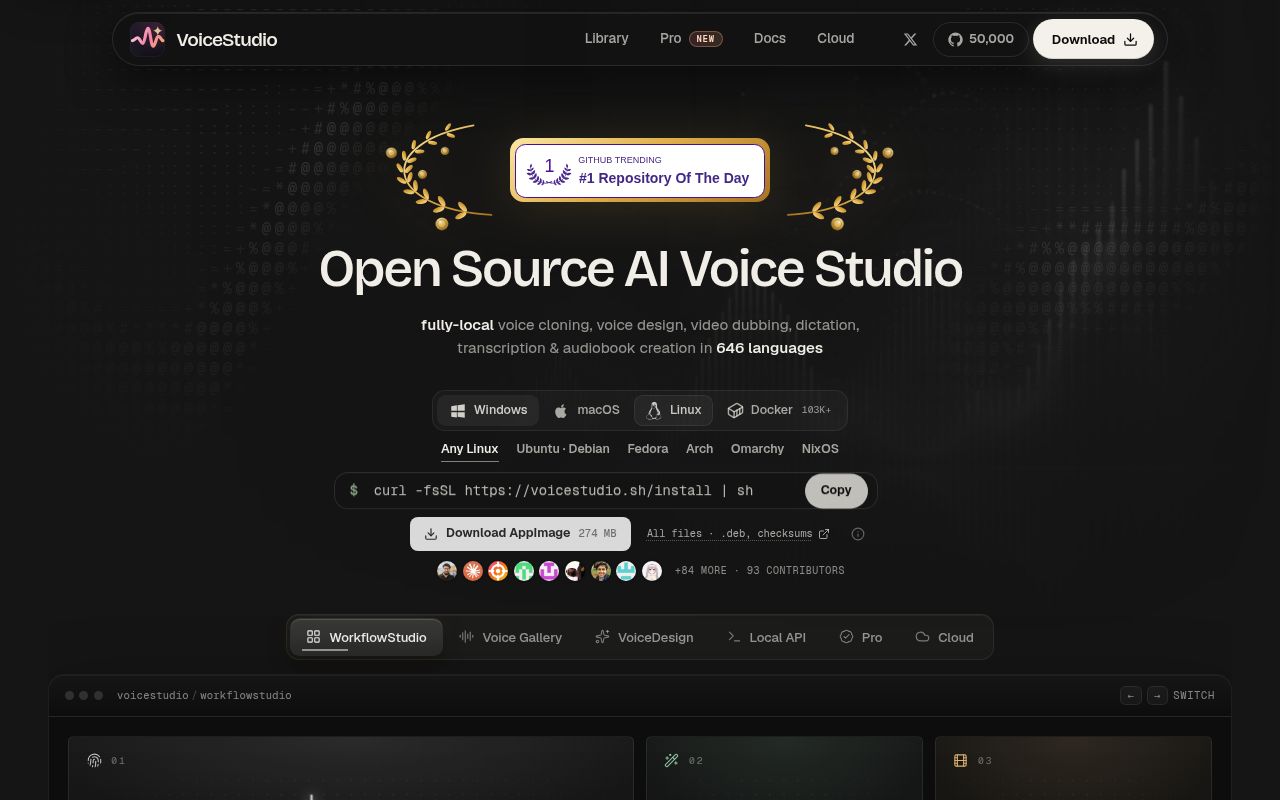
VoiceStudio puts 6 jobs inside one Electron app: voice cloning, voice design, video dubbing, dictation, transcription, and audiobook production. Its catalogue spans speech generation and recognition engines instead of binding the interface to one model. The README claims coverage across 646 languages, while warning that actual availability depends on the engine, hardware, and provider. This fits someone replacing several audio tools, not someone seeking one small speech library.
Our clone at commit 7ea5d18 contained 3,077 files, about 529,162 lines of source, and 72.2 MB of checked-out code. A text-to-speech-only buyer would also inherit a monorepo, Electron, Python, model management, and media tooling. VoiceStudio earns that weight when several workflows share the same projects and voices. If dubbing and long-form work never enter the job, a narrower engine is easier to maintain.
Local use still needs about 10 GB and downloaded models
The platform guides ask for about 10 GB of free disk for the app, Python environment, and model weights. Packaged releases create the runtime and obtain FFmpeg when needed. The default route needs no hosted speech account. Diarization uses a gated Hugging Face model, and some larger voice-design engines benefit from a token. Local processing removes a speech vendor from the path, but model downloads and storage become your responsibility.
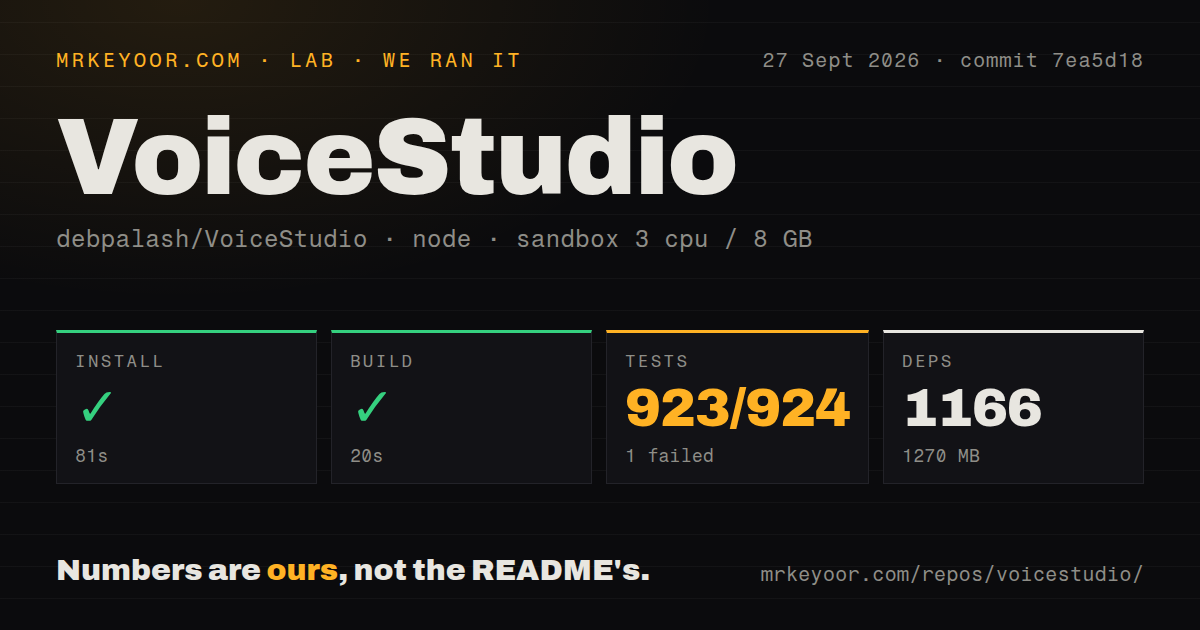
Our Bun install pulled 1,166 packages in 81 seconds and occupied 1,270 MB before model weights. Source development also needs Node.js 22 or newer, uv, Rust/Cargo, platform build libraries, and bun run setup:api for Python. The README's source preview gives the right commands. Its linked platform guides supply the prerequisites that decide whether those commands work on a fresh machine.
What happened when we ran it
Our sandbox installed commit 7ea5d18 in 81 seconds and built it in 20 seconds. The fresh unprivileged Debian container had 3 CPUs, 8 GB of RAM, Node 22, and no secrets. Installation added 1,166 packages and left 1,270 MB on disk. These figures cover repository setup and compilation. They say nothing about speech quality, generation speed, or the size of models selected later.
The test command failed after 126 seconds. Vitest reported 923 passing tests and 1 failure across 924 tests. Of 193 test files, 192 passed; src/main/backend-setup.test.ts failed 1 of its 28 tests. The supplied log tail does not name the failed assertion or its cause. The defensible finding is that commit 7ea5d18 was one test short of a clean suite in our sandbox.
Our test method counted 10 CI workflow files, a tests directory, and monorepo workspaces. It found no Dockerfile, though the project publishes container images and keeps Docker instructions elsewhere. We did not launch Electron, download a speech model, or judge generated audio. The run establishes what happened during install, build, and tests. It is not evidence about how a cloned voice sounds.
PyTorch 2.2.x was the last Intel Mac line
Newer PyTorch wheels required by VoiceStudio are unavailable for Intel macOS, so the local backend cannot run there. The Electron UI can connect to another machine. Linux desktop packages and published Docker images are x86-64 only. Windows on ARM has a native shell, but its backend uses emulated x64 Python on the CPU and remains experimental without end-to-end validation on real hardware.
Our 8 GB sandbox did not benchmark inference, so we cannot turn hardware support into a speed claim. CPU operation is supported with lighter engines. Acceleration changes by platform: Apple Silicon has native routes, Windows PyTorch acceleration is NVIDIA/CUDA-only, and ROCm is opt-in on Linux. Check the per-engine device report on the target workstation. A detected GPU does not prove that every engine will use it.
Four endpoints expose the same speech backend
VoiceStudio documents 4 endpoint styles for other software: OpenAI-compatible HTTP, streaming WebSocket, MCP over HTTP, and an MCP stdio shim. Its MCP tools cover generation, cloning, voice design, transcription, catalogue lookup, and health checks for Claude Code, Codex, and other clients. Desktop and automated jobs can therefore share voices and one managed backend, which is a practical advantage over separate model demos.
That shared backend widens the security boundary around 529,162 lines of source. Loopback clients need no credential, while remote HTTP and WebSocket clients can use keys or short-lived tickets. The MCP guide says its HTTP transport is unauthenticated and should stay off untrusted networks. File inputs can be confined to a configured base directory. Operators still need to bind, proxy, encrypt, and monitor remote access correctly.
AGPL-3.0 code sits beside separately licensed models
VoiceStudio uses AGPL-3.0-only. Modified versions offered over a network carry source-sharing duties, and the maintainer sells a separate license for proprietary embedding. Downloaded weights keep their own terms. The project's notice identifies the default OmniVoice pretrained weights as CC-BY-NC. A company can accept the application license and still find that a chosen model does not permit its intended commercial use.
v0.5.6 is active, while 1 lab test still fails
GitHub showed 53,607 stars, 16 open issues, and 47 open pull requests on October 5, 2026. The repository was pushed that day. Release v0.5.6 arrived on September 23 with Electron installers plus MCP and OpenAI-compatible fixes. Its notes warn that the installers are unsigned or ad hoc signed and not Apple-notarized. Development is current, although the release experience still includes platform trust prompts.
Our run ended with 923 of 924 tests passing after a successful 20-second build. That result supports a serious evaluation, but it does not support blind deployment. VoiceStudio suits a technical creator or team that will use several local workflows and test the chosen engine on target hardware. If the job is one voice endpoint, Piper, F5-TTS, or Coqui TTS leaves less machinery to own.