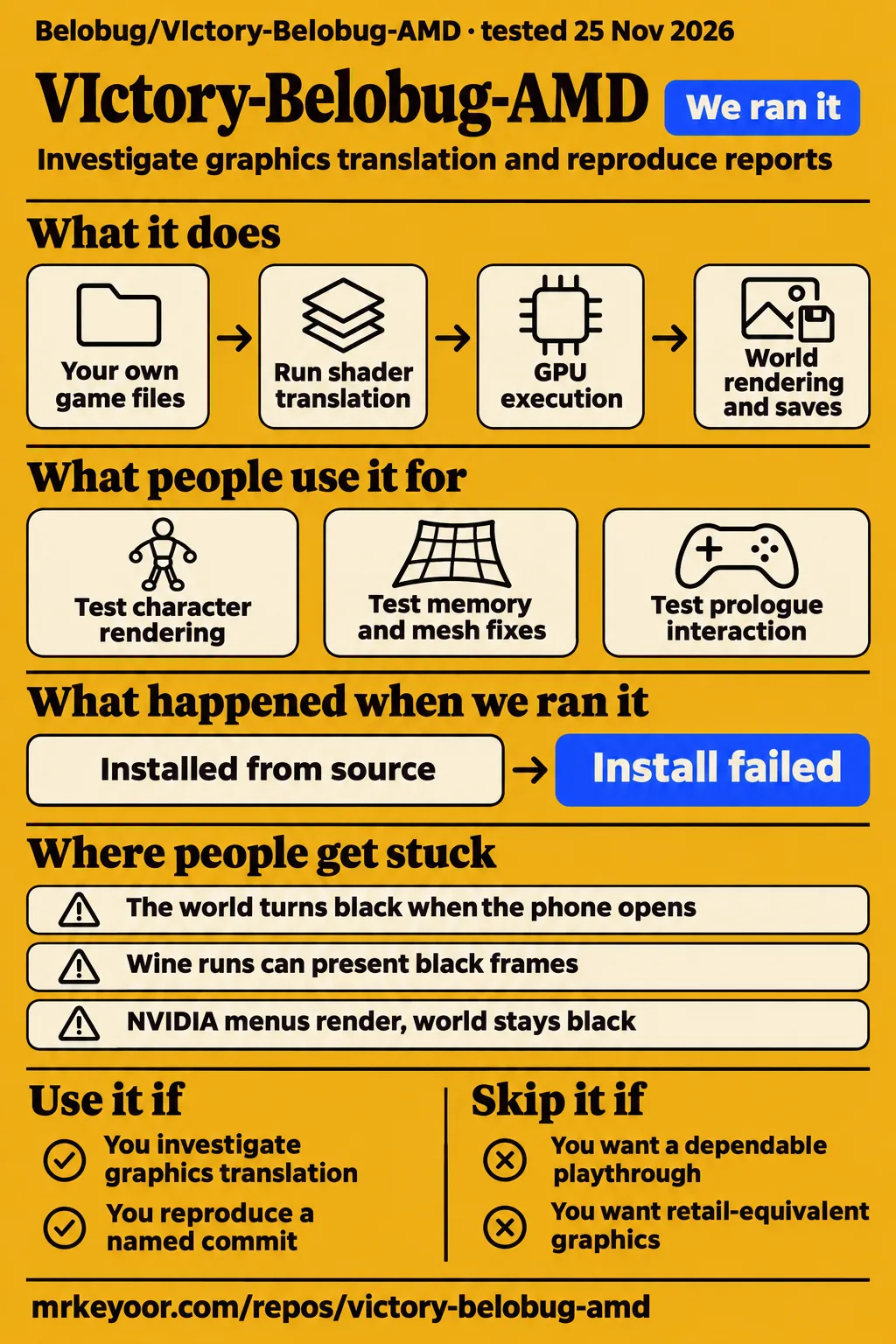
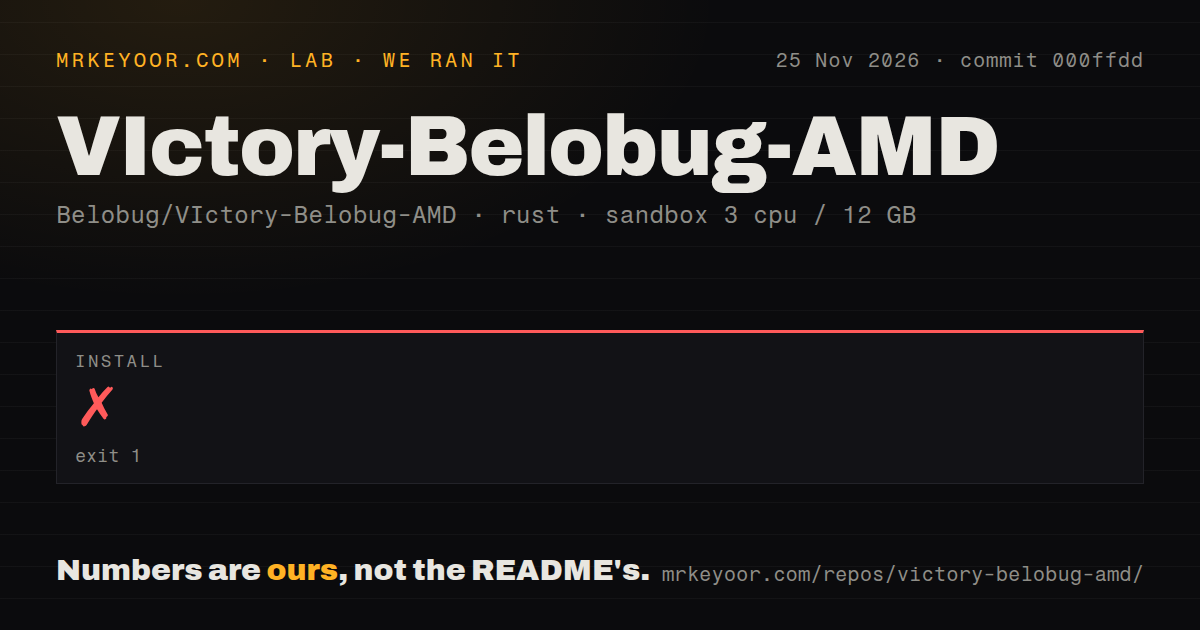
The author's README reports 5 to 8 fps in the world on an RX 9070 XT and calls VIctory-Belobug-AMD unplayable. Use it to investigate graphics translation and reproduce a specific tester's configuration. Skip it if you want a dependable playthrough: the README also describes a broken phone and missing ray-traced indirect light. Our installation at commit 000ffdd stopped after 3 seconds with a disk-write error.
What people use VIctory-Belobug-AMD for
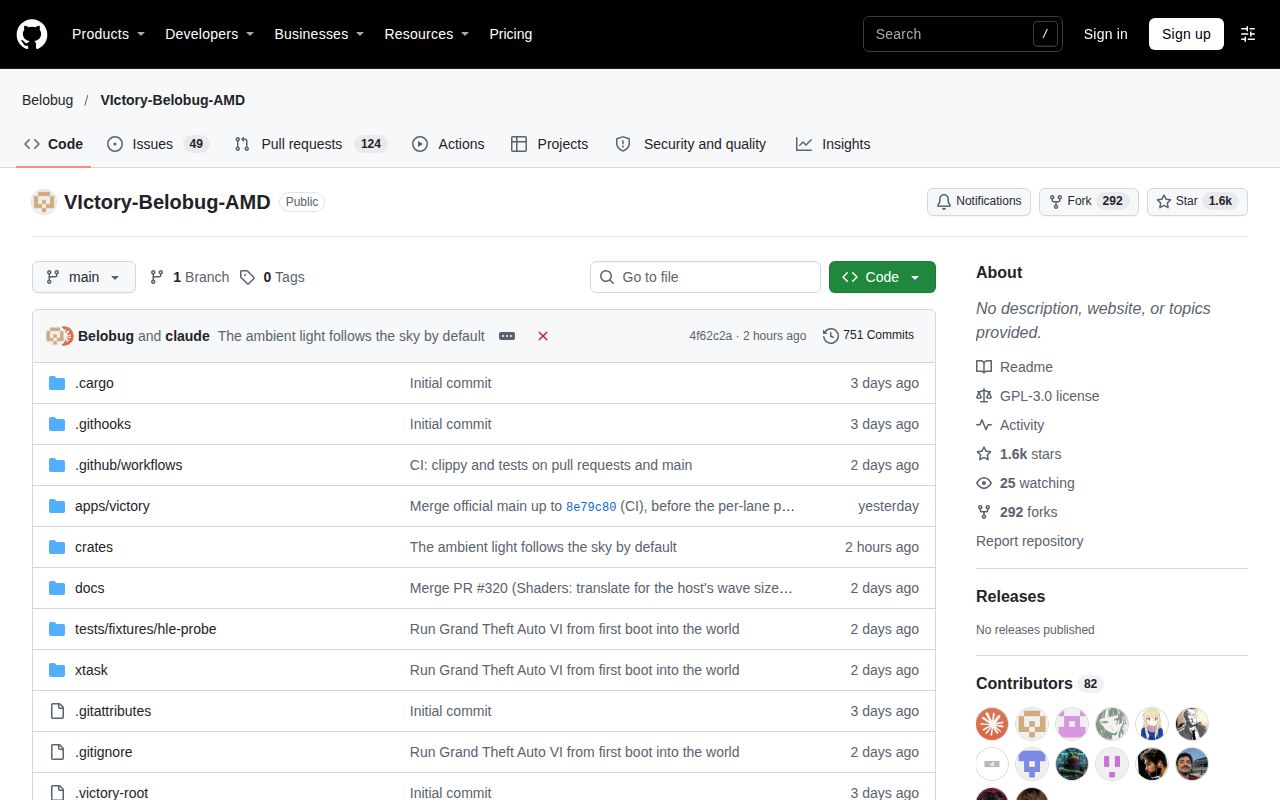
The fork's author reports a rendered world and working saves on Windows 11 with an RX 9070 XT, using the Series X profile. The README describes a fork of Marvisak's VIctory that follows upstream through 8e79c80 and adds fixes found while running the world on one AMD card. The author's README separates that machine's results from the project's broader development history.
| Who used it | What they tried | What they reported |
|---|---|---|
| Fork author, RX 9070 XT, Ryzen 7 9800X3D, 64 GB RAM | Windows 11, Series X profile | World rendering and saves, with 5 to 8 fps in-world and lower performance while driving. Author's machine |
| KingKaom, RX 9070 XT | Release revision 01aadd1, fresh cache, prologue interior | An interactive interior and a 4.4 fps world-phase median across a 67-minute session, ended by choice without a crash or device loss. Issue #122 |
| zGLados, RX 7700 XT 12 GB | Local branch bd95048 combining #144 and #138 | No device removal during 16 minutes, ending at 5.2 fps, while room geometry was still missing. Issue #26 |
| sil-kong, RX 7900 XT, RADV | Linux through GE-Proton Wine, revision 71652a2 | Passed the intro with VICTORY_COPY_MEMORY=1 after bisecting a black-screen regression. Issue #19 comment |
KingKaom describes interaction in concrete terms: tutorial prompts were live and injected key input registered. The report also identifies the revision and cache condition, making it a more useful reproduction target than a screenshot alone. The issue #122 session combined that working interaction with persistently dropped shader programs, so its visible result included both progress and incomplete rendering.
What happened when we ran it
Our install at commit 000ffdd failed with exit 1 after 3 seconds on November 25, 2026. Rust's installer began syncing the requested channel, then failed while writing a standard-library component download: No space left on device (os error 28). Our installation log identifies the operation that stopped setup: writing the rust-std download to disk.
| What our sandbox recorded | Result |
|---|---|
| Configuration | 3 CPUs, 12 GB RAM, image label lab-rust:1 |
| Checkout | 185 files, approximately 111,043 source lines, 4.4 MB |
| Install | Failed, exit 1, 3 seconds |
| Last failing operation | rust-std-x86_64-unknown-linux-gnu component download could not be written to disk |
| Repository signals | One CI workflow, no Dockerfile, a tests directory |
The channel output names 1.98.1-x86_64-unknown-linux-gnu and reports downloading 6 components. The sandbox's image label was lab-rust:1; its recorded allocation was 3 CPUs and 12 GB RAM. Those details describe our run, while the README's Windows 11, RX 9070 XT and 64 GB configuration describes the author's separate graphics session. Keeping those configurations separate prevents the installation result from becoming a hardware comparison.
A separate deployment attempt failed its safety step because no Compose file existed. Its log calls the repository "unsafe" under a rule requiring Compose. That label describes the deployment rule. The run summary says it deployed using its own Docker Compose, which conflicts with the failed prerequisite. The deployment teardown recorded "ok".
Where people get stuck: black screens have different causes
Issue #19 describes black frames from the intro under Wine, while issue #15 describes NVIDIA menus that render before a black world. These are different observed failure stages. The reports distinguish changes to title-memory handling, resource transitions and shader pipelines, rather than offering one black-screen switch. The Wine bisect and NVIDIA discussion provide separate reproduction paths.
| Symptom | Report and useful next step | Status in that report |
|---|---|---|
| Black from the first intro frame under Wine | sil-kong bisected the regression to 440589e and passed the intro with VICTORY_COPY_MEMORY=1. Issue #19 | Workaround on the tested setup |
| Fedora loading ends at a winevulkan assertion | sil-kong recommends GE-Proton Wine with vkd3d-proton, distinguishing it from distribution Wine's D3D12 implementation. Issue #131 | Reported compatibility-stack route |
| NVIDIA menus render, world stays black | WuDiXiaoBo reports visible geometry after changing host_barrier transitions through legal_state. Issue #15 | Improved picture, still overexposed |
| RX 7700 XT loses the device | zGLados reports that applying #144 locally stopped device removal in follow-up sessions. Issue #26 | Local patch; missing room geometry persists |
| Faces or skin missing | eIBart0 reports correct faces and skin after locally porting upstream #2398, discussed in #138. Issue #125 | Local port on RX 9070 XT |
| Phone turns world black | The README describes a black world and empty phone outline when the phone opens. README phone result | Open problem |
WuDiXiaoBo's RTX 4060 Ti changed from black to visible geometry and sky, with incorrect exposure. Another commenter, yunsuwan79-blip, applied the same change on an RTX 4060 and got a flat light-blue screen without world geometry. Issue #15 records both outcomes, including the latter window's 2 FPS, 637.5 ms/frame and 331 draws/frame. The two reports make the hardware distinction part of the result.
Local patches change what a compatibility report means
The RX 7700 XT result at bd95048 combined #144 and #138 locally, while the RX 9070 XT character-rendering improvement used a port of upstream #2398. A report labeled only "Belobug" loses those differences. The issue #26 follow-up names the branch, diagnostic build, README settings and DRED setting alongside its 16-minute session and final 5.2 fps.
eIBart0 reports that porting upstream #2398 restored faces and skin. Before that port, 71 mesh programs exceeded the host's 32 KiB output limit; afterward, all 8,765 mesh programs translated. The reported visible change covered prison cutscenes and gameplay. The RX 7700 XT follow-up separately removed its mesh refusal while leaving room geometry missing, distinguishing character repair from a complete scene.
Memory use grows beyond the graphics card
The README reports about 22 GB of RAM and more video memory than a 16 GB card has on the author's machine. It also describes about 33 GB of process commit after a quarter-hour drive. The README's memory observations use different categories, so the 22 GB and 33 GB figures should retain their labels rather than become interchangeable RAM requirements.
The README says streamed textures are capped at 1024 pixels per side, then reduced to 512 and 256 as video memory fills. A follow-up in issue #20 describes a memory guard ending an RX 9060 XT session at 26.5 minutes, after a reported steady 2.2 to 2.6 fps. That follow-up came from an autonomous Claude Code tester posting through deepdev237, with an explicit disclosure that no person reviewed the text before posting.
The README's author used Windows 11 and user-provided game files
The README states that the repository contains no game files, code or assets and requires your own copy of the game. Its author reports Windows 11, an RX 9070 XT 16 GB, Ryzen 7 9800X3D, 64 GB RAM and the Series X profile. Those are the documented author configuration and game-file requirement, rather than a minimum hardware specification.
Paull007 explains in issue #4 that VICTORY_RELAY, VICTORY_LATE_WAIT, VICTORY_WIDE_BACK and VICTORY_CARD_REHASH_RUNS belong to other forks. Those four flags do nothing here. A launch recipe containing them therefore used this fork's defaults for those settings, even if the command looked extensively tuned. The same reply discusses first-launch shader translation and recommends letting it finish before restarting.
VIctory-Belobug-AMD vs upstream VIctory and victory-fork
Upstream VIctory rendered the intro and reached the world on the same Linux/Proton machine where the tested Belobug build showed black frames. The issue #19 comparison names upstream 940d32f and describes continued uploads through the intro, menus and loading. It provides a baseline for that regression, with a different purpose from ranking forks across unrelated machines and revisions.
| Choice | Why you would choose it | What the comparison actually says |
|---|---|---|
| Marvisak/VIctory | Establish a baseline for fork-specific changes | Upstream 940d32f rendered the intro, menus and loading and reached the world on the reporter's same machine and Proton setup. Issue #19 comparison |
| fxceless/victory-fork | Reproduce the alternative RX 7700 XT stability result | zGLados reports that 4e17478 plus PR #98 ran the prologue for 15 minutes without device loss. Later local Belobug patches also improved survival. Issue #26 comparison |
| GE-Proton Wine with vkd3d-proton | Follow the reported Linux compatibility route | sil-kong distinguishes this stack from Wine Staging's upstream vkd3d implementation. This is a compatibility-stack choice. Issue #131 discussion |
KernelSmoker separately reported cross-building and launching on Bazzite Linux 45 with an RTX 3090 through GE-Proton. The issue #131 discussion treats that as running the Windows executable through the compatibility stack. The comparison has several different outcomes to keep straight: successful construction of an executable, successful launch, visible world rendering and survival through a particular scene.
What the other reviews get wrong
PortWatch repeats vehicle and tree defects that the README describes as corrected. Its November 25 article says moving vehicles lose or stretch parts and distant trees are absent. The older README already describes whole moving vehicles and drawn distant trees, as does the newer README. The author connects vehicle repairs to title-memory handling while explicitly leaving the cause of the tree improvement unproven.
PortWatch also says nobody has tried NVIDIA. Community reports in issue #15 and issue #125 supersede that assertion. The author's statement about testing one machine describes the author's own experience. Community outcomes include black worlds, missing character skin and partial improvements after local changes, rather than a single successful NVIDIA result.
PortWatch's 3 to 5 fps figure matches the older README observation. The newer README reports 5 to 8 fps in-world, including 7.2 to 7.7 while standing still in a scene of 8,800 draws. Its absent ray-traced indirect lighting and texture caps also contradict a retail-equivalent reading of PortWatch's "close to retail" assessment. The older and newer frame rates belong to their respective observations.
Shader validation and GPU execution also have separate outcomes. The README says all 25,623 emitted shaders pass Microsoft's validator, while Yoshi-233 reports four validated indirect-lighting compute shaders failing in-game with 0x80004005 on a locally modified build based on 71652a2. That report preserves the validation result while showing why a validation pass alone is insufficient evidence of successful rendering.
Questions people ask
VICTORY_COPY_MEMORY=1 let sil-kong's tested Wine build pass the intro after a bisected black-screen regression. The issue #19 follow-up identifies 440589e as the first bad commit and records the copying workaround on 71652a2. Other questions concern different stages, including pipeline creation, memory growth and character rendering, so the answers below keep those observations attached to their reports.
Why is VIctory-Belobug-AMD black from the first frame on Linux or Proton?
sil-kong's bisect identifies 440589e, the title-memory-in-place change, as the first bad commit. Revision 71652a2 passed the intro with VICTORY_COPY_MEMORY=1. The issue #19 comment records the change, workaround and observed outcome together; the troubleshooting table above places it beside the distinct NVIDIA world-rendering problem.
Should copying title memory default to enabled when the fork runs under Wine?
sil-kong suggested enabling copying by default under Wine after the workaround succeeded. The comment phrases the default as a proposal, using "Maybe it could default to on when running under Wine." The concrete reproduction detail is the explicit VICTORY_COPY_MEMORY=1 setting used with revision 71652a2.
How can I get past the loading-screen pipeline failure on Fedora with Wine?
sil-kong reports progress with GE-Proton Wine and vkd3d-proton, and explains that Wine Staging's D3D12 uses upstream vkd3d. Issue #131 distinguishes those implementations and describes the runtime's demands on D3D12. The comparison section lists that route alongside the two runtime forks so the compatibility stack remains part of the configuration.
Why does the world render black on NVIDIA even though menus and loading art work?
Issue #15 reports working menus and loading art before black in-world frames on an RTX 4060 Ti. The thread's follow-up describes geometry appearing after the barrier change, with overexposure still present. It also contains a separate validated-shader pipeline failure, illustrating why the point at which the picture disappears belongs in a diagnostic report.
Does the legal_state host_barrier patch fix rendering on my NVIDIA card?
The reported outcomes differ: WuDiXiaoBo saw geometry and sky with incorrect exposure, while yunsuwan79-blip's RTX 4060 showed flat light blue without world geometry. Both outcomes appear in issue #15. The troubleshooting section retains the card-specific results rather than treating the patch as a complete rendering repair.
Do extreme bindless planning and recording times indicate a separate host bottleneck?
The RX 9060 XT report records 27,513.1 ms/frame in its worst sample, including 13,158.4 ms preparing, 4,315.3 ms copying and 3,539.4 ms handling textures. Issue #20 also reports active pipeline compilation throughout the captured session. Its timing categories show substantial host preparation alongside the total frame time.
Would additional RX 9060 XT diagnostics help investigate the stalls?
The original RX 9060 XT report leaves its exact commit, AMD driver and launch configuration as placeholders. Issue #20's system-specification fields identify those missing details directly. Filling them in would connect the existing 49 timing samples and 1.5 FPS median to a reproducible build and graphics configuration.
How much system RAM does this fork use, and how much RAM do other testers have?
The author's README reports about 22 GB of RAM on a machine with 64 GB installed. The RX 9060 XT report lists 16 GB DDR5-6000, while its later automated follow-up describes memory growth and a guard ending the session. Installed capacity, reported RAM use and process commit are separate figures in these reports.
Why does the launching animation run at only 2–3 fps when other loading animations reach 30 fps?
nz-ex says the other loading animations reach 30 fps and calls this animation different in issue #1. That observation concerns a particular loading animation. The README's separate performance figures concern menus and the world, including a standing-still scene, so they describe different points in execution.
Which game client and executable version did the successful tester use?
Vitr0x38 answers the client-and-executable question with build 1.0.2.1 for both. KingKaom separately names runtime revision 01aadd1 for the long RX 9070 XT session. Issue #122 contains those different commenters' details; the game build and runtime revision should retain their separate attribution.
Does the white world screen disappear after shader compilation finishes and the game is restarted?
Paull007 recommends letting compilation finish, closing the game and launching again in issue #4. The reply describes first-launch translation and pipeline building, while the README separately says water is missing until restarting after the shader-optimization change. These are a troubleshooting recommendation and a documented restart effect, respectively.
Why do descriptor allocation and depth-bounds tests fail on an NVIDIA RTX A2000?
The RTX A2000 log records failures in dynamic_slots_are_held_until_released and depth_bounds_control_a_title_draw, including "host refused the depth bounds pipeline." Issue #130's test output records 109 passed, 2 failed and 4 ignored in 2.93 seconds. Its debug launch also records an unhandled 0xc0000005 exception; these are the reporter's results, separate from our installation failure.
What we have not tested yet
Our installation stopped during a Rust component download, leaving no completed build, test suite or gameplay benchmark for 000ffdd. The requested Rust channel and lab-rust:1 image label establish neither an installed toolchain nor an operating-system version. The contradictory Compose summary supplies no demonstrated application session. Author and community frame rates are their observations, rather than measurements from our sandbox.
The RTX A2000 extract establishes the named test failures and launch exception, but supplies no demonstrated causes or remedies. It does not support a capped-heap explanation, a #52 repair or a runtime diagnosis for the depth-bounds failure. The README passages checked here likewise supply the author's Windows 11 configuration, rather than Windows x64, AVX2 or Direct3D 12 mesh-shader requirements.
We have not reproduced the barrier, mesh or lifetime patches, checked their current merge status, or run matched cold-cache and warm-cache comparisons. The Wine comment's deeper mapping explanation is the commenter's guess. The animation report supplies no demonstrated explanation, and the white-screen discussion supplies no completed successful retest. KernelSmoker's cross-build and launch report supplies no established gameplay outcome.
Mission-by-mission completion, controlled hardware rankings, Intel GPU behavior, minimum RAM and VRAM for stable long sessions, and retail-equivalent fidelity lack demonstrated results here. Security defaults and execution isolation were not assessed. The video entries contain no substantive gameplay transcripts that corroborate PortWatch's progression claims. A useful next experiment would hold hardware, revision, scene and settings constant while recording compilation, sustained rendering and separately labeled memory figures.