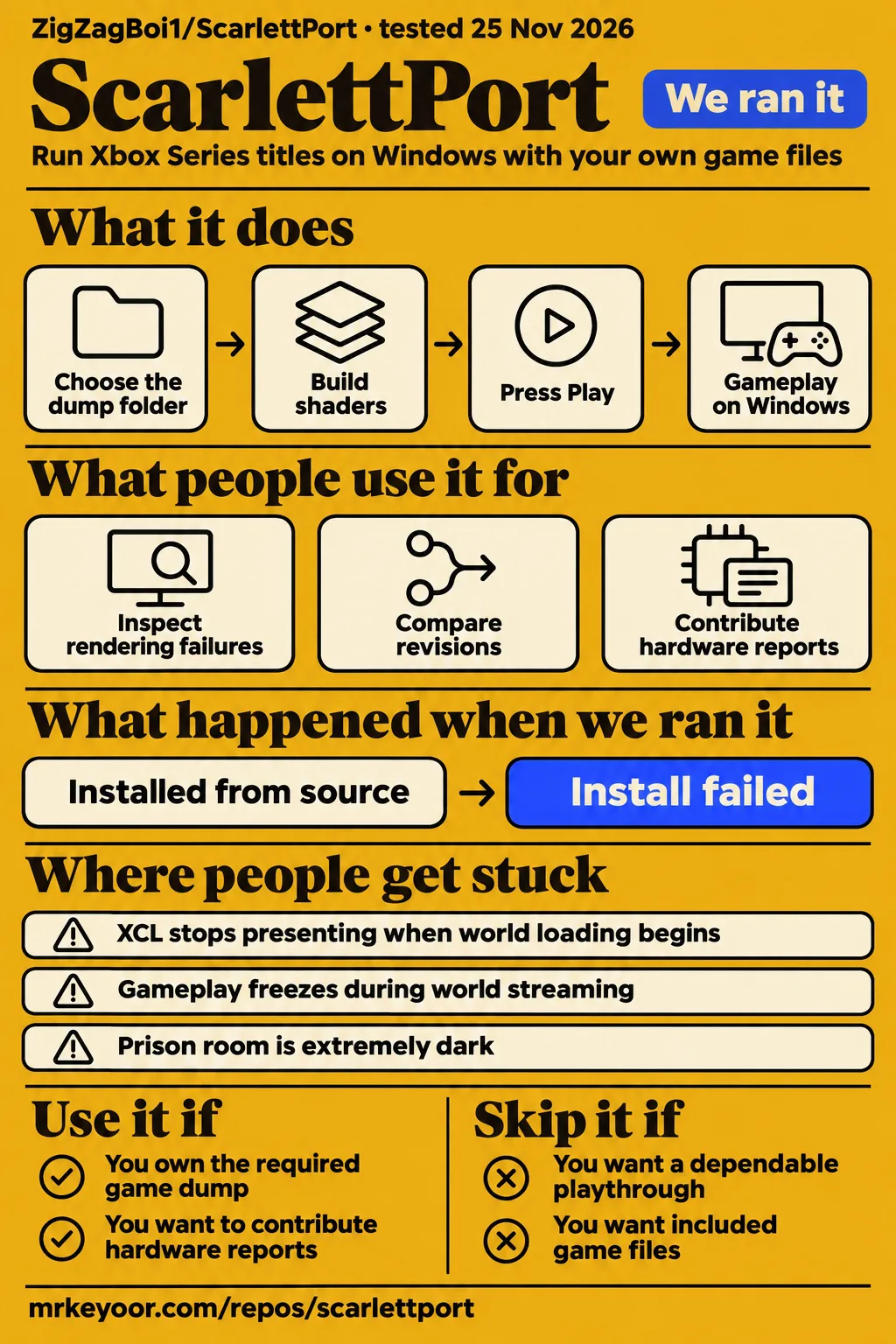
ScarlettPort reaches gameplay in the author's reports at about 4 fps on an RTX 3060, making compatibility work its clearest use today. The ScarlettPort README reports that result using the Series S profile, alongside streaming freezes and dark shadowed areas. Our installation at commit d8eee74 stopped on a disk-space error. Separately, the maintainer reports a v0.3.1 fix for the v0.3.0 shader-build regression in issue #11.
Use it to investigate compatibility, skip it for playing through
The author reports about 4 fps in the prologue on an RTX 3060, with streaming freezes still present. Use ScarlettPort if you own the required game files and want to investigate rendering or contribute hardware reports. Skip it if your goal is a dependable playthrough. The README describes gameplay starting and identifies speed, streaming and shadowed areas as unfinished work.
The hardware accounts distinguish menus, world loading and sustained rendering. In issue #9, the RTX 3070 reporter lists 60 FPS in menus and 3-4 FPS in the world, then describes drops to zero while locations load. Those are different milestones in the same report. A useful contribution records which milestone the runtime reached, rather than reducing the result to whether the application opened.
What people use ScarlettPort for
ScarlettPort's author and hardware reporters use its runtimes to reach gameplay, inspect rendering failures and compare revisions on named GPUs. The README asks contributors for GPU, driver, CPU, RAM, shader-build duration and the last point reached. The reports below follow that diagnostic purpose: each connects a runtime or build to a visible outcome, giving another contributor a specific behavior to investigate.
| Who ran it | What they did | What came back |
|---|---|---|
| ScarlettPort's author | Booted the tested title, loaded saves and reached gameplay through the VIctory-based runtime | About 4 fps in the prologue on an RTX 3060 using the Series S profile |
| RTX 3070 reporter in issue #9 | Ran the VIctory-based runtime with 32 GB RAM and an additional 64 GB page file | Reached the intro cutscene; reported approximately 3-5 FPS, drops to zero during streaming and an extremely dark prison room |
| RTX 3080 Ti reporter in issue #3 | Performed two source-built XCL runs and captured diagnostic logs | Menus and loading artwork rendered, but presentation stopped around 130-150 seconds while the process stayed alive |
| RX 7700 XT reporter in issue #10 | Compared fx-harvest with a fork baseline using an owned title dump and a cold shader cache | Reached a lit scene around ten minutes, then aborted around twelve minutes with a host-memory allocation failure |
The XCL account records why a window staying open can be misleading: presentation stopped while the process continued, and in-world audio decoded throughout the run. The issue #3 logs also record pending pipelines and skipped indirect draws. Naming the last visible scene, runtime revision and graphics behavior gives a contributor more to work with than a report that simply says the game launches.
What happened when we ran it
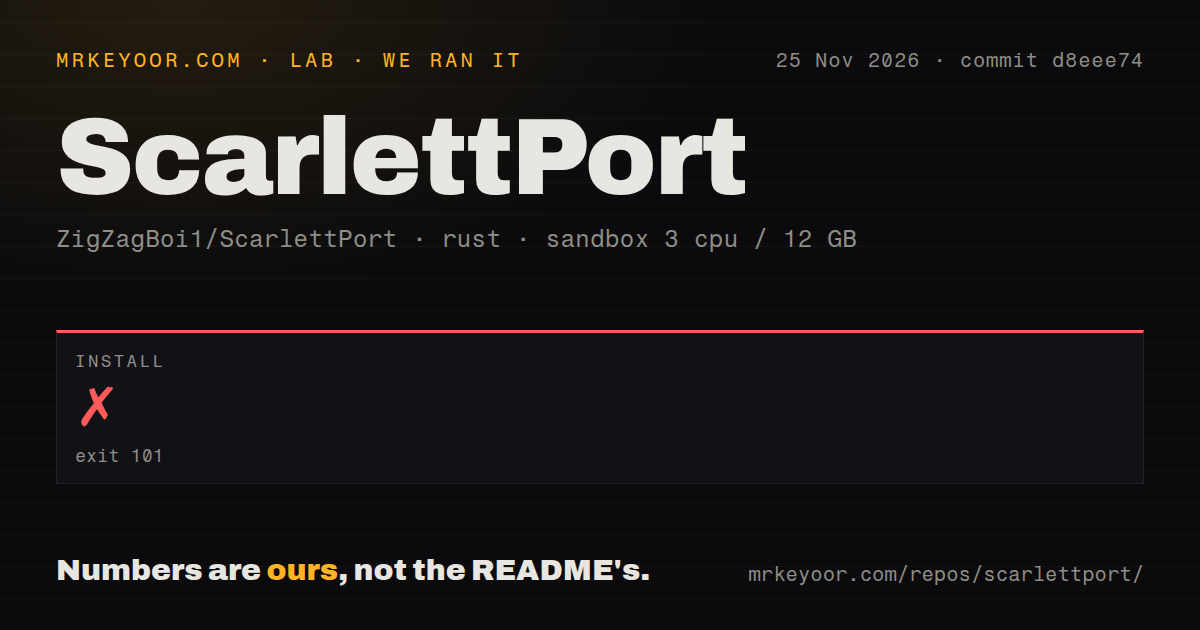
Our November 25, 2026 install at d8eee74 failed with exit 101 after 7 seconds. The installation log ends with No space left on device (os error 28) after Rust crate downloads. Our run used a recorded sandbox configuration of 3 CPUs, 12 GB RAM and image label lab-rust:1. The repository scan and installation result are separate observations: source size describes the checkout, while the error describes where installation stopped.
| Our recorded check | Result |
|---|---|
| Source location | Rust project in ./launcher/ |
| Repository footprint | 525 files, approximately 270,237 source lines, 24 MB checked out |
| Installation | Failed, exit 101, 7 seconds |
| Last error | No space left on device (os error 28) |
| Repository signals | 2 CI workflow files, no Dockerfile, no tests directory |
The downloaded crates in the failing install log include combine, egui_glow and quick-xml. The final line reports exhausted device space; the log tail ends there. The checkout occupied 24 MB, and the harness recorded 12 seconds in total. These figures describe this attempt at d8eee74, rather than the README's Windows launcher instructions or the author's reported gameplay session.
A separate November 25 attempt failed its safety step because none of compose.yaml, compose.yml, docker-compose.yaml or docker-compose.yml existed. The runner required a Compose file. Its “unsafe repo” wording was the name of that failed prerequisite. Meanwhile, its summary claimed deployment with Docker Compose and every port bound to 127.0.0.1, contradicting the failed step. The teardown record says “ok”.
Your own game dump and Windows graphics support come first
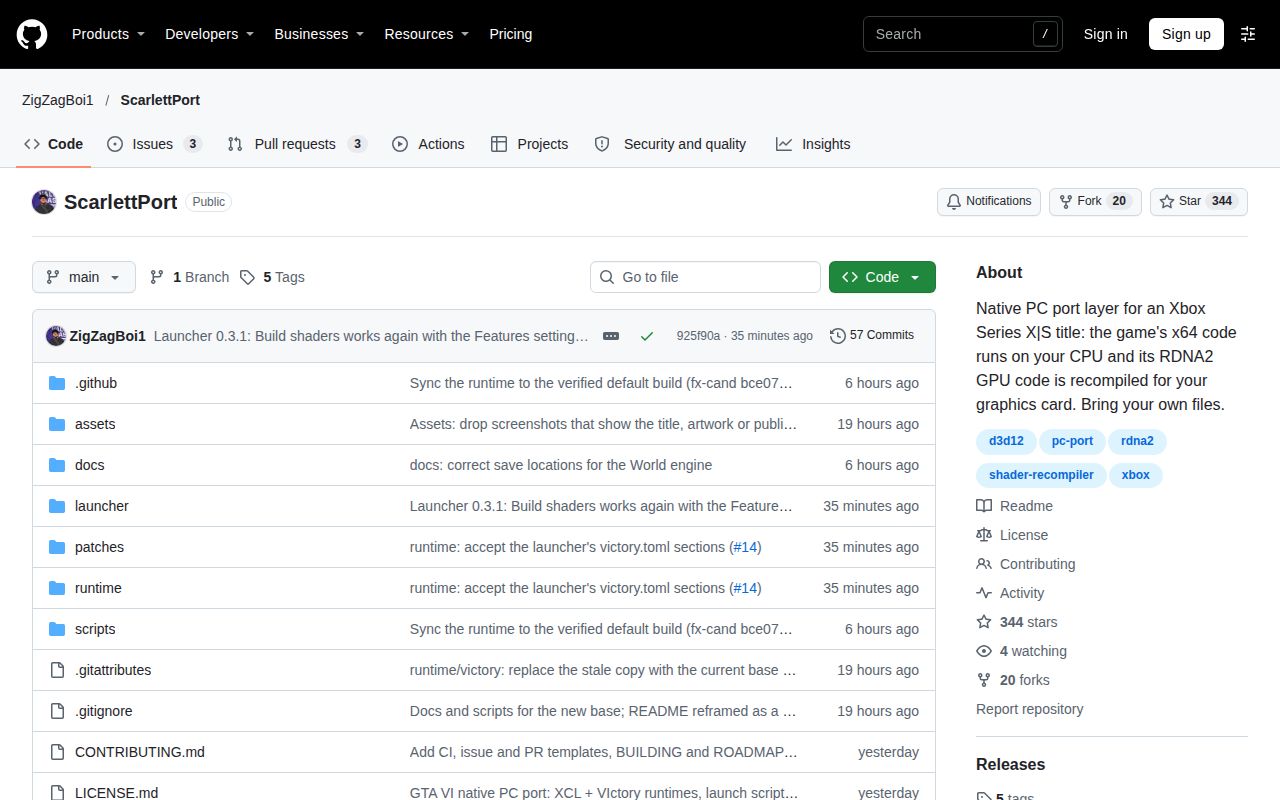
ScarlettPort requires your own dump of a legally obtained Xbox Series copy and includes no game files. The README describes running the title's x64 code on your CPU and recompiling its RDNA2 graphics code for your GPU. A shader is a program executed by the graphics card. The project's rendering reports follow the work of translating those programs and assembling them into a displayed frame.
The documented requirements are Windows 10/11 x64, a D3D12 GPU with Shader Model 6.6 and mesh shaders, Rust MSVC and the Windows SDK, with 32 GB RAM recommended. The launcher instructions say to extract the complete release ZIP, keep ScarlettPort.exe beside the runtime folder, choose the dump folder, build shaders and press Play. The README also documents PowerShell scripts for running the two engines directly.
Where people get stuck: configuration, driver timeouts and missing light
The maintainer reports that v0.3.1 fixes the v0.3.0 shader-build configuration failure through PR #14. In issue #11, the owner says the bundled runtime now accepts the [display], [game], [pace] and [upscale] sections written by the 0.3 launcher. The issue is closed as completed, and the comment directs users to auto-update or the release page. That resolution belongs beside the original parser failure.
| Symptom | What the reporter or maintainer says | Resolution recorded |
|---|---|---|
| Shader building fails after v0.3.0, sometimes with yellow STALE | Issues #11 and #13 show the runtime rejecting the display configuration field | The maintainer reports the fix in v0.3.1 through PR #14 and closes issue #11 as completed |
| RX 9060 XT driver timeout after the introductory location/time screen | Issue #12 includes reproduction on an RX 9070 XT by letstalkaboutdune | Commenter reports investigation |
| XCL stops presenting when world loading begins | Issue #3 records pending pipelines and skipped indirect draws | Maintainer moves most work to VIctory, described as getting past this wall |
| Prison room is extremely dark | The RTX 3070 reporter in issue #9 describes missing or incorrect lighting | Rendering problem reported |
| Ray-intersection programs fail translation | The maintainer in issue #7 reports emulation added in commit 48ba23a | Compute programs translate; shadowed areas remain under development |
The original update logs identify victory.toml parsing as the stopping point: unknown field display, expected paths or controls. Issue #13 associates the yellow STALE indicator with that repeated parser error. That differs from the README's slow Classic shader-compilation counter. For this configuration failure, the documented remedy is the maintainer's v0.3.1 update, rather than waiting for the shader count to advance.
Host memory and live pipelines can fail after translation succeeds
The RX 7700 XT reporter reached a lit world scene before fx-harvest aborted with memory allocation of 7372800 bytes failed. Issue #10 records frame 2600 around ten minutes and the allocation failure around twelve minutes. The report names fx-harvest 38e8e7c, runtime revision 48ba23a, the Series X profile and a cold shader cache. It explicitly distinguishes the host-memory failure from device removal and a DRED fault.
The same RX 7700 XT report describes purple edges, broken hair, a darker room and 213 texture-upload warnings in fx-harvest, compared with zero of those warnings on the fork base. Progress into the world and image quality are separate results in that comparison. Keeping the profile, cache conditions and revisions attached to the outcome makes the report useful for reproducing either the allocation failure or the visual differences.
Issue #8 describes an offline shader route using a linked mesh-and-pixel pair while the live route uses linked mesh bytecode with the original pixel shader. A graphics pipeline combines shader stages and rendering settings. The reporter's proposed correction is to resolve, hash and submit the linked pixel bytecode consistently in both live creation routes, connecting the observed pipeline refusal to a specific difference in how the routes select bytecode.
Security and updates: the README describes unsigned releases
ScarlettPort releases are unsigned, and the README says update downloads begin only after a click. The documented updater checks files against the release's SHA-256 list, swaps them on the next startup and retains the replaced version for rollback. It updates the launcher and bundled runtime folder. A separately selected local runtime build stays outside that replacement process, according to the same README.
With Updates enabled, the launcher checks GitHub Releases at startup. “Send report” opens a prefilled GitHub issue in the browser, with usernames and folders removed from the log; Discord status talks to the local Discord application. The README also warns that unsigned applications which download and replace executables can trigger SmartScreen or antivirus reputation warnings. These are the project's descriptions of its release and network behavior.
ScarlettPort vs XCL and fxceless/victory-fork
World/VIctory is the ScarlettPort README's route to a lit world, while Classic/XCL is described as reaching menus and loading screens. The README includes both engines and makes World the default shader-build route. That makes the first comparison an engine choice inside ScarlettPort. The separate XCL and VIctory fork repositories are useful when the investigation belongs in those codebases rather than in the launcher.
| Route | Evidence supporting the choice | When it makes sense |
|---|---|---|
| ScarlettPort World/VIctory | README reports a lit world and gameplay starting | Investigating the launcher's documented world-rendering route |
| ScarlettPort Classic/XCL | README describes menus, loading screens and a long shader-compilation tail | Investigating the bundled XCL path |
| fxceless/victory-fork with PR #98 | Issue #10 reports fifteen minutes stable at frame 3200 with a cleaner picture on the RX 7700 XT | Reproducing that named branch comparison |
XCL describes itself as a compatibility layer for Xbox Series X|S games owned by the user on Windows. Its current repository is xcl-dev/xcl. The fxceless/victory-fork README describes work aimed at rendering one title correctly and playably on one particular PC. In issue #10, the original fork baseline 4e17478 lost the device around 545 seconds; the fifteen-minute result belongs to the version with PR #98, e8cad1e.
What the README gets wrong about release status
The README labels Launcher v0.3 “in testing,” while issue #11 records a maintainer-reported v0.3.1 fix. Its post-v0.2.1 section says “Nothing below is in a release yet”, but the owner's issue #11 reply names v0.3.1, describes its configuration change and links the release. The release-status correction concerns that launcher wording and the specific shader-build regression.
The development table groups launcher work with streaming changes, save protection and other runtime work. The README says those listed changes have no measured fps gain on the RTX 3060 yet. Its approximately 4 fps prologue figure remains the reported gameplay result used here. The v0.3.1 comment describes accepting launcher configuration sections so Build shaders runs again; it reports a configuration fix rather than a new frame-rate measurement.
FAQ
The v0.3.0 shader-build regression has a maintainer-reported fix in v0.3.1 through PR #14. The owner's issue #11 reply names that release and says Build shaders runs again. Other reader questions concern distinct behaviors: shader progress, world presentation, driver timeouts, memory allocation and update handling. The answers below keep those symptoms connected to the issue or README passage that describes them.
Why does building shaders fail after updating to ScarlettPort v0.3.0, sometimes showing STALE?
The maintainer says v0.3.1 fixes the launcher/runtime configuration mismatch. The issue #11 resolution points users to auto-update or the release page, after the runtime rejected configuration sections written by the 0.3 launcher. The troubleshooting table above identifies the original parser error; the update is the maintainer's stated remedy for that failure, including the matching STALE report.
Why does ScarlettPort crash with a driver timeout on AMD RX 9000-series cards?
Issue #12 records an RX 9060 XT timeout after the introductory location/time screen and reproduction on an RX 9070 XT. The comment by letstalkaboutdune says investigation is underway. The reported stopping point distinguishes this case from the configuration-parser exit during shader building and from issue #10's host-memory allocation failure after reaching a lit world scene.
Why does XCL stop displaying frames when the world starts loading?
The issue #3 reporter records presentation falling to zero around 130-150 seconds in both runs, with the process still alive. The logs describe pending pipelines and skipped indirect draws. The maintainer later closed the XCL report after moving most work to the VIctory-based engine, described as getting past this world-start wall. That engine change is the recorded response to the report.
Why does the RX 7700 XT fx-harvest build run out of host memory?
Issue #10 identifies the stopping error as memory allocation of 7372800 bytes failed after about twelve minutes. The report explicitly records no device removal or DRED fault. Its comparison is between named builds on the same RX 7700 XT, with the Series X profile and a cold shader cache on the fx-harvest run. The full sequence appears in the host-memory section above.
Why are prison interiors so dark, and does adding ray-intersection emulation fix the lighting?
The RTX 3070 reporter describes the prison room as extremely dark, with lighting apparently missing or incorrect. The maintainer's issue #7 reply says commit 48ba23a makes ray-tracing compute programs translate and that dark shadowed areas are still being worked on. The reply separates the translation change from the continuing work on the final image, matching the lighting problem described in issue #9.
Can offline shader validation succeed while live mesh pipeline creation still fails?
Issue #8 describes different bytecode selection in the offline and live routes. The reporter says the live calls never use the linked pixel bytecode from the shadowed selector, while the offline route uses the linked pair. The proposed correction is to use the linked pixel bytecode consistently for hashing and pipeline creation, addressing the specific route difference described in that report.
Why does the shader build appear stuck around 85%?
The README attributes Classic/XCL's stalled-looking counter to large world shaders still compiling. It says the counter advances only when a shader finishes and can sit at 83-85% for a long time. The documented options are World or Skip slow shaders, which is enabled by default. Completed work is retained, and pressing Build shaders again resumes the build rather than discarding finished phases.
Do I need to rebuild shaders after updates?
The README says launcher or runtime updates mark shaders for rebuilding. The World cache is keyed on the translator source, while Classic keys its cache on generated code. A World update that changes the translator translates everything again; an update that leaves it unchanged reuses cached work. The rebuild prompt therefore follows the project's documented cache behavior, with the amount of work depending on what changed.
Does the ScarlettPort launcher connect to the internet?
With Updates enabled, the launcher checks GitHub Releases at startup, according to the README. An update downloads only after a click, and Send report opens a prefilled GitHub issue in the browser. The README says usernames and folders are removed from the report log. Discord status communicates with the local Discord application. Those are the network-related behaviors described by the project.
Can ScarlettPort's updater trigger antivirus warnings?
The README says unsigned applications that download and replace executables can receive SmartScreen or antivirus reputation warnings. Its updater description includes SHA-256 checks and retaining the replaced version for rollback. Downloads start after a click, and the replacement applies to the launcher and bundled runtime folder. A local runtime selected separately in Settings stays outside that update process.
Can I use my own runtime build with the ScarlettPort launcher?
The README documents Settings → Runtime → Local build, selecting victory.exe and a cache folder. Its local-build instructions say to keep the D3D12 folder beside the executable. This route lets a contributor select the runtime involved in a branch investigation. Recording that runtime's revision alongside the launcher version preserves the distinction between the bundled engine and the locally selected build.
What we have not tested yet
Our installation at d8eee74 ended at the disk-space error, before Windows launcher startup, shader building or gameplay. We have no successful build or test-suite result from that attempt, and no checks of save recovery, updater rollback, antivirus behavior or network traffic. The image label identifies neither the actual operating system nor toolchain version. The log also leaves the exhausted filesystem and successful installation's storage requirement unresolved; a missing tests directory says nothing about inline tests or CI outcomes.
The separate Compose attempt produced a failed prerequisite, a contradictory deployment summary and an “ok” teardown record, with no live session, task answers or screenshots. Its failure is a runner-rule result rather than a security assessment. The author and hardware reporters supply the gameplay observations here; our run did not reproduce their frame rates, timeouts, allocation failure or linked-pipeline reproduction. The named GPU reports do not determine compatibility across other hardware or revisions.
The maintainer confirms the v0.3.1 configuration fix in issue #11; an independent successful retest remains unperformed. Issue #12 supplies no diagnosed timeout cause or fix, issue #10 supplies no root-cause fix for host-memory exhaustion, and issue #8 supplies no applied correction or count of affected title pairs. The XCL closure includes no successful RTX 3080 Ti retest. Shader translation and checksums respectively leave final lighting and release security unanswered; neither establishes a complete playable session or a security audit.
The launcher release-status correction does not establish shipment of every feature in the README's development table. The RX 7700 XT comparison describes its named revisions rather than a general winner. Video entries offer no usable transcripts, and unrelated Bilibili results add no gameplay evidence. The next useful lab run is the documented Windows route on a named GPU, followed by a recorded transition from menus into a newly streamed location.