Nine workspaces make the terminal feel like a desktop
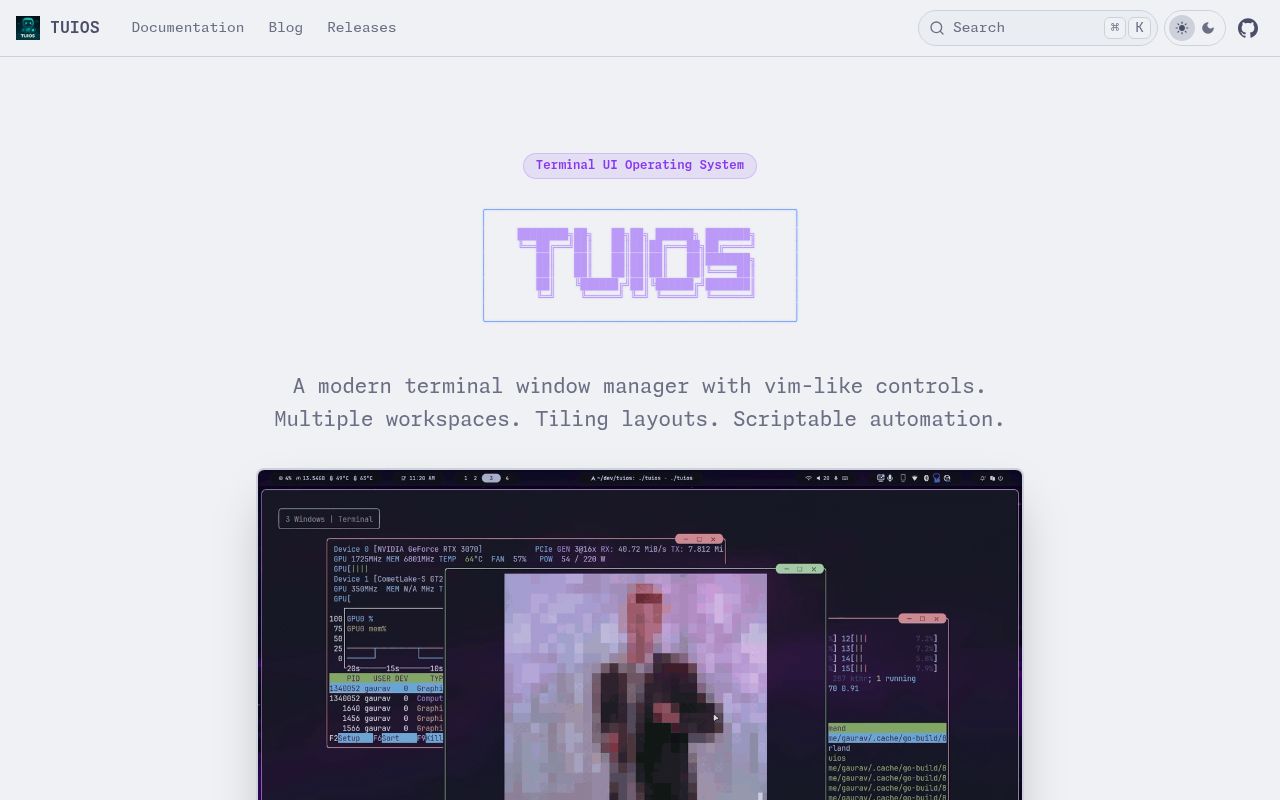
TUIOS is a terminal multiplexer with movable panes, 9 workspaces, binary-space-partition tiling, master-stack and scrolling layouts, a dock, and a fuzzy command palette. It runs inside an existing terminal but borrows the interaction model of tiling window managers. Panes can be dragged and resized with a mouse or controlled through vim-style keys.
The interface has 2 primary modes. Window Management mode handles layout and navigation; Terminal mode sends input to the active shell. The default prefix is Ctrl+B, familiar to tmux users, and a which-key popup exposes available chords. Searchable help, configurable TOML bindings, a visible key overlay, and mouse support make the modal design easier to learn than a bare shortcut table.
TUIOS also has copy mode, 10,000-line scrollback, pane zoom, broadcast input, layout templates, hooks, themes, and a tape language for recording or replaying workflows. That is enough to replace a personal multiplexer when its window-manager metaphor matches how the user works.
What happened when we ran it
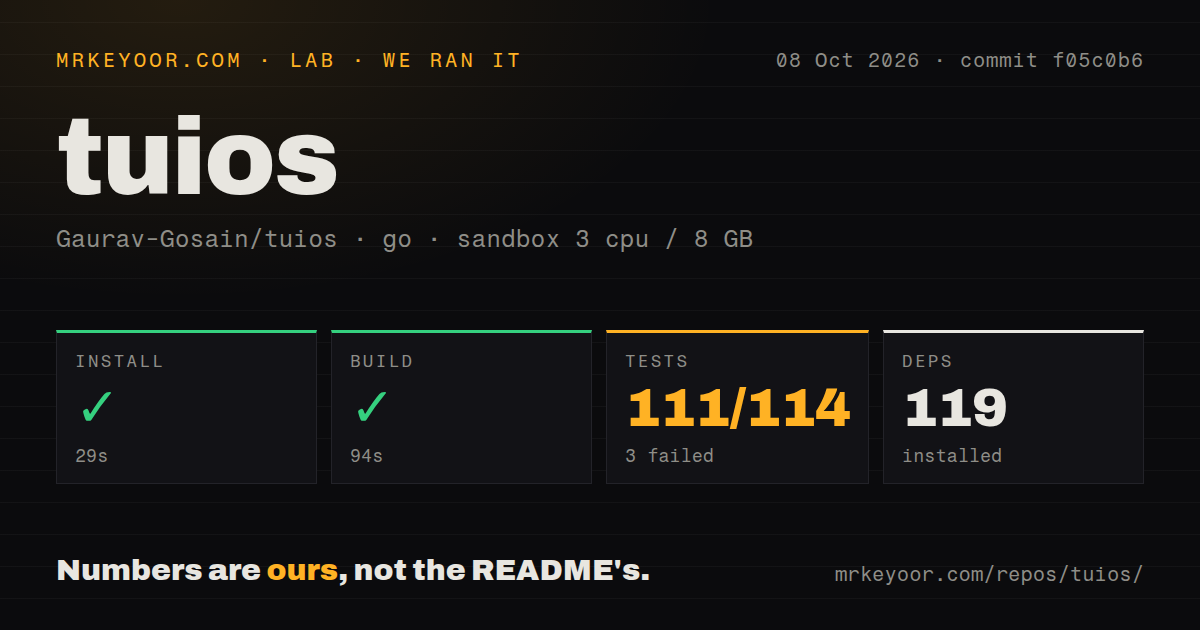
Our sandbox installed 112 Go packages in 28 seconds. The build succeeded in 50 seconds, and go test passed all 32 tests in 248 seconds with 0 failures. The unprivileged Debian container had 3 CPUs, 8 GB of RAM, Go 1.24, and no secrets. Nothing in the supplied install, build, or test steps failed.
The 25.8 MB checkout contained 1,224 files and about 249,916 lines of source. Our scan found 7 CI workflow files and a Dockerfile, but no tests directory. Go tests can live beside source files, so that directory signal does not conflict with the 32 passing tests. The run did not attach an interactive terminal, display Kitty or sixel graphics, recover a daemon, or exercise the browser client.
Terminal applications remain the compatibility test
Installation paths include Homebrew, AUR, Nix, go install, Docker, a shell script, and release archives. A true-color terminal is required; Ghostty, Kitty, and WezTerm are recommended for richer protocols. TUIOS implements VT parsing, synchronized output, clipboard sequences, Kitty keyboard handling, images, animation, and sixel passthrough rather than delegating every behavior to an established multiplexer.
That work enables images to follow panes and lets mpv --vo=kitty play video inside a window. It also creates protocol edges. The README calls sixel support experimental and says pixel-level clipping is missing. Kitty text sizing is experimental with known problems around scrollback and repositioning. Open issue 123 reports extra blank lines in top after detach and attach on Linux ARM64.
Android Termux is a clearer rejection. Issue 52 reports that creating the first pane crashes on Linux ARMv7 under Termux. The report remains open. Users should test their actual shell, terminal UI programs, graphics path, and architecture before moving a valuable long-running session.
Detach preserves programs, resurrection does not
Plain tuios creates a local session that ends with the process. Daemon mode keeps shells and screen state in a background process, so closing a terminal, losing SSH, or detaching a client does not stop the programs. Multiple clients can attach to the same daemon session.
Resurrection after the daemon itself exits has a narrower meaning. TUIOS saves pane geometry, workspace assignments, names, layout trees, and working directories. A restart creates new shells in those directories. Editors, builds, screen contents, and scrollback do not return. The session guide also says working-directory restoration is Linux-only, while recent structural changes and directory movement may have short persistence delays. The documentation is clear, but buyers must distinguish a detached live daemon from a rebuilt room.
Coding-agent states make busy panes scannable
Main tracks working, blocked, idle, done, and errored states per pane. A title glyph, terminal notification, sound, dock message, or shell hook can signal when a coding agent needs attention. The Claude Code shim maps lifecycle hooks into those states and ignores subagent completion so one child finishing does not mark the parent task done.
This integration requires extra configuration rather than appearing automatically. Users copy the shim, keep Python 3 available, and add 4 Claude Code hooks. TUIOS also inspects foreground harnesses and rendered text for blocking prompts, then uses a conservative silence timeout when no explicit state arrives. It is supervision metadata, not a change to Claude Code's execution or permissions.
Web access requires TLS outside localhost
A separate tuios-web binary serves the interface through xterm.js over WebTransport or WebSocket. Read-only sessions suit demonstrations. The server refuses a non-local bind unless TLS is configured or the operator explicitly permits insecure networking. Production guidance recommends localhost behind a reverse proxy, and public deployments need an origin policy because all origins are allowed by default.
GitHub showed 3,557 stars, 19 combined issues and pull requests, and a last push on August 26, 2026. The latest release remains v0.7.0 from March 28. Open issue 129 says the v0.7 Nix release still identifies as 0.6, another reason to verify the package rather than trust its channel name.
The 32 passing tests and active main branch support a serious trial. Release drift, protocol differences, and partial resurrection keep TUIOS below tmux as a universal team default. It earns its place where movable panes, 9 workspaces, graphics, and agent attention states save more effort than compatibility testing costs.