QEMU 11.1.1 puts Omarchy inside a native Mac window
Try Omarchy runs the Omarchy desktop with QEMU 11.1.1 on an Apple Silicon Mac instead of asking you to replace the host OS. The app combines a pinned Arch Linux image, Apple Hypervisor Framework, VirGL, ANGLE, and a Swift launcher. The result is a Linux desktop in a native Mac window, with the guest's OpenGL commands translated through Metal on supported macOS 15 and newer hosts.
This narrow target is the project's best decision. Across 123 files, the project adds clipboard exchange for text and PNG images, one shared Mac folder, and port forwarding that binds to 127.0.0.1 by default. Camera and microphone access are optional and activate on demand. The VM can work as a persistent workstation without giving every guest service a route onto the LAN.
Users get a signed DMG, contributors need 20 GB
The published path needs at least 8 GB free, then setup is a signed and notarized DMG: drag the app into Applications, launch it, and complete Omarchy's account setup. The Mac must have Apple Silicon and macOS 15 or newer. Memory defaults to 8 GiB on hosts with at least 16 GiB of RAM, or 4 GiB on smaller machines.
Contributing is a different proposition. The README requires Swift 6, Python 3, pkg-config, and a Docker-compatible engine able to run privileged linux/arm64 containers. It budgets roughly 20 GB for sources, caches, and output because the first build assembles a multi-gigabyte guest and compiles QEMU. That full source path bears little resemblance to our 3-second sandbox build.
What happened when we ran it
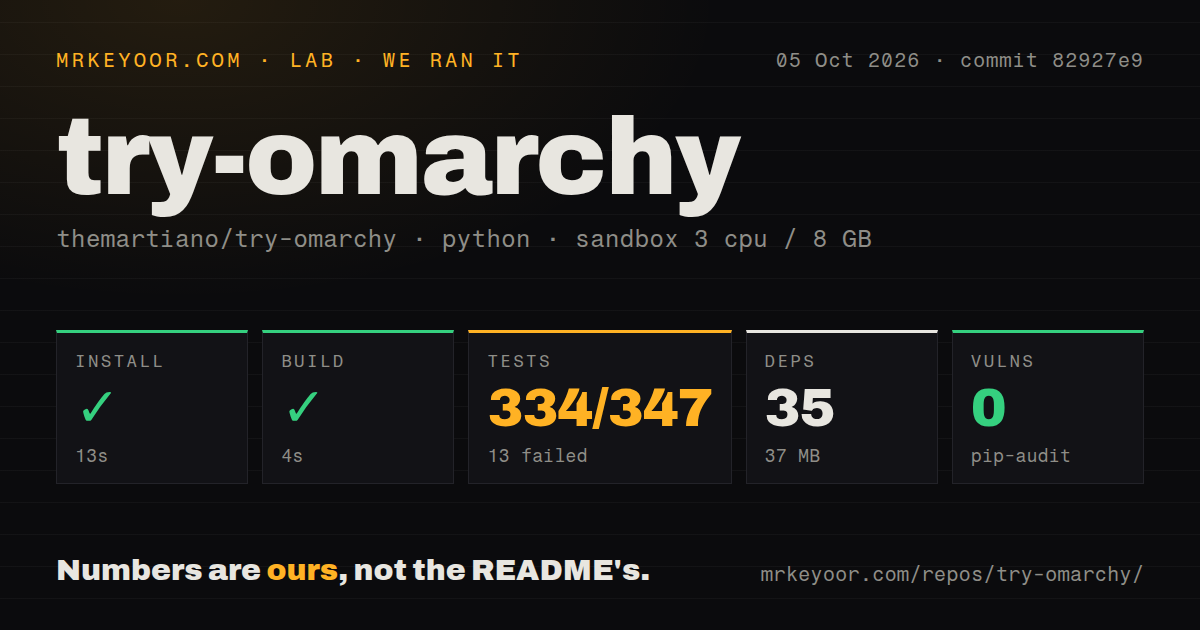
Our sandbox run at commit 509dd27 installed 35 Python packages in 32 seconds, leaving 37 MB on disk. The build completed in 3 seconds. The checkout contained 123 files, about 20,752 lines of source, and occupied 1.1 MB. Pip-audit reported 0 known vulnerabilities among the installed Python packages. We used an unprivileged Debian container with 3 CPUs, 8 GB of RAM, and no secrets.
The test command failed after 11 seconds. Pytest completed 30 tests: 29 passed and 1 failed. The log shows prepare-update-root.py rejecting a generated .pyc file under native-overlay/usr/local/bin/__pycache__ because a generated Python cache had entered an overlay. The log does not prove why the cache file was there, so that narrow failure is all we can claim.
Our scan found 1 CI workflow and a tests directory, but no Dockerfile. Those are repository signals, not proof that the supported Mac app ran in Debian. A nearly clean 11-second test run still exited 1. A contributor should reproduce that exact overlay check before trusting a package assembled from commit 509dd27.
QEMU 11.1.1 still leaves CPU video and a Chromium risk
The QEMU 11.1.1 port still uses CPU-only video decoding, with slower playback likely at high resolutions. Its post-port checklist says HiDPI boundary resizing, output-device changes, shared folders, and clipboard sharing had not yet been exercised again. M3 and newer Macs gain nested KVM only on macOS 26 or newer, while older supported setups keep the ordinary VM path.
Issue 230's Chromium report gives the sharper warning. On v0.4.0, the reporter saw Chromium and Chrome repeatedly fail to create an EGL context, respawn the GPU process, and eventually make an 8-vCPU guest unresponsive. The SwiftShader workaround comes from one macOS 27.2 beta and Apple M5 Max setup. It documents one live compatibility problem, not a result across every Mac.
New VM disks default to a sparse 64 GiB maximum
New settings use a 64 GiB maximum disk, but the sparse file allocates Mac storage only as Linux writes data. Existing disks can grow and cannot shrink through the launcher. Changing the configured VM location does not move the old disk, and pulling an external drive while the guest runs can damage it. A newer app also does not apply every factory-image change to an old VM.
NAT is the conservative default. Local TCP and UDP mappings listen only on 127.0.0.1, though other processes or users on the same Mac can still reach them. Bridged mode gives the guest a LAN address and uses a privileged helper. The shared-folder option gives Linux full read and write access to 1 folder you choose. Start with a disposable or versioned folder.
v0.4.1 is active and still pre-1.0
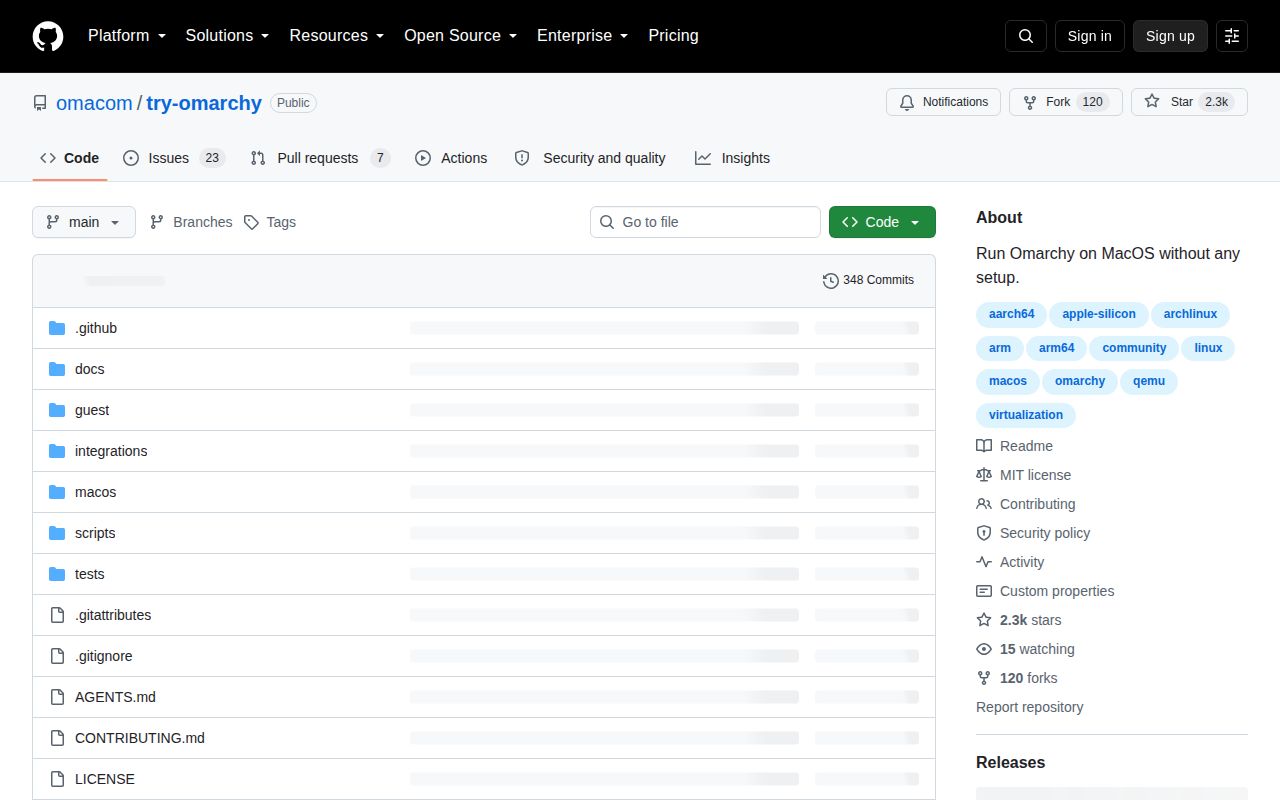
GitHub showed 2,318 stars, 23 open issues, and 7 open pull requests on September 24, 2026. The repository was pushed on September 23, and an open audio pull request was updated the next day. GitHub redirects themartiano/try-omarchy to omacom/try-omarchy, while release v0.4.1 was published on September 15. The project is active even though its compatibility surface keeps moving.
Try Omarchy is the shortest credible route from an Apple Silicon Mac to a persistent Omarchy desktop. The 3-second build and 29 passing tests show that most packaging checks worked in our Debian sandbox, but the failed overlay test matters because packaging is the product. Start with the signed DMG, keep important files outside the VM or backed up, and postpone the switch if your daily work depends on Chromium or smooth high-resolution video.