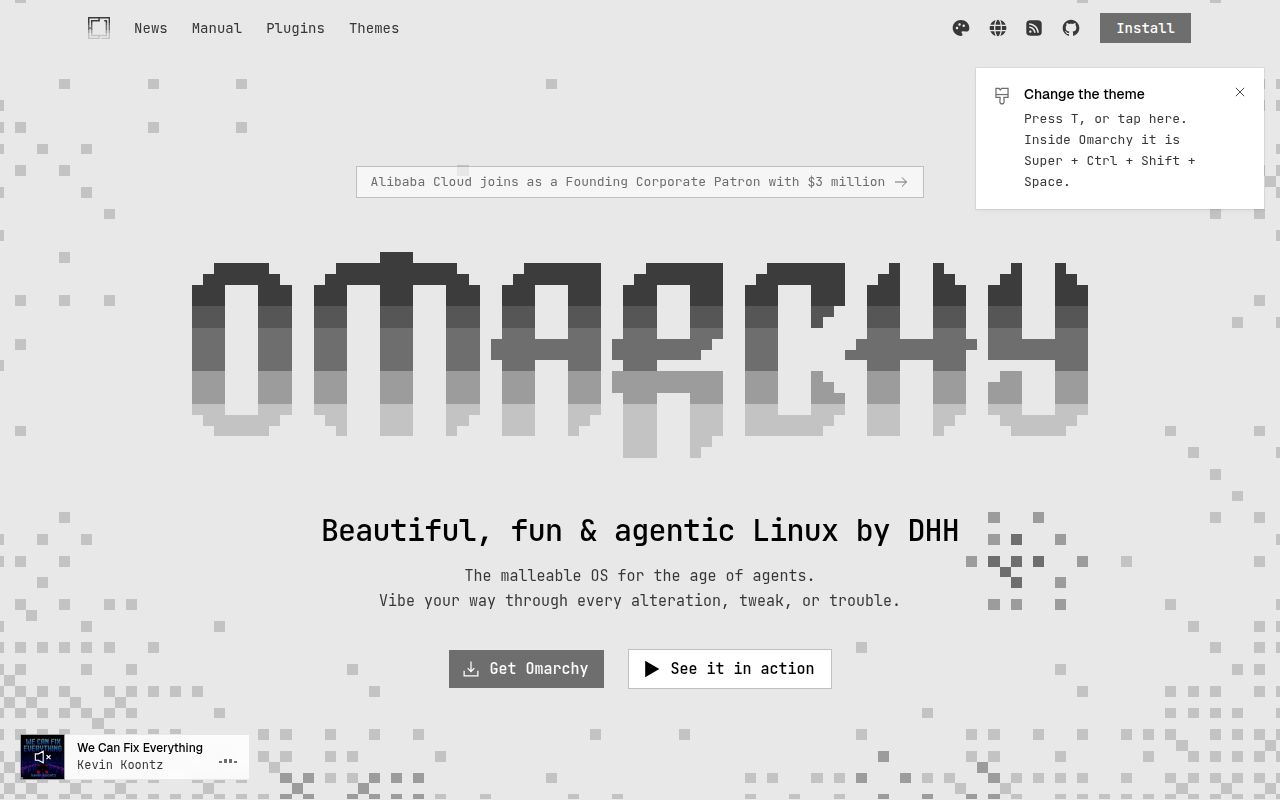
Omarchy turns a Linux setup into a product
Omarchy is less a single developer utility than a firm answer to the question, "How should my Linux workstation work?" The repository describes it as a beautiful, modern, opinionated Linux distribution by DHH. That framing matters. You are adopting a coordinated desktop, application set, navigation model, and maintenance approach, not merely installing a theme. At 34,444 GitHub stars, the pitch has clearly landed with developers who find assembling a desktop from independent pieces more tedious than empowering.
The project also arrives during unusually intense attention. Its community feed shows 5,942 stars in one week, while the repository was pushed on August 29, 2026. Version 4.0.1 was released only four days earlier, on August 25. Those dates support a straightforward conclusion: development is active right now. They do not establish long-term stability, hardware compatibility, or painless upgrades, all of which matter more for a daily operating system than GitHub momentum does.
What happened when we ran it
We did not run Omarchy at commit 56fbaf4. Our sandbox was a fresh, unprivileged Debian container with 3 CPUs, 8 GB of RAM, and no secrets. The automated runner reported no supported ecosystem because the repository's primary language is Shell, and it found no Dockerfile. Consequently, we have no honest installation time, build result, test count, or performance number to publish. Any claim that Omarchy installed cleanly on our box would be fiction.
This limitation is itself useful buying advice. A Linux distribution changes the environment beneath applications and expects access an unprivileged container does not offer. The README points readers to a 51-chapter manual, but its short front page does not provide a containerized evaluation route. Prospective users should evaluate it on spare hardware or a suitable virtual machine, then verify graphics, networking, sleep, input devices, and rollback behavior themselves. Our run says nothing about those areas because none reached execution.
The manual covers the workday, not just installation
The strongest evidence for Omarchy's polish is the manual's scope. The basics include navigation, the top bar, themes, hotkeys, clipboard history, reminders, notices, text extraction and dictation, screenshots, recording, idle behavior, and the Omarchy CLI. This is a more coherent onboarding map than the familiar dotfiles-repository pattern of screenshots followed by a shell command. It tells a new user where the project's opinions will surface during an ordinary day.
Application coverage is similarly concrete across 15 chapters of the README index. There are dedicated sections for the terminal, Neovim, AI, development and shell tools, TUIs, GUIs, browsers, commercial services, web apps, gaming, PDF forms, and a Windows VM. That breadth helps someone judge whether the supplied environment overlaps with real work. It also reveals the tradeoff: Omarchy owns choices far beyond window decoration, so replacing its defaults may erode the consistency that makes it attractive.
Configuration depth is a real advantage
Omarchy documents areas that polished screenshots often conceal. Updates and dotfiles get their own chapters, as do shell plugins, monitors, keyboards, mice, trackpads, networking, system sleep, hardware authentication, fonts, backgrounds, prompts, branding, and custom themes. The final group addresses troubleshooting, frequently asked questions, system snapshots, security, dual boot, and unattended installation. Those topics suggest maintainers understand that a desktop distribution must explain recovery and change, not merely its initial appearance.
The MIT license is permissive, and the manual source lives inside the repository while being mirrored to a documentation site. Keeping the authoritative text with the code is practical for contributors and makes changes reviewable. Still, an index is not proof that every chapter solves every hardware-specific problem. With 2,093 open issues, buyers should search for their exact GPU, laptop, dock, monitor arrangement, authentication device, and dual-boot plan before installing version 4.0.1.
The issue count is the clearest caution sign
Community health looks energetic but noisy. A recent push, a release within 4 days, and rapid star growth all point toward an actively maintained project rather than an abandoned one. A separate community project, themartiano/try-omarchy, reached 522 stars soon after its August 23 creation, another sign that people want safer ways to inspect the experience. None of those signals tells us how quickly maintainers triage regressions or close support requests.
The 2,093 open issues deserve weight because operating-system problems can block a machine rather than one feature. The supplied community items also include a Hacker News discussion titled "Omarchy development practices lead to predictable security issues," which drew 292 points and 344 comments. That title and engagement establish controversy, not the truth of every criticism. Sensible evaluators should read the underlying technical claims, compare them with the repository's security and snapshot documentation, and avoid treating popularity as a security audit.
It fits as the workstation layer
In a real stack, Omarchy sits below your editor, browser, containers, databases, and deployed services. It is best understood as the developer's local operating environment, responsible for interaction conventions and bundled tools. Teams should not confuse adopting it with standardizing production. Shell scripts and desktop preferences on one workstation do not replace project lockfiles, containers, continuous integration, infrastructure definitions, or documented development dependencies.
Choose Omarchy when you value a unified workflow enough to accept its defaults and can test recovery before trusting it. Choose Archinstall when you want a guided base with more assembly left to you, Hyprland when you want the compositor without the distribution, or Hyprdots when styling and configuration are the main attraction. For a primary work machine, version 4.0.1 looks worth evaluating, but our zero executed install steps mean the responsible verdict is trial first, migrate second.