UTM puts more than 30 processor families behind an Apple interface
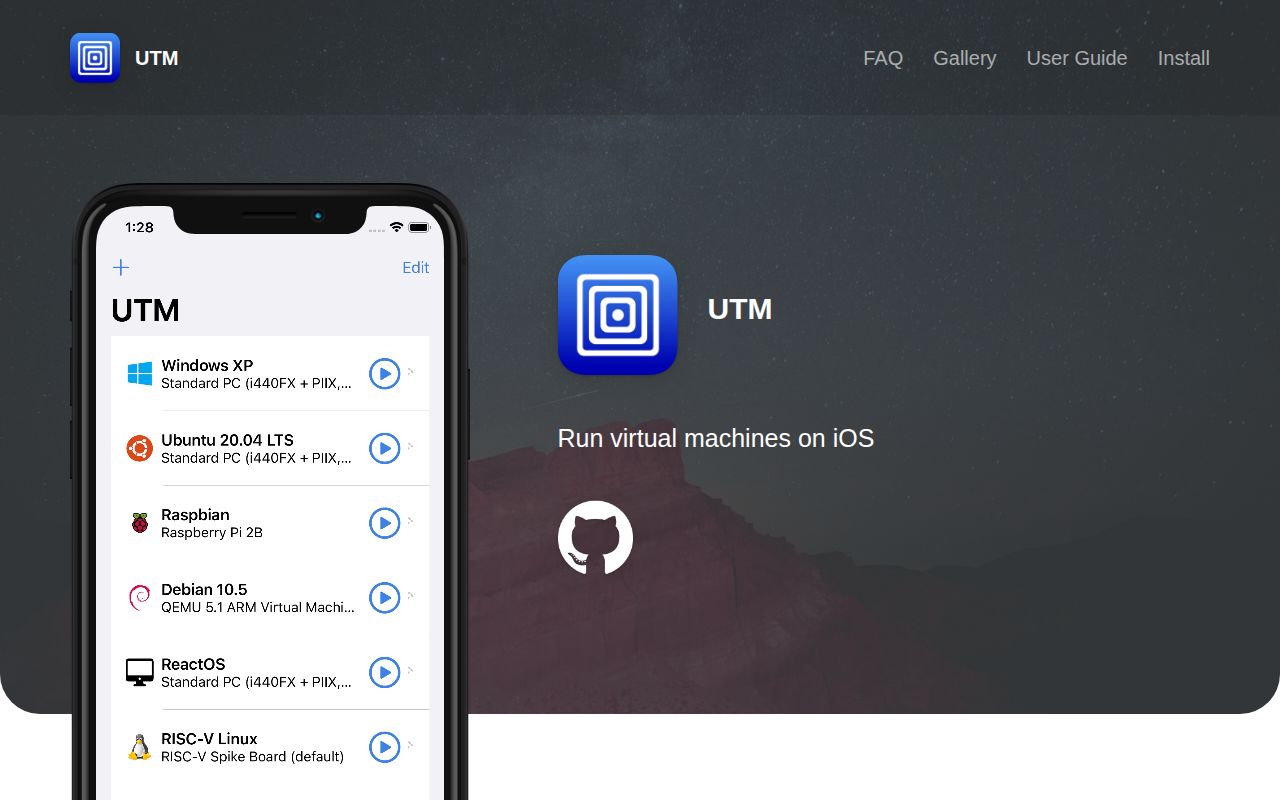
UTM's README lists 30+ supported processors, including x86_64, ARM64, and RISC-V, inside one app for Mac, iPhone, and iPad. QEMU supplies full-system emulation, while the app handles disks, displays, networking, USB devices, and machine settings. On macOS, UTM can also use Apple's Hypervisor framework and can boot macOS guests through Virtualization.framework on macOS 12 or later.
That breadth is the reason to choose it. A developer can keep an ARM Linux test box beside an old x86 Windows machine without memorizing a different QEMU command for each one. SPICE and QXL provide a graphical display path, and text-only guests can use a terminal. The interface does not make every guest configuration automatic, but it turns a low-level emulator into something a normal Mac user can operate.
UTM SE trades JIT speed for easier iOS installation
UTM targets iOS 11+, where Apple's mobile restrictions divide the app into distinct experiences. Regular UTM uses QEMU's just-in-time code generation for speed. The README says JIT needs a jailbroken device or a workaround suited to that iOS version. UTM SE uses a threaded interpreter instead, so it can be sideloaded without JIT workarounds, but the project plainly describes it as slower. SE includes ARM, PPC, RISC-V, and x86 targets in both 32-bit and 64-bit forms.
That choice matters more than the feature checklist. Someone who wants a Windows guest on an iPad must decide how much device setup they will tolerate before importing a disk image. UTM-HV adds another route on supported hardware, while USB and hypervisor availability vary by package. The release table is worth reading before download because the DMG, IPA, SE, HV, and remote-client builds do not have the same capabilities.
What happened when we ran it
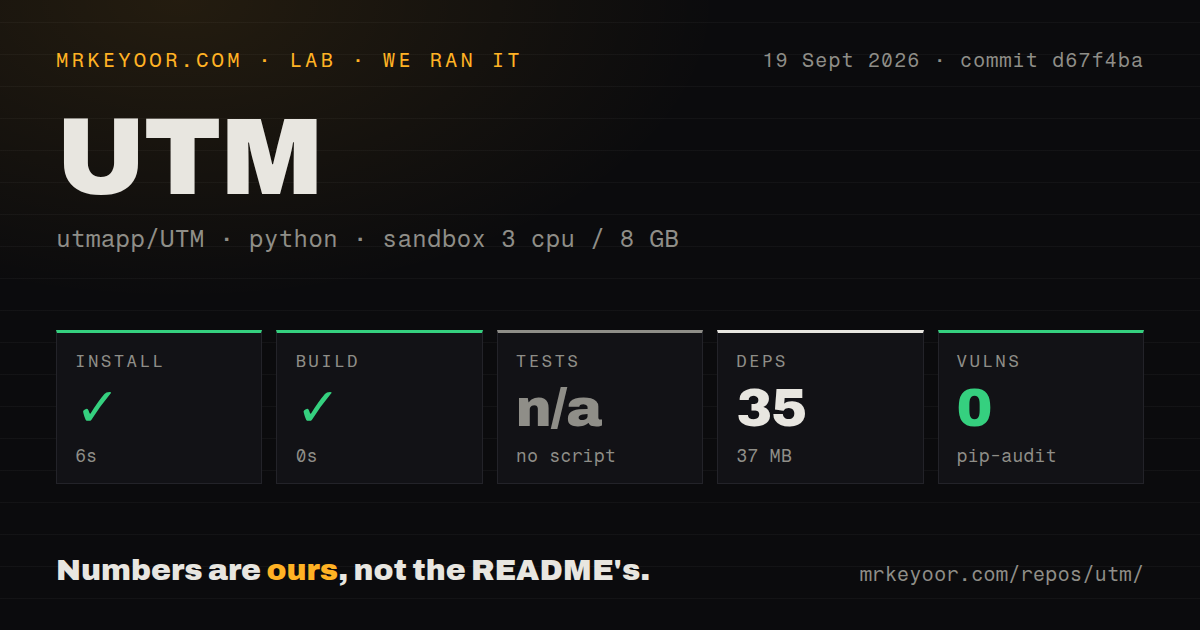
In our sandbox, we measured a 6-second install for 35 Python packages, which occupied 37 MB at commit d67f4ba. The automated build step succeeded in 0 seconds. There was no test script or target, so the harness skipped tests. Pip-audit found 0 known vulnerabilities in the installed Python environment. The checkout contained 719 files, about 60,179 lines of source, and 2 CI workflow files.
Our measurement setup was an unprivileged Debian container with 3 CPUs and 8 GB of RAM. UTM is primarily a Swift application with a large native dependency chain. A 0-second build result does not show that Xcode compiled the app, that QEMU dependencies linked, or that a VM booted. The container found no Dockerfile and no tests directory. Treat the run as evidence about the detected Python setup, not as an end-to-end check of UTM.
A source build requires macOS, Xcode, sysroots, and signing choices
Our 719-file checkout's macOS development guide starts with a recursive clone because UTM depends on submodules. Builders then need current Xcode and either prebuilt sysroot artifacts from GitHub Actions or Homebrew packages such as bison, pkg-config, gettext, libgpg-error, nasm, and meson. The guide recommends a fresh macOS VM when compiling dependencies because packages already installed under /usr/local/lib can conflict across architectures.
Packaging adds the sharper constraint. An unsigned build can run, but it lacks USB and bridged networking. A fully signed macOS package requires a paid Apple Developer account, a Developer ID certificate, and 3 provisioning profiles with Hypervisor entitlements approved by Apple. The iOS guide has its own signing path, and a free developer profile expires after 7 days. Downloading a release is easy; reproducing the complete app is specialist work.
Current commits and old release tags tell different parts of its health
GitHub recorded UTM's last push on September 20, 2026, and an open graphics issue was updated the same day. The repository showed 35,559 stars and 1,105 combined open issues and pull requests when fetched. That is a busy project with a large support surface. The combined count should not be read as 1,105 confirmed bugs, but it does warn you to search for your exact host, guest, and display setup before migrating an important VM.
The latest stable GitHub release was v4.7.5, published January 3, 2026 with QEMU 10.0.2. Its notes say an earlier v4.7.5 build prevented VMs from starting and direct users to build 118. Open issue 7857 describes UTM-HV 5.0.5 beta crashing on an M2 iPad when experimental 3D acceleration is enabled for Windows 11 ARM64, followed by a black display. Active work is visible, and experimental graphics still deserves its label.
Narrower VM tools win when the guest requirement is narrow
VirtualBuddy focuses on macOS 12+ guests on Apple silicon. Lima targets Linux virtual machines and container work from the command line. Either can be easier to reason about when that single workload is all you need. QEMU is the direct alternative for non-Apple hosts or engineers who want the emulator controls without UTM's front end.
UTM earns its place when one Apple device needs several kinds of machine. The 30-plus processor list, Apple virtualization path, and QEMU controls cover more ground than the narrower options. Start with the official binary unless modifying UTM is the point. If you do build it, the meaningful proof is an Xcode archive and a booted guest, neither of which the 6-second Python install supplied.