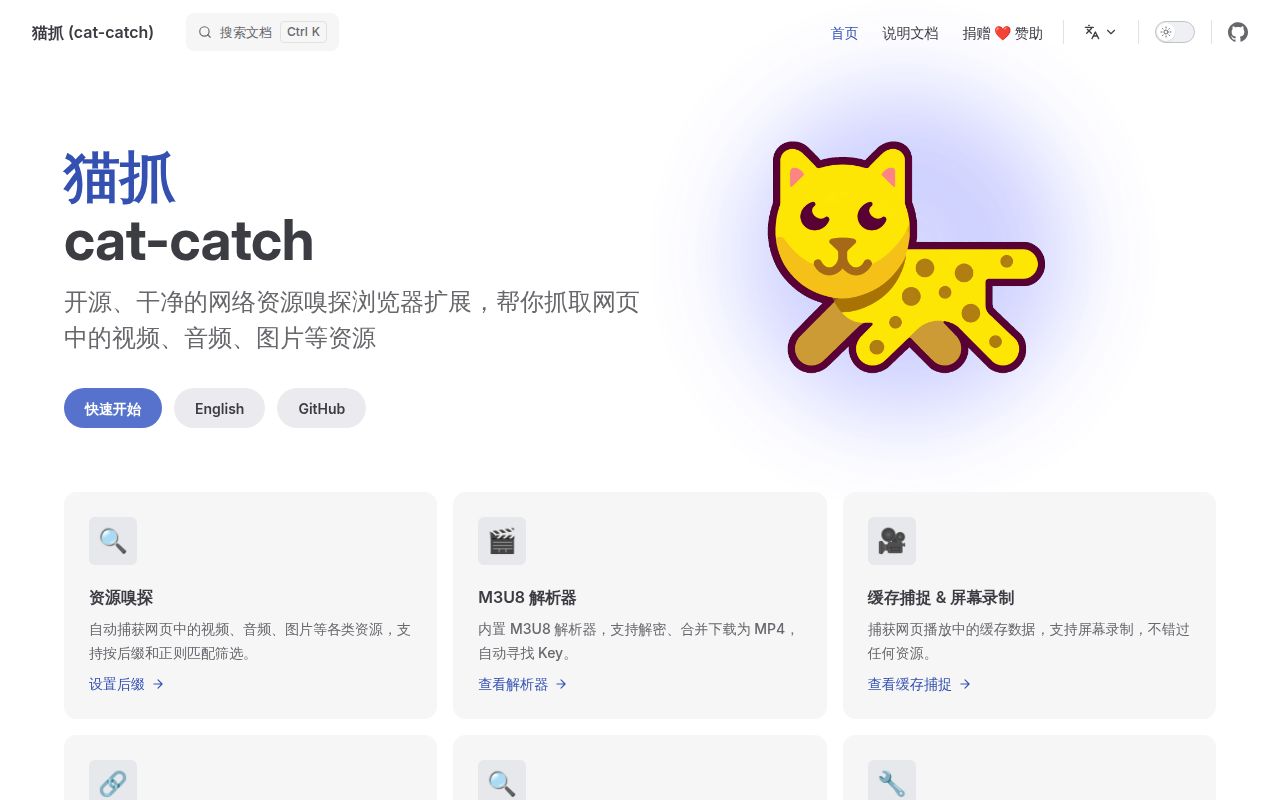
Cat Catch lists resources used by the browser page you have open. That makes it a candidate when you can see the media you want to inspect but still need to identify its underlying resource. Our lab did not execute the extension, so this recommendation rests on documented workflow rather than a successful download.
The project's primary README is Chinese. An English README and English user documentation are available. For an English-speaking reader, that provides a way into the project without implying that every issue discussion or release detail is translated.
What happened when we ran it
We did not run Cat Catch at commit 2f84456 on October 29, 2026: our runner found no supported ecosystem for the JavaScript repository and no Dockerfile. There is no measured installation duration, passing check, dependency footprint or audit result to use in an adoption decision.
This is a limitation of our runner's coverage. JavaScript as a language does not guarantee a project fits the runner's supported workflows, and the missing Dockerfile does not show that a browser extension is broken. The supplied record gives no browser-session evidence from which to infer capture reliability.
The sandbox configuration listed 3 CPUs and 8 GB RAM, with no image identified. It establishes neither a browser version nor an operating-system version. A useful follow-up would require a supported browser and a page whose media you are permitted to inspect. Until that happens, setup ease and operational reliability remain unassessed.
Start from the project's installation links
The English README links Chrome, Edge and Firefox store listings. It also warns about modified lookalike extensions containing advertising code and says its own links and user documentation are authoritative. That makes package identity a practical first check, before any discussion of capture features.
For source use, the documented route is cloning the repository, enabling developer mode and selecting the extension folder through Load unpacked. A separate route uses a release CRX. These instructions identify ways to evaluate a checkout or packaged release. We have not established that each route works in your browser or under your organization's extension policy.
The README's Chromium boundary is specific: releases after Cat Catch 1.0.17 require Chromium 93 or above, with 104 or above recommended for full functionality. Treat those as upstream compatibility statements, not current-browser validation from this review. Store availability also does not establish identical behavior across all listed browsers.
Resource discovery and URL downloading start at different places
Cat Catch's stated job is filtering and listing the current page's resources. Its README illustrates both a popup and an m3u8 parser. That focus is useful when identifying the resource is part of the task. It gives you a reason to evaluate the extension in the browser where you encountered the media.
A listed resource still needs checking against your intended result. In a trial, select a page you control or have permission to use, identify the intended media, and inspect what gets saved. Check whether the output is complete and usable in the application that needs it. These are proposed checks, not observations from our lab.
If you already know the source URL, the discovery step may add little. yt-dlp is a command-line audio/video downloader with site-specific extraction support. Evaluate it when starting from a supported page URL and keeping the task in a command-line workflow is more useful than inspecting a browser resource list.
N_m3u8DL-RE documents DASH, HLS and MSS downloads, including on-demand and live streams. Consider it when you already have the stream address. We have no comparative speed, compatibility or success-rate measurement for either alternative.
Clipboard access changed in release 2.7.4
The 2.7.4 release, published October 26, 2026, changes clipboard reading to an optional permission. The same release page records the earlier clipboard-tag feature and fixes involving capture and search. Read the notes for the package you actually install before enabling clipboard-related behavior.
The English README says collected information is processed locally, without remote transmission or trackers. That is the project's privacy statement. We did not inspect network traffic or audit the extension, so it is not an independent privacy finding. The statement also deserves to stay attached to the official project rather than being extended to similarly named store packages.
Cat Catch uses GPL-3.0. The README distinguishes that from the MIT license used by its older 1.0 line. Developers considering reuse or redistribution should review the current license against their intended work rather than relying on the historical label. Its usage disclaimer separately limits intended downloading to owned or authorized videos.
Recent maintenance leaves site compatibility to verify
GitHub's repository metadata records a last push of October 28, 2026. The recent issue listing includes a request about local-player preview behavior and a question about Teams or SharePoint video access. Together with the release, these show ongoing activity and unresolved user needs. A question is not proof that a capability is missing, and a closed issue alone is not proof that a fix shipped.
Our documentation rubric uses 1 for no usable guidance, 2 for fragmented instructions, 3 for a documented main path, 4 for detailed operational guidance, and 5 for guidance corroborated across assessed workflows. Documentation earns 3 for the English installation routes and stated boundaries. Setup, support quality and operational maturity remain unassessed.
For a browser trial, begin at the official listing and note the installed version. Verify one authorized media resource before enabling additional permissions or relying on it for repeated work. If identifying that resource is already solved, start by evaluating the command-line tool that matches the URL you have.