Rufus runs on Windows, including when preparing Linux media
Creating a Linux installer does not require the USB preparation application to run on Linux. Rufus documents creating bootable drives from Windows and Linux ISOs, while its official site requires Windows 8 or later for the application itself.
Rufus is worth evaluating on Windows when you need its documented firmware or installation options. The README lists BIOS and UEFI bootable drives, compressed disk images, persistent Linux partitions and Windows installation customization. These are upstream capabilities. The supplied lab run did not verify them on physical media.
What happened when we ran it
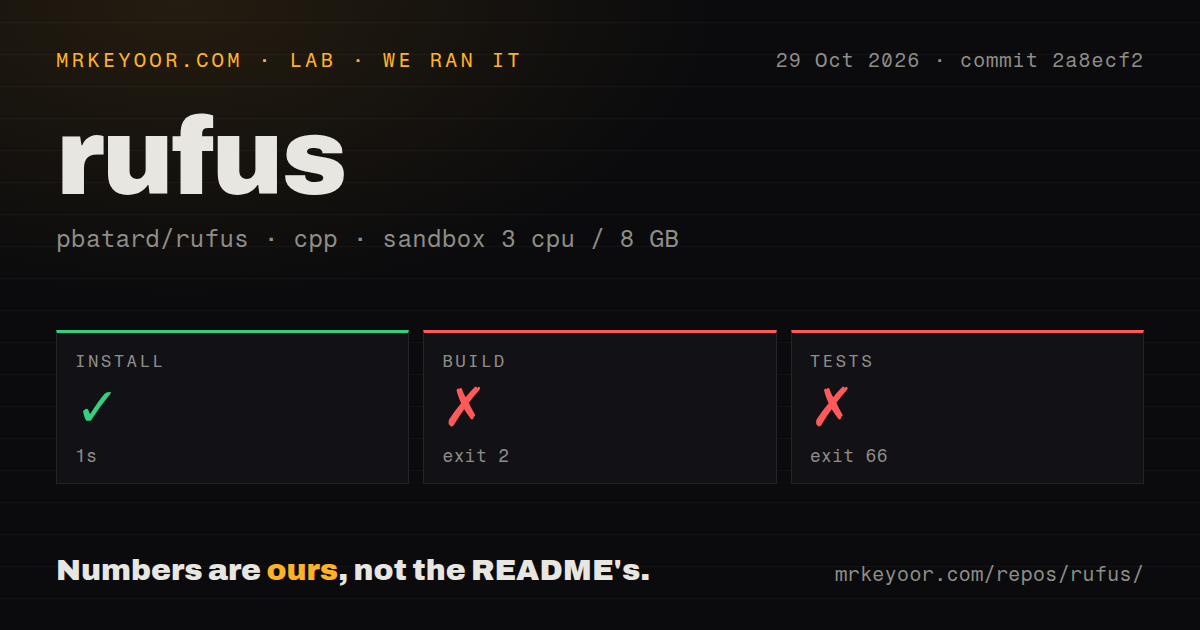
The source run used commit 2a8ecf2 on October 29, 2026. Setup succeeded in 1 second. The build failed with exit 2 in a recorded 0 seconds. Its log contains /work/repo/missing: line 81: aclocal-1.18: command not found.
Make reported error 127 at the rule for aclocal.m4 before the outer build returned exit 2. The warning identifies aclocal as part of GNU Automake and names GNU Autoconf, GNU m4 and Perl as requirements. This establishes a missing tool in the sandbox; it does not establish that installing it would complete the build.
The test step failed with exit 66 in a recorded 0 seconds. Its tail says "no test target". There is no recorded passing or failing Rufus test-case count. No working binary, USB write or target-machine boot was verified. The recorded zero-second durations are not a performance benchmark.
The sandbox configuration listed 3 CPUs, 8 GB RAM and image lab-cpp:1. These labels do not establish the actual operating system or compiler versions. The scan recorded 840 files, approximately 202,217 source lines and a 19 MB checkout. It found six CI workflow files and detected no Dockerfile or tests directory.
Choose the executable or contributor workflow
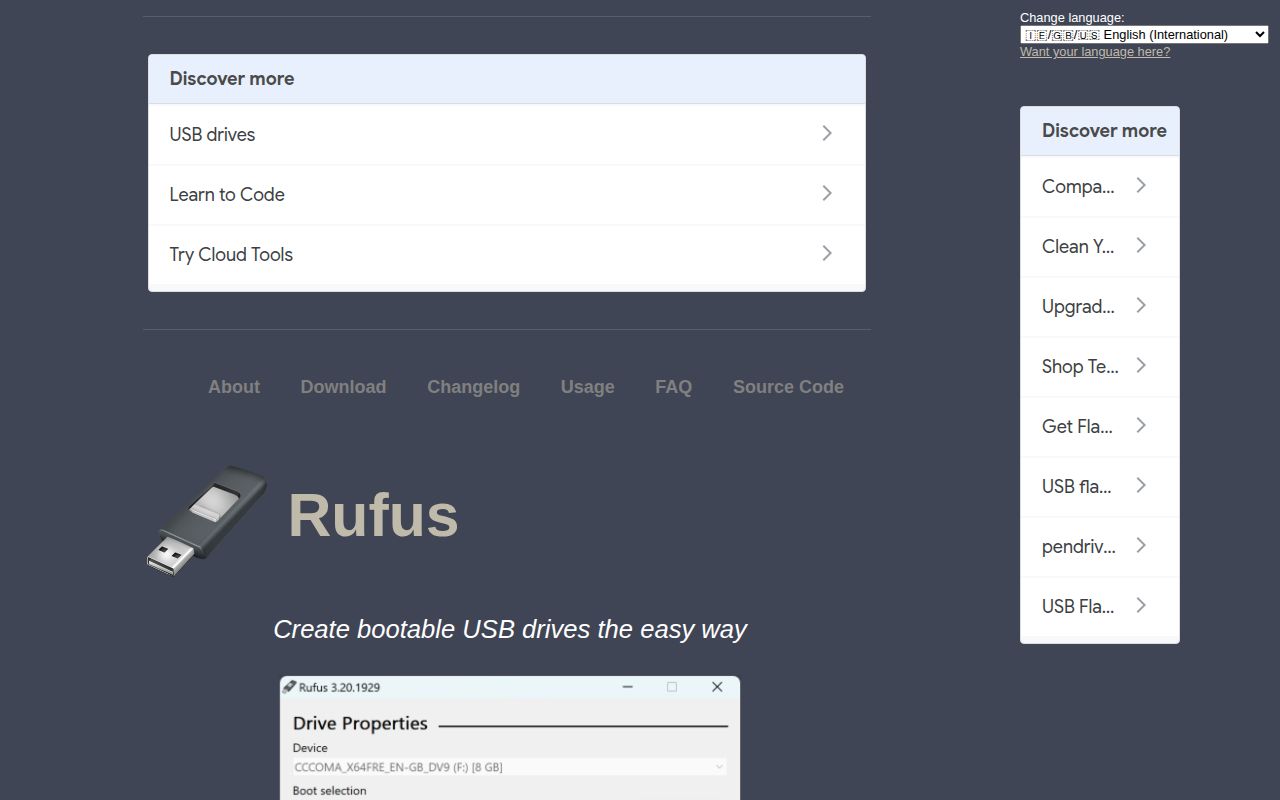
The official site documents downloading and running the executable without installation. For an end-user trial, that is the documented route. The one-second source setup result does not measure executable setup or use.
For contributors, the README specifies Visual Studio 2026 or MinGW, using the solution file or configure/make respectively. Prepare the documented toolchain before attempting a source build. The scanner's cpp classification and GitHub's C language label do not establish which build tools were available in the sandbox.
Match the documented options to the job
The README lists Windows To Go drives and Windows installation customization, including local-account and privacy options. It also lists Windows 11 installation drives for PCs without TPM or Secure Boot. This review does not assess Microsoft's support requirements for systems installed using those options.
For Linux media, the README lists persistent partitions. It also documents image checksums, runtime validation of UEFI bootable media and bad-block checks. None of those features was exercised in the supplied run.
Before formatting or writing, check the selected target drive and keep needed files elsewhere. For a media trial, verify that the finished drive boots on the intended machine with the intended firmware mode. That check remains outside this review's measurements.
Compare alternatives by preparation needs
Ventoy documents copying multiple image files to a USB drive and selecting them through a boot menu. Evaluate it when you want several installer or recovery images on a reusable drive. This recommendation follows its documented workflow; it is not a measured compatibility comparison.
balenaEtcher documents flashing OS images to SD cards and USB drives. Its supported hosts include most Linux distributions on Intel 64-bit, Windows 10 or later on Intel 64-bit, and macOS 10.13 or later on Intel and Apple Silicon. Evaluate it when its host requirements and image-flashing workflow fit your task. The supplied evidence contains no comparative write-speed, boot or recovery tests.
Documentation coverage and remaining limits
Documentation receives 4/5 on a coverage rubric: 1 means no usable entry point, 3 means a documented basic workflow, 4 adds platform and contributor guidance, and 5 requires independently verified instructions across the assessed scope. The official site supplies Windows requirements and executable usage; the README supplies capabilities and contributor toolchain choices. Those workflows were not independently completed.
Setup ease, support quality and operating reliability remain unassessed. For an end-user evaluation, start with the documented Windows executable and check the resulting medium on its destination machine.