Windows Terminal is an app and a Windows console codebase
Windows Terminal is the graphical terminal Microsoft ships for command-line work on Windows. It gives PowerShell, Command Prompt, WSL distributions, SSH sessions, and other shells a shared window with tabs, profiles, themes, configurable bindings, rich text, and Unicode support. That makes it the obvious first install for someone who uses several Windows command-line environments and wants them organized without adding a separate shell.
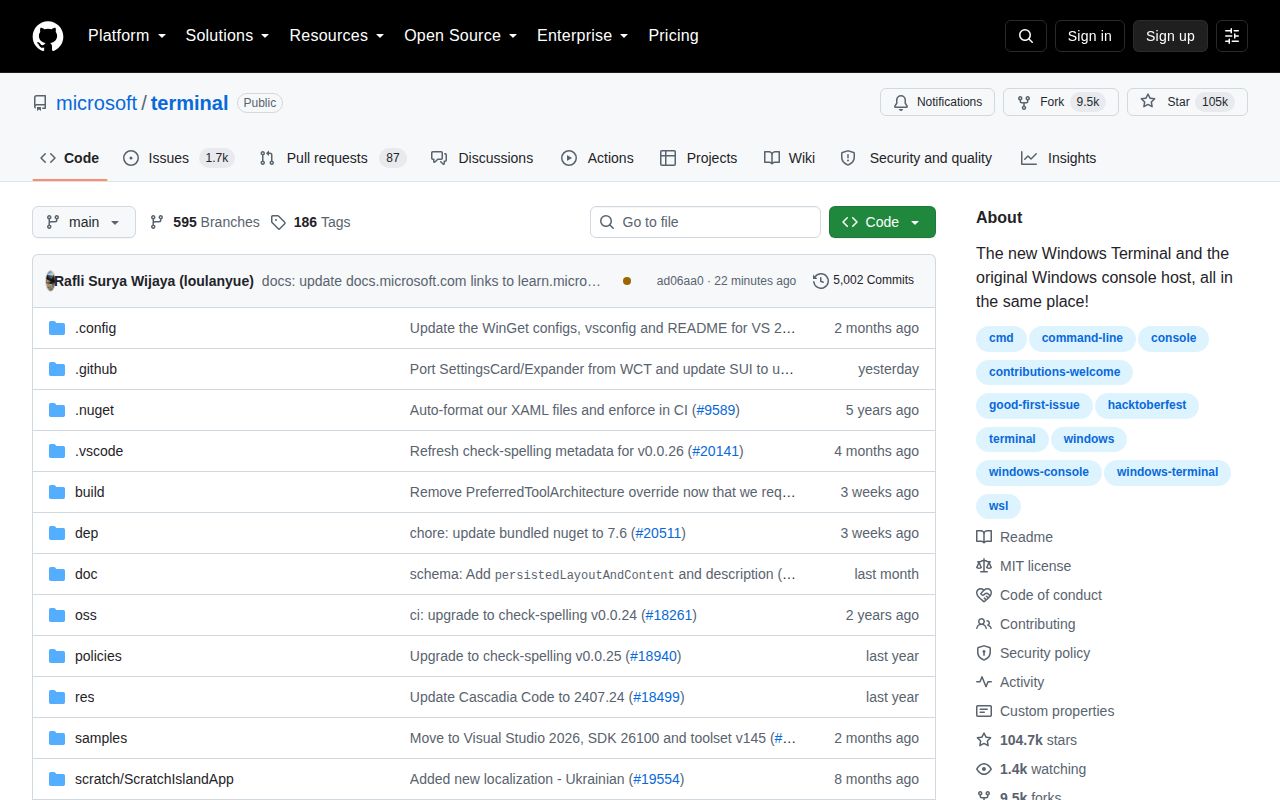
The repository is broader than that desktop app. Commit ad06aa0 also contains the original Windows console host, conhost.exe, ColorTool, sample projects, and components shared by Terminal and Console. Microsoft says the console host source here is used to build the component that ships in Windows. Contributors therefore meet a mix of newer Terminal code and compatibility-sensitive console infrastructure, which explains why this is not a compact terminal emulator that happens to compile everywhere.
What happened when we ran it
We could not run commit ad06aa0 in our sandbox. The lab recognized C++ as an unsupported ecosystem, and the repository supplied no Dockerfile that could provide a project-owned path. There was no install attempt, build result, or test output. That is a coverage limit, not evidence that the source is broken.
Our sandbox on August 25, 2026 had 3 CPUs, 8 GB of RAM, no secrets, and an unprivileged fresh Debian container. Those conditions are a poor match for the documented toolchain, which begins with Windows and Visual Studio rather than a Linux package command. We will not substitute timings or test counts from another machine, so readers comparing source-build effort should treat this review as unmeasured on that point.
Installing the app is easy; building it is a Windows project
For ordinary users, setup is refreshingly direct. The Microsoft Store is the recommended option and provides automatic upgrades. Microsoft also publishes release bundles and documents WinGet. Chocolatey and Scoop packages are listed as unofficial choices. A manual GitHub bundle can need the VC++ desktop framework package on older Windows 10 builds, and it will not update itself, so the Store or WinGet path makes more sense for most managed machines.
The contributor path has a much higher floor. The README requires Windows 10 2004, build 19041, or later, Developer Mode, PowerShell 7, Visual Studio 2026 version 18.6 or newer, C++ and WinUI workloads, the Windows 11 SDK at 10.0.26100.8249 or newer, and the .NET Framework 4.7.2 targeting pack. A WinGet configuration can install the toolchain, but it does not turn this into a platform-neutral build.
Running a local build also has a packaging wrinkle. Developers must select and deploy CascadiaPackage in Visual Studio; launching WindowsTerminal.exe directly is unsupported. The repository provides PowerShell and Cmd build helpers, while debugging requires a native process configuration and an x64 or x86 target. This is understandable for a packaged Windows application, though it raises the cost of a casual first patch.
Profiles and shared components are the reason to choose it
Windows Terminal earns its place by treating different shells as profiles rather than pretending to replace them. One window can host PowerShell beside a WSL distribution, with separate appearance and launch settings for each. Tabs and styling are familiar benefits, but the deeper advantage is compatibility with Windows command-line programs while newer rendering and text handling sit around them. Commit ad06aa0 keeps that work beside the console host and shared components.
The shared code includes a DirectWrite-based layout and rendering engine, a text buffer for UTF-16 and UTF-8, and a virtual-terminal parser and emitter. ConPTY is part of the connection between Terminal and command-line applications. Those pieces matter to developers building Windows console integrations, but they also explain the repository's scope: an interface change may touch packaging, accessibility, rendering, settings, or old console behavior.
The issue queue is active and includes accessibility bugs
The repository was pushed on August 25, 2026, the same day several new accessibility reports were filed and discussed. One report concerned the Find bar's close button disappearing under reflow settings, while another described Narrator reading punctuation and a negative value incorrectly. A separate open documentation issue says the guide for adding a setting appears out of date. These reports are specific enough to matter, especially for teams deploying Terminal as an accessibility-sensitive standard.
GitHub reported 1,753 open issues and pull requests combined, while a separate issue-only search returned 1,664 open issues. That is a large queue, yet it sits beside same-day pushes and recent issue responses, so the count does not support an abandonment claim. The latest stable release, v1.24.11911.0, arrived on July 16, 2026 with fixes for crashes, screen-reader announcements, URL detection, font handling, and settings behavior.
Windows users should start here; cross-platform users should not
Windows Terminal is the default recommendation for a Windows developer who wants Microsoft-supported integration with PowerShell, Command Prompt, and WSL. Install the stable channel through the Store or WinGet, use Preview only when earlier access is worth some movement, and treat Canary as the nightly channel the README says it is. The project is mature, actively maintained, and unusually well documented for users.
Source contributors need the exact environment our 3-CPU Debian lab lacked on August 25, 2026. If your team needs one configuration across several operating systems, WezTerm or Alacritty is easier to standardize. If you work only on macOS or Linux, Ghostty is a more relevant comparison. Windows Terminal wins when Windows integration is the requirement; its build setup is the price of working inside that platform.