Version 7.1.5 is an official client, not a reusable SDK
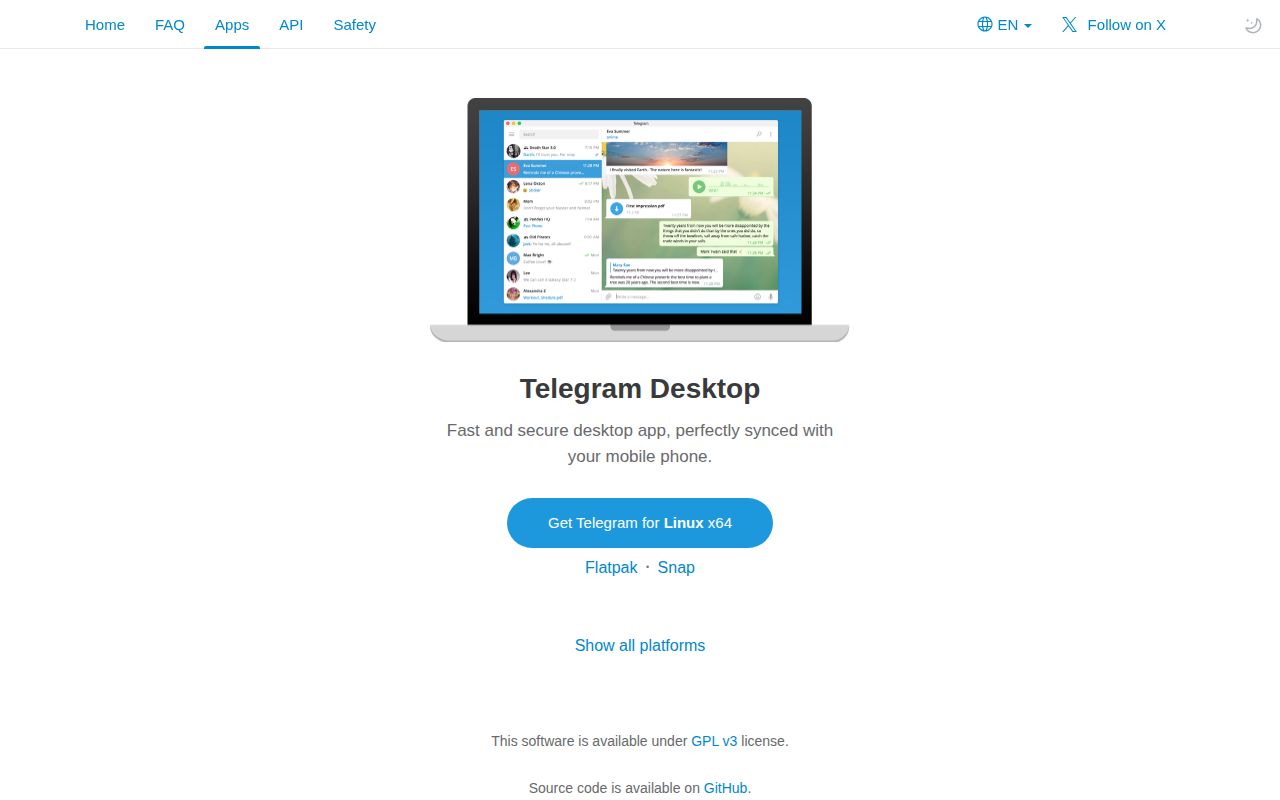
Telegram Desktop v7.1.5 is the service's official application, built on the Telegram API and MTProto protocol. The repository contains the client rather than a thin wrapper around a web page. For an ordinary user, the value is simple: Telegram publishes direct Windows, macOS, and Linux downloads while the implementation remains inspectable under GPLv3 with an OpenSSL exception. For a developer, that same completeness means taking on a mature application instead of a convenient integration library.
The README lists 3 platform families and several packaging choices. Windows has 32-bit, 64-bit, and portable downloads from Windows 7 upward. macOS starts at 10.13, while Linux gets a 64-bit static build plus Snap and Flatpak routes. Older binaries remain linked for older operating systems: v4.9.9 is the stated cutoff for macOS 10.12 and Linux systems with glibc below 2.28, while v2.4.4 is the last 32-bit Linux release.
A macOS source build needs about 55 GB and API credentials
The macOS guide estimates about 55 GB of free space for a dual-architecture build: roughly 35 GB for libraries and 20 GB for compiled output. It also installs a list of tools through Homebrew, prepares dependencies with a repository script, configures the project, and finishes in Xcode. That is a serious workstation build. Anyone merely looking for a private desktop messenger should use a signed package and avoid owning this toolchain.
Windows development is similarly specific. The guide names Visual Studio 2026, Windows SDK 10.0.26100.0, Python 3.10, and a particular compiler toolset for Windows 7 support. Linux is the clearest automated route, yet it still starts with a recursive clone, runs the preparation script, and builds inside a prepared Docker image. All 3 source paths require a Telegram api_id and api_hash, which ties a distributable fork to Telegram's application registration rules.
What happened when we ran it
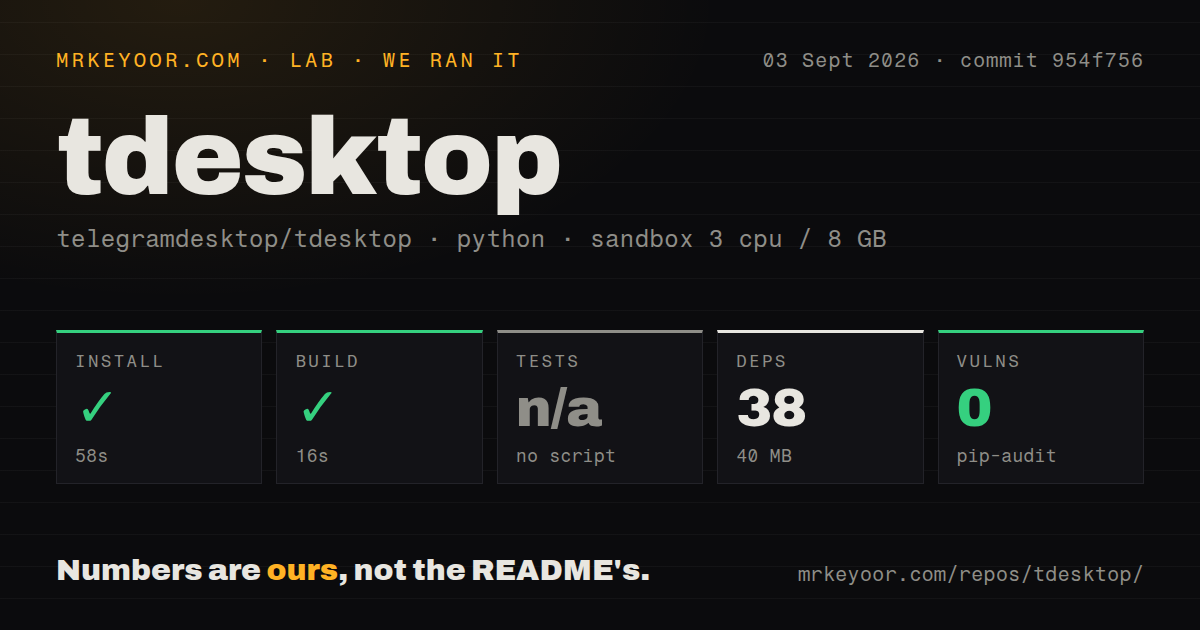
Our sandbox installed 38 packages in 58 seconds and left 40 MB of installed dependencies. The detected build completed in 16 seconds. Those results came from commit 954f756 in a fresh unprivileged Debian container with 3 CPUs and 8 GB of RAM. The important scope detail is the detected Python project: it lived at Telegram/ThirdParty/cld3/, which the main repository pins as a third-party component.
The lab did not find a tests script or target, so it skipped tests. No count of passing Telegram Desktop tests exists from this run, and the 16-second result must not be read as a successful full C++ and Qt application build. Pip-audit found 0 known vulnerabilities in the installed Python environment. That audit covers the dependencies our detected Python path installed, not Qt, WebRTC, FFmpeg, OpenSSL, or the rest of the compiled application.
The recursive checkout contained 15,858 files, about 2,059,847 source lines, and occupied 213.8 MB before the measured Python dependencies. Our scan found 20 CI workflow files, no Dockerfile, and no tests directory. The absent Dockerfile may look odd beside the official Linux Docker instructions, but the guide first runs a preparation script and then names a prebuilt environment image. Buyers should read the platform build path as a separate system, not infer it from root-level file signals.
The 1,022-item queue comes with same-week fixes
GitHub reported 1,022 issues and pull requests open when fetched. That combined number is large enough that searching before filing is part of using the project well. It also reflects an application with media playback, calls, networking, local storage, accessibility, packaging, and 3 operating-system families. A current report described soundless videos playing below real time, while another described temporary proxy directories left behind on Windows 10. These are reports to evaluate, not defects our sandbox reproduced.
Issue activity is paired with quick release work. Version 7.1.5 shipped on September 2, 2026, solely to fix a Linux crash, on the same day as the broader v7.1.4 update. The repository was pushed again on September 4. That sequence is healthier evidence than the queue size alone: users are still filing detailed cases, contributors are opening pull requests, maintainers are cutting fixes, and the default branch is moving. It does not promise that any particular open report will be resolved soon.
Screen-reader work is active and still unfinished
The screen-reader umbrella issue has remained open for 11 years and was updated on September 3, 2026. Its discussion concerns screen-reader use of the desktop client. Current pull requests add keyboard and screen-reader navigation to the emoji panel, polls, checklists, and other dialogs. That work is concrete and current, but open issue 476 prevents a claim that desktop accessibility is complete. Users who depend on a particular reader and keyboard path should test the exact release before switching.
The latest activity also shows why mature software can stay rough at the edges. Version 7.1.4 fixed call-panel glitches, video quality problems, preview handling, transactions history, tray activation, and crashes. A long release list is evidence of maintenance and of a wide behavior surface. For managed desktops, stage each update against the features your users depend on, especially calls, proxies, media handling, and assistive technology.
Choose the official binary unless the client itself must change
A normal deployment starts with the official v7.1.5 package, Snap, or Flatpak. Source builders need their own production Telegram API credentials because the documented test pair is intentionally limited and causes login errors when used for deployment. Fork maintainers also inherit GPLv3 distribution duties and a third-party stack that includes Qt, OpenSSL 3.2.1, WebRTC, FFmpeg, and other libraries. That cost makes sense for client behavior, packaging, auditing, or platform work.
Application developers should start with TDLib instead of the 2-million-line desktop repository. Users comparing messaging networks should test Signal Desktop or a current Matrix client based on where their contacts and servers live. Telegram Desktop itself is easy to obtain and clearly active; its source tree is a specialist commitment. Our narrow 16-second component build is enough to describe the checkout mechanics, and far too little evidence for approving a modified production client.