The bottleneck model gives your diagram consequences
System Design Trainer makes an architecture sketch answer a practical question: which component runs out of capacity first? Drag AWS or Azure components onto its React Flow canvas, connect them, and the deterministic model pushes scenario load through the graph. Jev handles the separate judgment about your choices and explanation. That division is useful for interview practice because you can inspect the arithmetic without treating an AI response as the source of the numbers.
Our measured checkout contained 98 files and roughly 6,451 source lines. The project README points readers to the simulation and catalog files, so a developer can follow the assumptions behind an answer. The model handles cache reads and queued writes differently, and the system's capacity follows its bottleneck. The learning value comes from explaining those differences aloud. Moving boxes until the interface approves them would miss the exercise.
What happened when we ran it
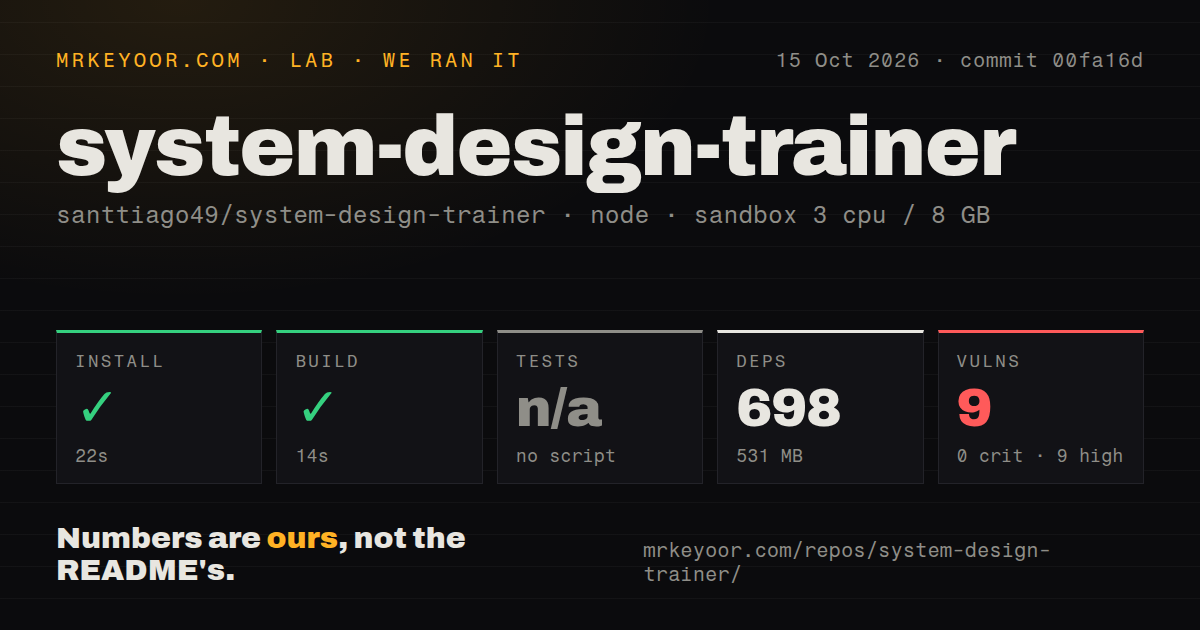
Our sandbox installed commit 00fa16d in 22 seconds and completed the build in 14 seconds on October 15, 2026. Installation added 698 packages and occupied 531 MB. We used a fresh, unprivileged Debian container with 3 CPUs, 8 GB of RAM, Node 22, and no secrets. Those results establish that the package and build path completed under that setup. They do not establish that a live Jev evaluation works.
Tests were skipped because the project had no test script or target. The scan also found no CI workflow files, Dockerfile, or tests directory. That leaves no passing automated suite to cite alongside the build. A capacity simulator is especially sensitive to small mistakes in graph traversal or load splitting, so I would check a few diagrams with arithmetic I already understand before trusting its feedback during preparation.
Npm audit reported 9 known vulnerabilities, all high severity. The supplied result does not identify packages or explain whether vulnerable behavior is reachable from the app. It would be wrong to invent either an exploit or a clean bill of health. For a local study copy, inspect the findings before deciding how to run it. A publicly hosted copy deserves dependency review before you invite other people to use it.
Real Jev feedback needs a TypeSafe credential
The README's local route uses an environment file and TYPESAFE_API_KEY for real Jev answers. Without a key, calls return a clearly labeled mock. That is a reasonable way to let someone explore the canvas, but it changes what an unauthenticated trial tells you. You can inspect the exercise and capacity model while still knowing nothing about the quality of the service-backed critique.
The 14-second build is therefore a narrower success than a complete interview session. Jev is meant to evaluate scalability, reliability, data design, and the written explanation, with the capacity model's numbers supplied as facts. Custom components also use a Jev classification to choose an architectural role and capacity profile. If you add Kafka or another technology by name, inspect that classification instead of assuming the simulator understands every configuration of the real service.
Published quotas and assumed capacity need different trust
The catalog separates official limits, vendor benchmarks, and assumptions in component properties. It also distinguishes a service-level commitment from a throughput figure. That is the project's best teaching choice. An interviewer can ask why you believe a database supports the expected load, and the source label gives you somewhere concrete to start answering. Treating every displayed number as equally authoritative would erase that benefit.
The lab's 531 MB installation footprint says how much local disk the app used, not how faithfully it models your cloud bill. The README explicitly says all costs are assumptions, while some service capacities have no published limit. Sources were last checked in September 2026, and quotas can change or be raised. Use the display to discuss constraints, then consult current vendor documentation before making a purchase or deployment decision.
Browser storage suits rehearsal better than shared records
The trainer saves designs per scenario in localStorage and keeps progress in the browser. Levels have required objectives and optional bonuses, while free play leaves the whiteboard open. That suits a candidate returning to the same laptop between study sessions. It also means a browser profile is part of the workflow: you should not assume an account service will recover a design after storage disappears.
Our 698-package install supports a fairly small source checkout, so self-hosting carries dependency work even for a personal learning tool. If your goal is simply drawing with a mentor, Excalidraw avoids the trainer's capacity model and grading dependency. If you need foundational reading and worked examples, System Design Primer is a better starting point. Choose this project when the immediate feedback from connected components changes how you practice.
A September push gives little evidence about ongoing support
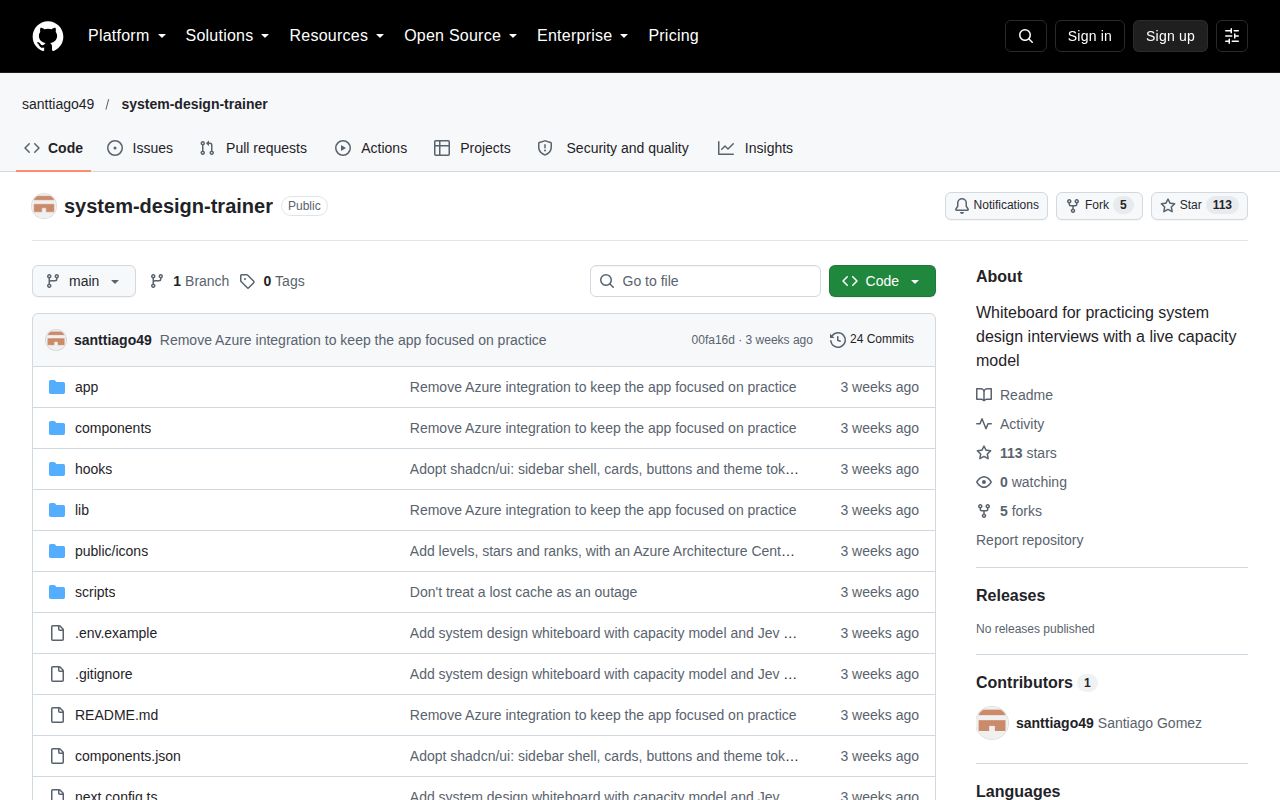
The last push was September 28, 2026. GitHub listed 113 stars, no open issues and PRs, and the fetched issue list contained no discussion. The latest-release request returned no release record. None of that proves abandonment or reliability. It gives us little public evidence about how defects are handled, which matters when a teaching tool's calculations can look convincing even when an assumption is wrong.
I would use System Design Trainer to rehearse a specific argument about caching or write capacity, then explain the result to another engineer without relying on the grade. The deterministic graph and visible source labels make that exercise worthwhile. Keep the mock boundary visible, inspect the dependency advisories, and let the person listening challenge an assumption that the simulator accepts.