The animation is easy once the logo is a clean Shape
LogoDraw does one visual job. It trims a SwiftUI Shape from zero to full length so the outline appears to be drawn, then fades in a filled copy after a chosen percentage of the trace. The generic component accepts any shape, colors, size, stroke width, easing, replay trigger, fixed progress, and completion callback. Reduce Motion skips the animation, shows the complete logo, and calls the completion handler immediately.
That API fits a splash screen where the brand mark appears before a wordmark or main view. freezeAt is a particularly practical addition because it holds progress between 0 and 1 for screenshots and visual review. The default example uses a runner symbol. The README reports that the symbol was reconstructed from a PNG, with subpaths ordered so the torso, leg, and head appear in the intended drawing sequence.
What happened when we ran it
We did not run commit 71a3e9e. The lab identified Python as the primary repository language, found no Dockerfile, and had no supported ecosystem path for a project that combines a Swift package, macOS rendering, and Python analysis scripts. We therefore have no independent result for package installation, Swift compilation, tests, rendering, timing, or image fidelity.
The platform requirements are specific. The component needs Swift 5.9 or newer and targets iOS 17 or macOS 14 because it uses Task.sleep(for:) and .task(id:). Its image-to-shape workflow needs Python 3 with NumPy, Pillow, and SciPy. The final render check uses Xcode and macOS ImageRenderer without a simulator. Organic-logo conversion may add potrace and a vector editor.
Geometric logos are measured before they are ported
The included workflow treats a logo as geometry rather than asking someone to trace by eye. measure.py isolates the glyph, reports connected components and bounding boxes, and samples horizontal or vertical runs. Those measurements reveal stroke width, line angles, round-end centers, and corner radii. A Python model then builds each subpath from lines, tangent fillets, and arcs before rasterizing it against the source mask.
For the runner example, the Portuguese process note reports an initial intersection-over-union score of 0.962 and a tuned score of 0.968. The author stopped rather than fitting antialiasing and irregularities from an AI-generated source image. That is a sound design choice: a cleaner geometric mark may be more useful than a mathematically closer copy of imperfect pixels. The final Swift render reportedly scored 0.962 against the source.
Organic marks need a different and less controlled route
Calligraphy, uneven strokes, and free-form silhouettes do not fit a small set of geometric primitives. The skill routes those images through potrace, exports SVG, asks for node cleanup in Figma or Illustrator, and converts the SVG path commands into SwiftUI Path operations. The animation component stays the same, but the quality of the drawing motion depends on node count, subpath order, and path direction.
This is where the project stops being a turnkey package. Automatic tracing can preserve the outline while producing a path that draws in a confusing order or loops over itself. The guide requires explicit outline inspection and a half-trim image before integration. That check is more useful than staring only at the final filled logo, where a bad trace can remain hidden.
The verification files make the method reusable
The repository includes measure.py, geometry primitives, a runner model, parameter tuning, a macOS render script, and an image comparison tool. The suggested deliverables keep both the Swift shape and the Python model, along with tuned parameters and an overlay. If the logo changes, the team can repeat the fit instead of editing unlabelled coordinates inside production Swift.
The process guide reports a 0.98 comparison between the Python model and Swift render, with remaining differences at the edges. It also explains a SwiftUI trap: the clockwise argument can behave opposite to intuition with a downward y-axis, so the implementation uses relative arcs with signed deltas. This kind of detail is why the project is more useful than the small component alone.
Good documentation is limited by language and project age
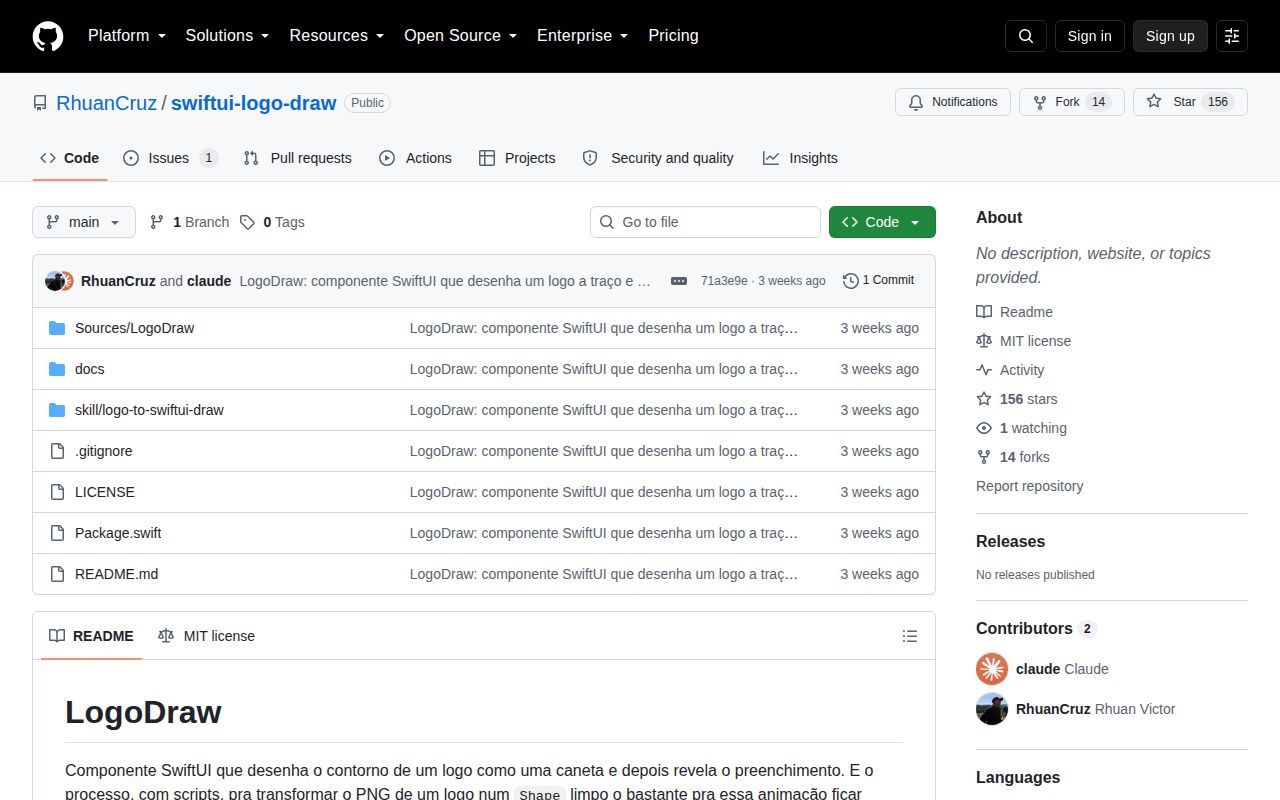
GitHub showed 156 stars, 1 open issue, and no latest release. The repository was created and last pushed on September 5, 2026. Its sole open issue asks for an English README translation. The README already has a short English explanation, but the detailed construction story and Claude Code skill remain in Brazilian Portuguese. That is a real adoption barrier for an English-only team.
Use LogoDraw when one geometric mark needs a native SwiftUI drawing effect and your team can own its path geometry. Keep the measurement model and overlay beside the Swift file, test Reduce Motion, and capture fixed-progress frames before release. For layered motion, text, masks, or designer-led iteration, Lottie offers a better handoff. For a logo that already exists as maintainable SVG, rendering the SVG may be cheaper than rebuilding its geometry.