v1.6.0 turns a terminal into a multi-panel file desk
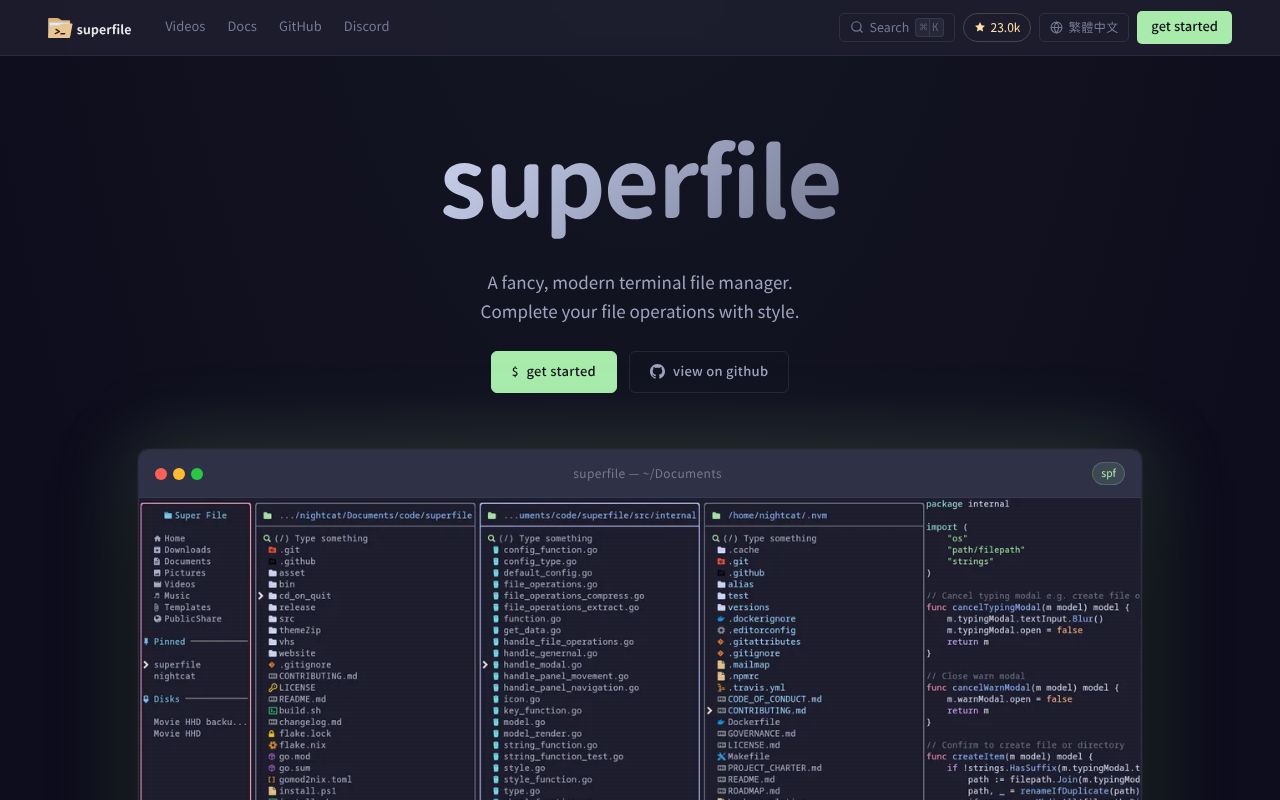
superfile v1.6.0 gives terminal users a file panel, sidebar, process view, metadata, clipboard, preview area, and command bar. You can open extra file panels, move with Vim-style keys, select several items, then copy, cut, trash, compress, or extract them. The process and clipboard panels keep file operations visible. Files can open in a configured editor, while shell mode runs commands in the current directory and reports their exit status.
This is a substantial application rather than a thin directory listing. Our commit b72f550 checkout contained 450 files, about 29,822 lines of source, and occupied 20 MB before installation. That size buys a configurable theme and hotkey system, plugins, sorting, pinned directories, zoxide navigation, automatic update checks, and a documentation website. It also creates more terminal and operating-system behavior to verify than a small single-pane navigator needs.
Installation finished in 45 seconds and compilation took 40
Our fresh golang:1.24-bookworm container installed 155 packages in 45 seconds. Building superfile then succeeded in 40 seconds, so the measured commit reached a binary without a compiler error. End users have shorter routes through the project's install scripts or package managers, including Homebrew, Winget, Scoop, and Nix. The scripts support selecting a version, which is preferable to piping an unpinned installer into a shell.
A polished display still depends on local setup. The installation guide recommends a Nerd Font and explains that superfile works without one if its font option is disabled. The measured source declared Go 1.26 even though our image was golang:1.24-bookworm; the recorded install and build still succeeded. The harness also found 12 CI workflow files, no Dockerfile, and no tests directory in its structural signal scan.
What happened when we ran it
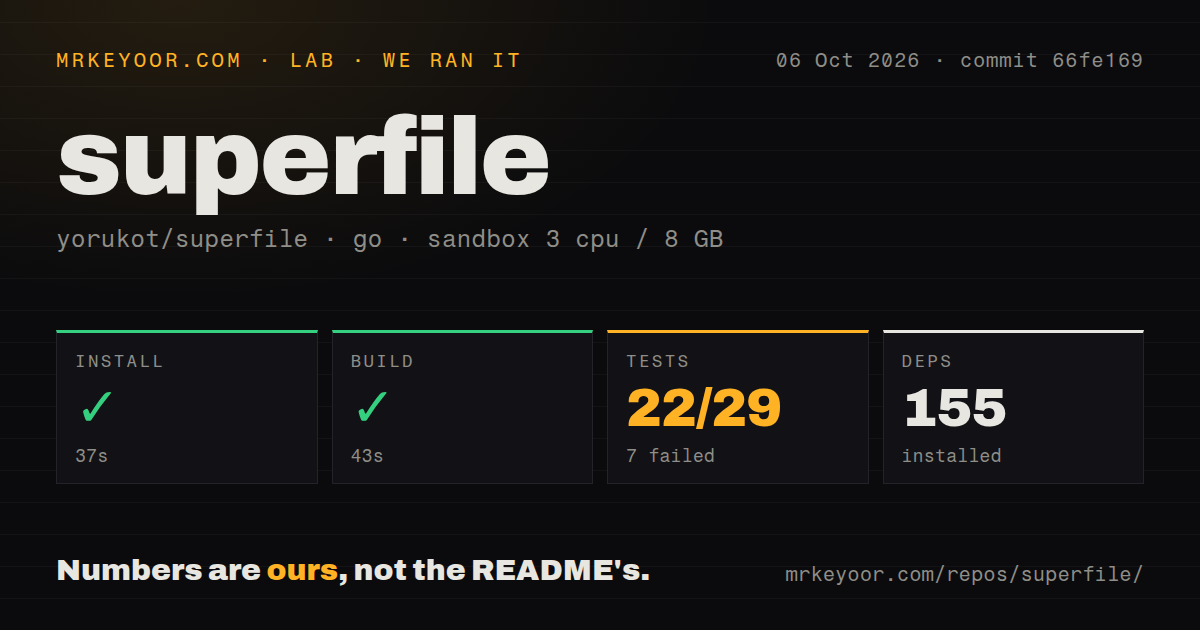
Our run installed 155 packages in 45 seconds and completed the build in 40 seconds. The test command ended with exit code 1 after 28 seconds. go test reported 22 passed and 7 failed out of 29, so this was a working compilation followed by a failing suite. The sandbox used 3 CPUs, 8 GB of RAM, no secrets, and an unprivileged container.
All 7 failures listed in the supplied log tail came from src/internal/ui/zoxide. Their names cover j/k input, rendering empty and populated results, text input, the scroll indicator, and resetting state when the modal opens. The log does not show an assertion message or a common cause, so we cannot blame the Go version, terminal availability, or the container. commit b72f550 simply did not pass its recorded test step.
Three terminals get inline images and the rest use ANSI
In v1.6.0, the preview documentation lists Kitty, WezTerm, and Ghostty as supported for inline images through the Kitty protocol. iTerm2, Konsole, VS Code, Tabby, Hyper, Mintty, foot, and Black Box receive the ANSI fallback instead. That fallback keeps previews usable as colored blocks or metadata, though it is a material downgrade if the visual preview is the reason you chose a terminal file manager. Terminal detection relies on environment variables plus runtime queries.
Preview work has open operational problems beyond compatibility. Issue 1591 reports superfile v1.6.0 reaching roughly 2.5 GB RSS and being killed while using Ghostty image rendering over SSH. Issue 1618 reports multi-gigabyte memory use around large videos, with discussion of thumbnail jobs continuing during rapid navigation. Our 3-CPU, 8 GB sandbox measured installation, build, and tests only, so it provides no counterclaim about interactive memory or image quality.
Windows and remote-file workflows remain incomplete
The README explicitly labels Windows as "not fully supported yet." Issue 1512 describes a repeatable 3 to 4 second freeze after returning focus to Windows Terminal, Git Bash, or PowerShell on v1.6.0. The tutorial also warns that Ctrl+V may paste into the terminal instead of triggering superfile's paste action. These are daily interaction problems, so Windows users should test the exact terminal and hotkey configuration before moving routine file work into it.
Remote management is another boundary. Issue 1533 states that superfile currently focuses on local filesystem operations; SSH, SFTP, SCP, rsync, or SSHFS remain separate tools. An implementation proposal exists, but the request is still open. The 20 MB commit b72f550 checkout therefore suits local and mounted paths today. Administrators expecting two panels to transfer files between local and remote hosts should pick a tool with released SFTP support.
23,013 stars come with 262 open issues and pull requests
GitHub showed 23,013 stars, 194 open issues, and 68 open pull requests on August 31, 2026. The last push was August 30, while issues and pull requests were updated the next day. That is current maintenance and community activity, although the queue is large enough that an open report may wait. The latest release, v1.6.0, was published June 7 with preview, metadata, sidebar, navigation, and error-message changes.
The project is mature enough to trial and active enough to keep changing. Its 45-second install and successful 40-second build lower the cost of that trial. The 7 failed test results and open preview defects set the adoption condition: use a release binary on the terminal and directories that matter, verify file operations with disposable data, and keep the auto-update check disabled if change control requires deliberate upgrades.