The core handles files while plugins handle the fancy parts
nnn is a keyboard-driven file manager for people who already think in shell commands. The core covers navigation, filtering, selection, file operations, sessions, bookmarks, disk usage, and launching another program. It can also act as a picker for an editor or script. Instead of trying to own every workflow, it lets your existing opener, editor, shell, and utilities do their jobs. That is a good fit on remote machines and a distinct taste on a graphical desktop.
The checkout we measured was only 0.9 MB, with 126 files and about 17,307 lines of source. Yet the README lists support for Linux, macOS, BSD, Haiku, Cygwin, WSL, Raspberry Pi, and Termux on Android. Portability is part of the design rather than a packaging afterthought. The BSD-2-Clause license is permissive, and users can compile features in or out when the packaged defaults do not match their terminal.
Four contexts and typed filters replace a mouse-first browser
Navigation centers on filtering the current directory as you type. A unique match can open automatically, and users may choose string, regular-expression, or fuzzy matching. Four contexts work like separate directory workspaces. Sessions and bookmarks cover longer-lived locations, while cd on quit passes the final directory back to the parent shell through a wrapper function. The result is quick once the keys become muscle memory, though first-time users get fewer visual cues than a dual-pane graphical browser provides.
The beginner guide reduces the initial vocabulary to arrows, /, q, and Tab, then offers a shell script that generates the wrapper function. Power users face more choices: desktop or terminal opener, selection syncing, plugins, notification behavior, and environment variables. One instruction pipes a downloaded quick-start script directly into sh. Inspecting that script before execution is the sensible move, especially on an administered workstation.
What happened when we ran it
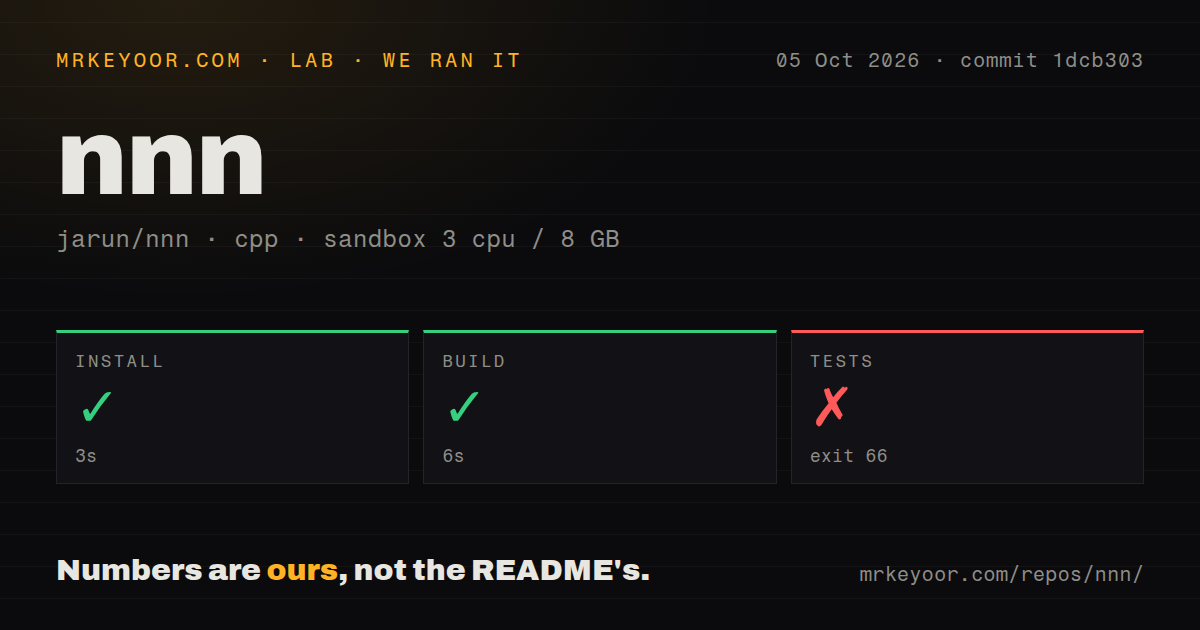
Our sandbox installed nnn in 6 seconds, then completed the build in 21 seconds. The repository had 2 CI workflow files and no Dockerfile or tests directory. Those signals describe commit c869e9f in a fresh unprivileged container with 3 CPUs and 8 GB of RAM. They show that the main program compiled without a long dependency ceremony. They do not establish whether a distribution package or every optional plugin behaves the same way.
The test step failed after 10 seconds with exit code 66. Its log tail contained no test target and nothing more specific. We cannot turn that line into a claim about broken program behavior, nor does it identify a missing system package. It does mean the command available to our harness did not run a passing suite. Contributors who need regression evidence should inspect the project's CI commands and static-analysis setup instead of treating a successful compile as a test result.
Rich previews depend on the exact terminal and helper chain
Text and directory previews are built in, while broader media handling can involve the preview-tui or preview-tabbed plugins plus tools for images, video, PDF, archives, and terminal graphics. Remote mounts likewise call out to sshfs or rclone. This modular approach keeps the binary focused, but the real setup lives across nnn configuration, plugin files, environment variables, and whatever programs exist on the host. A copied dotfile is not guaranteed to behave identically in Kitty, Konsole, tmux, or a plain SSH session.
Two open reports make that boundary concrete. Issue 2130 describes a frozen video image remaining when preview-tui moves to text or a directory in Kitty on Fedora 44. Issue 2134 reports later previews drawing over earlier ones with img2sixel or chafa in a tmux pane. These are narrow configurations, not proof that previewing is generally broken. They are good reasons to test the precise terminal, multiplexer, and media helpers your team intends to standardize.
v5.3 adds a native preview without replacing plugin workflows
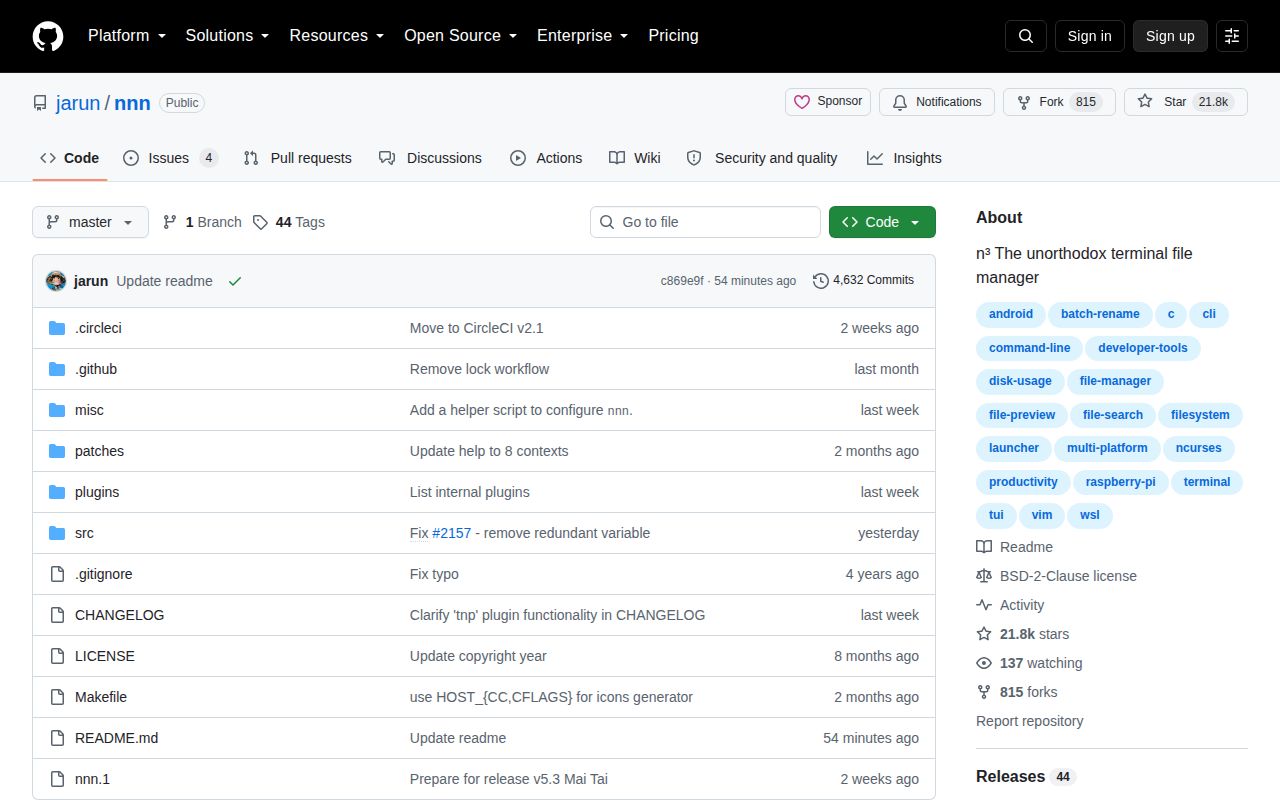
Release v5.3, published August 15, 2026, added a native preview pane for directories and text files, improved fuzzy filtering, lazy-loaded plugins, and changed readline linking to opt-in. It also added safeguards around session headers and long shell arguments. The last push was August 26, and GitHub showed 21,835 stars with 4 combined open issues and pull requests. The issue list was small and recently touched, while that combined count should not be mistaken for 4 confirmed bugs.
The native pane narrows the amount of setup needed for ordinary inspection, but the README still sends richer formats to plugins and external viewers. That division is sensible for a small terminal program. It also explains the buying decision: nnn rewards users who already have preferred Unix tools and want a quick conductor for them. Someone seeking a single package with consistent thumbnails, drag and drop, and graphical settings will spend more time assembling nnn than using it.
nnn is best when the shell is already your desktop
The 6-second install and 21-second build make trying nnn cheap. Its file picker, sessions, contexts, filters, and parent-shell integration solve daily terminal work without introducing an account or background service. The weak spot in our run is verifiability: no test target is too little feedback for a contributor who expects one obvious local quality gate.
For an experienced shell user, that trade is acceptable because the core is focused and current development is visible. Start with packaged defaults and the native preview, then add one plugin only when a real need appears. If your required workflow begins with video thumbnails inside tmux, validate that chain before adopting it across a team; the open preview reports show how quickly the experience can depend on one terminal-specific detail.