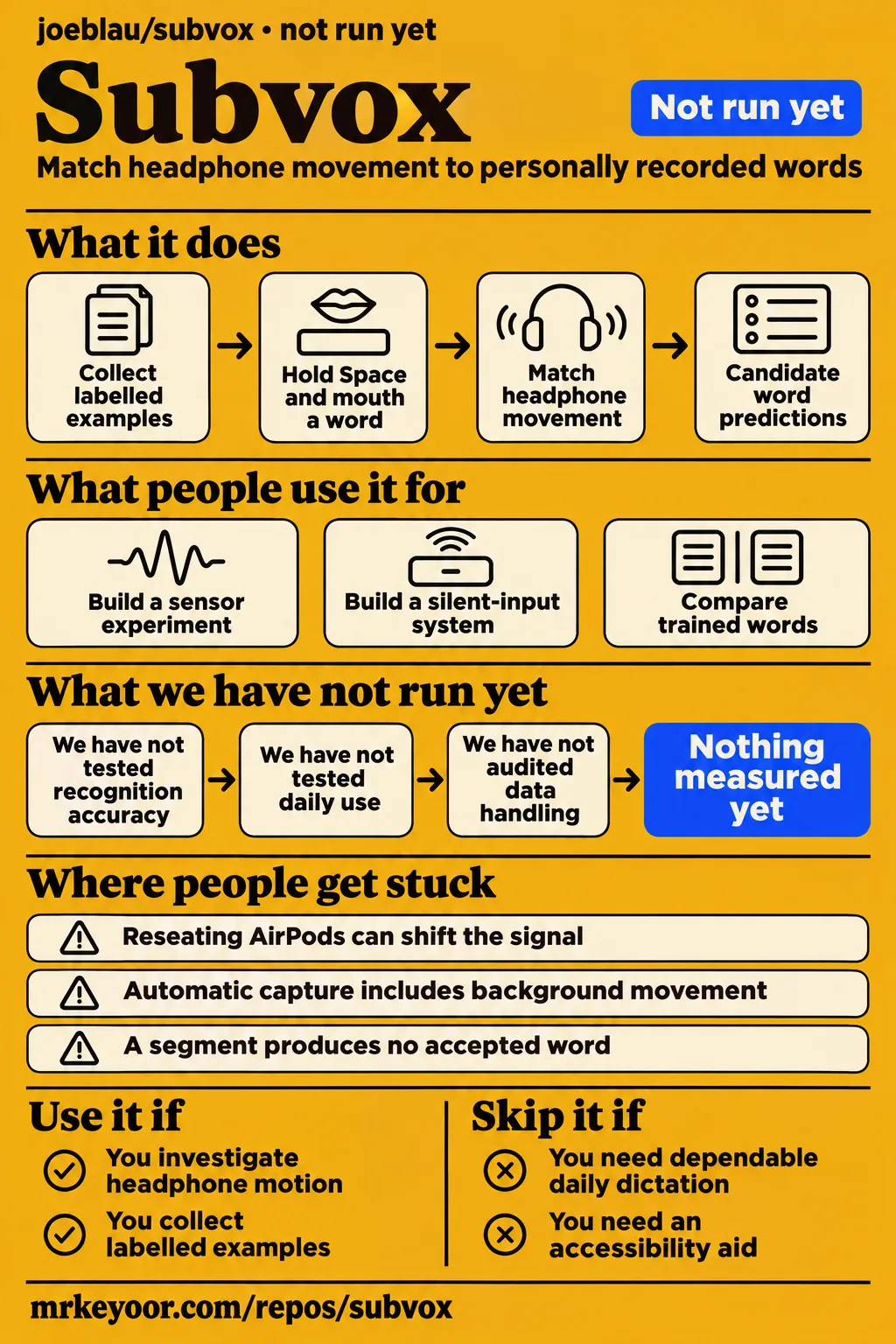
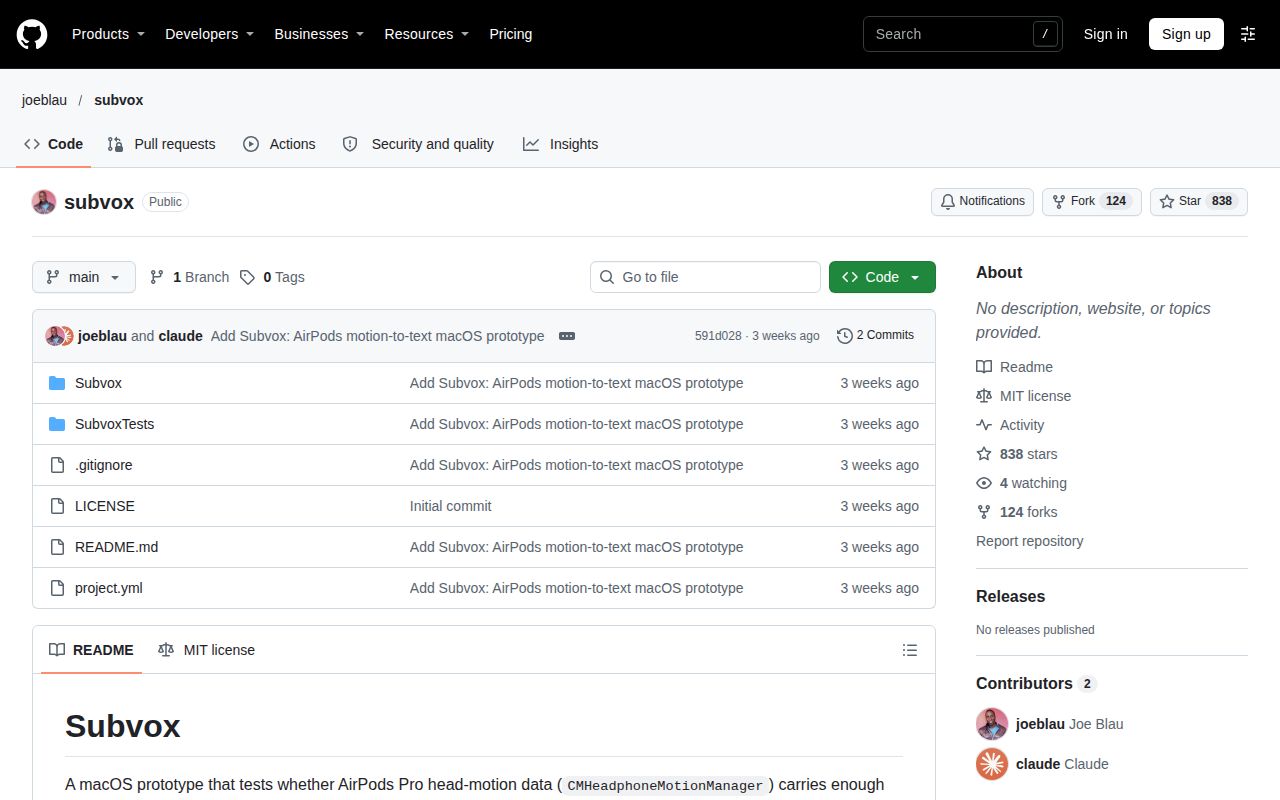
Subvox is a macOS prototype for investigating whether personally trained headphone movements distinguish silently mouthed words. It suits developers who want to study that signal and inspect the recording and evaluation workflow. People seeking dependable daily dictation or an accessibility aid should choose a tool with evidence for that use. Our sandbox assessment recorded NOT RUN; the later runner obtained the checkout in 1 second and stopped at installation planning.
This review concerns Joe Blau's joeblau/subvox repository. The supplied search records also contain unrelated products called SubVox, including a subtitle reader and an audio plugin. Identifying the repository matters before comparing requirements or features: this application uses headphone motion on a Mac. The discussion below follows its README, our recorded setup attempts and attributed community reports rather than combining those separate products.
What you can do with Subvox
Subvox matches headphone movement against a small vocabulary of personally recorded words without a language model. The README describes three screens: Sensors displays motion and recording controls, Train collects labelled examples, and Decode matches new segments against those examples. You hold Space, mouth a word and release it to mark the segment. That gives an experiment a concrete starting task: collect repeatable examples of chosen words and examine whether the recorded movement distinguishes them. Subvox capture workflow
The documented recognizer uses dynamic time warping to compare motion sequences whose timing differs. Its features include user acceleration, rotation rate and attitude change since the segment began. Training-set scaling and matching turn those recordings into candidate word predictions. The evaluation screen then shows accuracy against chance, a p-value and a confusion matrix, giving the reader a way to examine confusion between words rather than relying on one successful prediction. Decoding and evaluation
Manual segmentation is a useful starting choice because holding Space supplies an explicit boundary around each attempt. Automatic capture adds an energy trigger above a calibrated noise floor, with pre-roll and hangover. Starting with the manual control keeps the initial question focused on the recorded words before introducing the trigger's behavior. This is a suggested experimental sequence based on the documented controls. Segmentation choices
What people use subvox for
The supplied reports describe prototype creation and a personal silent-input project for shared spaces. Joe Blau posted that he recreated Subvocal in nine minutes with one prompt for AirPods Pro 3. The practical use case supported by the repository is building an experimental motion-to-text application. GlassesResearch identifies the nine-minute figure as the developer's anecdote, while its comparison distinguishes the resulting small-vocabulary experiment from Subvocal's hardware claims. Author's launch post, Sensing comparison
On Hacker News, theturtletalks linked Subvox and Lipflow and said they were using them to build a system for co-working spaces, planes and libraries. The commenter also observed that mouthing words without sound might draw attention. This supplies a specific reason to investigate silent input: spoken dictation can be awkward around other people, and the input method's social behavior matters alongside its software interface. Shared-space development report
These two reports point to different activities: creating a sensor experiment and adapting available projects to a personal working environment. A developer following the second route can begin by deciding which signal they want to capture, then inspect the corresponding project's training and output workflow. That is a more useful decision than choosing from a demonstration alone, because headphone motion and a camera place different demands on the person using them.
What happened when we ran it
Our November 19 runner recorded cloning Subvox in 1 second, then stopped at installation planning. The record identifies commit 591d02838521 and recipe quickstart-cli. The next step returned FAILED because the runner excluded Homebrew, source builds and pipe-to-shell scripts, while the documented route uses xcodegen and Xcode. Obtaining the checkout was the completed action; the planning error explains where the attempt stopped.
| Recorded item | Result | Verdict | Why |
|---|---|---|---|
| Build/test harness on November 18 | NOT RUN: unsupported Swift ecosystem; no Dockerfile | Stopped before application execution | The harness had no supported route for this checkout |
| Sandbox configuration | 3 CPUs, 8 GB RAM; image n/a | Environment settings recorded | These describe the sandbox configuration |
| November 19 clone | Checkout obtained in 1 second | Clone completed | The clone record names quickstart-cli |
| November 19 installation planning | FAILED | Attempt stopped at planning | The runner excluded the documented Homebrew and source-build route |
| Generic November 19 run summary | Claims deployment with the project's own Docker Compose, ports bound to 127.0.0.1 | Contradictory summary | The detailed planning step failed and the harness found no Dockerfile |
| Cleanup | Teardown recorded as ok | Cleanup completed | The teardown record reports that outcome |
Our earlier November 18, 2026 sandbox assessment at commit 591d028 recorded NOT RUN: Swift was unsupported by the harness and the repository had no Dockerfile. The configuration was 3 CPUs and 8 GB RAM, with image n/a. Our run therefore produced a setup outcome, rather than application resource measurements. The two attempts belong to their recorded commits and dates; the later clone duration belongs specifically to the November 19 clone step.
The generic November 19 run summary says the project was deployed with its own Docker Compose, with every port bound to 127.0.0.1. That statement conflicts with the detailed planning failure and the earlier checkout inspection. The detailed steps support a completed clone, a failed installation plan and successful teardown. Those are the outcomes retained here.
Building the documented Mac application
The README requires macOS 14+ and head-tracking headphones connected as the Mac's audio output. Its source-build route installs xcodegen, generates the Xcode project and opens Subvox.xcodeproj in Xcode. It also supplies command-line xcodebuild commands for building and testing the project. These instructions explain why the later runner's permitted installation methods did not fit the application. Build instructions and requirements
On first launch, the README instructs users to grant Motion permission. Microphone and speech prompts appear when the microphone starts. Sensors includes a microphone input picker and level meter alongside the motion plots and session recorder. Reading those controls together helps distinguish the experiment's motion capture from its optional audio recording and parallel microphone transcript. Each has a role in the documented workflow. Permissions and Sensors screen
Where people get stuck: capture conditions change the input
Subvox's README says templates are specific to the user and recording session, and reseating AirPods can shift the signal. Wearing conditions therefore belong in an experiment's record alongside the intended words. The same README describes automatic segmentation, rejection thresholds and the Bluetooth profile change caused by selecting AirPods as microphone input. The table maps those documented conditions to the available controls. Capture conditions and controls
| Symptom or constraint | Documented control or explanation | Status of the remedy |
|---|---|---|
| Automatic capture includes background movement | Calibrate the noise floor, or hold Space manually | Documented capture choices |
| A segment produces no accepted word | Maximum match distance and minimum confidence govern rejection | Documented rejection controls |
| Results change after putting the AirPods back in | Templates are user- and session-specific | Reseating changes the recorded conditions |
| Selecting AirPods as the mic changes their behavior | The README says this switches to Bluetooth HFP | Documented profile change |
| A generic CLI installer cannot proceed | The README uses xcodegen and Xcode instead | Documented source-build route |
The rejection controls determine whether a candidate match enters the transcript. A segment is rejected when its best distance exceeds the maximum or its margin over the runner-up falls below minimum confidence. Recording both accepted and rejected segments would make a future experiment easier to interpret: a transcript alone omits the attempts that produced no accepted word. This follows from the classifier's documented decision rule. Classifier rejection logic
How the documented evaluation works
Subvox's Evaluate action runs leave-one-out classification and a 500× label-permutation test. It compares classification using the real labels with classification using shuffled labels, then displays accuracy against chance, a p-value and a confusion matrix. The feature checkboxes allow acceleration, rotation and attitude to be examined separately or together. These controls make the training-set question explicit: which recorded channels distinguish the chosen labels? Evaluation procedure
The README suggests the same 5-word script under Normal speech, Whisper and Silent mouthing, with 10 repetitions each. Those are upstream protocol suggestions, not results from our setup attempts. Keeping the word script consistent gives the proposed comparison a stable task while the speaking condition changes. The recorded labels and feature selections would then help explain which conditions produced the observed confusion matrix. Suggested experiment protocol
Where session recordings live
Subvox documents session files under ~/Documents/Subvox/Sessions/ and a training set at ~/Library/Application Support/Subvox/dataset.json. Session recordings contain motion samples, labelled or predicted Space-held events and metadata. The metadata includes the condition, prompt and audio start offset for aligning audio with motion. These paths and fields give a developer a concrete starting point for inspecting a dataset before sharing it. Recording locations and contents
The session's audio.caf contains microphone audio if the microphone is running. Silent mouthing describes the person's action; the microphone's state determines whether optional session audio is recorded. A developer preparing a motion-only experiment should therefore record the selected input and microphone state alongside the condition. The README's file list distinguishes motion.csv, audio.caf, events.csv and meta.json rather than presenting every session as an identical collection. Session recording protocol
Subvox vs Subvocal, Lipflow and Whisper
Subvox uses trained headphone-motion templates, Lipflow uses a webcam, and Whisper processes audio. Selecting among those inputs is the first practical comparison. GlassesResearch separately describes Subvocal's claims about custom physiological sensing. The following table compares documented inputs and research purposes, with each option kept attached to the source describing it. Subvox design, Subvocal comparison
| Option | Input and supported evidence | When to consider it |
|---|---|---|
| Subvox | Personally trained headphone-motion templates described in its README | Investigating whether chosen words produce distinguishable motion |
| The Subvocal Company's glasses | Company claims of continuous decoding using custom sensing, described by GlassesResearch | Following dedicated silent-input hardware research |
| Lipflow | Webcam-based silent mouthing with text inserted at the cursor, described in its README | Exploring camera input |
| Whisper | General-purpose speech recognition trained on audio | Exploring microphone input when making sound is acceptable |
Lipflow's README describes holding a key, silently mouthing words to a webcam and releasing the key to insert text at the cursor. That gives the comparison a concrete interface: camera capture followed by text entry into another application. The Hacker News commenter using both projects supplies a reason to inspect them together. A developer can compare the capture arrangements before deciding which codebase fits the intended setting. Lipflow README, Community development report
Whisper is a general-purpose speech recognition model trained on audio. Blau's planning gist proposes investigating whisper recognition before silent articulation through the public motion interface. That makes microphone input a separate research direction for someone willing to make some sound. Its relevance comes from the accepted input, while Subvox's defining experiment concerns whether motion can distinguish silently mouthed words. Whisper README, Blau's planning gist
Outdated claims, corrected
Subvox's README describes processed headphone motion at roughly 25 Hz on AirPods. This corrects the raw accelerometer and gyroscope description attributed to the video review "Silent Speech via AirPods? Subvox Deep Dive" in the supplied synthesis. The README says the speech-detecting accelerometer and inward microphone are not exposed, and directs readers to expect jaw and head movement. That is the sensor input relevant to this repository. README sensor description
The same video's supplied transcript associates a p-value above 0.05 with rejecting a segment. The README assigns different jobs to evaluation and live decoding: shuffled-label evaluation examines the training set, while distance and confidence margin control segment rejection. Keeping these operations separate prevents a reader from treating the statistical evaluation as a per-word acceptance switch. Video transcript, README evaluation and rejection
AGTPinsights' X summary presents Blau's prototype as a recreation of Subvocal's technology and describes radio-wave sensing in the glasses as settled fact. GlassesResearch explicitly rejects the same-product comparison and says the exact current sensor architecture is undisclosed. Its account treats RF, EMG, EEG and mmWave as a design space. Blau's nine-minute statement remains his account of prototype creation. X summary, GlassesResearch correction
FAQ
Subvox requires AirPods Pro or another headphone supporting head tracking, connected as the Mac's audio output. That answers the supplied compatibility questions through the README's stated criterion. The application also requires macOS 14+ and documents a source build using Xcode. The questions below come from the supplied community questions and synthesis and stay focused on Joe Blau's repository. Hardware and platform requirements
Does Subvox work with every AirPods model?
The README specifies AirPods Pro or another headphone supporting head tracking. Its criterion is the motion capability and connection as the Mac's audio output. For someone choosing equipment for this experiment, that requirement is the useful starting point rather than the AirPods name alone. The supplied X discussion includes the question about all AirPods models. README requirement, Community compatibility question
Can Subvox use earbuds other than AirPods?
The README allows another headphone that supports head tracking and is connected as the Mac's audio output. That wording makes headphone motion the relevant capability. A person investigating another headset should compare its capabilities with this requirement before treating ordinary Bluetooth playback as sufficient for the experiment. The supplied X records include the question about other earbuds. Headphone requirement, Earbud question
Do I need a Mac to use Subvox?
Yes: this repository documents a macOS 14+ application built through Xcode. The planning gist discusses supported iOS and macOS devices in its explanation of headphone motion, while the application's README identifies its own build route and platform requirement. Following the repository's instructions therefore means preparing the documented Mac development workflow. Application requirements, Planning context
How can silent-speech recognition accuracy be checked when there is no audio to play back?
Subvox's documented evaluation uses labelled examples, leave-one-out classification, label permutation and a confusion matrix. The intended word is supplied by the label, so audible playback is not required as the reference for that task. The session protocol also records events with labels or predictions, providing material a developer can inspect alongside motion samples. Evaluation and event records
Can a language model use context to resolve ambiguous lip movements such as P and B?
Subvox uses no language model. In the Hacker News discussion, tmsh asks whether context can distinguish P and B, and aarushyadav replies that their camera experiments remained insufficient even with a strong language model. That response describes the participant's lip-reading work. It helps explain the community's interest in different sensing methods while keeping their experience attached to its author. Hacker News exchange
What we have not tested yet
The supplied attempts contain no completed Subvox application execution, build or test run. The 1-second clone establishes checkout retrieval, not build success or usable recognition. A supported evaluation still needs a specified Mac, headphone model, Xcode and macOS combination. The conflicting generic Docker deployment summary supplies no substitute for those missing execution records, and the pack contains no screenshots, completed known-answer tasks or Subvox issue-resolution records.
Recognition accuracy, participant variation, useful vocabulary size, typing speed, cross-session degradation and recovery after reseating remain unmeasured here. Daily use in libraries, offices or planes and accessibility suitability also need their own evaluations. The comparisons provide no controlled Subvox-versus-Lipflow or Whisper result and no hardware equivalence with Subvocal. Compatibility beyond the README's requirement has no supplied model-by-model test matrix. Research evidence gaps, Comparison boundary
Session disk growth, runtime network traffic, permission handling and data handling have not been audited in these attempts. Local recording paths alone do not answer those privacy questions. A useful next evaluation would build the pinned checkout, record fresh prompted attempts before and after removing the headphones, and retain intended words, accepted predictions and rejections together. Subvox is a reasonable investigation for a developer studying the signal; dependable conversation requires evidence beyond this record. Documented recording protocol