4 command families shorten the Stripe debugging loop
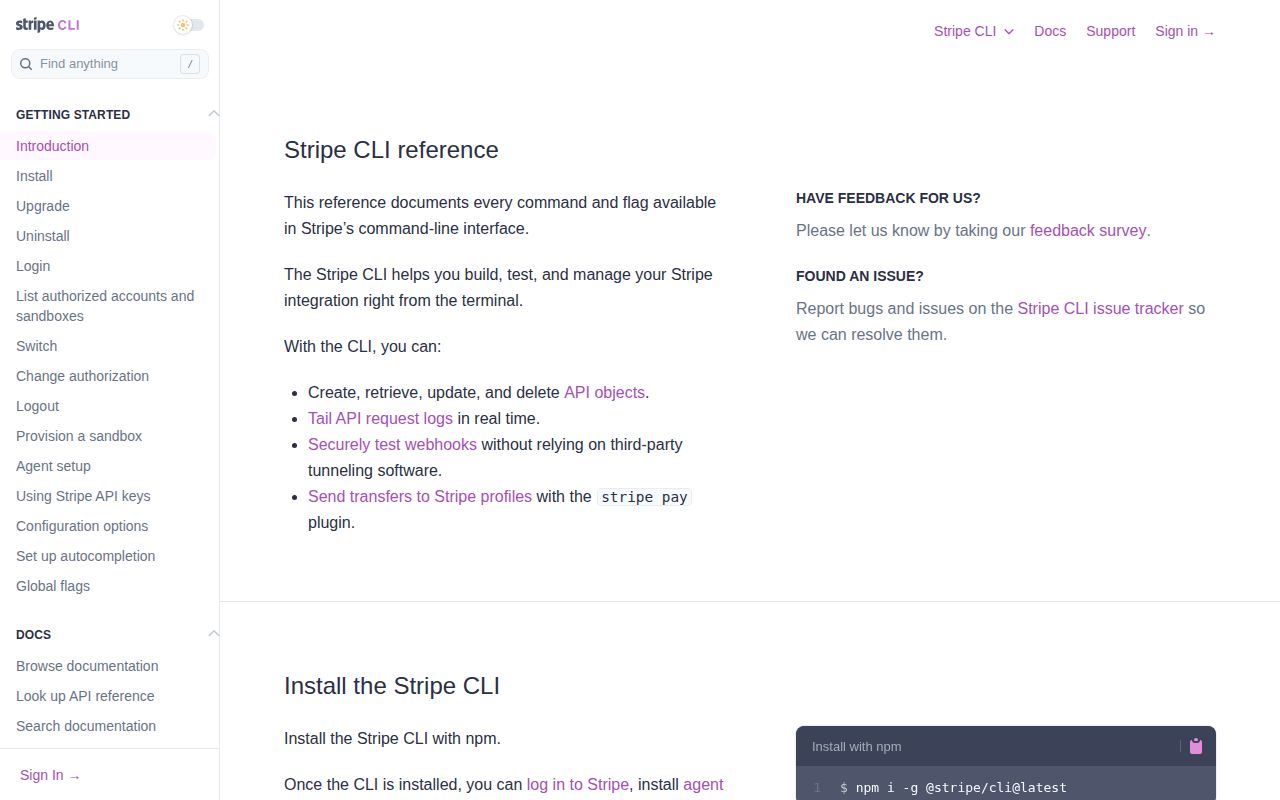
Stripe CLI puts 4 recurring jobs in one terminal: account access, API operations, event work, and log inspection. You can log in, tail requests, forward webhook events to a local URL, trigger or resend events, and create or delete Stripe objects. A payment integration often crosses the API call, Stripe's event delivery, and your local handler, and the CLI lets you watch those parts without keeping several browser pages open.
The resource commands are broader than a small collection of handwritten shortcuts. Stripe's architecture guide says many commands are generated from an OpenAPI description, then routed through generic operation and request layers. Handwritten commands cover jobs such as login and plugins. Ordinary object operations should track Stripe's API surface, while workflow commands can have their own behavior, flags, and failure modes. The Apache-2.0 license also permits internal modification.
The 23-second install led to a 77-second build
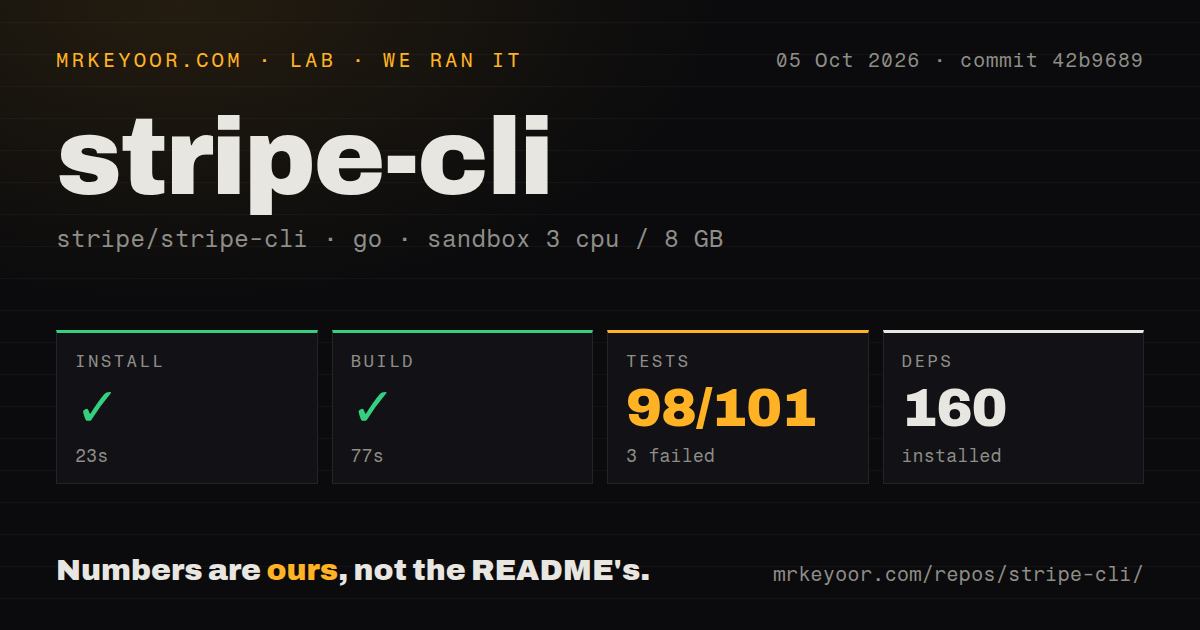
Our sandbox installed commit 42b9689 in 23 seconds and added 160 packages. Building the Go project succeeded in 77 seconds. The container used 3 CPUs, 8 GB of RAM, Go 1.24 on Debian, no secrets, and no elevated privileges. Those numbers describe a source checkout, not the prebuilt binary that most users will get from a package manager or release archive. They also do not measure command latency against Stripe's API.
The checkout itself contained 691 files, about 151,667 lines of source, and occupied 23 MB. That is a serious client, with 12 CI workflow files and a Dockerfile rather than a thin wrapper around HTTP calls. Our scan found no top-level tests directory. Go commonly keeps test files beside their packages, and the command found 101 results.
What happened when we ran it
Our run passed installation and compilation, then failed at the test step after 35 seconds. The supplied go test summary counted 98 passed and 3 failed out of 101. This is the result to carry into a source pin or internal fork: commit 42b9689 built on the stated Go 1.24 image, but it did not give us a green complete suite in that fresh Debian container.
The final log lines show successful packages including requests, RPC service, sandbox, spec, Stripe auth, validators, version, and websocket, followed by a bare FAIL. The tail does not name the 3 failing tests or show their error messages. It would be guesswork to blame missing services, network access, the container, or the code. We can only say that the full command exited 1 while many named packages completed successfully.
Docker cannot use browser login
Stripe CLI's Docker image cannot run stripe login because containers are ephemeral, according to the README. You must supply --api-key instead. For live-mode work, Stripe documents a longer container setup using GPG and pass, with mounted volumes holding configuration and secrets. That is workable for an operator who already manages secret mounts. It is a poor fit for a developer expecting the same interactive login flow as the native binary.
Native installation has more routes. The README covers npm for Node.js 18 or newer, Homebrew, apt, yum or dnf, WinGet, Scoop, and direct release archives. The default login and test context suit local development, while live requests demand deliberate credential handling. Uninstalling the package leaves configuration and credentials behind unless you run stripe logout --all and remove the config directory, a detail worth adding to workstation offboarding.
Issue 2085 makes multi-account writes worth checking twice
Open issue 2085 reports that Stripe CLI v1.51.1 accepts --project-name yet sends commands to the active context. The reporter also shows a banner combining one profile's display name with another account ID. This is a user report, not a failure reproduced in our sandbox, and it remained open when checked. The consequence is still concrete: a multi-account script should verify the account ID and avoid assuming that the profile label selects the destination.
The report matters most for commands that change state, including create, delete, trigger, and event resend. A single-account developer is unlikely to meet it. Agencies, Connect platforms, and teams with separate terminals for several accounts have more exposure. Until the behavior is resolved or documented differently, use an explicit active context or per-command credential and add an account assertion before a write. That small guard is cheaper than repairing data in the wrong Stripe account.
v1.53.0 and an October 5 push show active maintenance
GitHub showed 2,197 stars and 230 open issues and pull requests on October 5, 2026. The API separated that queue into 165 issues and 65 pull requests. The repository was pushed the same day, and v1.53.0 had shipped on September 30 with a new stripe version --notes command. Five releases appeared between September 21 and September 30, so the project is moving quickly rather than coasting on its official status.
That pace cuts both ways. Fixes and API changes can ship promptly, while workflow changes can affect scripts, as the v1.51.1 account-selection report shows. Pin the CLI version in CI and container images, then read release notes before moving it. For daily Stripe work, the command coverage is hard to replace. For deterministic tests without a Stripe session, stripe-mock is calmer; for viewing arbitrary webhook payloads, Webhook.site asks less of the operator.
Use it for Stripe operations, with a visible test exception
Our 23-second install and 3 failed tests place Stripe CLI between easy adoption and a clean source-build baseline. The official API alignment and installation choices reduce setup friction for a developer who needs local webhooks, API logs, and Stripe objects in one session. Pin it, verify the selected account, and keep the failed 101-result suite as an open acceptance item.