One click turns a live page into one HTML file
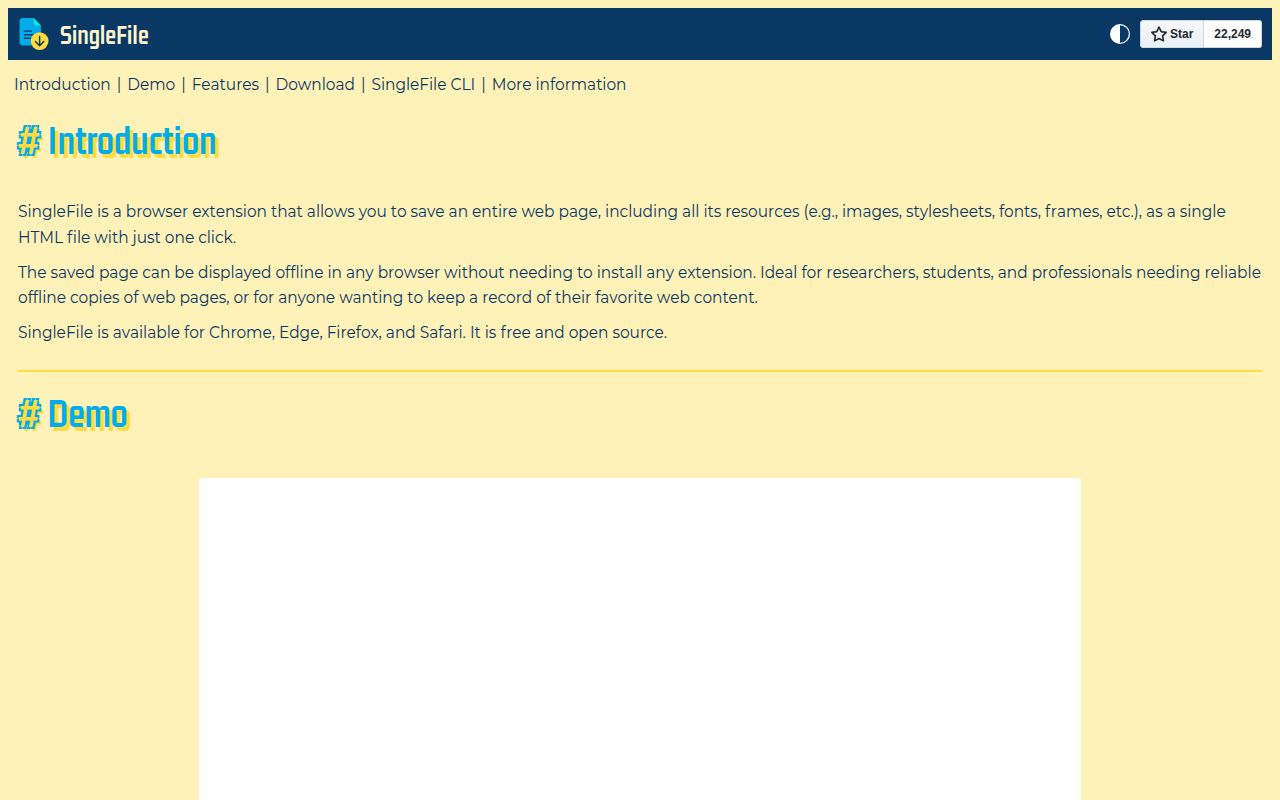
SingleFile's promise is unusually literal. Click its browser button and it rewrites the current page into a self-contained HTML document, embedding styles and resources so there is no neighboring assets folder to lose. The result can be opened without the extension and its text remains indexable. That makes it useful for research notes, receipts, disappearing documentation, and any workflow where a URL alone is too fragile.
The extension supports Chrome, Firefox on desktop and Android, Edge, Safari, Vivaldi, Brave, Waterfox, Yandex Browser, and Opera. The basic interaction is one click, with a second click cancelling the capture. Context-menu commands save selected content, a frame, selected tabs, unpinned tabs, or every tab. Auto-save can capture pages after load or before unload.
A 27 MB source install is not the normal user setup
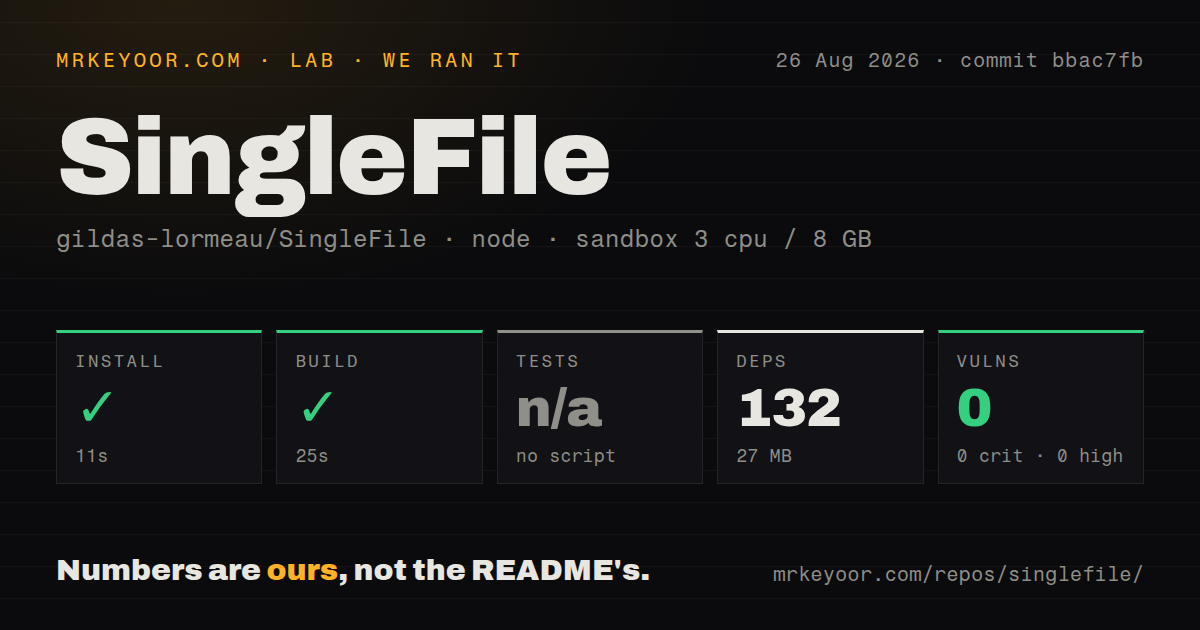
Our checkout at commit bbac7fb had 184 files, about 29,096 source lines, and occupied 4.5 MB before dependencies. Npm installed 132 packages in 11 seconds and used 27 MB on disk. The build succeeded in 25 seconds. Those are modest numbers for a browser extension, but most users should install the signed store version instead of building it.
The source repository is useful for contributors and for reviewing the AGPL code. Chrome and Edge manual installation points to a separate Manifest V3 repository, while Safari has its own extension project. That split matters if you intend to customize and distribute a build: the main README is a product map, not one universal packaging command for every browser.
What happened when we ran it
Our sandbox completed the 132-package install in 11 seconds and the build in 25 seconds on 3 CPUs with 8 GB of RAM. Npm audit found 0 known vulnerabilities across critical, high, moderate, and low severities. The repository had 1 CI workflow file and no Dockerfile.
There was no tests script or target, so the lab skipped tests. The checkout also had no tests directory. Pull request 1927, updated August 26, proposes a Vitest suite for pure-logic modules, which fits what our run found but does not make unmerged tests part of the measured commit. A successful build proves that the assets were produced; it does not prove that a complex page will be captured faithfully.
The useful controls go well beyond Save
SingleFile can annotate a page before capture by highlighting text, adding notes, or removing material. Destinations include the browser's download folder, Google Drive, and GitHub. User scripts can run immediately before or after saving, which gives technical users a place to clean a site-specific element or add metadata. A separate CLI project supports terminal capture for automation.
Its default HTML format keeps everything in one document and works without JavaScript when reopened. SingleFile also documents a self-extracting ZIP option, MHTML, Safari webarchive, and the traditional HTML-plus-folder format. The tradeoffs are concrete: compression, base64 encoding, browser support, and resource extraction differ. For a personal archive, plain HTML is the least fussy artifact. For a preservation program, one file format should not be the only copy.
Some pages will lose images, fonts, or dynamic state
A web extension has to freeze a moving target. Open issue 1940 reports images missing from a specific saved page. Issue 1835 reports formatting and fonts not being faithfully captured on Adblock Plus blog pages. Other current reports cover partial saves, wiki failures, Reddit content, Firefox Android reading mode, and a hang when unused-font removal is enabled. These reports are page-specific, but that is precisely the operational risk.
Reopen every important file with networking disabled and inspect the content that matters. Check lazy-loaded images, expanded comments, embedded frames, custom fonts, and text that appeared after a user action. A capture can open successfully while omitting the one chart or discussion thread you intended to preserve. SingleFile gives you an artifact; quality control remains your responsibility.
AGPL licensing matters for embedded commercial use
The repository is licensed under AGPL-3.0, with some derived third-party code under MIT. The maintainer asks companies interested in using SingleFile code in a commercial service or product to contact him about licensing. Personal use of the extension is straightforward, but a business planning to modify, host, or embed the code should have counsel review the distribution and network-use obligations before shipping.
Privacy also depends on chosen destinations. Saving to the browser download folder is local. Enabling Google Drive or GitHub uploads sends the archive to those services and requires their account flows. The optional proof-of-existence feature links a SHA256 hash into a blockchain. None of those extras is required to save an ordinary page.
August 2026 activity is stronger evidence than the old release tag
GitHub listed 22,249 stars and 138 combined open issues and pull requests when fetched. The repository was pushed on August 26, 2026, and several capture reports plus the proposed test suite were active that week. The latest GitHub release endpoint returned v1.2.0 from March 30, 2024, but the README sends users to browser-store release notes instead. That older GitHub tag alone does not describe current maintenance.
SingleFile earns its place because the output is easy to understand and carry: one page, one file. Its 25-second source build and clean npm audit make the code approachable, while the absent test target and current site-specific reports set the limit. Use it for convenient, inspectable snapshots. Use a crawler and an indexed archive when losing one resource or one page is unacceptable.