Seelen UI puts 70+ languages across a replacement Windows shell
The README says Seelen UI supports 70+ languages while replacing the taskbar, dock, launcher, flyouts, virtual desktops, and window manager on Windows 10 and 11. Users can enable only the pieces they want, then set layouts, shortcuts, widget positions, and rules for individual applications. That makes it closer to an alternate desktop environment than a theme applied to the standard taskbar.
The measured checkout contained 2,420 files and about 76,962 source lines, which matches the product's broad reach into Windows behavior. Rust handles native integration and background services. Svelte and React power the interface, while Tauri joins those layers. This is a substantial system utility that watches windows, media, notifications, monitors, hotkeys, and virtual desktops, so changing a visual surface can also change how input and focus behave.
Signed v2.8.3 installers avoid the source toolchain
Release v2.8.3 ships signed MSIX and setup packages for x64 and Arm64 Windows. The Microsoft Store and Winget channels handle updates after their review delay, while GitHub publishes installers immediately. The README says Edge and WebView are required. Windows 11 normally includes WebView, and the Windows 10 setup executable supplies it. No cloud account or API credential is described for ordinary use.
Building the measured 56.3 MB checkout asks for more than npm. The root preinstall command enters libs/core, where Deno generates Rust bindings and an npm package before npm can finish. Rust and Tauri then build the native application. The repository has 8 GitHub Actions workflow files; its CI runs JavaScript formatting and type checks on Ubuntu, then runs Rust linting and tests on Windows 2025 runners.
What happened when we ran it
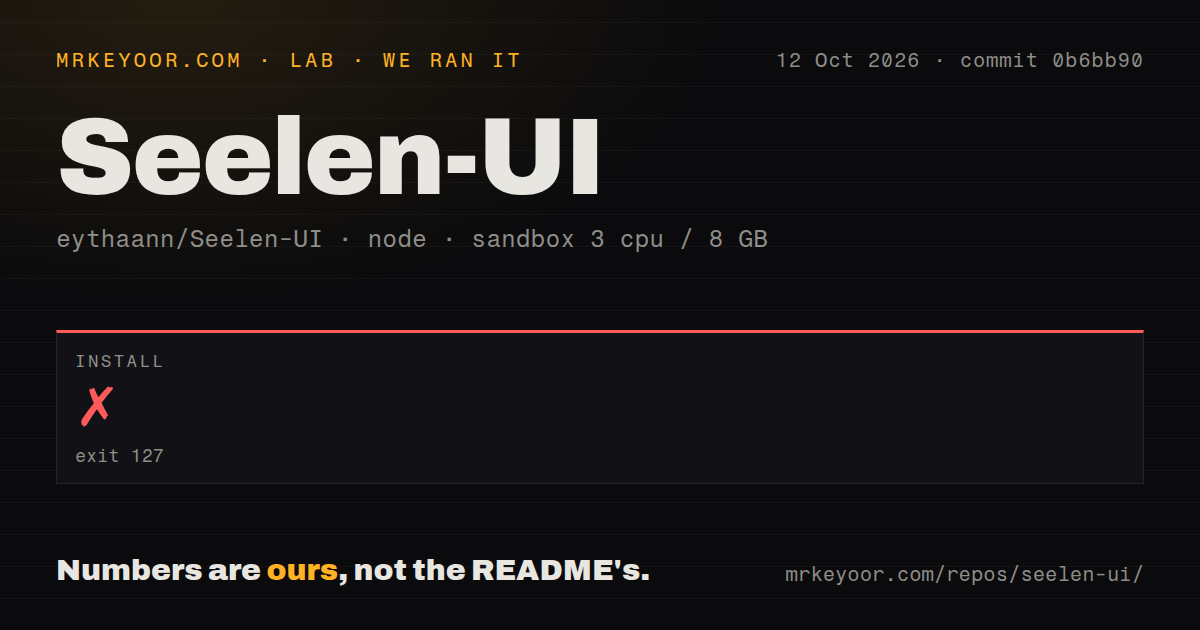
Our run of commit 520263d stopped during npm install after 54 seconds with exit code 127. The preinstall hook launched npm run build:lib, changed into libs/core, and attempted deno task build. The final error was plain: sh: 1: deno: not found. That result shows a missing executable in our fresh Node 22 Debian container. The log does not establish any further cause.
Because installation failed, our 3-CPU, 8 GB sandbox did not reach a separate build or test step. We also have no measured package count, installed dependency size, or npm audit result for this commit. Those missing results should stay missing rather than being treated as failures. The practical finding is that Node and npm alone do not reproduce the contributor environment used by the project's setup action.
CSS themes and web widgets have documented extension points
Seelen UI's 2,420-file checkout documents 3 extension types: themes, widgets, and plugins. Themes use CSS or SCSS plus YAML metadata, can target an individual widget, and can expose editable CSS variables in Settings. Widgets are small web applications loaded into isolated WebView windows. Their presets cover desktop, overlay, and popup behavior, while instance rules allow one copy, several copies, or one per monitor.
That flexibility lives inside the same 2,420-file application that controls native shell behavior. A plugin is only a declaration passed to its target widget, and each widget decides how to parse or execute the payload. The plugin guide explicitly allows target widgets to define their own schema and behavior. Extension authors therefore need to read the target widget's contract rather than assume one global plugin API validates every payload.
Open Windows bugs affect locking, notifications, and fullscreen games
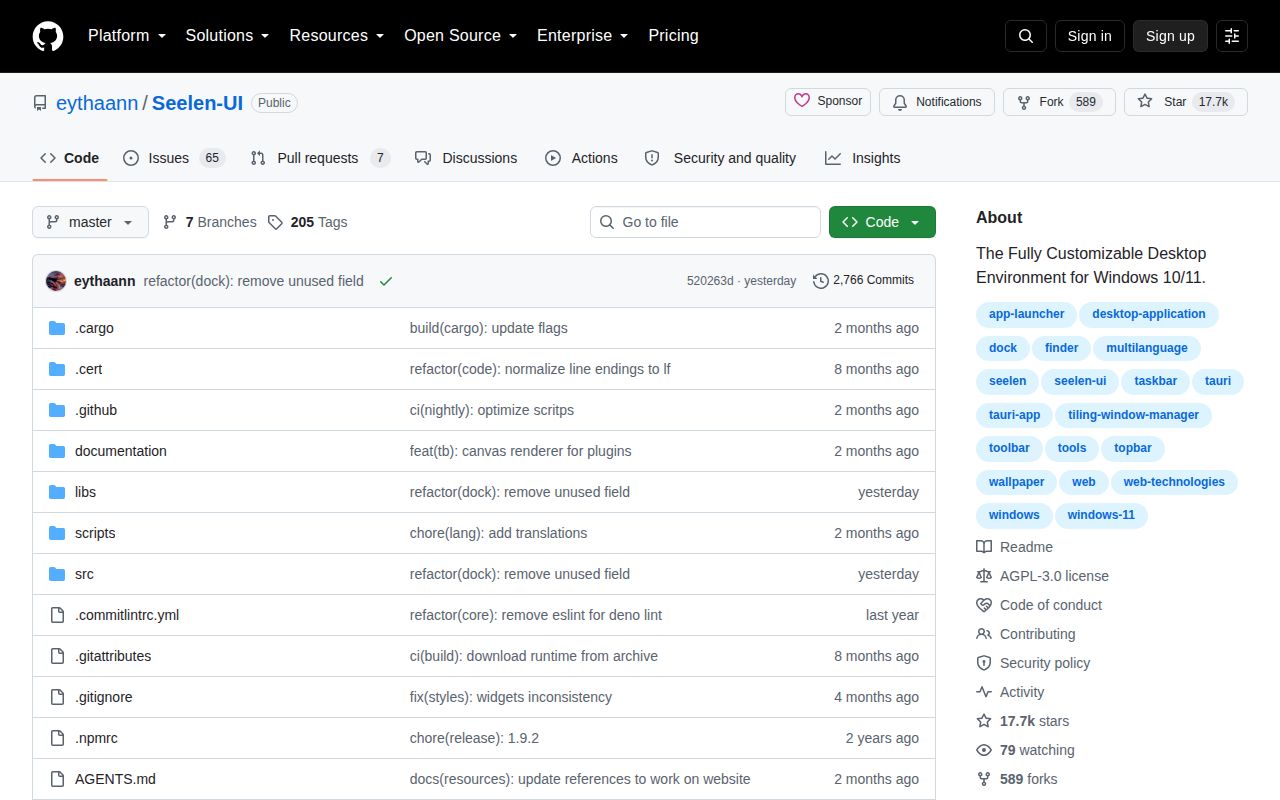
GitHub showed 65 open issues and 7 open pull requests on September 6, 2026. Issue 1746 reports that Win+L and a direct LockWorkStation call failed while Seelen UI v2.8.2 was running, with normal locking restored after the app and its service exited. It is one user's report with no maintainer reply, so it calls for reproduction on your own Windows build instead of a universal security claim.
Two August reports matter to fullscreen players. Issue 1777 says the custom volume flyout made a game lose focus or leave fullscreen; disabling that flyout avoided the behavior. Issue 1776 says the dock would not unhide over a fullscreen game. A replacement shell touches these paths on every session, and our 3-CPU Linux sandbox could not exercise them. Test locking, overlays, multiple monitors, and notification clicks before making Seelen UI the daily default.
September activity supports a trial, with a stock-shell fallback
The repository was pushed on September 5, 2026, four days after v2.8.3 was released. Recent issue updates include reports about Firefox notification activation, missing taskbar icons, an off-center task switcher, and toolbar visibility. The release itself added native taskbar pin import, monitor-aware task switching, and several context-menu fixes. Current code and current reports are arriving together, which is healthier than judging the project by its tag alone.
Our 54-second source-install failure makes the contributor path the weakest part of this review, while the signed packages give Windows users a separate route. Seelen UI is worth testing for someone who wants coordinated tiling and shell customization and accepts a careful rollback plan. A managed workstation, a gaming PC that must keep focus, or a machine where Win+L cannot be questioned is better served by narrower utilities until those exact behaviors pass local checks.