A companion for Harness, with a separate decorative mode
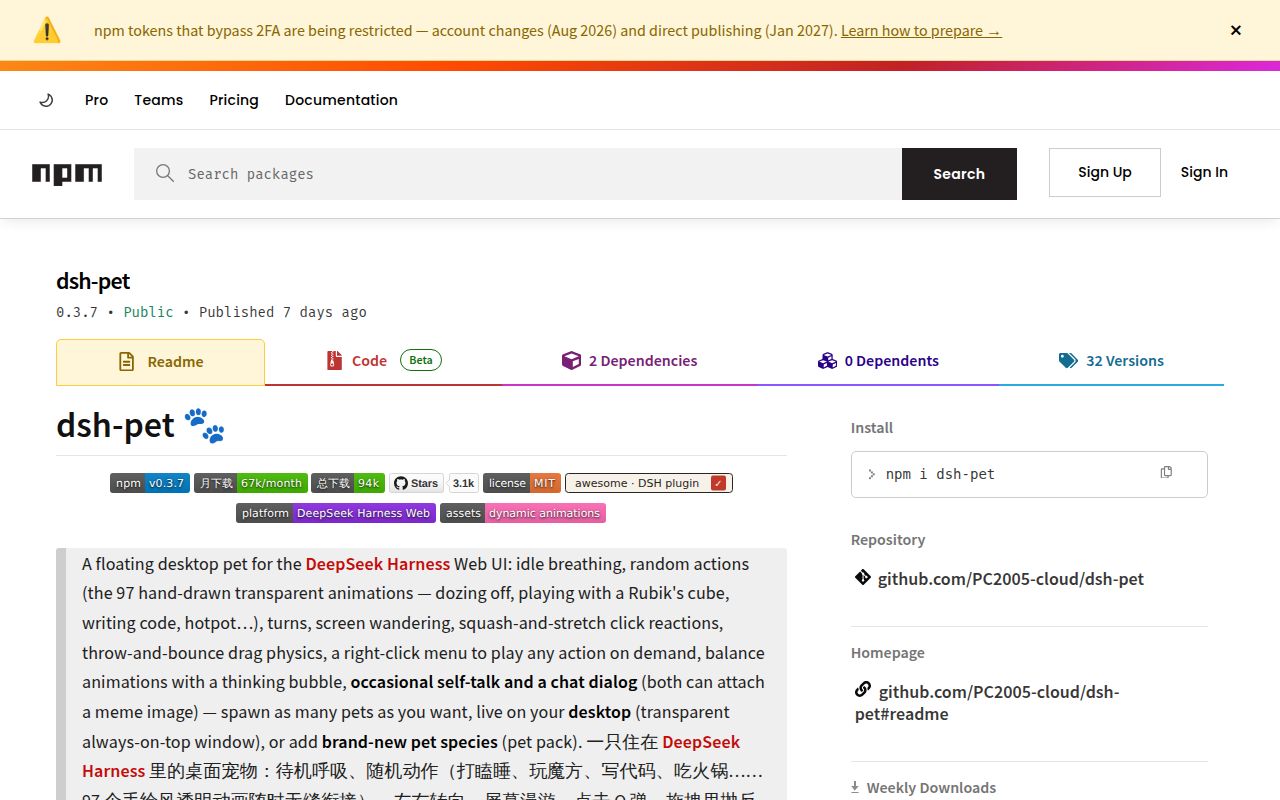
dsh-pet puts an animated character beside DeepSeek Harness sessions, with documented reactions to host events. It also has a standalone desktop mode for animation and direct interaction without running Harness. Choose the route according to whether you want session integration or a decorative pet.
The root README and plugin README are predominantly Chinese. The plugin README has an English introduction, but an English-speaking reader should expect to translate setup instructions and compare literal configuration names.
What happened when we ran it
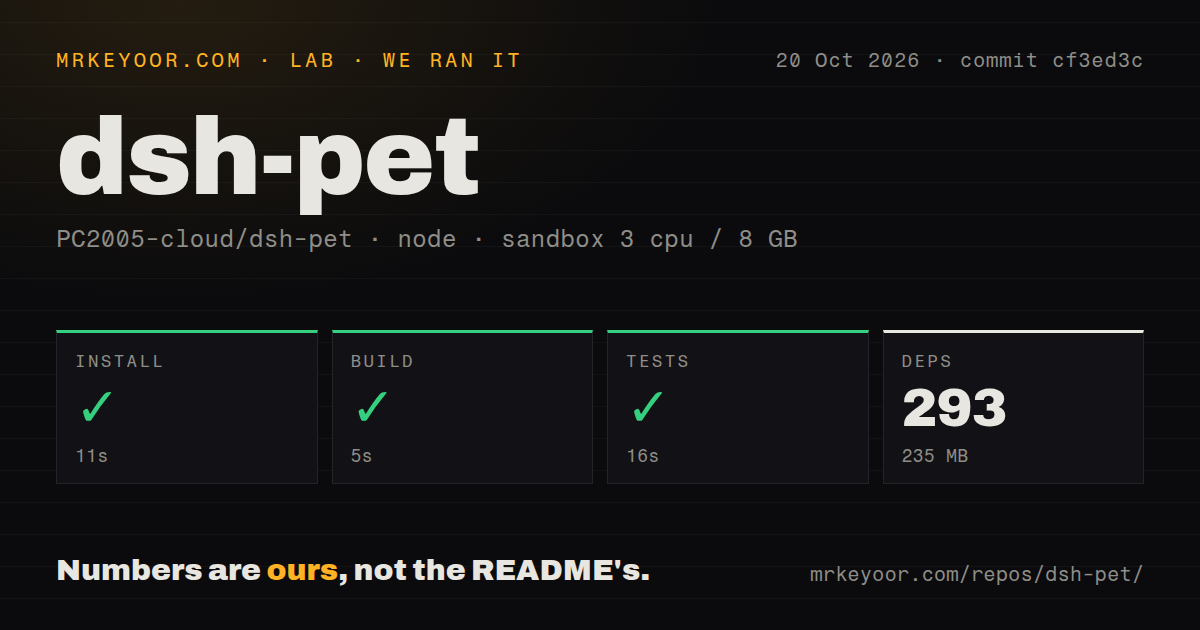
The supplied sandbox run on 2026-10-20 used commit cf3ed3c, with the project under dsh-pet/. Installation with pnpm succeeded in 11 seconds, recording 293 dependencies and 235 MB on disk. The build succeeded in 5 seconds and tests succeeded in 16 seconds. The summary supplies no test count or coverage result.
The checkout contained 457 files, about 38,883 source lines and 145.5 MB. The scan recorded workspace configuration and one CI workflow file, with no Dockerfile or tests directory. The absence of a directory named tests does not contradict the successful test command or establish what it exercised.
The recorded sandbox configuration was 3 CPUs and 8 GB of RAM, with the image label lab-node:22. Actual runtime and operating-system versions require the raw logs. These measurements establish successful source commands, but they do not establish desktop rendering, animation smoothness, input behavior or model-call costs.
Desktop setup needs a separate device trial
The root README documents display: "both" as the default, showing a pet in the browser and another on the desktop. It says startup downloads Electron when a suitable runtime is missing, then launches a transparent helper window. That later runtime download is not measured by the source installation footprint.
For Harness integration, restart the host after adding the plugin. The root README says development and testing used DSH 0.2.1-rc.2 and recommends matching it. The sandbox summary does not establish that Harness integration was tested with that host version.
The documentation says a headless Linux session skips the desktop window. It also says Safari cannot display the default WebM transparency correctly. Its workaround requires separate MOV materials and a change to ANIMATION_EXT. These are documented setup requirements, not compatibility results from the sandbox.
Check self-talk settings in Harness
The plugin README contains conflicting model-activity advice. Its feature summary claims default zero model cost unless self-talk is enabled or a conversation is started. Later, the same README says self-talk is enabled by default; the root README also says it defaults on. The supplied evidence does not resolve the actual default from code.
For Harness use, check pets[].whisperEnabled and the selected self-talk and conversation models before leaving the companion running. The root README documents whisperModel and chatModel settings, with the current conversation's model used when those selections are empty. Balance queries separately require credentials for a supported provider. No model-call cost was measured in the sandbox.
For decorative use outside Harness, both READMEs document a standalone route. They list animation, clicking, dragging, throwing, multiple pets and customization as available, while self-talk, conversation, balance and system notifications are unavailable. Decorative use therefore does not inherently require the model-backed features described for Harness integration. The standalone route was not reproduced in the supplied run.
Treat status bubbles as companion cues
Issue 153 reports a stale task-status bubble with dsh-pet 0.3.7 and DSH 0.2.1-rc.2 on Windows 11. The reporter says the bubble updates only on todo/write events and can remain on completed work while a task continues.
That is a user report about that environment, not a sandbox observation or proof that every version behaves the same way. Check the actual Harness session before treating a bubble as confirmation that work has finished.
Code and materials have different terms
The README labels the code MIT and prohibits commercial use of the materials, including animations, prompts and source videos. It also says derivative works must link to the original author's GitHub address wherever the work is introduced, displayed or distributed.
If you plan to ship a customized character, check those material terms before building around the supplied assets. The code license alone does not establish permission for that use.
Choose by the workflow you want to follow
VPet supports Steam Workshop mods and provides a core library for WPF applications. Consider it when pet customization or WPF embedding is your main requirement.
Agent Pet documents reactions to Claude Code and Codex activity. Consider it when those are the coding tools you want a companion to follow. These comparisons describe documented purposes; the supplied lab run contains no comparative performance measurements.
For dsh-pet, start with one instance and explicitly select browser, desktop or both. In Harness, check self-talk settings and observe a real task through completion. For decorative standalone use, check that its documented feature limits suit you. On either route, watch whether the pet interrupts clicks or occupies inconvenient screen space. Those checks remain for your device trial.
The documentation score uses a coverage rubric: 1 means a description only, 3 means startup and operating instructions with unresolved gaps, and 5 means consistent operating and troubleshooting guidance. The supplied READMEs earn 3: they explain installation, configuration and runtime troubleshooting, but their self-talk defaults conflict and most operating guidance is Chinese.