It changes MFG controls only where a game already has Frame Generation
Universal RTXMFG does not add a complete frame-generation pipeline to any arbitrary game. The target must already integrate NVIDIA DLSS Frame Generation. The mod loads early as a proxy DLL, intercepts the relevant path, and exposes a built-in menu for following the game's choice, selecting a fixed multiplier up to 6x, or using Dynamic MFG where supported. NVIDIA's per-game override maximum still applies. This is control over an existing integration, not a compatibility layer for games that never shipped one.
That boundary prevents the most common misunderstanding. A menu can appear without a multiplier taking effect, and a listed maximum does not promise that the current pipeline can apply it. RTX 40 has DirectX 12 and experimental Vulkan paths. RTX 30 support is described as very early, limited to DirectX 12, and liable to fail in some games or configurations. Dynamic MFG is unavailable on Vulkan. The mod also leaves V-Sync to the game or driver rather than trying to own every presentation setting.
What happened when we ran it
We did not run commit 67f7476. Our sandbox has no supported C++ ecosystem path for this project, and the repository has no Dockerfile. The supplied environment was an unprivileged Debian container with 3 CPUs, 8 GB of RAM, and no secrets, which cannot reproduce a Windows DLL mod by inspection alone. We therefore have no lab result for installation, compilation, tests, frame pacing, latency, artifacts, or game compatibility.
The absence of a sandbox run is especially important here because compatibility is the product. The README warns about artifacts, freezes, black screens, and crashes. Open reports on September 30 included a Witcher 3 launch crash, missing menus in Where Winds Meet and FiveM, a Zenless Zone Zero startup crash, and foliage interpolation artifacts. Those are issue reports, not outcomes we reproduced, but they are concrete reasons to trial one game at a time. A release tag cannot replace an in-game check on your driver and title.
Installation is one DLL plus a per-game loader decision
Release v1.3.3-hotfix.2 packages RTXMFG.dll with the menu built in. A user closes the game, renames the file to one supported proxy name, and puts it beside the actual executable rather than the launcher. The list includes version.dll, DirectX names, dxgi.dll, several XInput names, WinHTTP names, and Bink names. The correct choice depends on what that game loads early. Leaving the release filename unchanged does not make a game load it.
Only 1 copy should be installed. If another mod or the game itself already owns the chosen filename, the README tells users to choose another route rather than overwrite it. Bink games require backing up and renaming the original Bink DLL so both remain beside the executable. Uninstallation reverses those changes and optionally keeps RTXMFG-Universal.json. That rollback is clear, but a careless overwrite can still break the game.
A source checkout cannot reproduce the release DLL
BUILD.md is unusually candid about reproducibility. The release target needs Windows x64, Visual Studio 2022 with a named MSVC toolset, a specific Windows SDK, CMake 4.3.3, Python 3.10 or newer, NVIDIA SDK 2.14.1, a pinned ImGui revision from ReShade 6.8.0, and Vulkan SDK headers plus glslangValidator.exe. Those dependencies are only part of the requirement.
Validated SM86 kernel caches are prepared separately and excluded from the repository. The guide states that a source checkout alone cannot reproduce RTXMFG.dll without them. Hash checks cover tools, headers, manifests, generated files, and embedded kernels. Focused tests use data-only provider images and mocked CUDA calls, while other regression harnesses exercise synthetic presentation through Vulkan or DirectX 12 WARP. The guide warns that these do not prove final presentation inside a game.
The hotfix solves named bugs while new compatibility reports continue
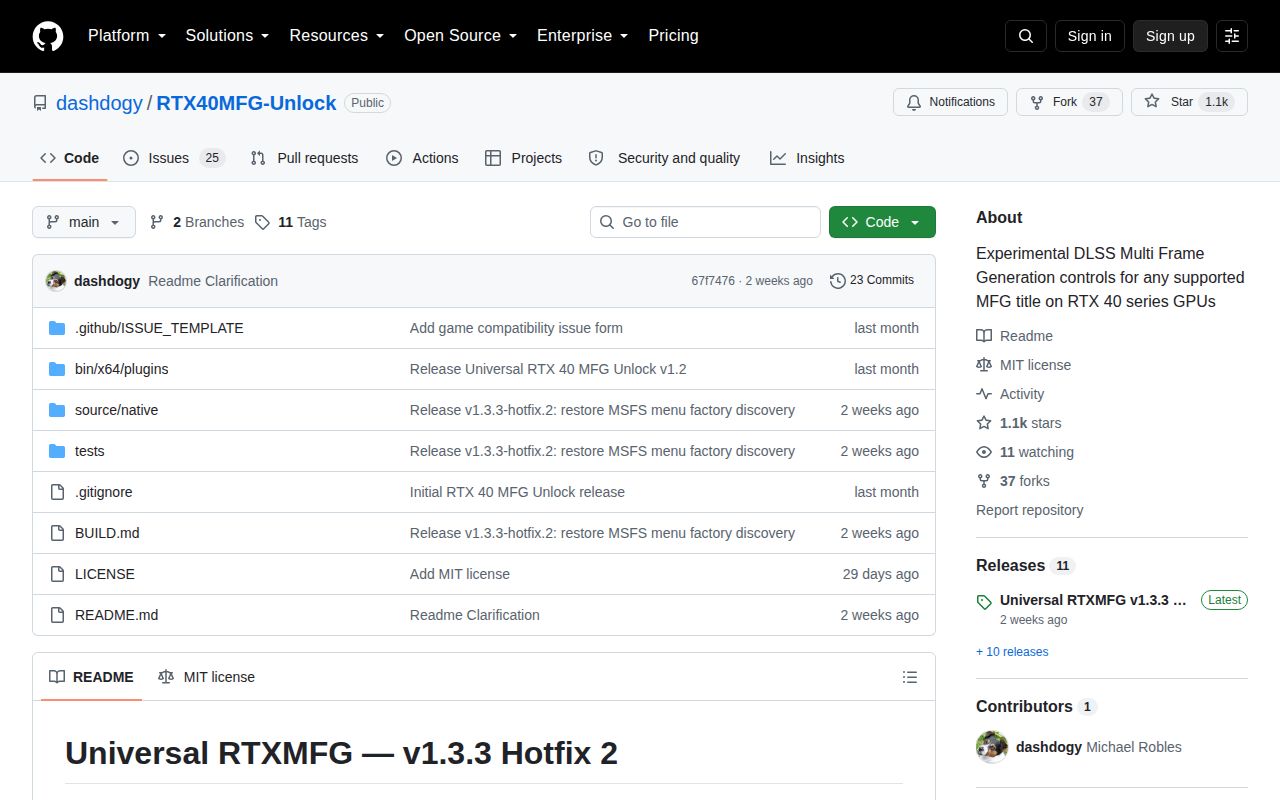
Version 1.3.3 Hotfix 2 was published on September 18, 2026. Its notes say it restored menus in MSFS 2024 and GTA V Enhanced, improved renderer detection, and fixed a small-stack startup overflow. The preceding 1.3.3 release rebuilt the UI and addressed stuck 2x behavior, freezes, and black screens. GitHub showed 1,100 stars, 25 combined issues and pull requests, and a last push on the hotfix date.
Issue activity continued after that push, including reports dated September 29. This is active troubleshooting, not broad compatibility. The right test plan is narrow: back up the game directory, install one proxy copy, confirm the log and status file, compare native Frame Generation with each selected mode, and remove the DLL at the first crash or artifact. Use OptiScaler for broader cross-vendor substitution, DLSSTweaks for scaling and preset control, or NVIDIA's integration framework when you can change the game itself.