You approve a storyboard before agents make the shots
ReelMimic takes a reference video and your brief, analyzes the reference's editing rhythm and visual treatment, then presents a production plan. You can change the storyboard, provide assets, or resolve missing inputs before approving production. That approval point is the reason to consider it: a creator gets to inspect the intended film before agents spend account usage building individual shots.
Our checkout held 1,178 files and roughly 63,596 source lines in 40.2 MB. The local web app sits above a larger working system that includes reference analysis, style instructions, rendering tools, and agent coordination. ReelMimic's README describes making original animation using a reference's technique. It says the workflow does not carry over the original footage, characters, or assets. That intention still needs checking against what the agents actually produce.
What happened when we ran it
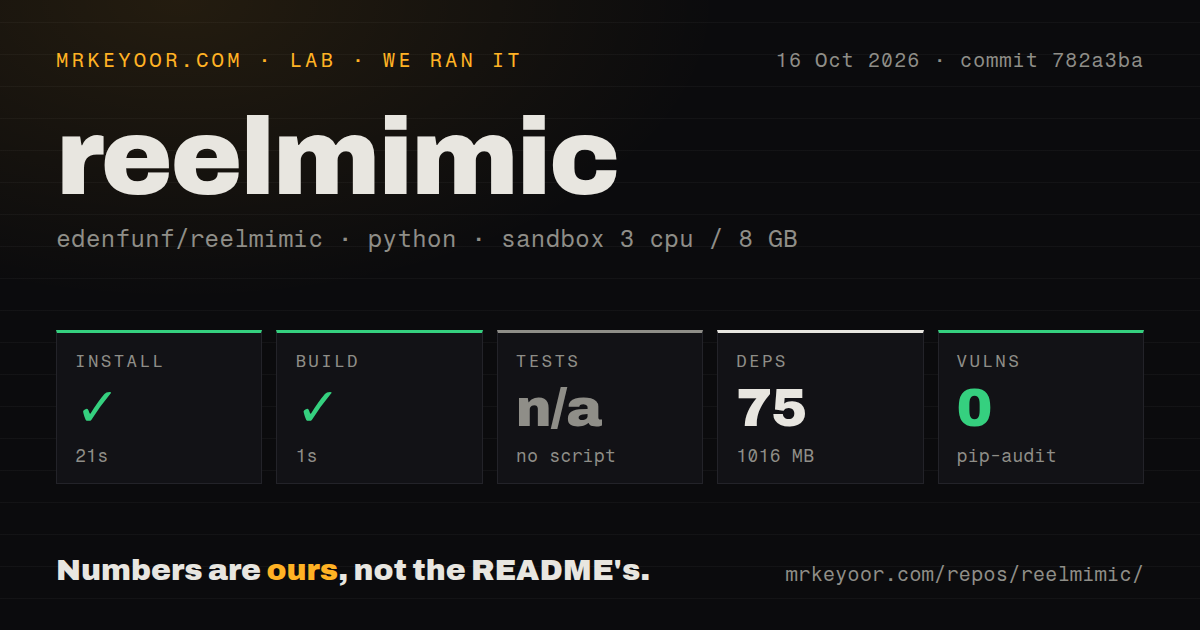
Our sandbox installed commit 782a3ba in 21 seconds, adding 75 Python packages and using 1,016 MB on disk. Its build passed in 1 second. The October 16, 2026 run used an unprivileged Debian container with 3 CPUs, 8 GB of RAM, Python 3.12, and no secrets. Pip-audit reported 0 known vulnerabilities in that environment. These results cover the lab's Python path through a project GitHub labels JavaScript.
Tests were skipped because no test script or target was available. The scan found two CI workflows, no Dockerfile, and no tests directory. The successful 1-second build does not establish a working reference-to-video production cycle. We did not measure finished-video quality, total rendering time, agent usage, or how often a review sends a shot back for revision. The README's production expectations remain the maintainer's account, separate from these measurements.
Files and fresh reviewers make revisions easier to inspect
The architecture guide describes a React interface, a Node server, and an agent workspace. Agents write plan, production, and review files. The server checks required outputs and validates the JSON fields it acts on. It can stop a step when expected files are missing or malformed, rather than advancing solely because an agent says the work is finished.
The 1,178-file checkout also contains the engine instructions and review workflow. Builders keep their conversations for revisions, while shot reviewers use fresh conversations. Fixes require before-and-after crops, and final review considers continuity and seams between segments. That is useful evidence for a human editor, though another agent's approval cannot establish visual quality. Play the assembled film and inspect the moments the screenshots claim to fix.
Node, Chrome, and a logged-in agent complete the runtime
The README requires Node.js 22.18 or newer, Python, FFmpeg, Chrome, and a logged-in coding agent. The web interface starts locally, and npm run doctor checks the expected tools. Optional narration and asset sources have their own service keys, stored outside the repository in ~/.reelmimic/secrets.json. Bringing your own account means production counts against that account's limits, with jobs pausing when the allowance runs out.
The 1,016 MB measured after Python installation therefore understates the complete working environment. A browser renderer and Node app still need to work alongside the agent. The README says most platform experience is on Windows, with less on Linux and macOS. Troubleshooting guidance covers Python selection, Chrome paths, and occupied ports. A short trial on your actual workstation is more useful than assuming the passing lab build covers those pieces.
Broad execution permissions will exclude some workstations
The settings table documents danger-full-access as the Codex default and says the narrower workspace mode blocks its Chrome renderer. This is a material operating requirement for a workflow that writes code and launches local tools. If your team cannot permit that execution model, the documented route is a poor fit. Keeping secret files outside Git prevents accidental commits, but does not itself restrict an executing agent.
Our 75-package installation contained no secrets and exercised no logged-in account. It cannot establish what material an agent provider will receive during real production. Decide which references, briefs, and customer assets may enter that account before running a job. The app being local describes where its interface and files live; its model work still depends on the chosen coding-agent service.
Animation coverage is narrower than the reference input box
The README limits the workflow to 2D animation and says the newer drawing engines have less real-world use than the initial vector and watercolor paths. A reference can guide pacing and framing without having a suitable engine to reproduce its look. When there is no close style match, the documented behavior is to use the closest engine and propose a new style. Inspect those early style frames before approving the film.
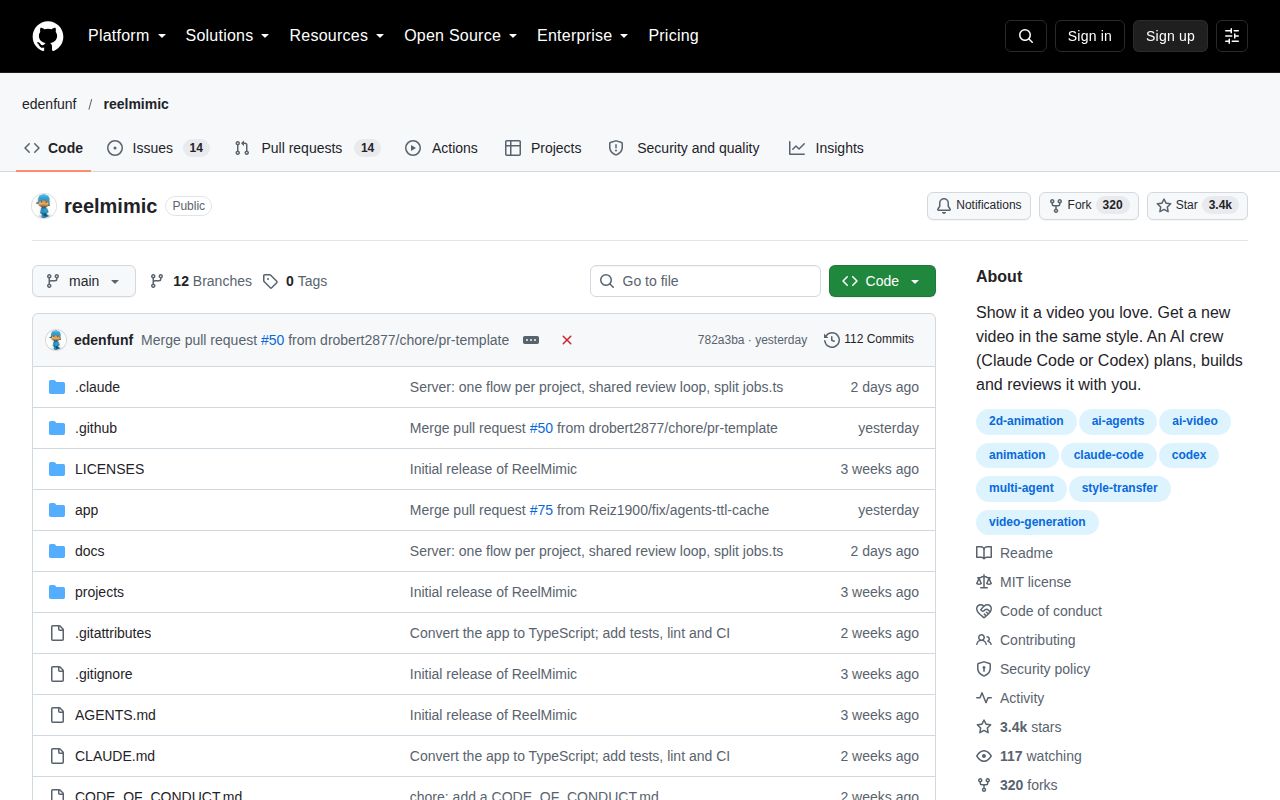
The last push was October 16, 2026. GitHub showed 3,386 stars and 28 open issues and PRs, including proposed changes to frame-cache handling. That is active maintenance, with unresolved work, rather than proof of production reliability. HyperFrames or Remotion is a better starting point when you want direct scene control. Choose ReelMimic for its coordinated revision process, and use a finished short film, played all the way through, as your first acceptance check.