A finished animation still needs a receiving app
LiveCanvas can guide an agent through researching a subject, drawing a storyboard, and producing an animated visual with a designed cover. Its Chinese-first documentation includes an English README, and it supports Claude Code and other coding assistants. The consequential detail comes at delivery: the documented Apple Live Photo package does not automatically enter an iPhone's Photos library. You need a receiving app that understands paired photo and video resources.
The README pins the template to Remotion 4.0.530 and describes an editable project alongside the cover, MP4, and sources. That makes LiveCanvas interesting for a developer producing an explanatory card who wants to revise its timing or data later. It leaves more work than sending a prompt to a hosted video tool, because the animation lives in code and the final device handoff needs its own check.
What happened when we ran it
We did not run commit 168e146 in our October 16, 2026 sandbox assessment: the harness found no supported ecosystem entry point and no Dockerfile. GitHub labels the repository Python, but that label did not make it runnable through our supported harness. There are no measured installation times, render results, or test outcomes for this review. This is a limit of our evidence, rather than a demonstrated rendering failure.
The documented workflow spans Node.js, Python, FFmpeg, and fonts for the content's language. It asks an agent to create a separate animation project, then use the pairing and packaging utilities. That explains why a single language label tells you little about the work involved. An adoption trial should render your actual content, inspect its cover and moving frames, and check the receiving device before you promise a deliverable.
Remotion produces the video, and Python handles portable pairing
The production guide starts with a copy of the supplied Remotion assets in a separate project directory. You edit the composition, connect data, and provide media. Its starter line chart is an example, so a scene or image comparison needs a suitable layout. The agent must also be able to research sources and execute code. LiveCanvas itself does not replace the agent's model access.
Python 3.10 or newer, Pillow, and FFmpeg form the documented portable Live Photo path. macOS has an additional Swift route and optional PhotoKit validation. Those options let you separate animation work from Apple-specific checks, though the detailed instructions are Chinese. For an English-speaking operator, the English overview gets you oriented, but troubleshooting the production procedure can require translation.
Silent H.264 and JPEG are firm input limits
The portable pairing guide rejects audio tracks, unsupported video encoding, mismatched frame rates, and invalid cover timing. It also requires the cover to come from the corresponding animation frame. This is a deliberate constraint on the supplied utilities. If your explanation depends on narration or music, this particular packaging path does not accept that input.
Remotion 4.0.530 handles the composition, while the pairing tools write shared identifiers and timed metadata into the photo/video resources. After pairing, ordinary transcoding can disturb that work, so the guide warns against processing the resulting MOV casually. Keep an ordinary MP4 preview for easy viewing and preserve the paired resources for the importer. A playable preview alone cannot establish that the Apple metadata survived.
A package is separate from native Photos playback
The .pvt bundle contains paired resources and metadata, and the README warns that iPhone Files may not preview it. The receiving side must import the photo and paired video into the same asset creation request, or provide equivalent Live Photo handling. Saving the files separately does not satisfy that requirement. This is the main reason I would avoid promising instant delivery to an arbitrary customer's phone.
The guide distinguishes metadata checks, local PhotoKit loading, and actual iPhone import and playback. Its stated validation history does not establish every Linux or Windows machine and receiving-device combination. That candor is useful. Record the result for your own receiving app rather than treating a successful export as proof that long-press playback will work in Photos.
Snapshot data and separate licenses need editorial attention
The English README dates its demo source checks to October 2026 and explicitly says the data does not update automatically. If you reuse a chart composition for current reporting, replace and verify the data as well as the visible labels. The project provides a research workflow and source delivery instructions. Neither can make yesterday's market comparison current without someone obtaining new figures.
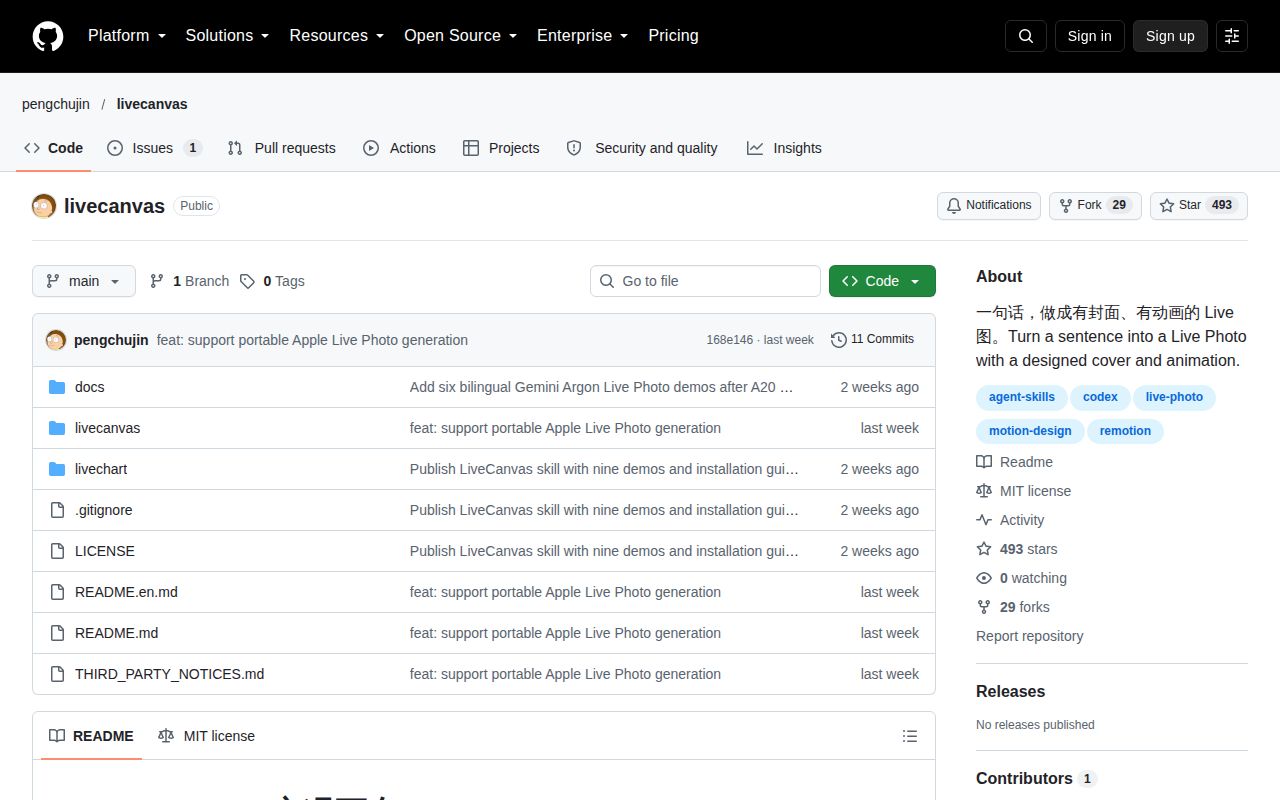
Code and skill documents use MIT, while Remotion and third-party media retain separate terms. The last push was October 10, 2026. GitHub showed 493 stars, no latest release, and one open issue that announces a directory listing rather than reports a product defect. That offers little evidence about support under load. Use direct Remotion for control over ordinary videos, or ManimGL for mathematical animation. Choose LiveCanvas when its paired-resource workflow fits, and make native playback on the recipient's phone the acceptance check.