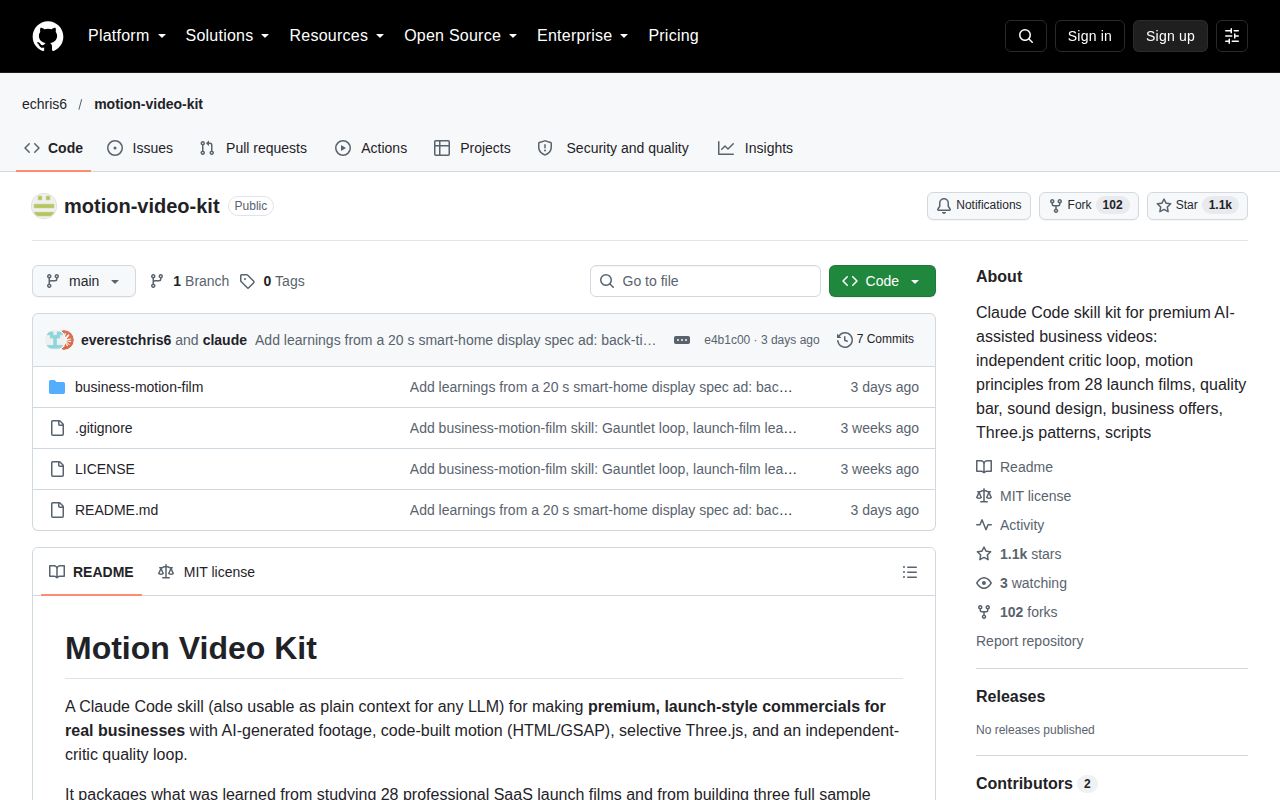
Copying the skill leaves rendering as your responsibility
Motion Video Kit installs by copying a folder into Claude Code's skills directory. There is no editor to open at the end of that command. The folder gives an assistant a workflow for planning and reviewing business commercials, along with scripts and animation templates. That is useful if your current problem is a technically clean video that still feels unfinished. It is a poor fit if your missing piece is a rendering application.
The README says the kit draws on 28 professional launch films and its author's sample commercials. Treat that as the author's description of the reference material, rather than proof of a repeatable commercial result. The interesting part is the review structure: someone builds a scene, a fresh critic inspects the actual render, and the next round verifies the requested changes. Keeping that record gives a producer something specific to review beyond an assistant saying the animation looks good.
What happened when we ran it
Our lab did not run Motion Video Kit at commit e4b1c00 on October 16, 2026 because the harness had no supported Python ecosystem path and the repository had no Dockerfile. The fresh Debian sandbox had 3 CPUs and 8 GB of RAM, without secrets or elevated privileges. There are no install, build, or test results from this snapshot. This gap says what our harness covered, rather than establishing that Python scripts cannot run in Debian.
The README explicitly requires ffmpeg and ffprobe with the ebur128 filter. Node 22 or newer and HyperFrames are optional requirements for the component lab. Those are documented prerequisites, with no successful render or audio analysis from us behind them. A working local media toolchain would be the first thing to establish before promising a client that the kit's checks are part of your delivery process.
The critic has to inspect rendered frames
The skill workflow requires critics to see the render, brief, and references. It also separates component review from reviewing a complete cut. This matters for a product film with a custom device animation: you can reject the device movement before building the rest of the edit around it. A contact sheet helps expose layout problems that disappear when you only watch the video at normal speed.
The documented examples include a 40-second foldable-phone film and a 20-second smart-home display film. Their value is as worked production notes, not measured output from our review. The home-display account is particularly relevant because client revisions continued after critics approved the work. An independent model response can catch defects, but it cannot decide whether the customer's product, taste, and offer have been represented correctly.
A critic ledger also costs attention. You need to retain the render associated with each comment, check whether the change happened, and avoid reusing a critic's confidence as acceptance evidence. If your production process cannot accommodate that work, much of this kit's proposed benefit disappears. Merely loading the prompt into Claude Code will not create an independent review arrangement.
Seekable motion makes frame inspection possible
The kit's HTML, GSAP, and Three.js guidance requires animation state to follow timeline time. It explicitly rejects free-running clocks, unseeded randomness, and motion that depends on the path taken to a frame. That is a practical rule for rendering: a label attached to a moving object must land in the same place whether you render the whole sequence or inspect the frame directly.
Node 22 appears in the optional lab requirements, but the reference guidance is broader than that template. The included projected-overlay module is meant to keep labels and leader lines attached to anchors in a Three.js scene. Typography can stay in HTML or SVG while the physical object occupies the scene. Developers already comfortable with those technologies will get more from this material than someone learning animation and browser rendering at the same time.
Audio scripts support decisions that still need listening
The repository includes frozen-time and loudness scripts, a contact-sheet helper, and utilities for music timing and sound-effect mixing. The audio guidance asks producers to line up a track's own ending with the end card and retain a music-only fallback. That fallback has a clear purpose: if a client dislikes the mix, you can separate the music choice from the effects before changing everything.
The optional Node 22 lab does not replace those media tools or a listening pass. A loudness report cannot determine whether a mechanical sound belongs to the product or whether the music suits the business. The quality checklist includes visual and business criteria alongside measurable ones, including understanding the offer with sound muted. Choose the checks appropriate to the actual brief instead of treating every numerical target as a universal style rule.
An October 14 push comes without release or issue history
The latest push was October 14, 2026. GitHub listed 1,127 stars, 0 open issues and PRs, and no latest published release. The recent push shows source activity, while the empty discussion list gives little public evidence about other users' failures or support. Neither observation establishes how reliably the scripts work across media environments.
MIT covers the repository's own text, scripts, and templates. Reference films remain with their owners, and the README requires labels for AI-generated imagery rather than presenting it as real customer work. Start with a concept that uses assets you control. If the kit helps you identify a bad transition, fix it, and verify the new render, it has earned a place in that production process.