Separate accounts still share access to your host
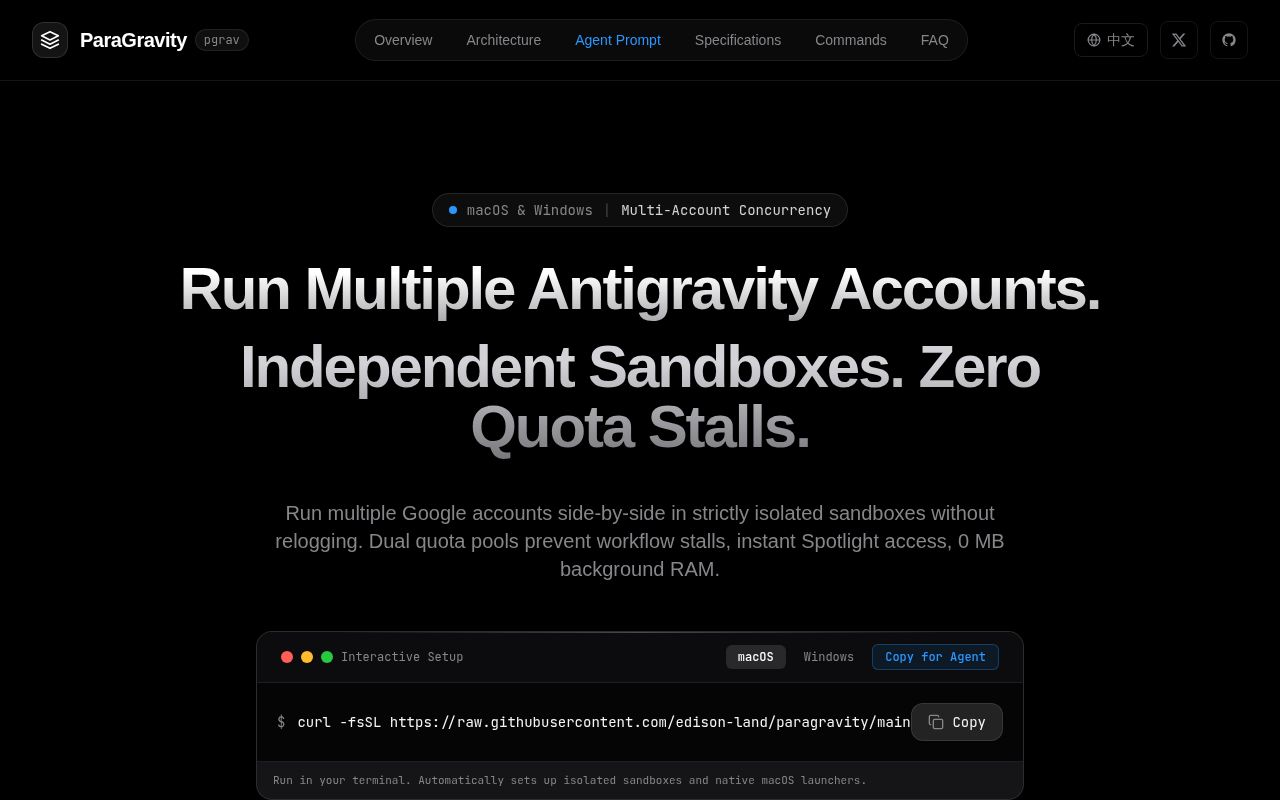
ParaGravity can open different Google Antigravity accounts in separate desktop windows, but its default profile can still reach your real SSH directory. That is the first setting I'd change before letting an agent work inside it. The project solves account and editor-state separation through distinct user-data directories and redirected home locations. Its use of the word sandbox shouldn't persuade you that untrusted code loses access to the machine.
Our checkout was small: 41 files, roughly 3,680 source lines, and 0.7 MB on disk. The Python launcher manages profiles, while a separate npm project under dashboard/ supplies the React console. The ParaGravity security notes describe the host links openly. That's useful disclosure, and it carries more weight in this decision than the README's broad claims about account safety.
What happened when we ran it
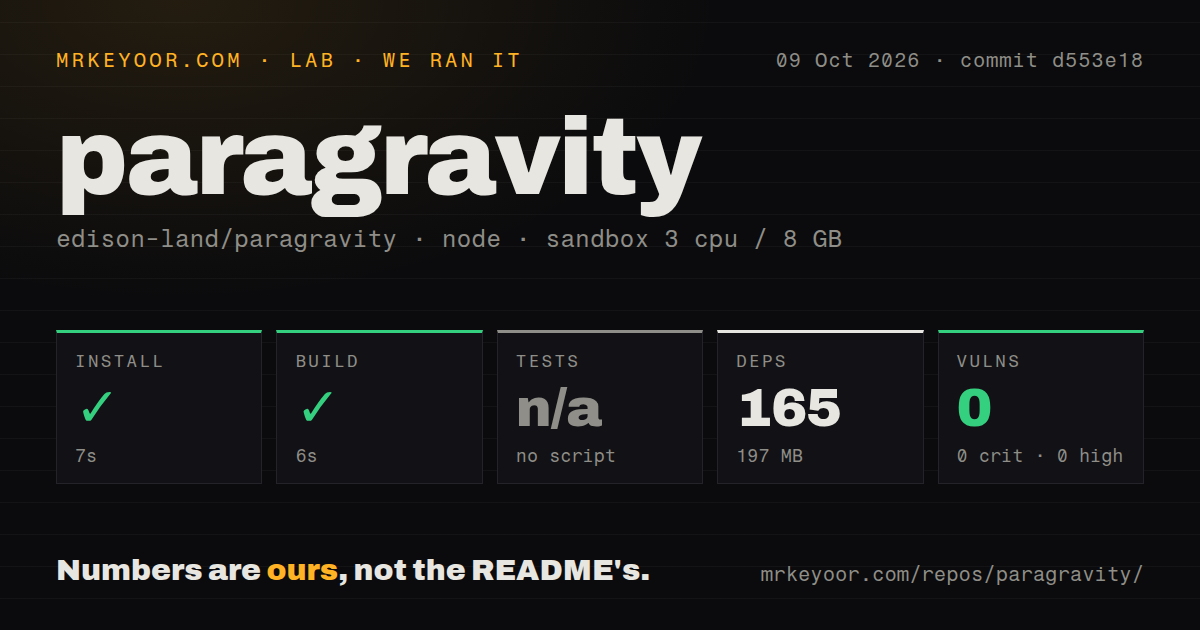
Our sandbox installed the dashboard at commit d553e18 in 7 seconds, adding 165 packages and using 197 MB on disk. The build succeeded in 6 seconds. We ran that path on October 9, 2026, in a fresh Debian container using lab-node:22, with 3 CPUs and 8 GB of RAM. The container had no secrets and no elevated privileges. These figures belong to the dashboard project under ./dashboard/.
The harness skipped tests because it found no test script or target for that npm path. It did find a tests directory elsewhere in the repository, along with 3 CI workflow files and no Dockerfile. Npm audit reported 0 known vulnerabilities. The missing dashboard test target doesn't mean the repository has no tests. Equally, a successful frontend build doesn't demonstrate profile creation, Google sign-in, or native launches on macOS and Windows.
The Python launcher and React console have different requirements
The advertised desktop route needs Python and an existing Antigravity installation. On macOS, the shell installer downloads launcher files and adjusts your shell PATH when needed. Windows users clone the repository, add bin to PATH, and reopen their terminal. Account authentication happens in the resulting Antigravity window. ParaGravity isn't a model server, and it doesn't provide the Google account or entitlement needed for the editor.
Our 165-package install illustrates why the zero-dependency description needs a boundary. The Python launcher and built-in web console use the standard library, while developing the React dashboard needs its npm environment. The dashboard package defines the frontend build. The web server serves those built assets when available and otherwise supplies an embedded console. The shell installer doesn't download the React project, so a CLI installation and a source-built dashboard are different experiences.
Choose the link policy when you create the profile
The default full policy links host configuration and personal directories into the profile home. Its list includes ~/.ssh, ~/.config, and project folders. minimal removes several sensitive dot-directories from that list while retaining other host links. none links almost nothing, although macOS still has a keychain bridge. These controls help reduce accidental exposure, but they aren't an operating-system boundary around an agent process.
The 197 MB we measured is a dashboard environment, not storage for independent editor profiles or their projects. Before creating a work account, use pgrav create work --links minimal or choose none if you want fewer shared paths. Inspect what remains reachable. If the requirement is to contain unknown commands or hostile repositories, a VM is the more appropriate starting point. Separate cookies and chat histories solve a different part of that problem.
OAuth isolation still leaves plaintext tokens on disk
The README documents a Google OAuth token file under each profile's redirected home. It says profile directories use owner-only permissions and explicitly advises against syncing or backing them up to cloud drives or repositories. Keeping accounts separate prevents the usual session collision, but a process with access to the profile directory can read its token file. Treat each profile as account-bearing local data when deciding backup policy.
Our 0-known-vulnerability npm result doesn't evaluate token storage or desktop access. Configuration inheritance can copy editor settings and bring skills or MCP configuration into a new profile, while the documented exclusions keep Google session state out. Release notes also describe filtering secret-looking MCP fields. Those rules need care when adopting someone else's configuration: a separate Google login doesn't establish that inherited tool definitions are suitable for your work account.
Local controls are useful, with platform limits
pgrav logs exposes launch output, doctor checks profile health, and list --json gives scripts structured status. The web console binds to loopback and offers profile controls. Those are practical features when a second account fails to start or a window uses the wrong workspace. Mac-specific application bundles make profiles findable through Spotlight, while Windows gets shortcuts. Window tiling is a macOS feature.
The 6-second dashboard build leaves those native behaviors unmeasured. The README's Homebrew section is marked coming soon, so I'd follow the documented source or shell route instead of assuming the tap is ready. Linux appears in some launcher code, but the advertised supported desktop platforms are macOS and Windows. Our Debian frontend result is no evidence that a Linux desktop workflow has equivalent support.
The latest release includes concrete hardening work
The last push was September 28, 2026, the day v1.2.0 was released. GitHub listed 226 stars and 0 open issues and PRs. Closed threads received updates on October 8, and the v1.2.0 changelog links fixes for profile-name validation, web-console traversal, and process identity checks. That's maintenance evidence, although an empty queue alone can't demonstrate reliability.
The dashboard's 7-second install makes ParaGravity easy to explore if parallel native accounts are your need. Antigravity-Manager addresses account management and switching when separate simultaneous windows aren't essential. UTM offers a different answer on macOS when a separate guest operating system matters more than launcher convenience. For ParaGravity, create the restrictive profile first, sign in separately, and confirm its filesystem exposure before opening a sensitive project.