1 Owncast installation supports 1 broadcaster
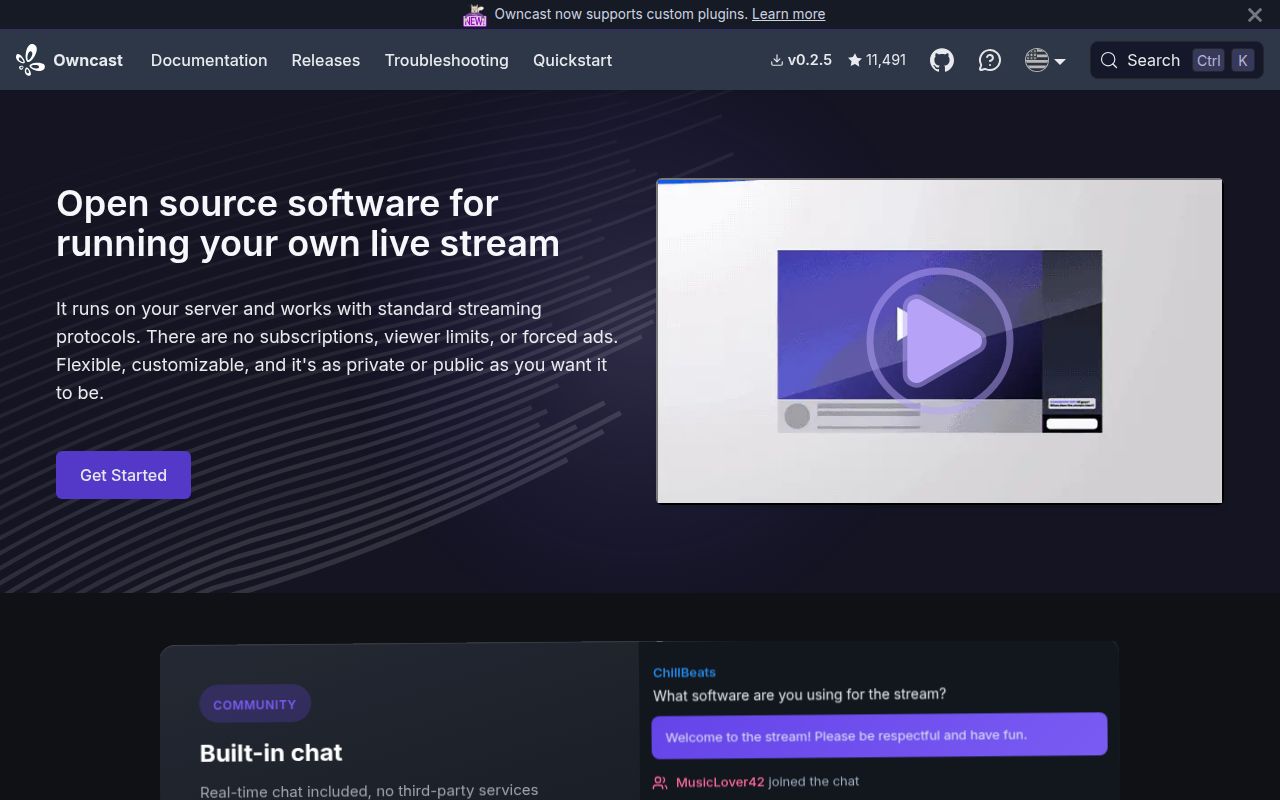
The README defines Owncast as a single-user streaming server for 1 user. That person sends an RTMP feed, and viewers get a web player, chat, moderation, and a site the operator can customize. ActivityPub support lets people follow the server from the fediverse, while embeds and webhooks connect it to an existing website or community tool.
That focused model is the attraction. A solo creator can own the domain, stream key, moderation rules, interface, and audience data without building a player and chat service from scratch. Owncast has one broadcasting identity per installation, so a collective with 5 channels needs separate instances or a different product designed around multiple accounts.
All 80 tests passed, but capacity was outside the run
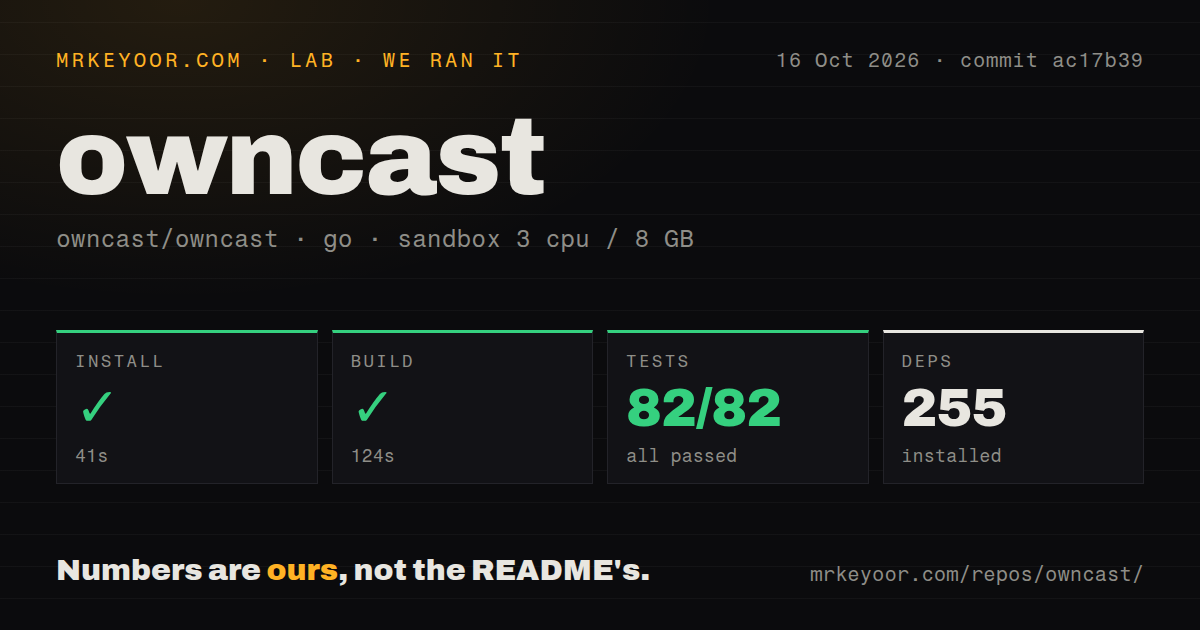
We cloned commit 4b09a1b, installed 257 Go packages in 43 seconds, and built it in 135 seconds. Tests ran for 214 seconds and reported 80 passed with 0 failed. The unprivileged Debian container had 3 CPUs, 8 GB of RAM, no secrets, and no public traffic. That is a clean result for the checked-out code.
We measured 2,207 files, about 145,257 source lines, a 98.8 MB checkout, and 28 CI workflow files. The scan also found a Dockerfile and a tests directory. That measurement setup did not include an RTMP stream, video transcoding, loaded chat, bandwidth, latency, dropped frames, or playback quality.
What happened when we ran it
In our sandbox, we installed 257 packages in 43 seconds. We built the checkout in 135 seconds without a reported compiler error. go test finished in 214 seconds with all 80 tests passing. These are the only install, build, and test figures from our run, and they apply to commit 4b09a1b under the stated 3-CPU and 8 GB limit.
The repository contained 2,207 files and roughly 145,257 lines of source, occupying 98.8 MB before the installed packages. It had 28 CI workflows, a Dockerfile, and a tests directory. The run did not verify FFmpeg behavior, the React interface in a browser, RTMP ingest, federation delivery, object storage, or a public stream under concurrent viewers.
Ports 8080 and 1935 expose different jobs
A source build requires Go 1.24 or newer, a C compiler, and FFmpeg. The web service listens on port 8080 by default, while broadcasts arrive over RTMP on port 1935. Public hosting also calls for DNS and a TLS proxy. The admin password and stream keys are credentials, and the server setup guide requires both to meet documented length and character rules.
The official routes include a quick installer, release downloads, a container image, and supported hosting providers. The installer can fetch FFmpeg when it is absent, but its own page advises reading the remote script and avoiding root. The README's Quickstart URL currently lands on a 404 page; the newer installation section under /docs/getting-started/install/ is available and describes stable v0.2.5.
Start with 1 output quality, then spend CPU for more
Our 214-second test run did not measure stream capacity. The documentation recommends starting with 1 output variant and testing before adding another. More viewers increase outbound bandwidth, while extra resolutions and lower-bitrate variants increase transcoding work. Passthrough reduces CPU use because it avoids another encode, but viewers with slower connections then have no lighter option.
S3-compatible object storage can carry video delivery, and a CDN can cache it closer to viewers. Those services add bills, credentials, and cache behavior. Chat still terminates at the single Owncast server, so a large event may also require operating-system socket tuning even when video segments live elsewhere. The resource guide separates encoding load from viewer bandwidth for that reason.
Version 0.2.5 fixed stream interruption and federation bugs
Stable v0.2.5 was published April 11, 2026. It added optional chat authentication and favicon customization, cleaned invalid fediverse followers, and fixed a case where failed federation delivery could interrupt a stream. The same release repaired an ActivityPub crash and adjusted generated stream keys for broadcasting software that rejects special characters. Upgraders are told to stop the service and back up customized web files first.
Plugin documentation is ahead of that stable release. The current installation page says plugins require a v0.3.0 development build or nightly container, while v0.2.5 remains stable. Treating the plugin pages as released functionality would be a mistake. Operators who need those extensions must either accept nightly software or wait for a stable version that includes them.
1 server cannot gain capacity by adding replicas
Stable v0.2.5 retains Owncast's single-server design, and the scaling guide says large deployments cannot add capacity by running more copies. Object storage and CDNs can move video traffic, but the application and chat retain single-server constraints. It becomes a serious architecture limit when an event needs redundant origins, easy failover, or several independent broadcasters.
Two current requests show other edges. Scheduled streams are still in WIP pull request 5115, and its viewer countdown, calendar feeds, and ActivityPub event delivery are outside that branch's scope. Shadow banning remains open issue 5125. Existing moderation can remove messages and ban users, but channels facing persistent ban evasion should verify that the released controls match their moderation policy.
September activity is newer than the April release
GitHub recorded 11,492 stars, 157 combined issues and pull requests, and a push on September 3, 2026. Dependency updates and feature work were active that same day. The April v0.2.5 tag therefore does not indicate abandonment; issue and code activity continued through September. It does show that the stable line trails work such as plugins and scheduled streams.
Owncast earns a serious trial for one creator who wants a recognizable streaming page without surrendering hosting. The 80 passing tests and straightforward RTMP model reduce code risk, while bandwidth, transcoding, TLS, credentials, and backups stay with the operator. Multi-user services and horizontally scaled events should start with PeerTube, LiveKit, or a dedicated media layer instead.