The English guide documents a full account pipeline
Outlook Auto Register does considerably more than submit a signup form. Its HTTP flow covers OAuth PKCE, Microsoft's signup endpoint, two risk checks, account creation, recovery proofs, and a mail token. The FastAPI web console adds batch jobs, server-sent event logs, proxy and account pools, exports, and liveness checks. The English project guide is a translation of a Chinese-first README, but it is detailed enough to configure the main path without translating each setting yourself.
The project avoids a browser by recreating Microsoft's Fluent Web API exchange and handling PerimeterX through a local solver plus external captcha services. That makes the code interesting to protocol researchers, but it also makes the tool dependent on behavior outside the repository's control. A signup page can change without preserving this private request sequence. The September 23, 2026 commit we measured was itself a fix for risk ordering, signatures, captcha cookies, and controller wiring, which shows how many moving parts the HTTP-only route carries.
Real use needs four pieces beyond the 187 MB environment
Python is the cheap part. Our installed environment used 187 MB, while the documented live path also requires a residential proxy, a captcha service key, and recovery email infrastructure. The proxy's exit country must match the country passed to the tool. Recovery proofs can come from an external IMAP pool or a Cloudflare catch-all worker. Without those inputs, you can inspect the console and run its default dry mode, but you cannot reproduce the end-to-end result described in the README.
The account output can include email, password, client ID, refresh token, and recovery credentials. SQLite stores the proxy pool and account state, while text exports provide four-part or six-part credential bundles. Treat those files as secrets. The README does not describe encryption at rest or a multi-user permission model for the console. A sensible evaluation keeps the service on localhost, restricts filesystem access, and uses disposable test credentials approved for the exercise.
What happened when we ran it
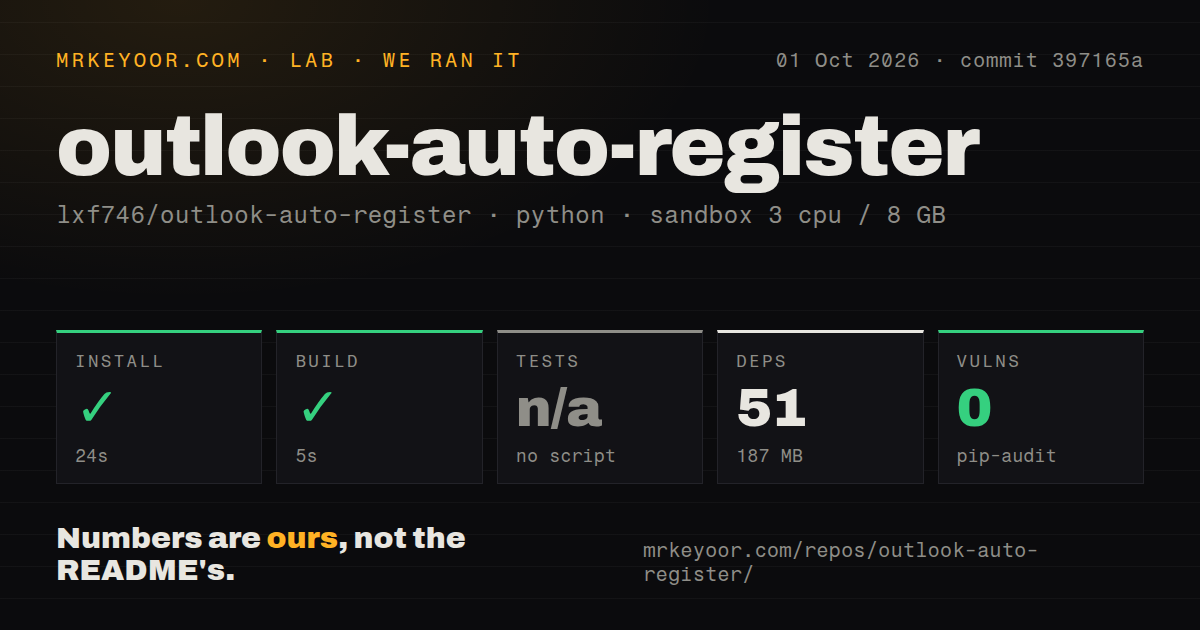
Our sandbox installed commit 397165a in 24 seconds, pulling 51 Python packages and consuming 187 MB on disk. The build completed successfully in another 5 seconds. We used a fresh Debian container with 3 CPUs, 8 GB of RAM, Python 3.12, no secrets, and no elevated privileges. Those results establish that the repository can be installed and built in that environment. They do not prove that a live Microsoft account can be created.
Tests did not fail, because no test script or target existed at the measured commit. The step was skipped. Our scan also found 0 CI workflow files and no tests directory, although it did find a Dockerfile and a Compose file. Pip-audit reported 0 known vulnerabilities in the installed Python packages. That is useful dependency evidence, but it cannot substitute for behavioral tests around signup, proxy selection, credential storage, or account checks.
Dry-run is a guardrail, not permission to register accounts
The web console starts with dry-run enabled, and the README tells the operator to turn it off before a real registration. It also recommends concurrency of 1 or 2, with 3 to 8 seconds of jitter, and warns that repeatedly exercising one session can trigger Microsoft's AADSTS7005106 risk block. Those instructions are frank about the service being automated and defended. They also make legal and policy review part of setup, not a footnote after deployment.
The project's own notice limits it to learning and research, rejects commercial misuse, and puts responsibility for Microsoft terms on the user. That warning should decide many evaluations. A technically competent developer may be able to run the software and still have no acceptable reason to do so. If your job is normal mailbox integration, user-provided OAuth consent through a supported Microsoft flow removes the need for proxy rotation, captcha solving, and generated account credentials.
One open liveness bug matters more than 929 stars
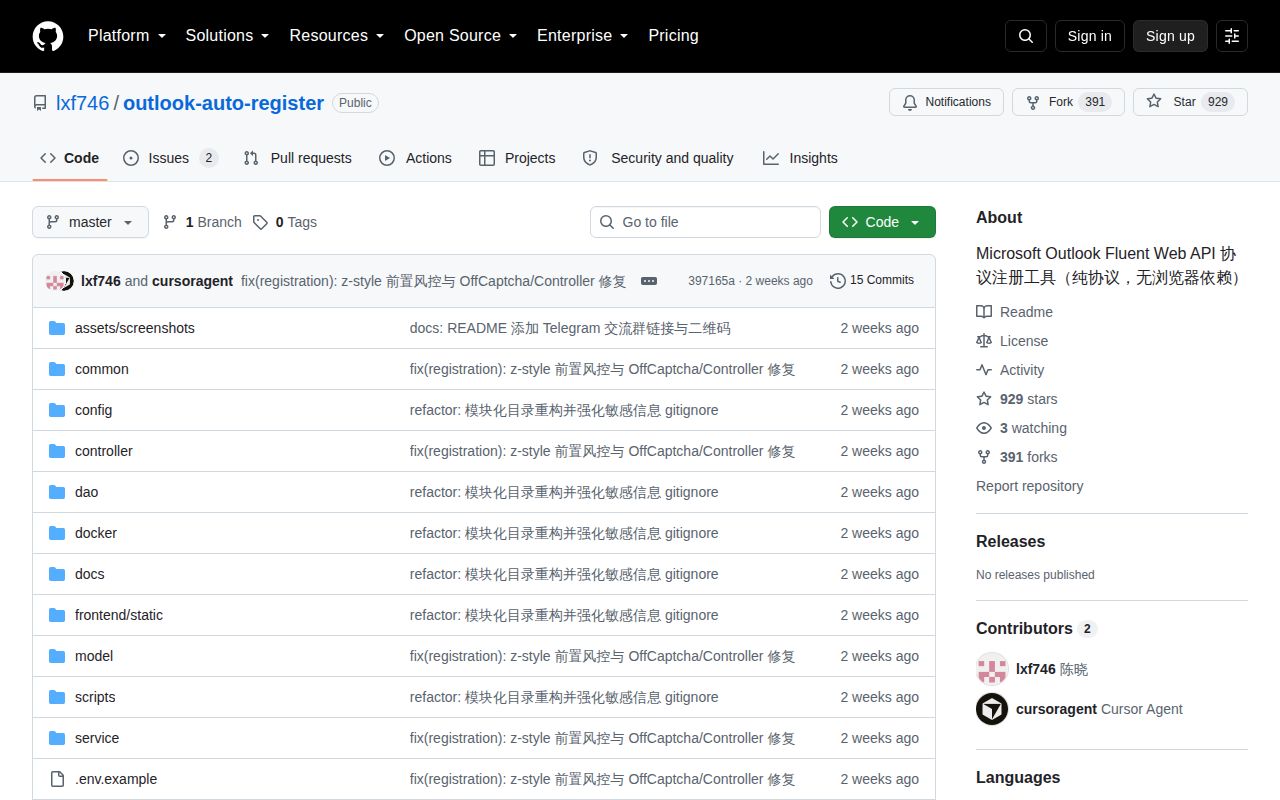
GitHub showed 929 stars and 2 open issues and pull requests on October 6, 2026; both open items were issues. The last repository push was September 23, 2026, and GitHub returned no latest release. Open issue 2 about the liveness checker includes a log where _proxy_url is undefined and the tested mailbox is classified as dead. It had no maintainer reply when checked. That specific defect reaches one of the console's advertised operating functions.
The repository is recent, but recency is not the same as a release process. There is no tagged artifact to pin, and our measured snapshot had neither CI workflows nor a runnable test target. Playwright or Selenium is a better base for an authorized signup-flow test that must remain observable as pages change. For supported mail access after consent, the Microsoft Graph SDK is the cleaner boundary. Outlook Auto Register earns a lab read for its protocol work, not a place in an unattended production account factory.