OpenCreator v3.2.3 puts ten creator tools beside Codex
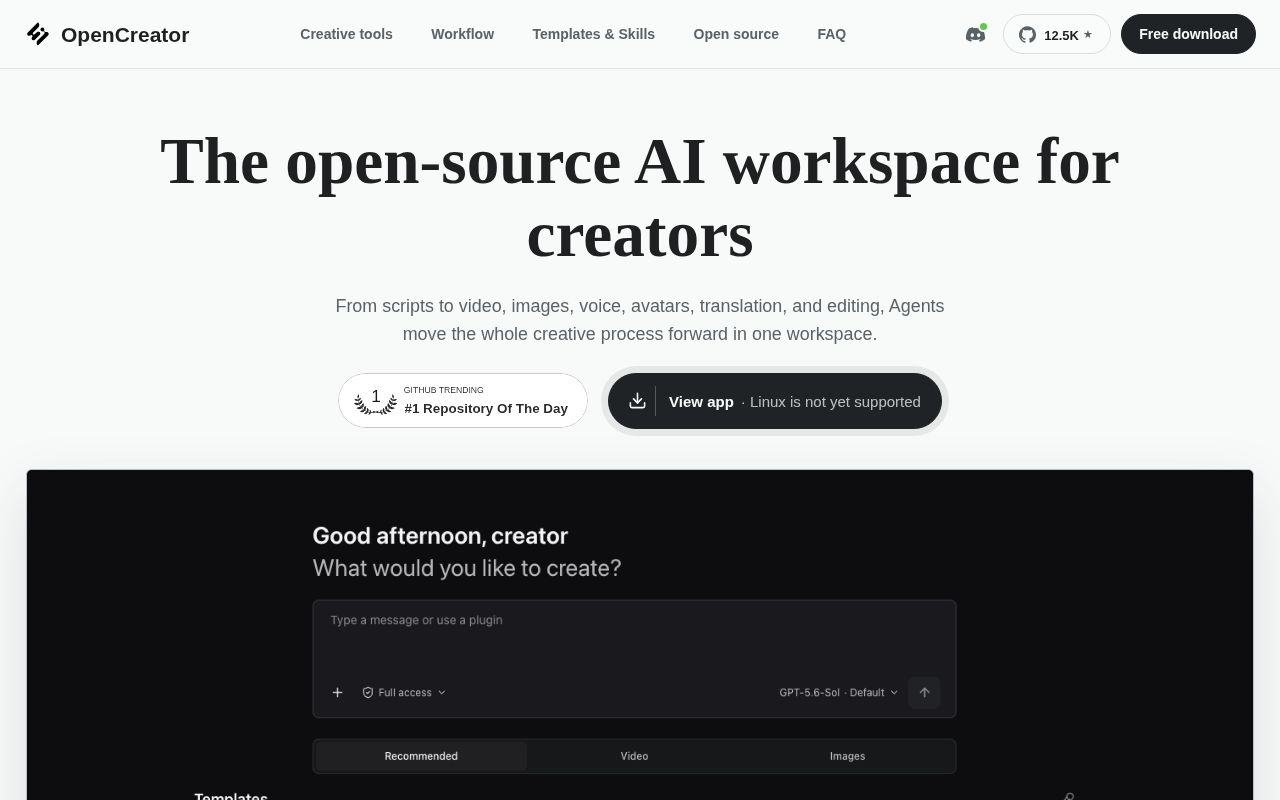
OpenCreator is the current name of KrillinAI, and the scope has grown well beyond video translation. The v3.2.3 README lists ten available creator tools, including translation, video downloads, thumbnails, image generation, article writing, short scripts, stick figure animation, dubbing, and video generation. Auto Clips and Digital Avatar remain in development. A Codex conversation sits beside those visual workspaces and can work with Skills, MCP servers, files, approvals, and scheduled tasks.
The appeal is consolidation. Video Translation supports 101 target languages, while the downloader recognizes public videos from 9 named platforms. A creator can move from an instruction to subtitle styling or generation settings without exporting the project to a separate control panel. Every revision creates another version instead of replacing the prior result, which is useful when a generated voice or image gets worse after an edit.
The browser and desktop apps share one local runtime
The Web client uses React 18, the daemon uses Fastify, and Electron wraps the same interface for desktop use. Projects, runs, attachments, schedules, approvals, and memory live in a local SQLite-backed runtime. Codex still owns the agent loop, sessions, Skills, and MCP configuration. OpenCreator supplies the creator workspaces and the process around them.
Source setup requires Node.js 22 or later, pnpm 9.15.0, a Codex CLI executable, and a valid Codex login for real model tasks. The browser route opens on 127.0.0.1:19861. Desktop installers avoid the Node and pnpm setup because they include Codex CLI, though model work still needs a usable ChatGPT sign-in, API key, or another configured provider.
What happened when we ran it
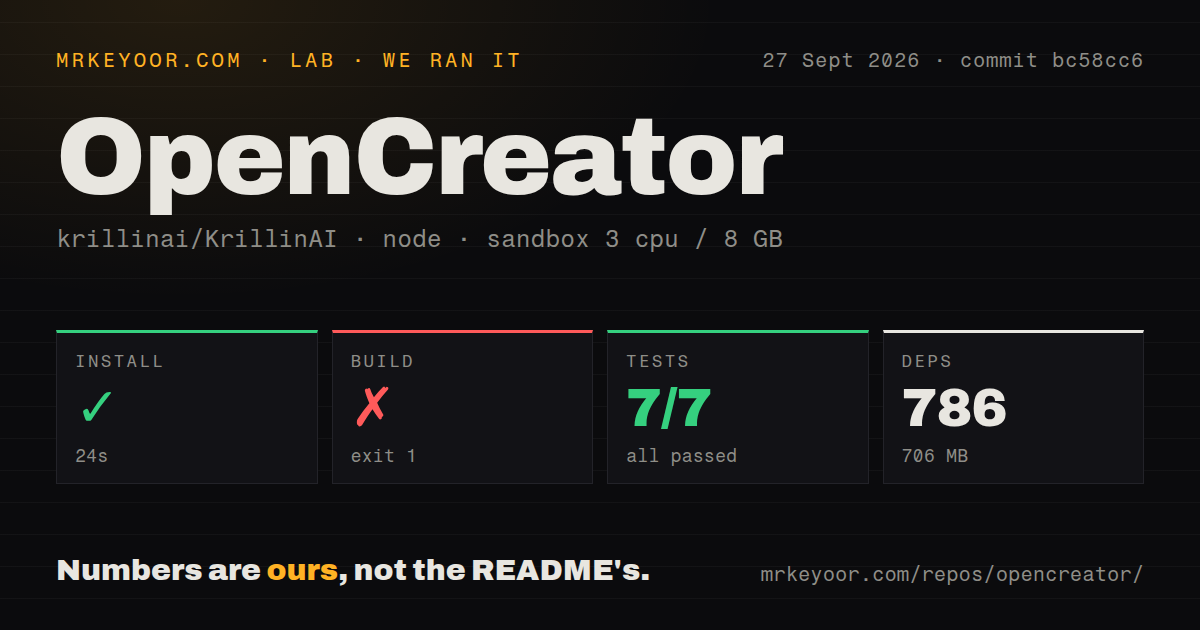
Our sandbox installed 786 packages in 24 seconds at commit bc58cc6. Dependencies occupied 706 MB after installation. The checkout itself contained 2,057 files, about 298,221 lines of source, and used 316.8 MB. We ran it in an unprivileged Debian container with 3 CPUs, 8 GB of RAM, Node.js 22, and no secrets.
The build failed after 33 seconds with exit code 1. The final lines show a child process returning status 2, followed by Node.js v22.23.2 and two ELIFECYCLE failures. That tail does not name the command or dependency that triggered the child-process error. The useful finding is limited but firm: the documented workspace build did not complete in our fresh container.
Tests also exited 1, after 36 seconds. The log tail shows writing-templates passing 7 tests and protocol passing 24. Skill-market reported 5 passed and 1 failed; the failure was runtime-import.test.ts after 18,816 milliseconds. The supplied tail does not include the assertion or exception behind that failure, so we cannot say whether the cause was code, environment, or a missing external requirement.
Our scan found 2 CI workflow files and pnpm workspaces, with no Dockerfile and no tests directory. Those signals describe the repository layout, not the amount of testing inside packages. The test log itself proves that several package suites exist. It also proves that the aggregate command was red at this commit, even though at least 36 named test results in the visible tail passed.
A desktop installer avoids the 706 MB source setup
Release v3.2.3 provides desktop installers for Apple Silicon, Intel Macs, and Windows x64. Separate KrillinAI server and CLI archives cover those systems plus Linux x64 and ARM64, and the release publishes SHA-256 checksums. The macOS installers are signed and notarized. The Windows installer is not Authenticode-signed, so a managed Windows fleet may need an exception after checksum verification.
The prebuilt route is the sensible first trial because our source build failed. It does not answer whether your selected creator workflow works. FFmpeg and yt-dlp handle media operations, and transcription can use local Whisper variants. Images, video, speech, and language tasks depend on the provider chosen in AI Services. Some video sources also require platform cookies. Run a representative job before assuming the ten tools share the same privacy, cost, or availability profile.
Local storage does not make every job offline
The daemon listens only on 127.0.0.1, and every API except health requires a Bearer token. Runtime data defaults to .runtime, while Codex sessions and settings stay under CODEX_HOME. The README also says diagnostics are redacted and credentials use system storage. These are sensible defaults for one workstation. They are not a documented multiuser deployment with remote authentication, transport security, and tenant separation.
Provider boundaries matter more than the local database. GPT Image, Seedance, hosted speech, and OpenAI-compatible language providers need account access and credentials. Edge TTS and some local transcription routes reduce that dependence for specific tasks, but they do not turn the whole suite into an offline package. Teams handling client media should map each workflow to its provider before placing sensitive files in a project.
September activity is current, while the measured checks are red
GitHub showed 12,485 stars and a last push on September 28, 2026. Its combined open count was 35, comprising 29 issues and 6 pull requests in the API list. Release v3.2.3 arrived on September 24, and several feature pull requests were updated on September 28. Those dates describe an active project, not one living on an old release tag.
Activity does not cancel the sandbox result. OpenCreator earns a trial if its mix of ten creator tools matches your work and you already trust Codex with local projects. The release packages make that trial easier than the source path we measured. For unattended publishing, wait until your own build and aggregate test command pass, then add media review gates for the exact providers and formats you use.