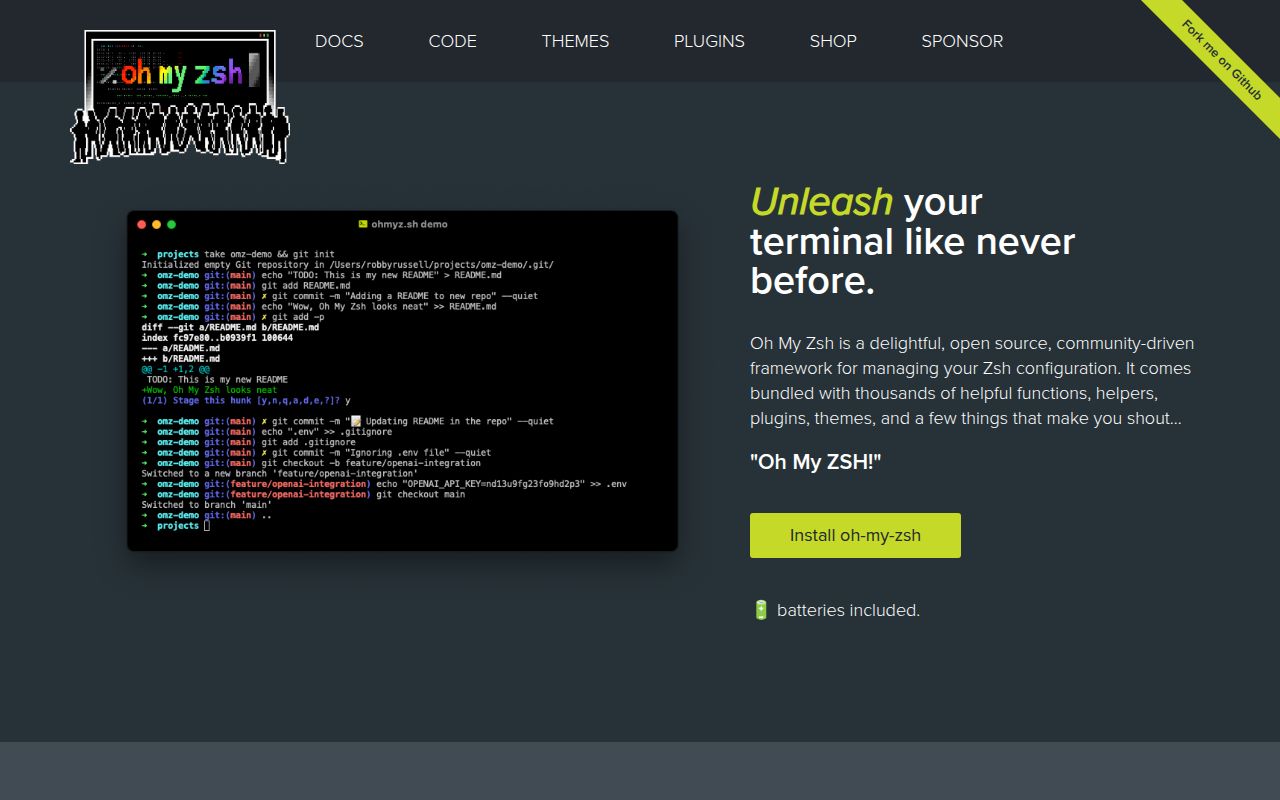
It is a practical Zsh distribution layer, not a new shell
Oh My Zsh sits on top of Zsh and organizes the configuration people otherwise accumulate in .zshrc. The repository describes hundreds of plugins, more than 150 bundled themes, update controls, custom extension paths, and uninstall instructions. It is therefore closer to a curated shell environment than a single prompt. Its 189,635 GitHub stars show extraordinary reach, although popularity is not a performance result. The practical appeal is that a new user can begin with recognizable conventions, then keep or replace pieces over time.
Shell configuration mixes prompts, aliases, completion helpers, environment setup, and tool-specific shortcuts in one file. Oh My Zsh gives those concerns names and directories. Each built-in plugin has its own README, while a theme is selected through 1 configuration value. This helps users inspect a focused component instead of copying unexplained snippets from unrelated dotfile repositories.
We could not execute it in our sandbox
Our run at commit 6aa1669 on 2026-09-08 did not perform installation, a build, or tests. The runner reported no supported ecosystem because the project language is Shell, and the repository supplied no Dockerfile. The environment was a fresh, unprivileged Debian container with 3 CPUs, 8 GB of RAM, and no secrets. Those are the complete measured facts. We have no test count, startup timing, install duration, or benchmark to report.
This outcome does not mean installation failed inside Zsh. The runner never attempted the README's 1-command installation because it could not classify a supported execution route. A useful hands-on evaluation would require a supported Zsh session and inspection of the files it changes. Our box provided neither, so the documentation below is repository evidence, not independent execution proof.
The documentation makes adoption unusually approachable
The README is concrete about prerequisites and consequences. It accepts Zsh 4.3.9 or newer, prefers 5.0.8 or newer, and calls for Git plus curl or wget. Linux, macOS, FreeBSD, Android, and Windows through WSL2 are listed as supported. It also warns that an existing .zshrc becomes .zshrc.pre-oh-my-zsh, valuable information before an installer alters a core development file.
Installation is offered through curl, wget, or fetch, using either GitHub's raw script or install.ohmyz.sh where the raw domain is blocked. The README also provides a safer 2-step path: download tools/install.sh, inspect it, then execute it. Advanced sections cover custom directories, unattended installs, forks, manual installation, update verbosity, and uninstalling. This is practical documentation, not merely a feature list.
The plugin workflow is easy to follow. Users add whitespace-separated names inside plugins=(...), and the README warns that commas break the configuration. Examples include Git, Bundler, dotenv, macOS, Rake, rbenv, and Ruby. Robby's theme is the default, with a wiki linked for screenshots of the 150-plus choices. Per-plugin READMEs give experienced users somewhere specific to check aliases and behavior before enabling more code.
Convenience brings configuration weight and trust decisions
Breadth is also the main rough edge. Hundreds of plugins and over 150 themes invite configuration by accumulation. The evidence contains no startup benchmark, so calling the framework fast or slow would be guesswork. Every enabled plugin is still another piece of behavior to understand and debug. Begin with a short list, then add a plugin only when its documented shortcuts solve a recurring problem.
The default command downloads and immediately executes a remote script. Manual inspection is documented, but users must choose it. Organizations may also dislike independent updates or public infrastructure, despite the MIT license. Teams should review the installer, track changes through a dotfiles process, and avoid making hidden aliases part of a project's operating procedure. The .zshrc backup aids recovery but does not remove the need to understand what every terminal loads.
Same-day activity outweighs the absent release listing
The repository was pushed on 2026-09-09, the date of this review, and has 388 open issues. Alongside 189,635 stars and a community record dating creation to 2009-08-28, this describes a large, long-running project still receiving changes. The issue total alone cannot establish quality at this scale. We were not given response times, closure rates, maintainer counts, or discussion quality, so we cannot judge those.
No latest release is listed. That is a cadence caveat, not evidence of abandonment, because the same-day push shows current source activity. The README's update controls suggest a repository-oriented workflow rather than conventional versioned application releases. Organizations requiring fixed version numbers and scheduled notes should investigate that model. Individual users may care more that changes continue and manual update and uninstall paths exist.
It belongs in personal dotfiles, below project tooling
Oh My Zsh is a workstation layer, not an application runtime or production dependency. Put it in a reviewed dotfiles repository, while keeping project setup in scripts, manifests, or containers rather than aliases. A team could share 3 to 7 understood plugins, leave themes personal, and document any alias that changes a familiar command. This boundary preserves convenience without making builds depend on one developer's interactive shell.
Choose Oh My Zsh when discovery, familiar conventions, and a huge catalog matter more than minimalism. Choose Zim for a different modular framework, Antidote for lean plugin management, or Starship for a cross-shell prompt. For someone committed to Zsh, Oh My Zsh is the safest default among these if they inspect the installer and curate what loads. Our 2026-09-08 run cannot validate execution, but the documentation and same-day activity support confidence in usability and continued maintenance.