Nitro gives a Vite app one server build for many runtimes
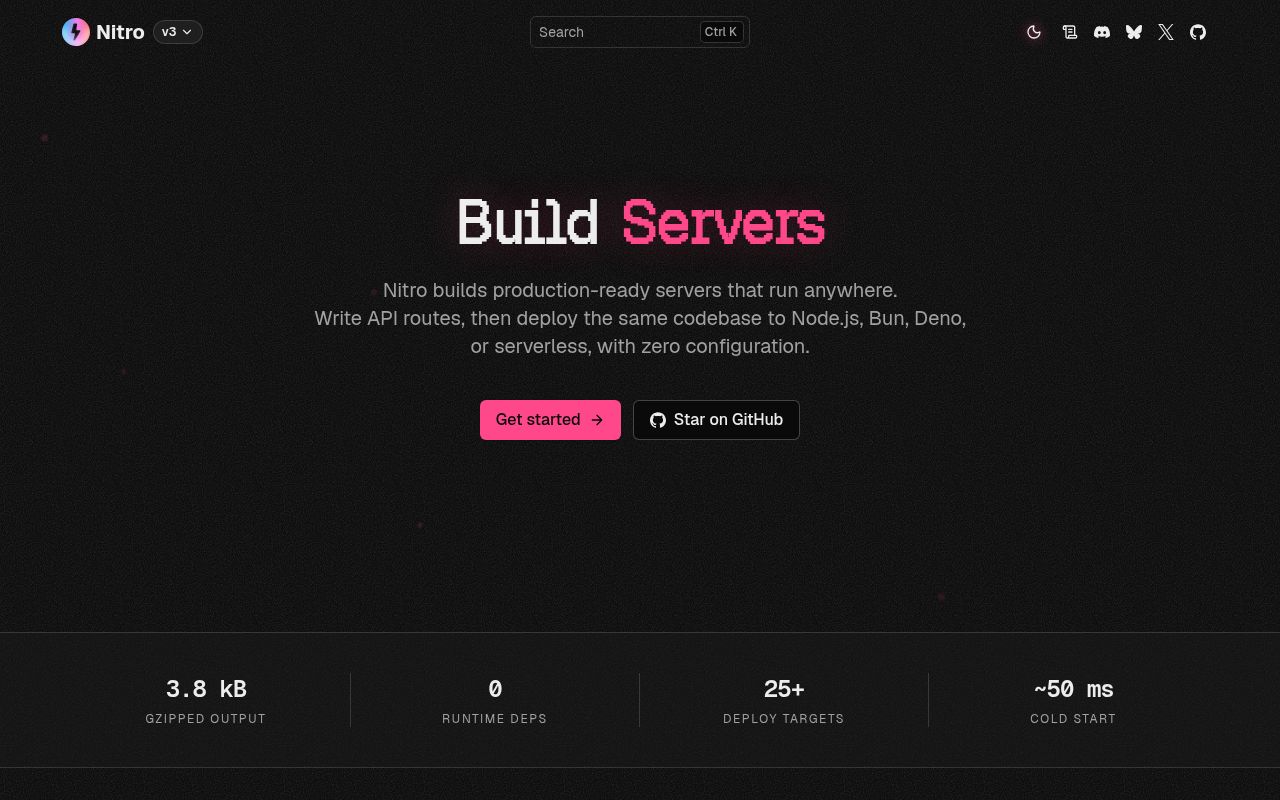
Nitro adds filesystem routes, server rendering, code splitting, storage, caching, and database access to a Vite project. A file under server/api becomes an endpoint, and the production build lands in .output. The default target is a Node.js server, while presets adapt the output for Bun, Deno, Cloudflare, Netlify, Vercel, Azure, Firebase, and other platforms. That is a useful proposition for teams tired of rewriting deployment glue around the same handlers.
Our checkout at commit e36e7a6 was only 3.3 MB with 911 files and about 34,693 source lines, yet the installed workspace grew much larger. Nitro is also used fully or partly beneath Nuxt, SolidStart, and TanStack Start. Framework authors can supply a custom server entry or use HTTP libraries such as H3, Hono, Fastify, and Elysia inside Nitro's build and deployment machinery.
Built-in storage and databases reduce early assembly work
The framework includes a key-value storage interface with memory as the default and drivers for filesystems, Redis, S3, and other services. Its cache helpers use that storage layer. Nitro also exposes a SQL interface that can start on SQLite and connect to Postgres, MySQL, PGLite, and other databases. These are useful defaults for a small application and portable seams for a framework that must run in different environments.
Portability does not make infrastructure interchangeable. The 1,173 packages installed in our run are one reminder that many adapters sit behind the friendly API. A filesystem driver will not behave like remote object storage, and an in-memory cache disappears with an instance. Teams must choose production drivers, provide connection settings, and check what their deployment target permits. The API reduces application changes; it cannot give an edge worker a local disk or persistent process memory.
What happened when we ran it
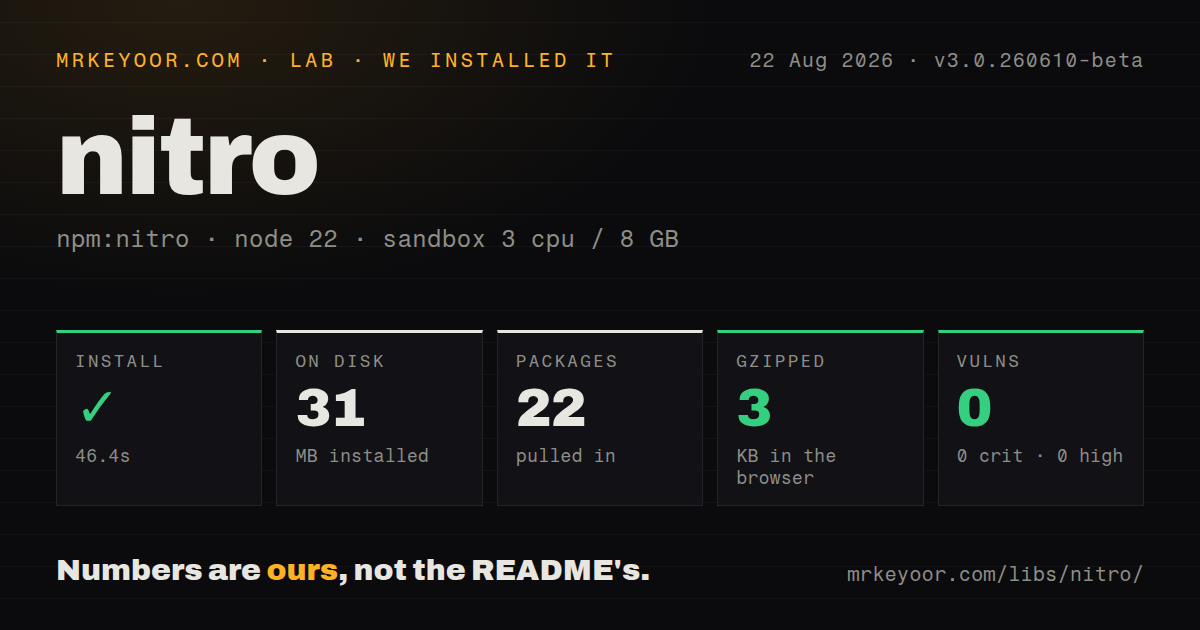
Our pnpm install finished in 34 seconds, installed 1,173 packages, and occupied 1,109 MB on disk. The build completed in 13 seconds, then the test suite passed in 142 seconds. We ran commit e36e7a6 in an unprivileged Node 22 Bookworm container with 3 CPUs, 8 GB of RAM, and no secrets. Every measured stage succeeded.
The result is reassuring and slightly absurd. A 3.3 MB source checkout expanded to more than a gigabyte of installed dependencies, which is a real cost for clean CI caches, contributor laptops, and supply-chain review. The repository is a pnpm monorepo with a tests directory and 4 CI workflow files, but no Dockerfile. Teams should cache the package store carefully and still test clean installs often enough to catch hidden assumptions.
The v3 branch is beta software with a real migration bill
The README explicitly says the default branch is v3 and directs users who want the current stable release to v2. The latest GitHub release was v3.0.260610-beta, published June 10, 2026. Its migration guide describes backward-incompatible changes: the package moved from nitropack to nitro, imports changed, app config support was removed, presets were renamed or removed, H3 moved to web-standard request and response objects, and Node.js 20 became the minimum.
That list is too large to treat as a routine package bump. Our 142-second passing test run covers the repository's own state, not an application's custom integrations. Existing Nitro v2 users should inventory imports, runtime APIs, presets, and hosting assumptions before migrating. New production projects can reasonably stay on v2 until the v3 release line settles, unless a v3 feature matters enough to justify beta churn and application-level regression tests.
Deployment presets save code but cannot erase provider behavior
Nitro can detect several CI environments and select a preset automatically. Turborepo's strict environment mode may hide the variables used for that detection, so its deployment guide recommends allowing them or changing the mode. An explicit NITRO_PRESET, command argument, or configuration entry is safer when a build must be reproducible. Compatibility dates then pin provider behavior until a team chooses to test and advance them.
Recent issues show why preset testing matters. One August 2026 report reproduces an invalid SSR export in TanStack Start builds across Node and Vercel presets. Another says the Vercel scheduled-task handler accepts requests when CRON_SECRET is missing and asks for a fail-closed default or warning. A separate report covers the v2 Node server error handler throwing on an invalid Host header. These reports concern distinct paths, so they should become targeted tests rather than a blanket claim that Nitro is unsafe.
Active maintenance does not make every target equally mature
The repository was pushed on August 26, 2026, and GitHub listed 620 open issues and pull requests together. The v3 beta release notes include prerender isolation, Vite graph changes, provider work, and fixes to server entry resolution and generated types. That pace is good for a cross-runtime framework, but it also means the current branch is moving under users who may deploy to several platforms at once.
Our 13-second build and fully passing tests make Nitro easy to recommend for evaluation. The 1,109 MB install, v3 migration scope, and provider-specific reports keep the production advice narrower. Use Nitro when Vite integration and multi-target output solve a problem you truly have. Choose Hono or H3 for a thinner portable HTTP layer, or Fastify when a direct Node.js server with explicit plugins is the simpler operational choice.