v26.04 keeps each monitor on its own scrolling strip
Niri v26.04 arranges tiled windows as columns on a horizontal strip. Opening another window extends the strip instead of shrinking everything already visible. Each monitor owns a separate strip and its own vertical stack of dynamic workspaces, so moving or disconnecting a display does not turn the whole desktop into one shared coordinate puzzle. Tabs, floating windows, an overview, screenshots, gestures, and live-reloaded rules sit around that central model.
Our commit 849c576 checkout contained 5,598 files and about 96,396 source lines. This is a full Wayland compositor written in Rust, rather than a small layout script. The size shows up in the breadth of hardware, input, rendering, IPC, screencast, and accessibility documentation. It also means adoption is a desktop decision. You are replacing the component that owns displays, seats, window placement, and much of the session behavior.
The 5,598-file compositor leaves the desktop shell to you
Niri v26.04 leaves the surrounding desktop to separate programs. The official setup pages tell users to add a shell or panel, notification daemon, authentication agent, portals, keyring, terminal, launcher, locker, and wallpaper tool according to their needs. DankMaterialShell and Noctalia offer more assembled experiences, while LXQt, XFCE components, and a COSMIC session can also supply surrounding pieces.
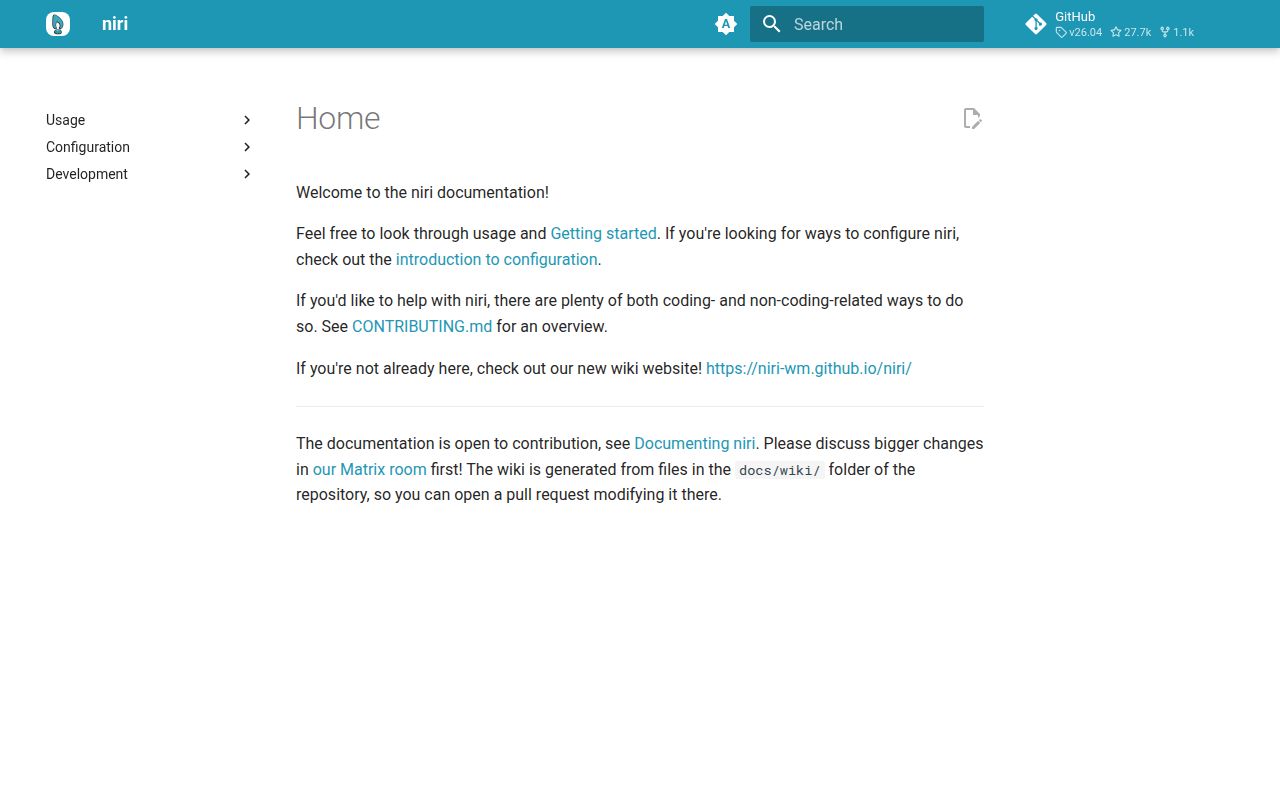
Configuration is less intimidating than that list. Niri reads KDL from the user's config directory, creates a default file when none exists, reloads changes on save, and provides niri validate for syntax checks. The 408 packages installed during our source run did not produce a working binary, so that count should not be mistaken for a finished desktop. Package installation remains the sensible first route for most users.
What happened when we ran it
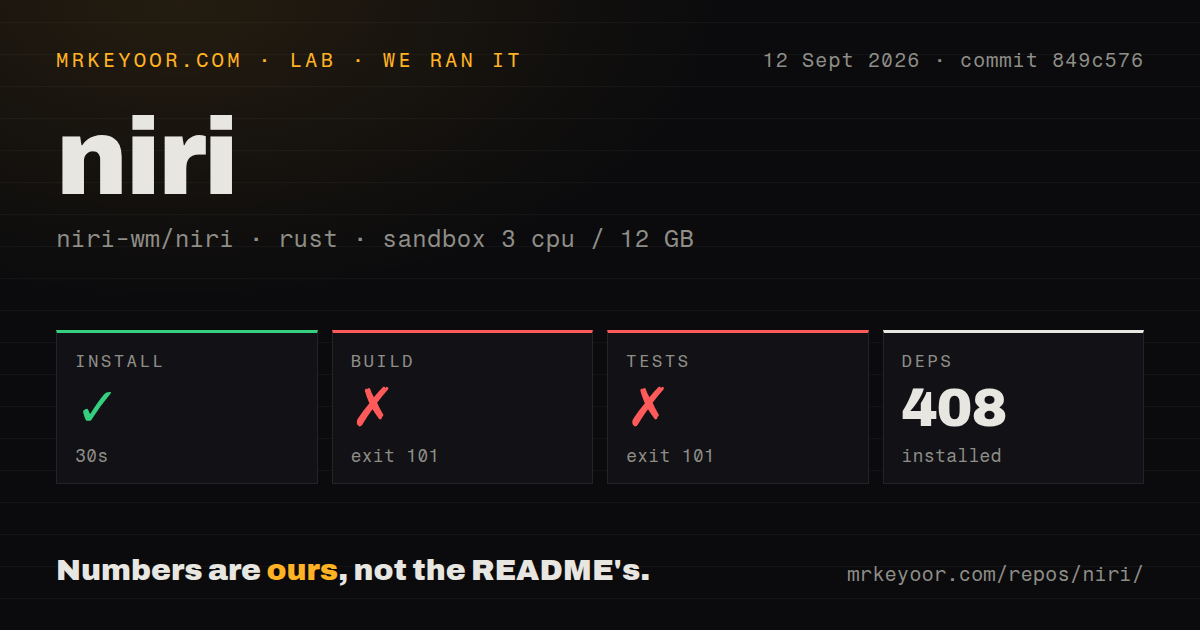
Our sandbox installed 408 packages in 30 seconds. Our test method used commit 849c576 in an unprivileged container with 3 CPUs and 12 GB of RAM. The repository occupied 9.8 MB and contained about 96,396 lines of source across 5,598 files. Our scan found 2 CI workflow files, no Dockerfile, and no top-level tests directory. Those are repository observations, not a runtime performance test.
The build exited 101 after 67 seconds. The test command also exited 101 after 14 seconds, with the same native dependency message. Both log tails said pkg-config could not locate libpipewire-0.3.pc, and the libspa-sys crate therefore could not find its required libpipewire-0.3 system library. The logs support that narrow finding. They do not tell us how niri behaves once the dependency is present.
Ubuntu 24.04 source instructions include the missing PipeWire package
The official Ubuntu 24.04 build command includes libpipewire-0.3-dev alongside compiler, Wayland, input, graphics, D-Bus, seat, text, and display-info development packages. It then asks for current stable Rust and cargo build --release. That documentation matches the boundary our run hit. The README itself sends readers to this longer Getting Started page, so the missing library is a prerequisite to follow, rather than evidence that the project never documented native dependencies.
A manual install involves more than copying the binary produced from the 9.8 MB checkout. The guide lists session scripts, a display-manager entry, portal configuration, and systemd or dinit service files, each with its own destination. It warns users to check the binary path in the service. Distribution packages handle much of this wiring and are the better test of whether the compositor fits your habits.
X11 compatibility uses xwayland-satellite 0.7 or newer
Since version 25.08, niri has started xwayland-satellite on demand when an X11 client connects, provided version 0.7 or newer is installed on the path. The guide names Steam, games, Discord, Ardour, and Wine plugins as working examples. X11 programs that insist on exact screen coordinates remain a hard caveat: the documented workaround is to run them inside another compositor or a rootful Xwayland window.
Hardware and accessibility need the same close reading. The setup guide warns NVIDIA users about a high-VRAM driver behavior, a manual fix, and possible black screens unless recent GBM-capable drivers and kernel modesetting are in place. The accessibility page calls Orca support basic and lists missing panel focus, screen curtain, and built-in zoom. Our 14-second failed test step never reached any of those runtime paths, so we cannot grade them from the sandbox.
A September 12 push matters more than the 484-item queue
GitHub recorded 27,674 stars and 484 open issues and pull requests when we fetched the repository. Search separated that combined number into 213 issues and 271 pull requests. The last push was 2026-09-12, and recently closed reports covered PipeWire capture, drawing-tablet input, and a tab-rendering glitch. That mix describes a busy project with visible maintenance, along with a review queue that plainly needs more than one maintainer.
The latest tagged release was v26.04 on 2026-04-25, while our commit 849c576 run happened on 2026-09-12. The later push and same-week issue closures keep the release date from reading as abandonment. Release notes also thank a dedicated issue triager and say pull-request volume has outgrown the maintainer's spare-time capacity. That is healthier than silence, though contributors should expect deliberate review rather than instant merges.
The 30-second install is secondary to whether scrolling columns fit
A 30-second dependency install makes a trial cheap; the lasting question is whether scrolling columns suit you. Niri's per-monitor separation is especially appealing on mixed-DPI or frequently docked systems, and the built-in screencast controls can black out sensitive windows or switch a live target. Sway is the safer choice for an i3-shaped workflow. Hyprland suits users who prefer conventional dynamic tiling, while PaperWM keeps the scrolling concept inside GNOME.
Start with a distribution package, then run niri as a real session and test the exact monitor, X11, portal, suspend, and input paths you rely on. Our 3-CPU sandbox established that a generic Rust dependency install was insufficient because native PipeWire discovery stopped both compilation commands. If assembling the surrounding desktop already sounds like unpaid maintenance, niri's window model is unlikely to repay the effort.