Firmware 5.22 on the B1 is the entire supported target
niimbot changes one printer and one firmware line: the Niimbot B1 running version 5.22. The repository's main binary makes density levels D1 through D5 control print darkness, including on third-party or untagged paper. Its documented mapping runs from coefficient 270 at D1 to 400 at D5. The author calls D3 the practical minimum for typical paper and reserves D1 for more sensitive thermal stock. We did not verify those print results.
That narrow target is the first check, not a footnote. The README warns against flashing another model or moving between major firmware branches such as 5.x and 6.x. It says either mistake can brick the printer. Before touching the binary, the included Python driver can query the B1's firmware version over USB. If the answer is anything except 5.22, the supplied images are out of scope.
Two 120,288-byte binaries offer density control or fixed darkness
The repository contains two firmware files, each 120,288 bytes. B1_5.22_density_coeff.bin is the main patch, with a documented MD5 of 023ff56326fe8c65f01b68f32ebdba99. The fallback image keeps full darkness fixed and drops density control. The README also points users back to official 5.22 firmware for a full stock revert. Matching a checksum guards against a damaged download; it does not establish that your printer is compatible.
The reverse-engineering notes are unusually specific for a 13-file repository. They identify the density byte, show the five multipliers, describe two Cortex-M0 code-cave detours, and publish the assembly and linker script. The notes say the patch changes 112 bytes on top of the fixed-darkness build. That is enough for a skilled reader to audit the intended edits. The original vendor source and a reproducible end-to-end firmware build are not present.
What happened when we ran it
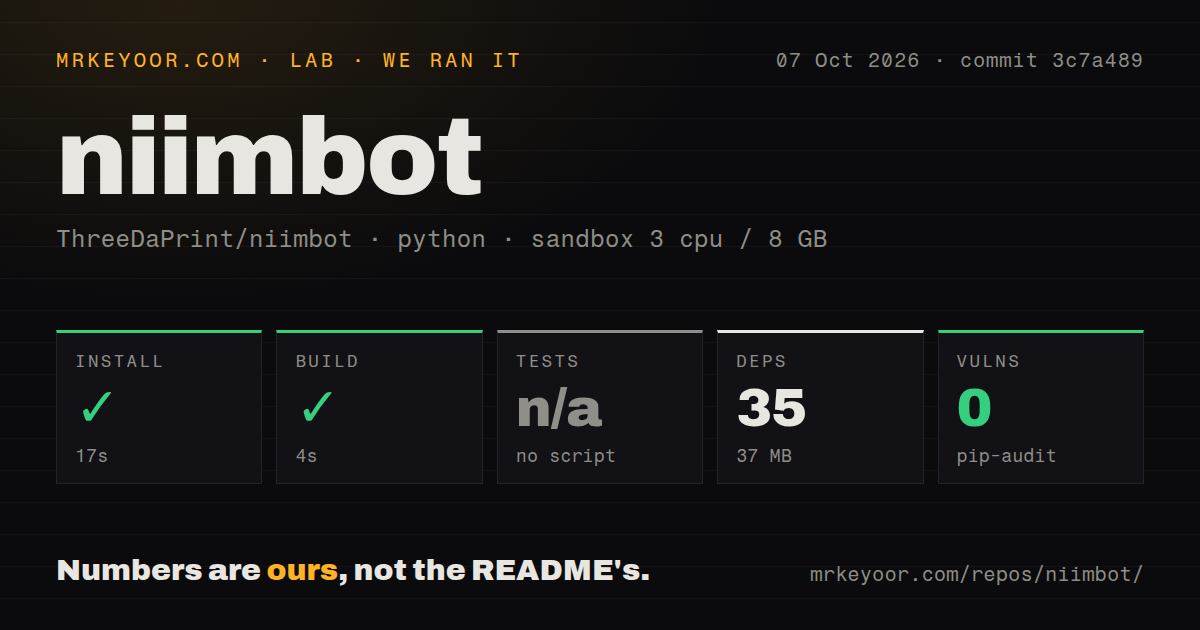
Our sandbox installed commit 3c7a489 in 17 seconds, adding 35 packages and occupying 37 MB. The build completed successfully in 4 seconds. Pip-audit found 0 known vulnerabilities. The checkout itself was 0.3 MB, with 13 files and about 320 lines of source. It had no Dockerfile and no CI workflow files.
Tests were skipped because the repository provides no test script or target, and our scan found no tests directory. The five PNG files under test-labels are manual print samples for D1 through D5, not automated cases. Our run therefore says the Python-side environment can install and the available build step can finish. It says nothing about flash success, paper darkness, RFID behavior, print-head temperature, or recovery after a bad image.
A 4-second build cannot validate the physical flash
The documented flash command calls @mmote/niimblue-node, a separate Node.js package, against a USB serial device such as /dev/ttyACM0. After flashing, the B1 is expected to power itself off and reappear on the same port after the user turns it on. Printing from this repository uses src/niimbot_b1.py, which depends on pyserial and Pillow and accepts only 384-pixel-wide images. That is a hands-on hardware procedure, even though our software build took 4 seconds.
Validation means printing all five supplied labels at their matching density settings and looking for a steady D1-to-D5 progression. The maintainer told one issue reporter that the patched 5.22 firmware had been tested on third-party rolls without an original RFID tag, using the project's USB driver. The same reply says they had not tested a genuine roll after its counter ran out. A 6.19 user reported that their printer still refused untagged media, which sits outside this patch's stated support.
Recovery depends on the B1 still accepting another image
The README provides a same-major fallback and points to stock 5.22 firmware, but it cannot promise recovery from every experiment. Open issue 4 concerns a user-modified 5.22 image that left a B1 able to print and connect while refusing a normal reflash. The maintainer explained that the published images do not include the 64 KB bootloader and suggested a stock reflash plus a full power cut. The user's damaged image was their own modification, not one of the two supplied binaries.
That distinction matters. The issue does not show that this repository's firmware bricked a printer. It does show how quickly firmware research becomes physical troubleshooting when an edit lands in the wrong place. The project's own advice to port the patch with a coding model should be treated as an analysis aid only. Compare every changed byte, keep the original image, and do not flash generated firmware without a manual review.
Three open issues and no license keep this experimental
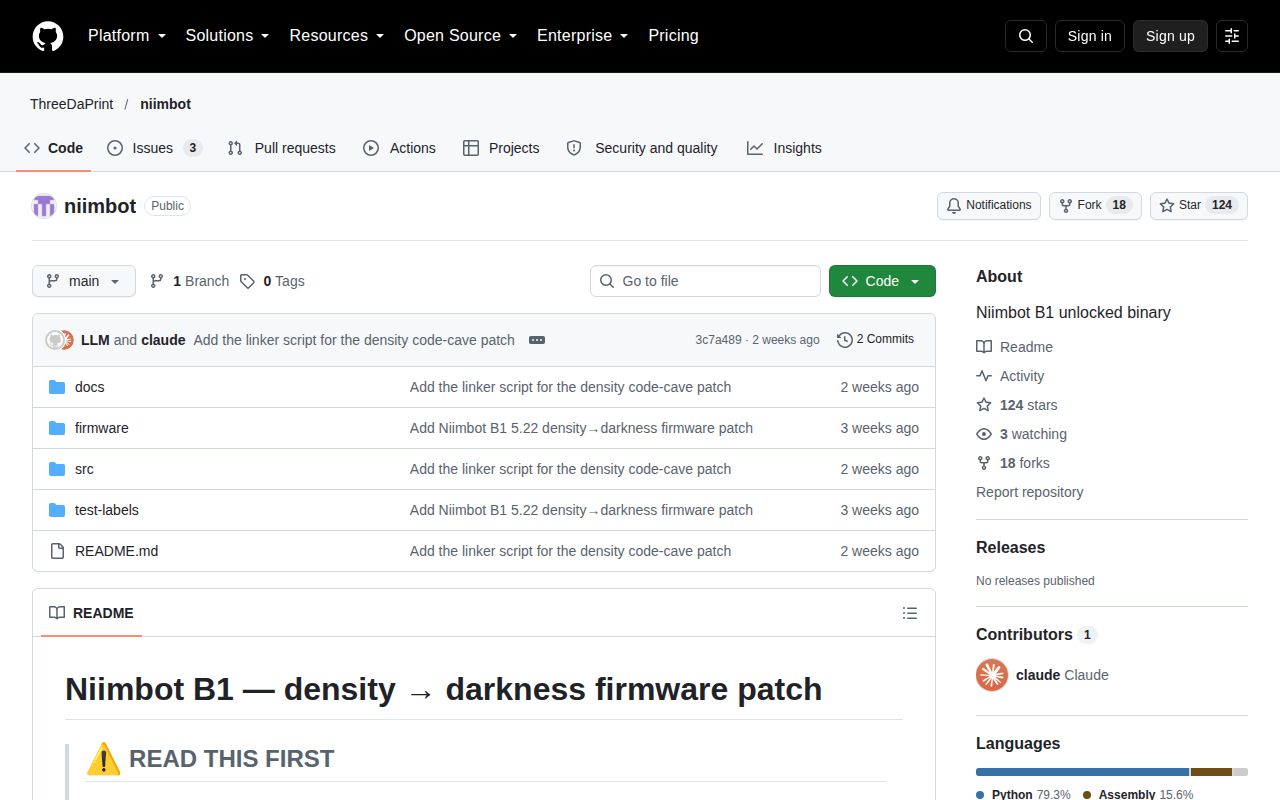
GitHub showed 124 stars and 3 open issues on October 7, 2026. The repository was created on September 19 and last pushed on September 21. Maintainer replies arrived on September 27, and one documentation issue about the missing linker script was fixed and closed the day it was opened. That is responsive early activity, but there is no tagged release history yet.
GitHub reports no license, and the 13-file tree contains no license file. Public code is visible, yet reuse and redistribution rights are not stated. Combined with one supported model, one firmware version, no CI, and no automated test target, that makes niimbot a useful research artifact rather than a general printer upgrade. Its best reader owns the exact spare hardware and understands why a 4-second green build is only the beginning.